

Topics covered:
Where Can You Use Snippets?
You can use snippets in the following areas:- Chat: Insert snippets directly into your chat conversations.
- Reply Editors: Use snippets in your replies to emails, tickets, and notes.
- Note Editor: Add snippets to your notes.
- Text: Insert snippets into text fields.
- Ticket Reply Editors: Use snippets in your replies to tickets.
- Ticket Note Editor: Add snippets to your ticket notes.
- Notes: Use snippets in notes for any module.
- Emails: Insert snippets into your email drafts. (Variables are not replaced when a snippet is inserted)
- Composing windows: Use snippets in various composing windows.
- How to Use Snippets
- Type #: And then start typing the name of the snippet you want to use.
- Select a Snippet: Choose the desired snippet from the list of suggestions.
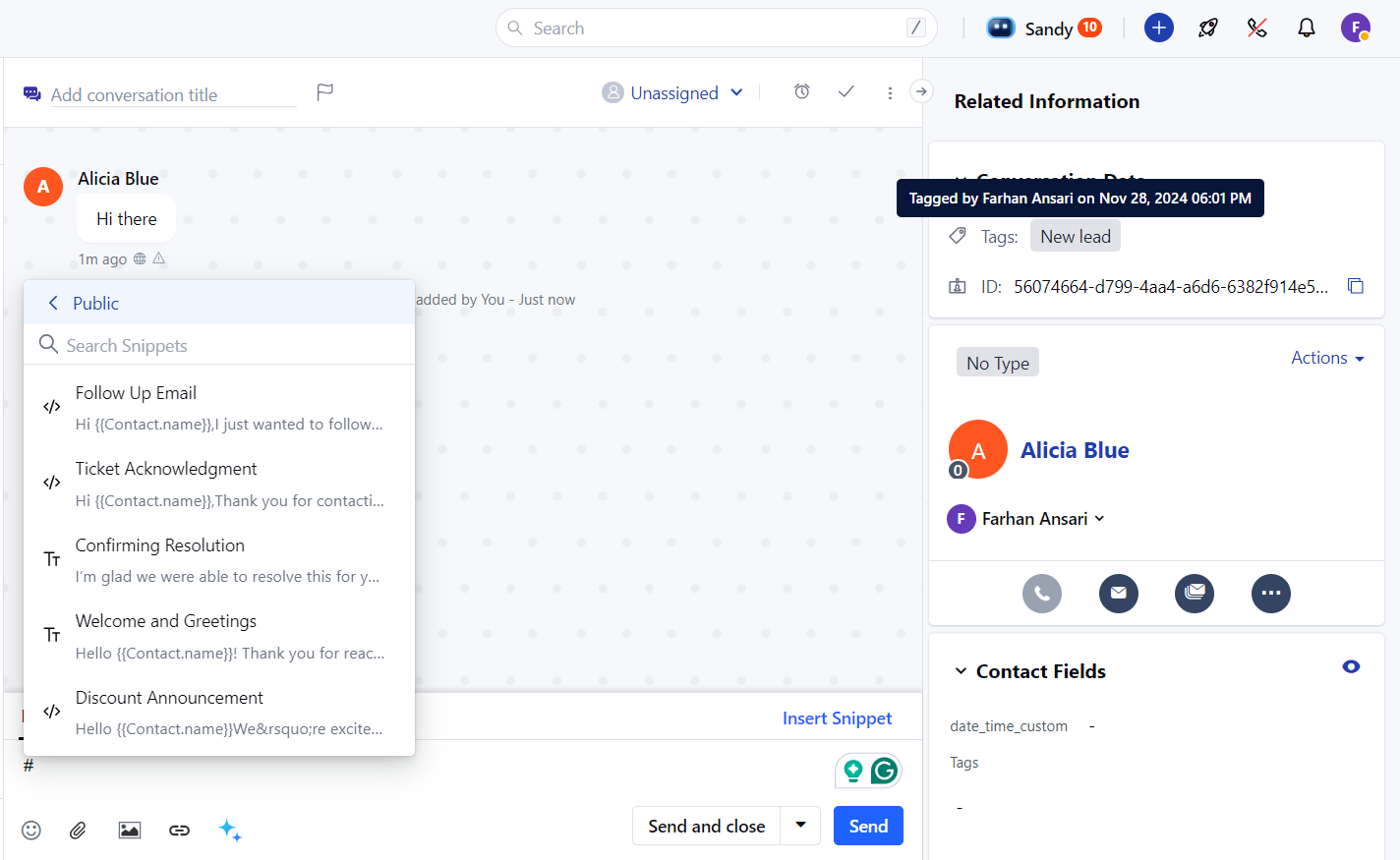
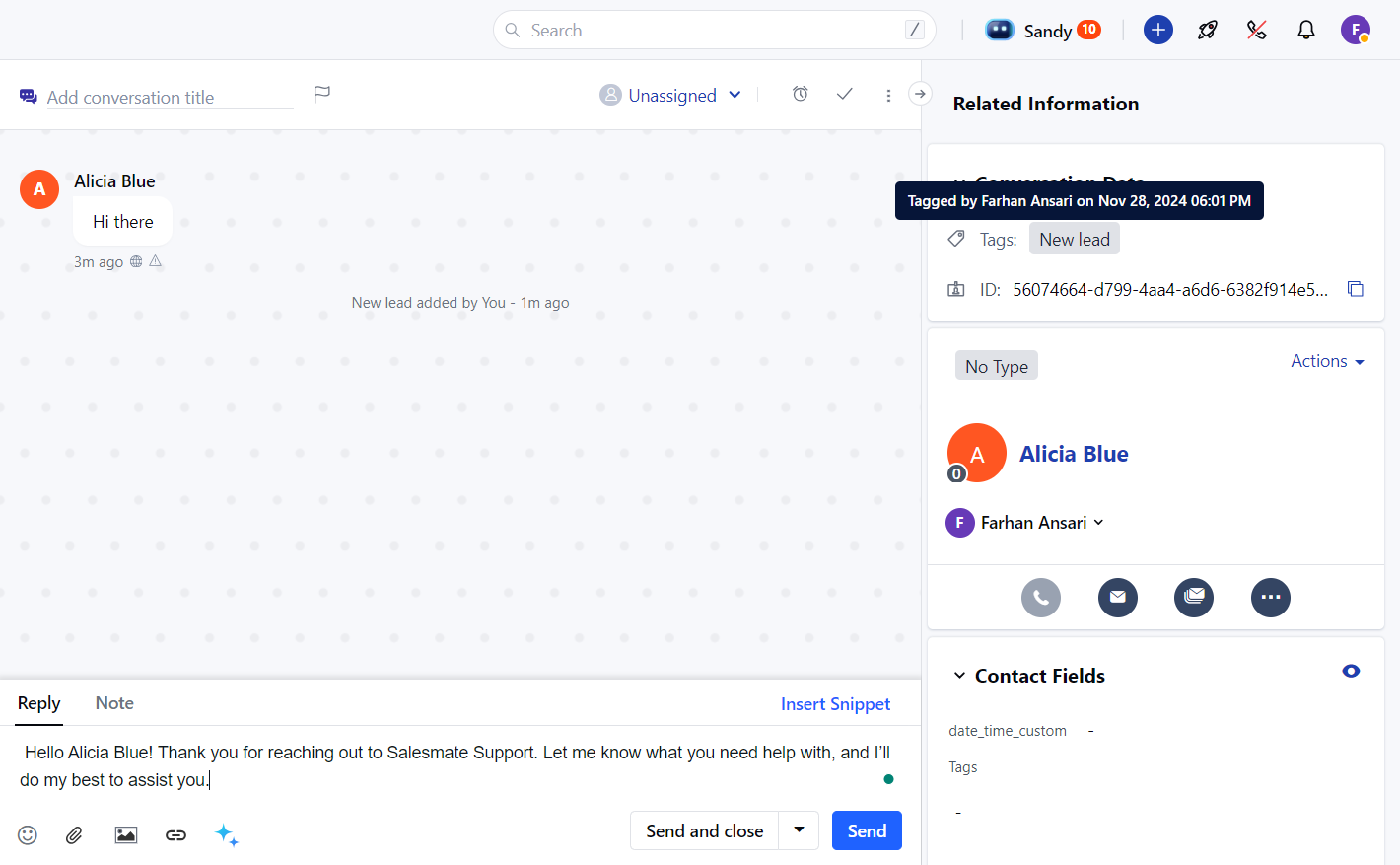
- Insert Snippet: The snippet will be inserted into the text editor.
Snippet Access and Permissions
- Shared Snippets: You can only use snippets that are shared with you or that you own.
- View Access: You must have at least view access to a snippet to use it.