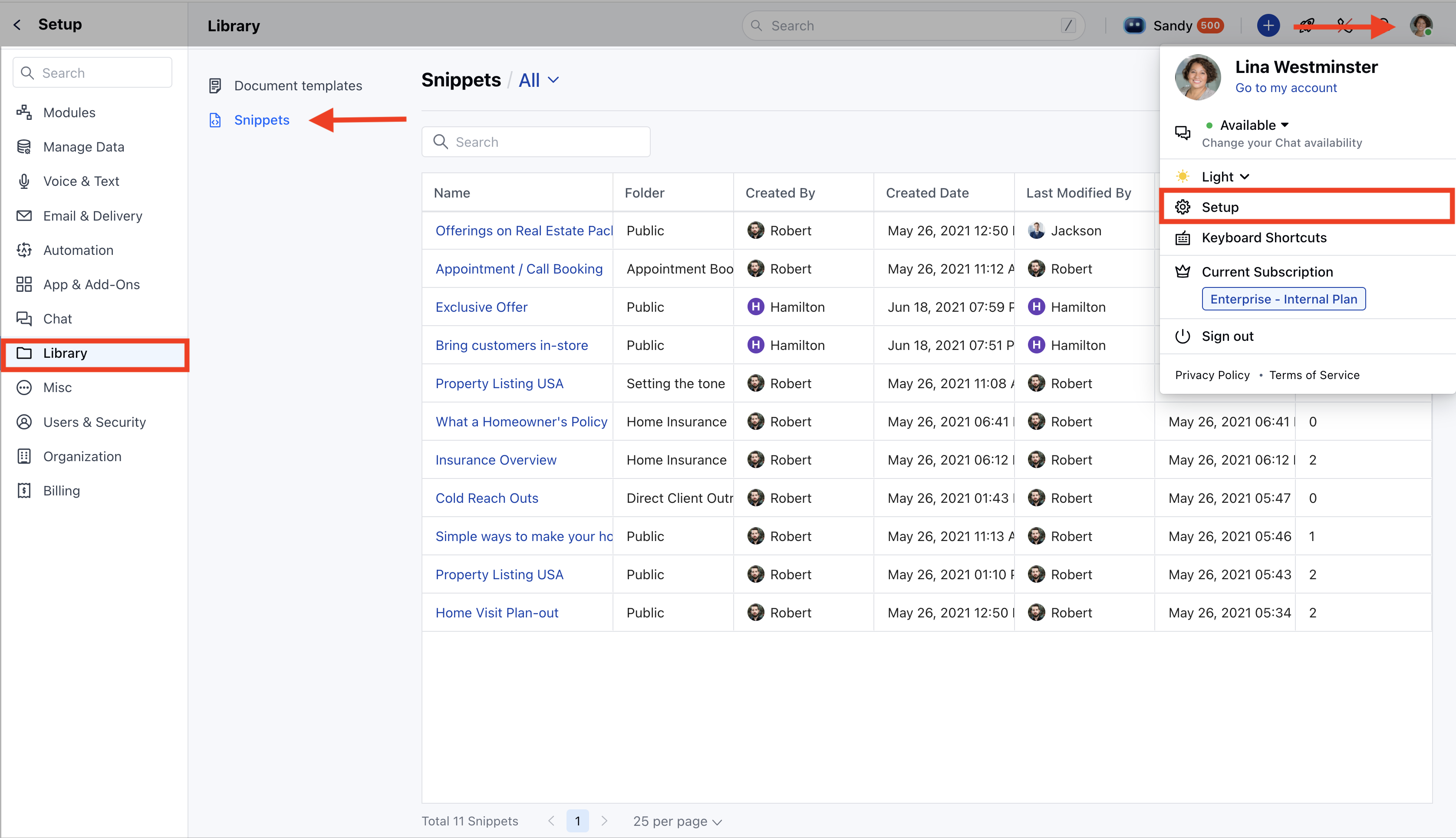
- Navigate to the Profile Icon in the top right corner.
- Click on the Set Up.
- Head over to the Library category.
- Click on the Snippets option
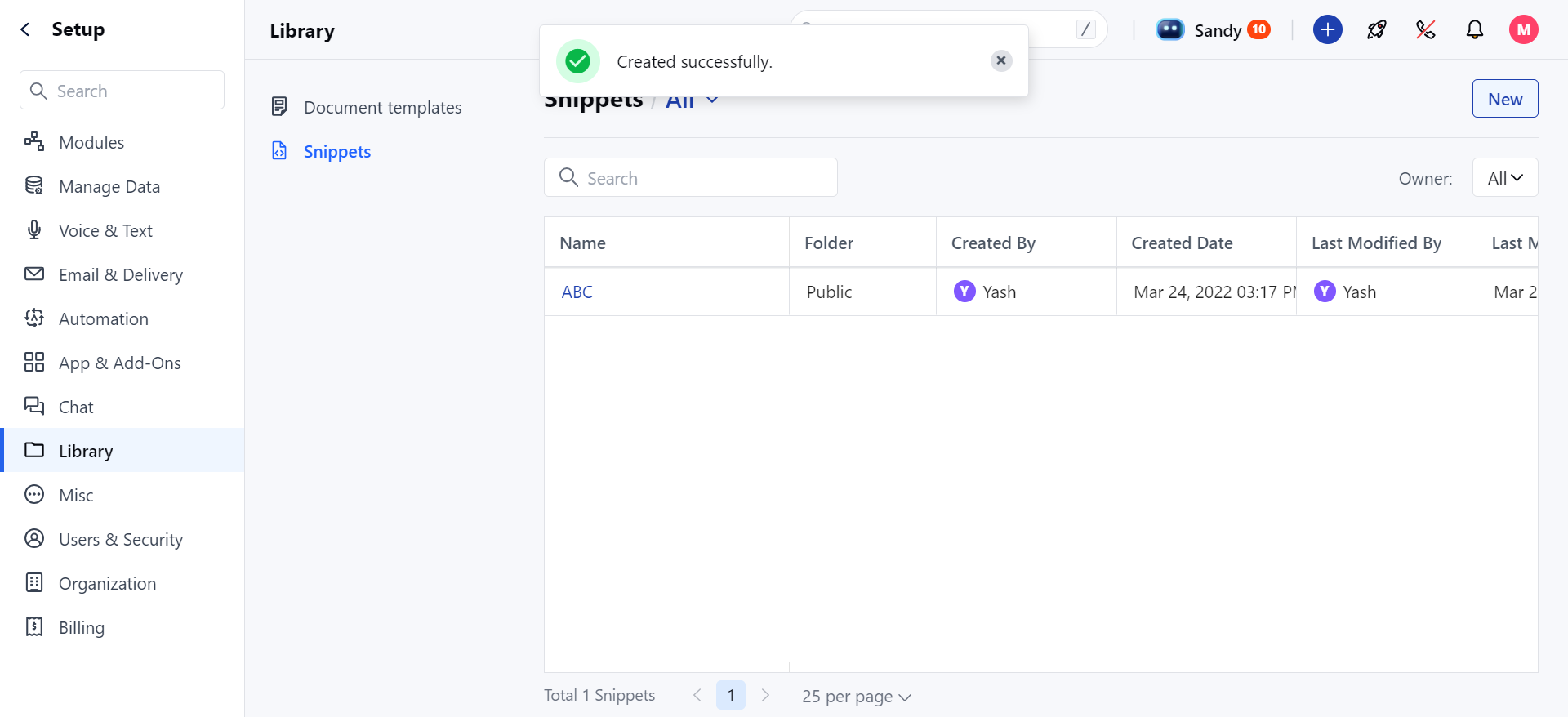
- Click on the title of the snippet you wish to view
- You will be redirected to the Snippet Detail View screen
- In the detail view of the snippet, you can see the content of the snippet for easy review.
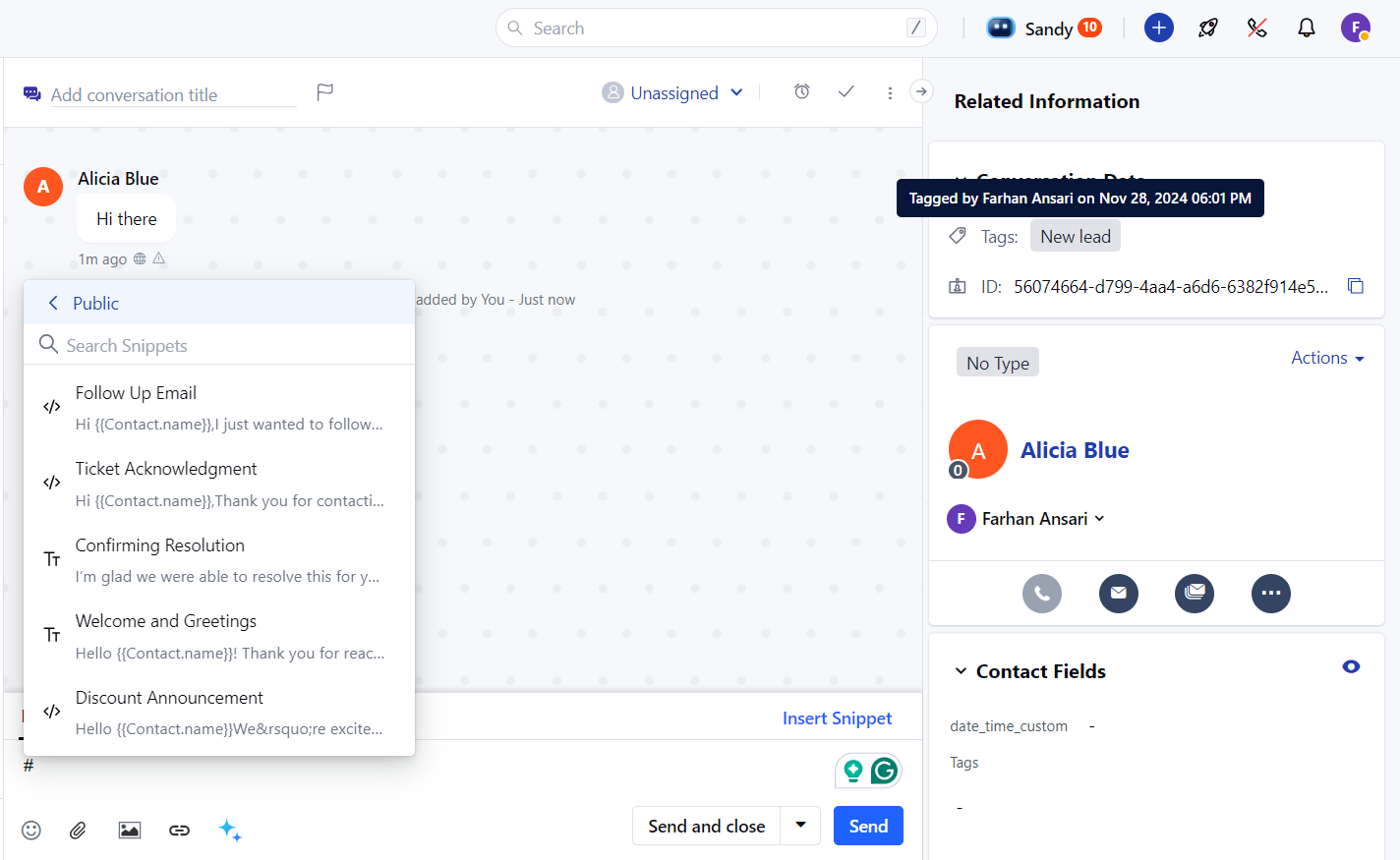
- In the Snippet Body, you can see the content of the Snippet
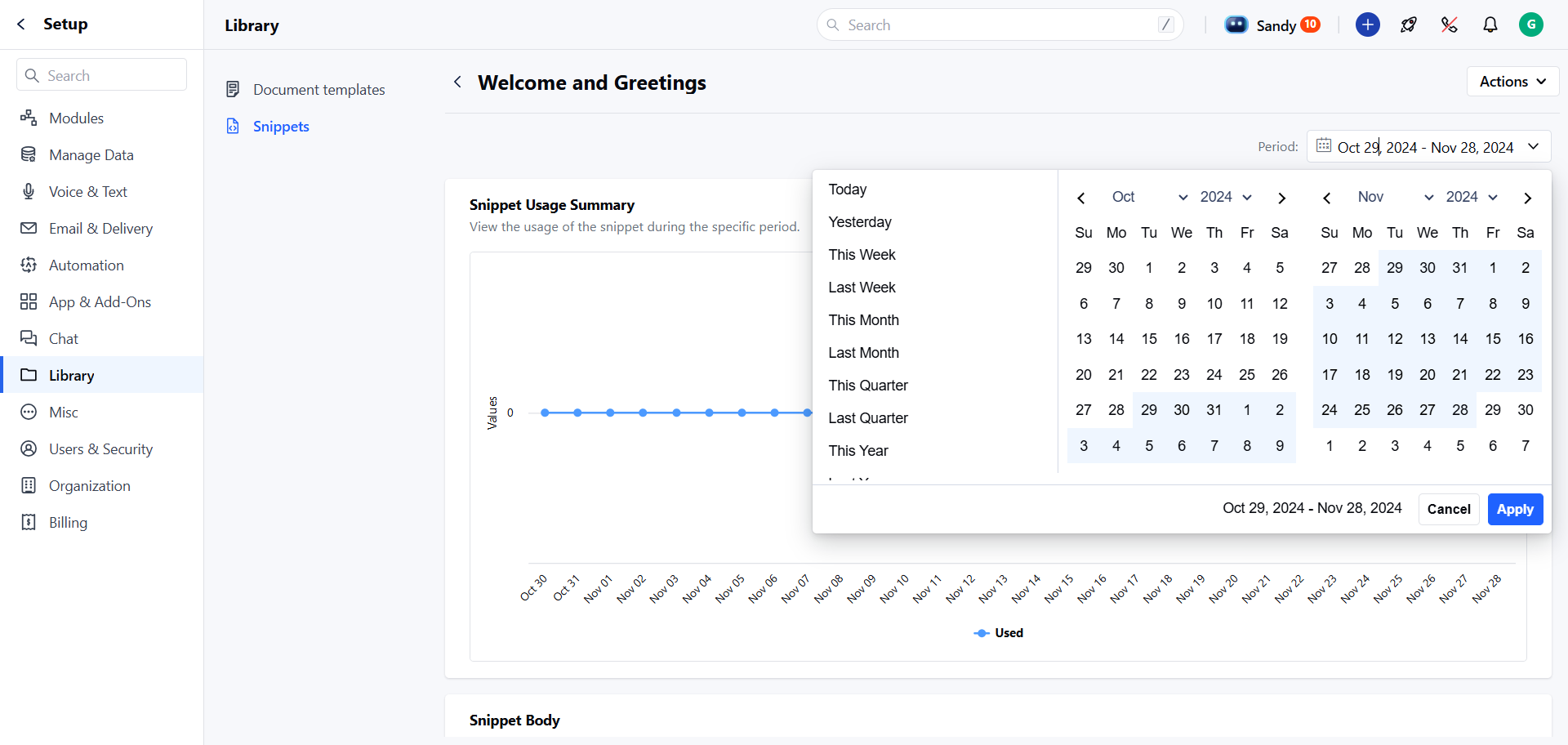
- Usage Statistics: Track how many times the snippet has been used over different time durations
- You can apply the filters over a time period to view the Usage Statistics.
- Today
- Yesterday
- This Week
- Last Week
- This Month
- Last Month
- This Quarter
- Last Quarter
- This Year
- Last Year and Custom Range.
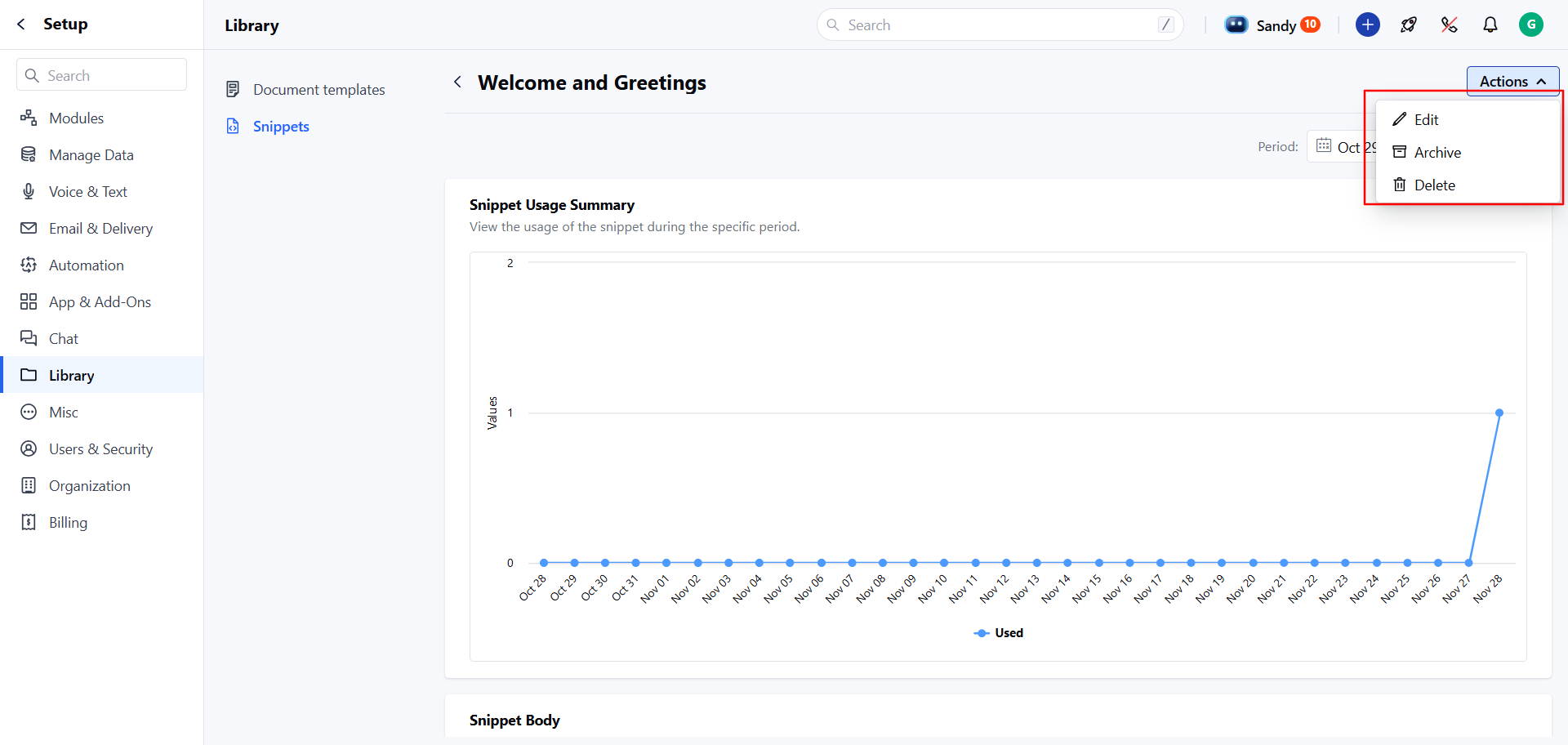
- You can perform the following actions directly from the Snippet Detail View. You can
- Edit , Archive , or Delete the snippet