Note: A User with Manage Permission Rights can perform this action
- Navigate to the Tickets Module from the left menu bar
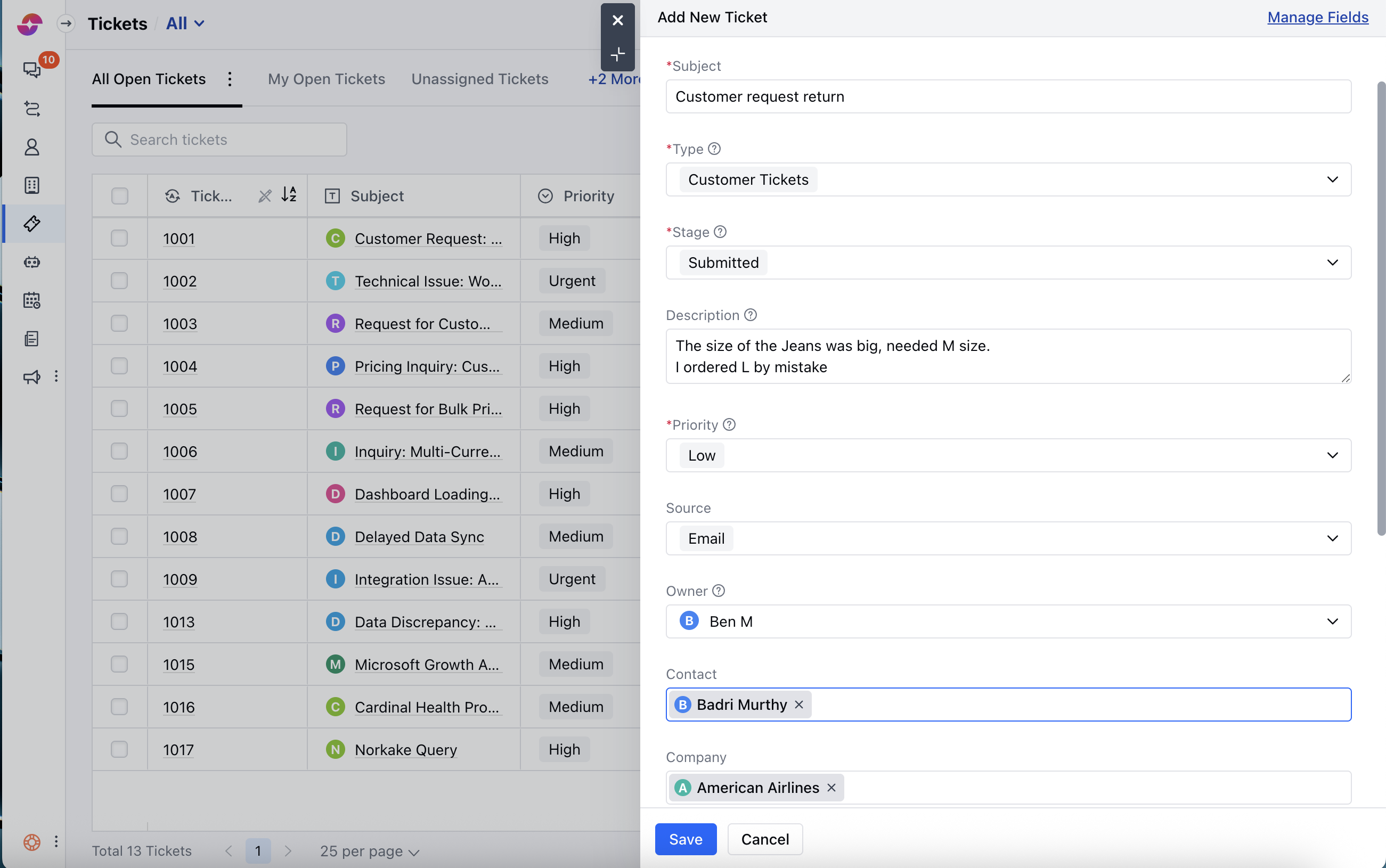
- Click on the New option
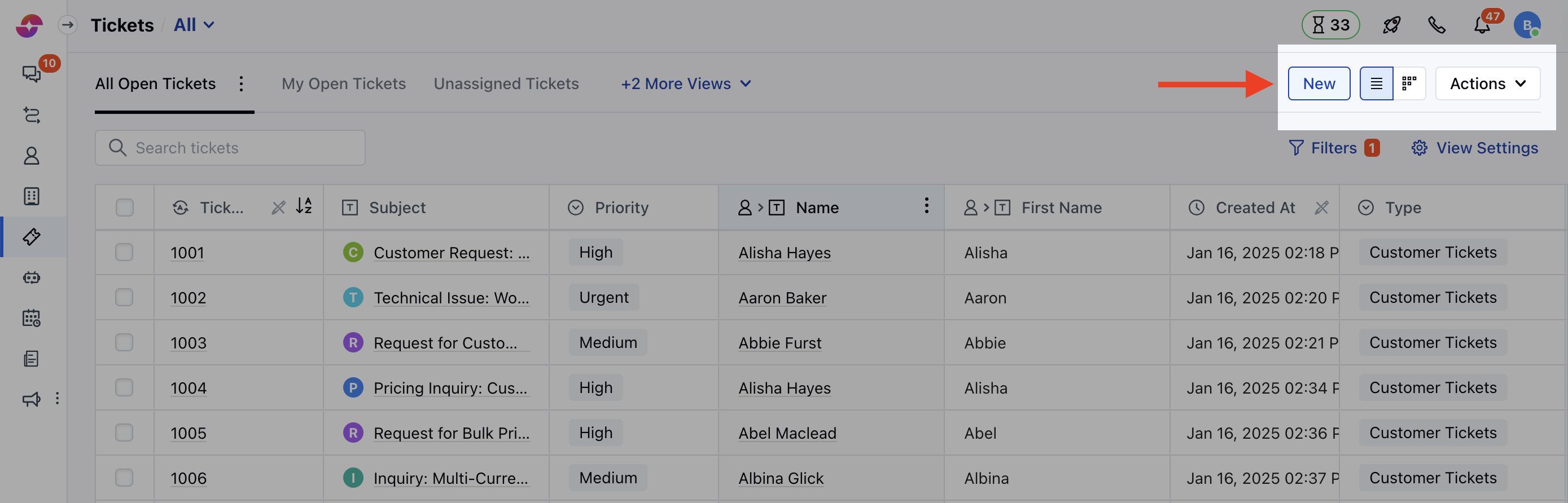
- A Quick Create Form will appear, you can choose to create a Ticket with essential fields only
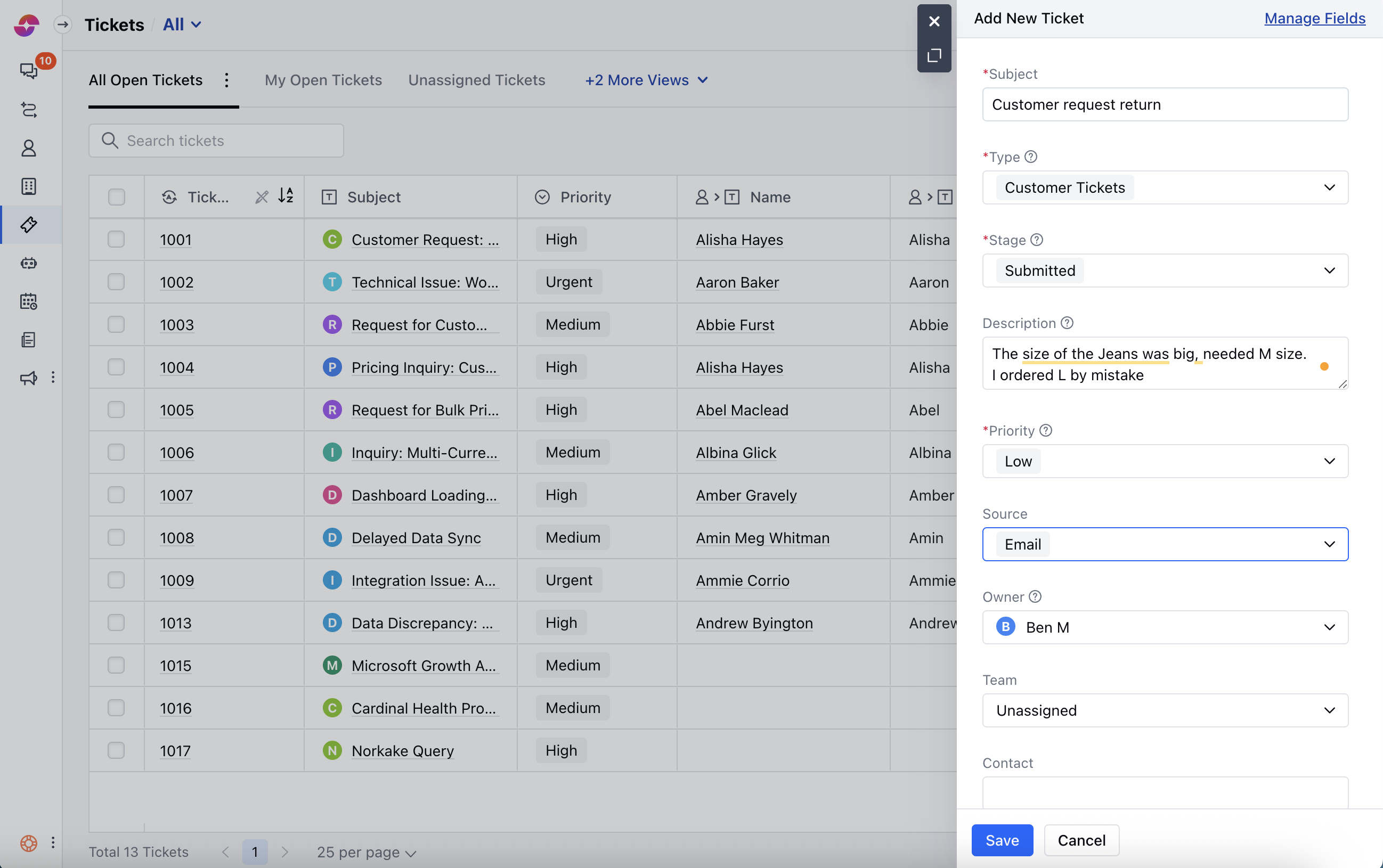
- Or expand the form to create a detailed ticket and enter the details.
- You will have to choose the Ticket Type / Pipeline for which you want to create a ticket.
- Select the Stage
- By default, the logged-in user is selected in the Owner field, you can change the owner if required.
- The default Priority of the ticket is none, but it is mandatory to choose a value.
- You can associate a Contact, Company, with the Ticket.
- Once done, click on Save.