

Topics covered:
Logging an Incoming Call
To log an incoming call after the call is completed: If the phone number of the contact is added in Salesmate, the contact name will be displayed when the incoming call comes in.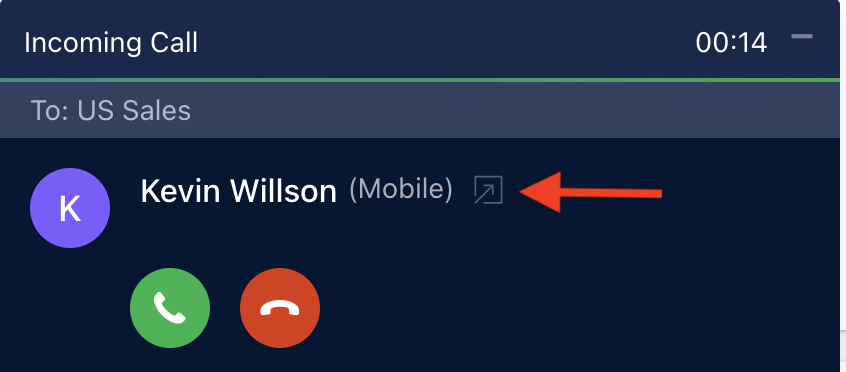
- Select the Outcome of the call from the Outcome list.
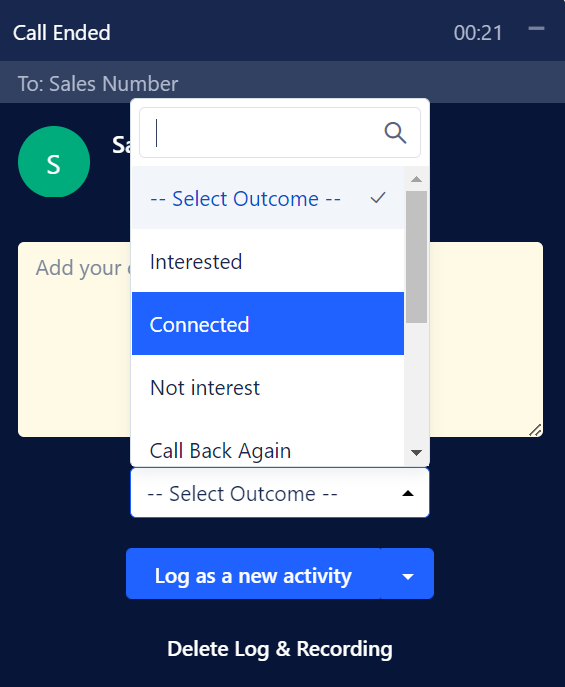
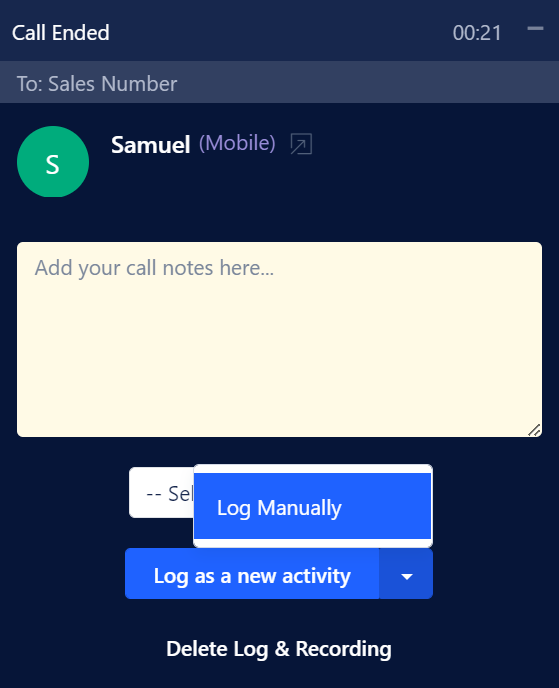
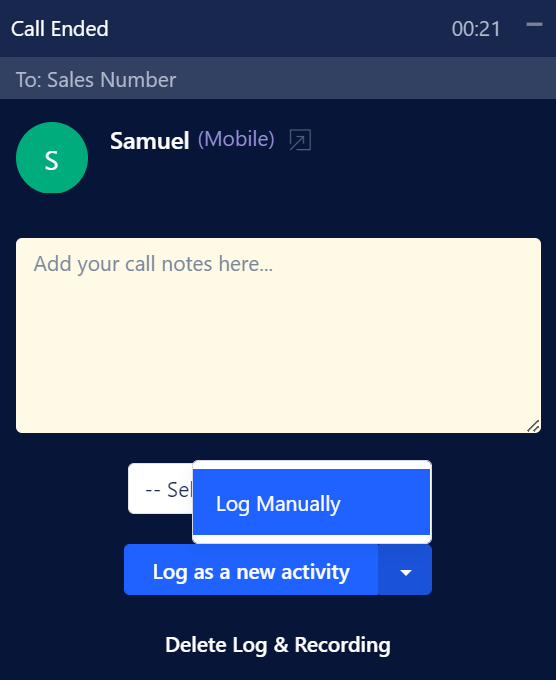
- Click on Log as a New Activity. You can also select the option to log the Activity Manually.
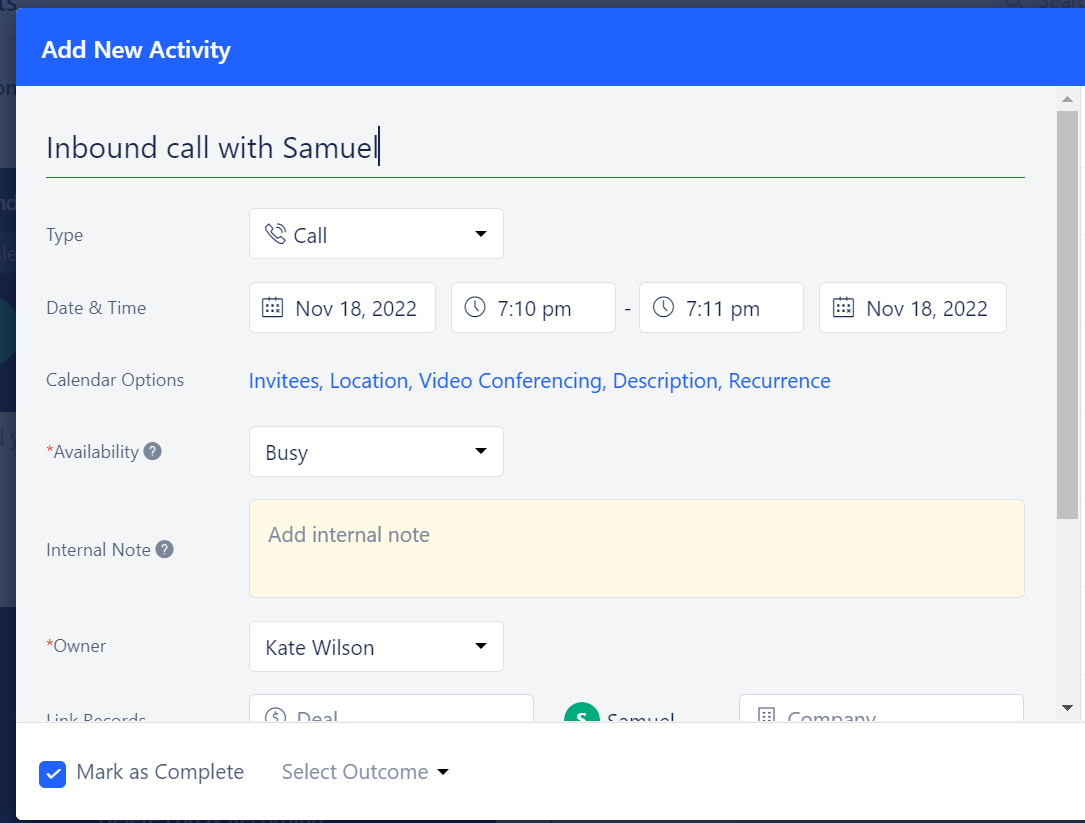
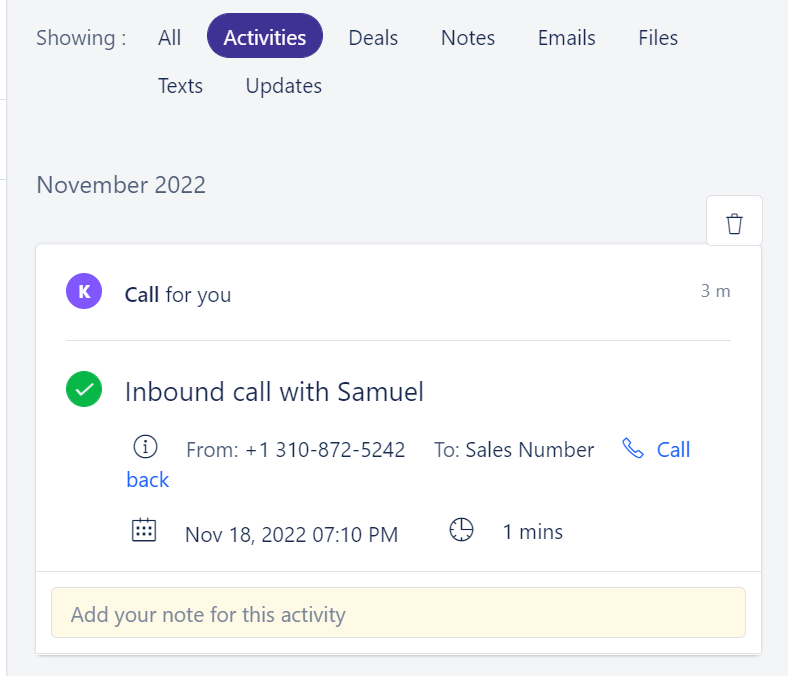
Inbound call with {Contact Name}
Logging an Outgoing Call
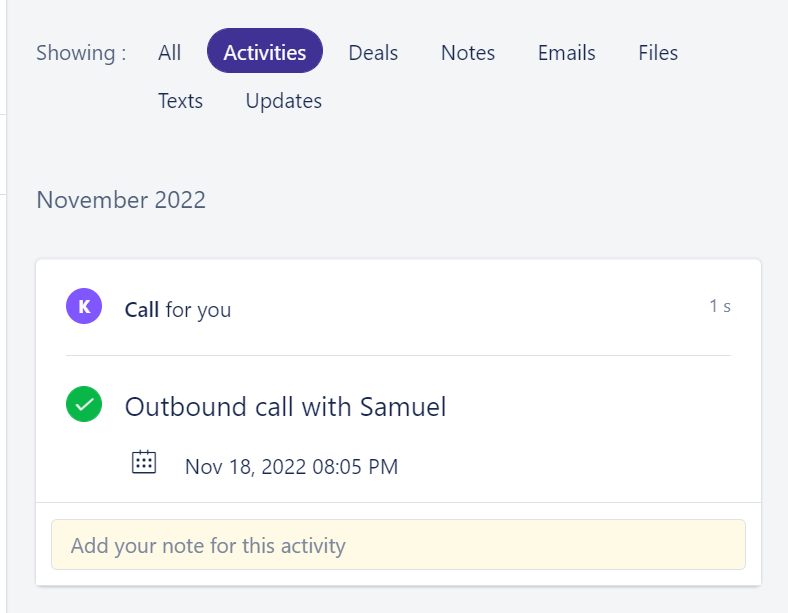
You can log your call with relevant notes and outcome once the call to your customer is completed. To log the outgoing call:- Select the Outcome of the call from the Outcome list.
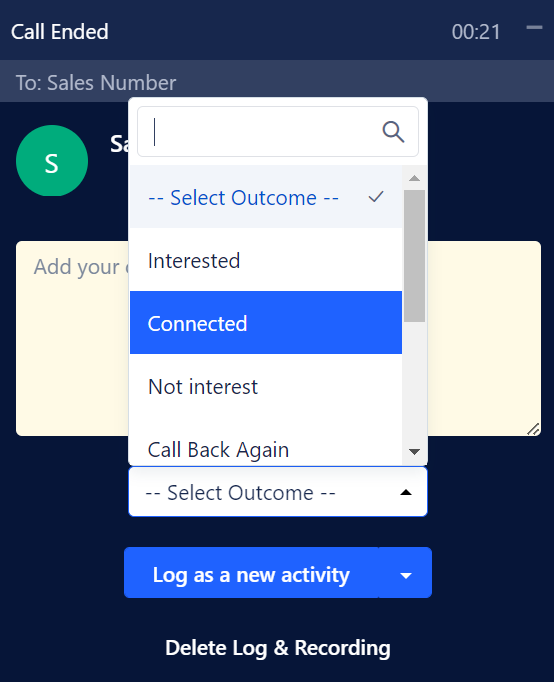
- Click on Log as a New Activity. You can also select the option to log the Activity Manually.
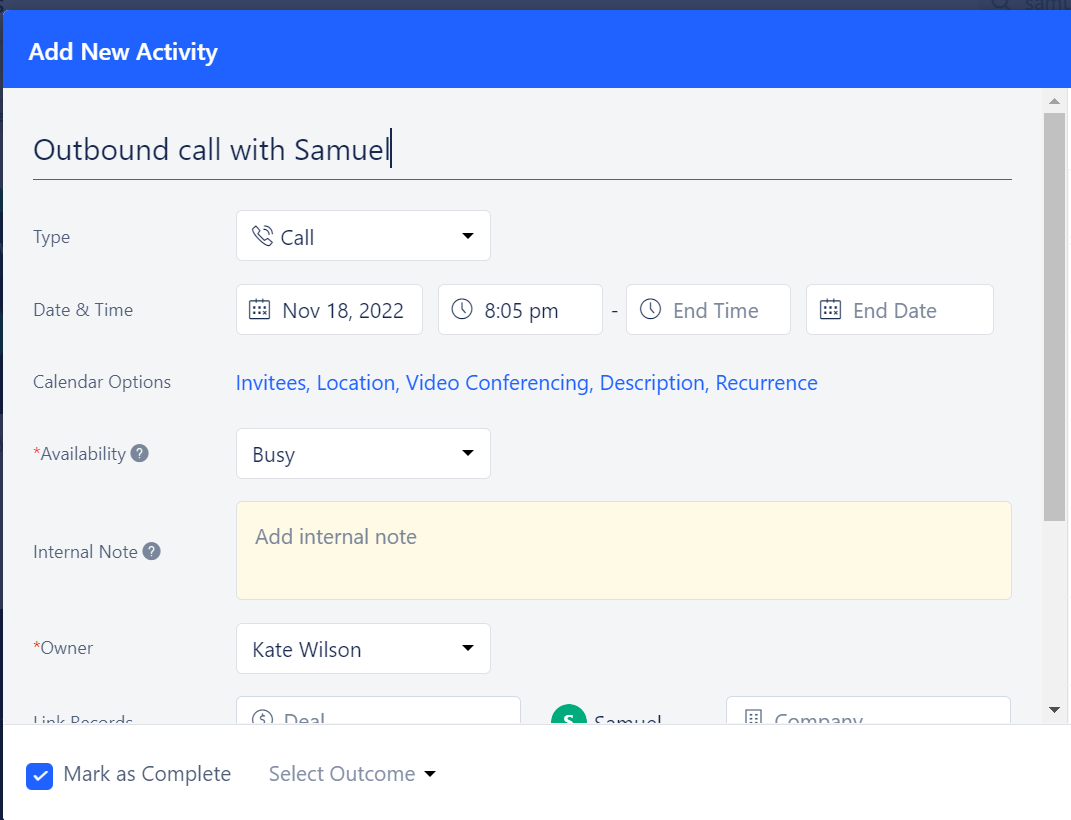
Outbound call with {Contact Name}
Logging a Missed Call
- Timeline view:
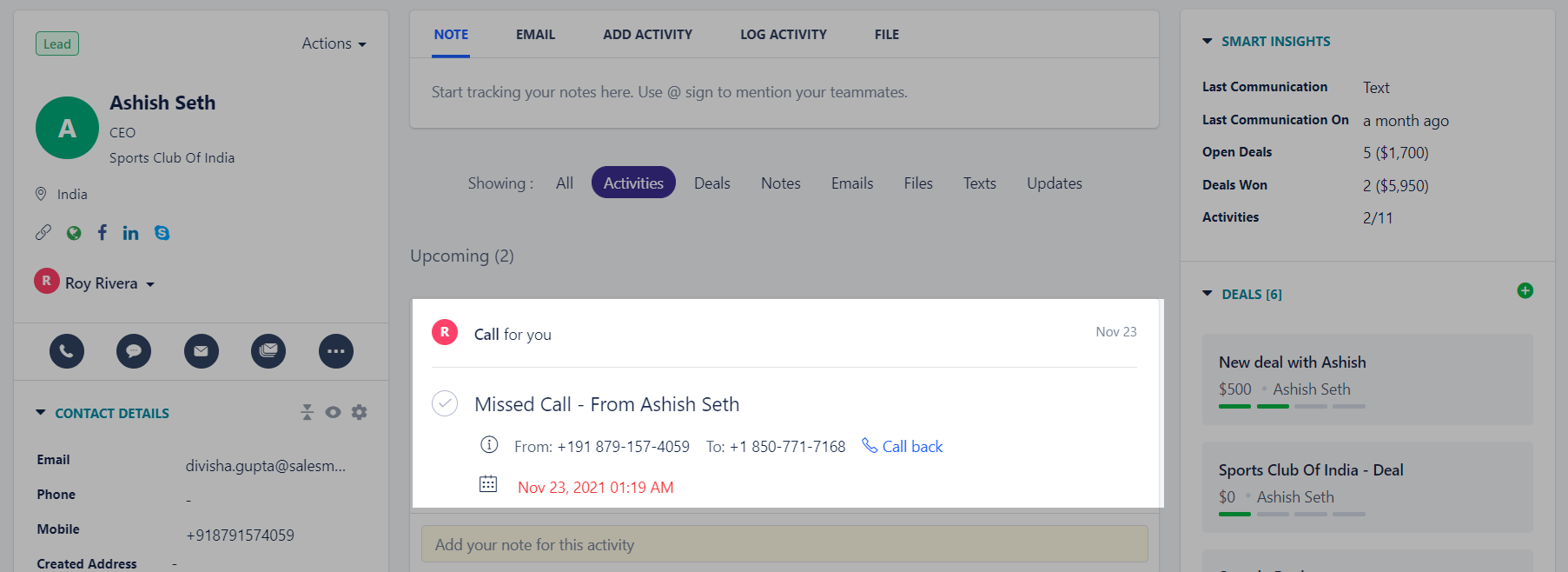
Missed Call - From {Contact Name}
under All Open Activities.
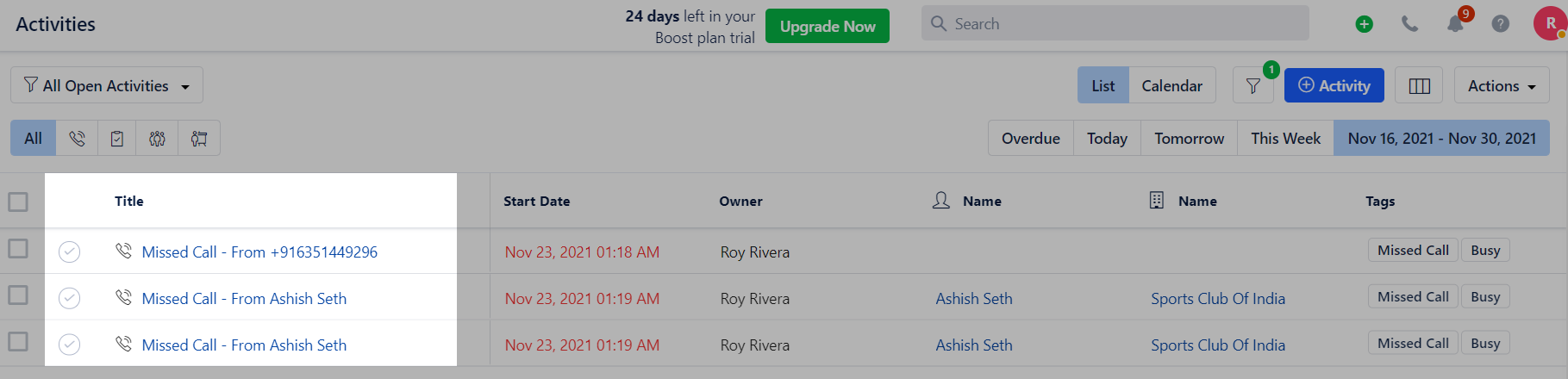
Missed Call - From {Contact.Number}