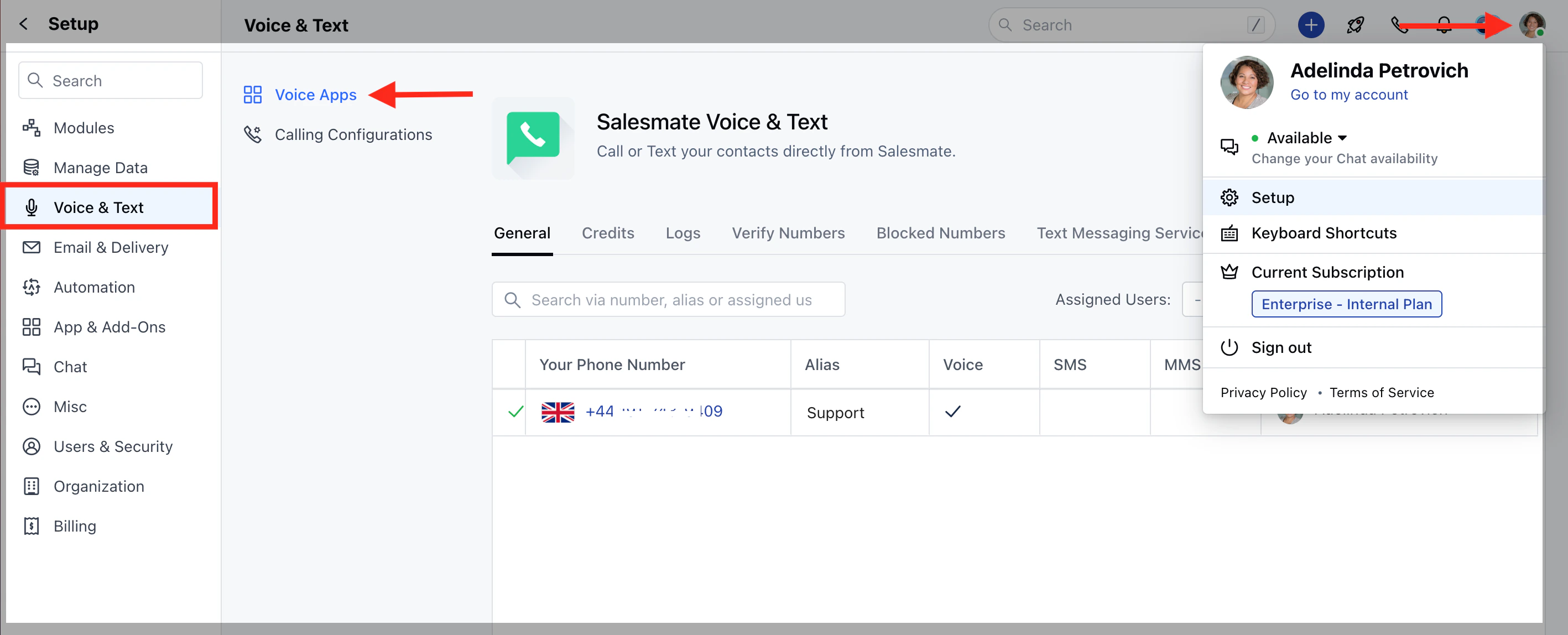
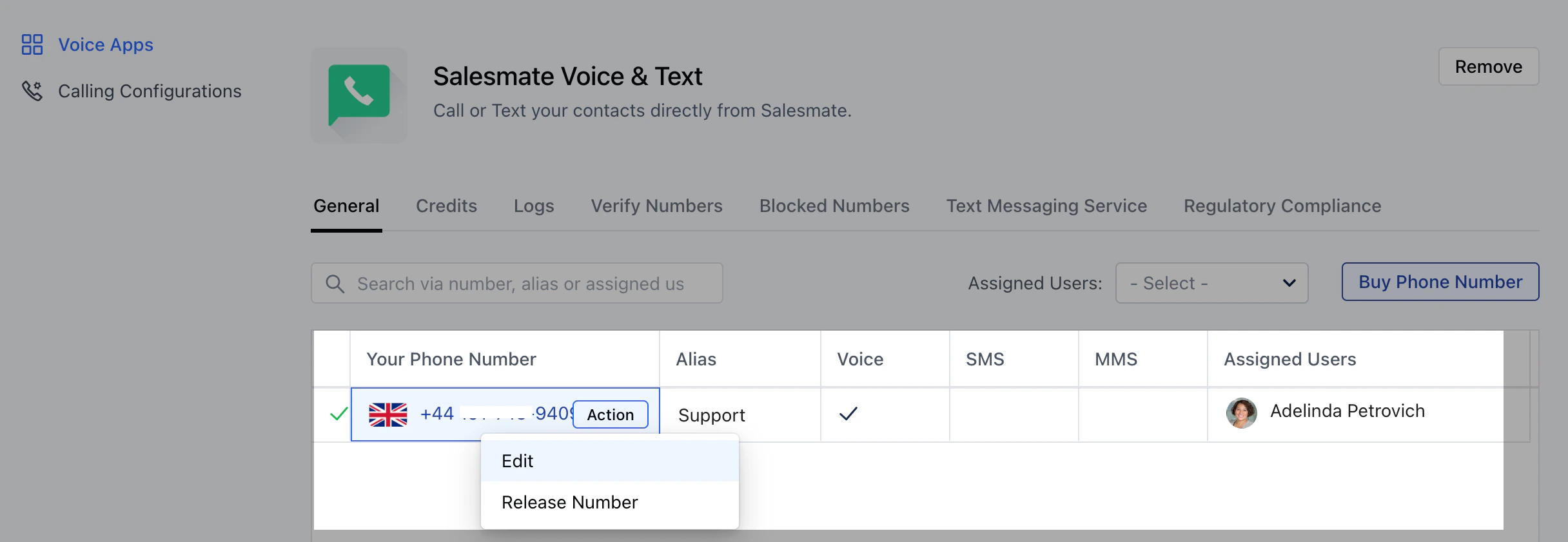
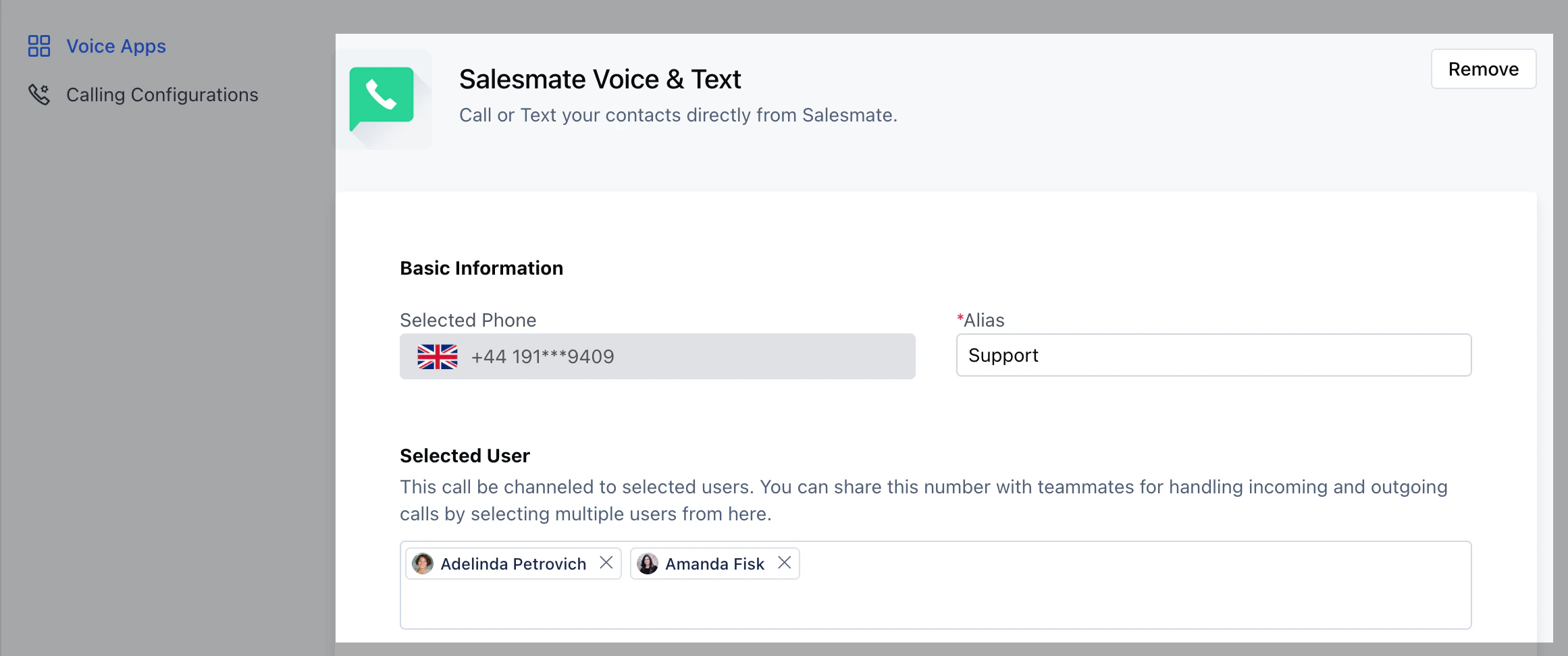
After purchasing phone numbers, you can assign the numbers to individual users. Using the numbers assigned to them, they can make calls. To assign phone numbers to a user : Navigate to the Profile Icon on the top right cornerClick on Setup Head over to Voice & Text categoryClick on Voice AppsFrom the list of phone numbers purchased, select the number you’d like to customize.Click on ** Actions >>**Edit **.To assign a phone number to an individual, under the SELECTED USER section add the user/s you want to assign this number to.On assigning the phone number to a user the ‘Make a call button’ on the top bar will get activatedOn the Make a call button you will find the numbers listed under From assigned to the respective user ****


 **
**