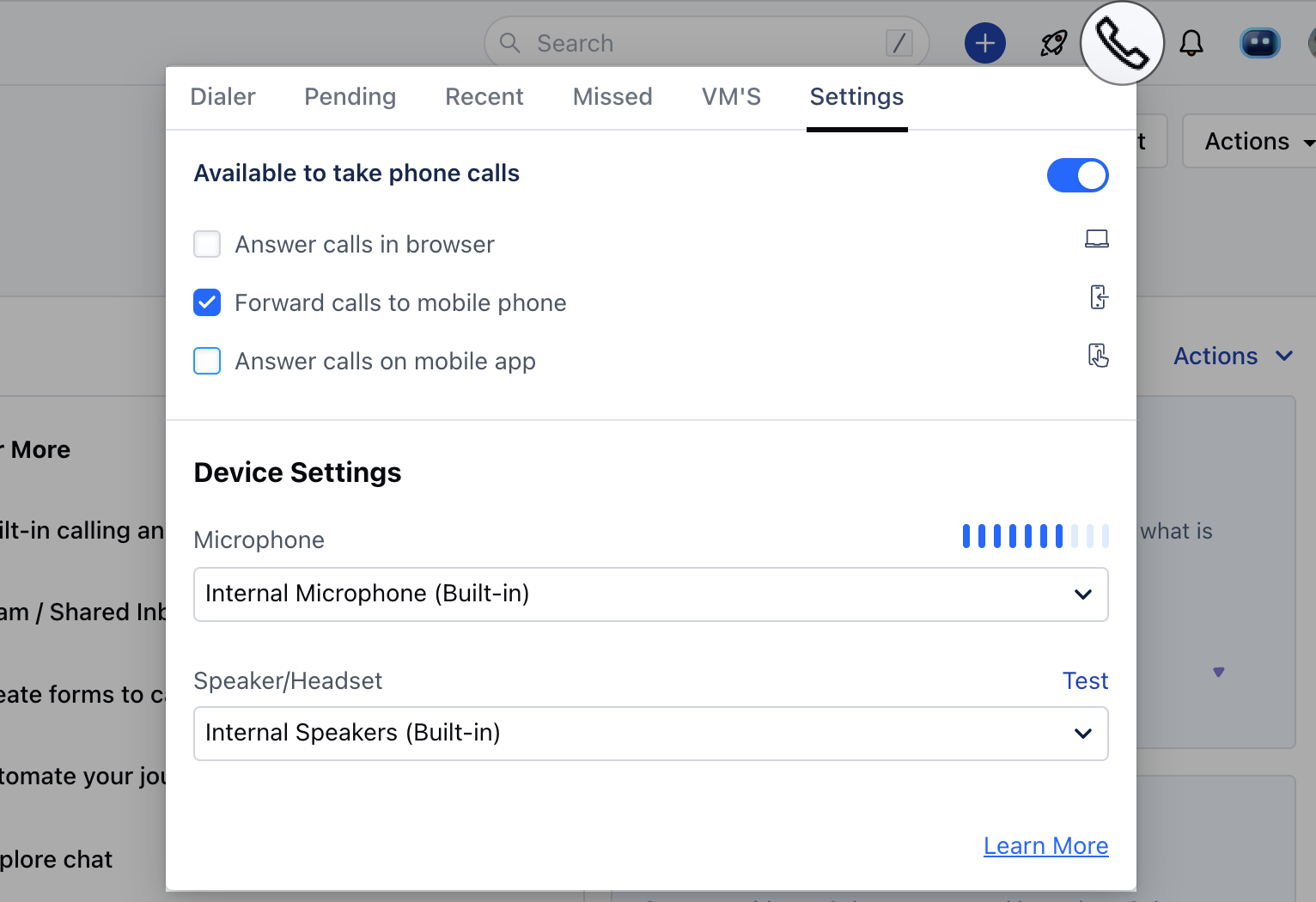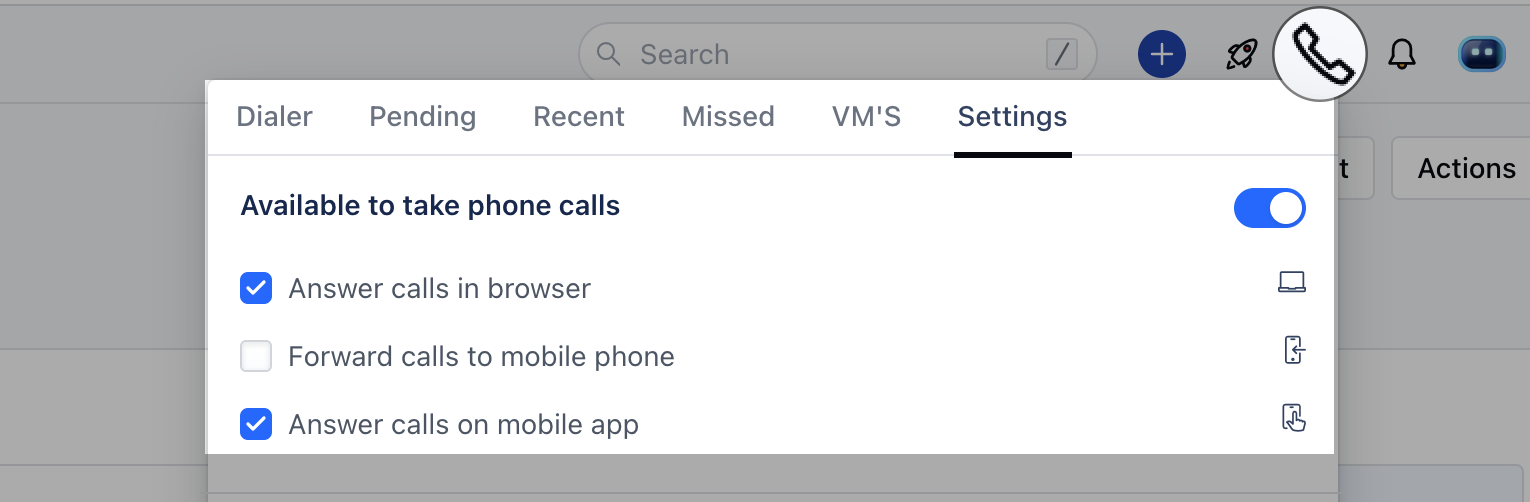
While an employee goes on a vacation or is away for the day it’s best for them to mark themselves as away. This will play the unavailable message when a contact calls on their number if they are the only user assigned to the particular number.They can do so by following the below-mentioned steps: Navigate to the Phone Icon in the top right barHead over to the Settings tabDisable the Available to take phone calls mceclip0.png This will set the user to Unavailablemceclip1.png
  • *Note:**If there is more than one user assigned to a number then the call will ring on the next available user to whom the number is assigned.
  • **Alternate,**Users can add/assign another user ( their supervisor/manager/colleague ) to the number who can answer calls in their absence
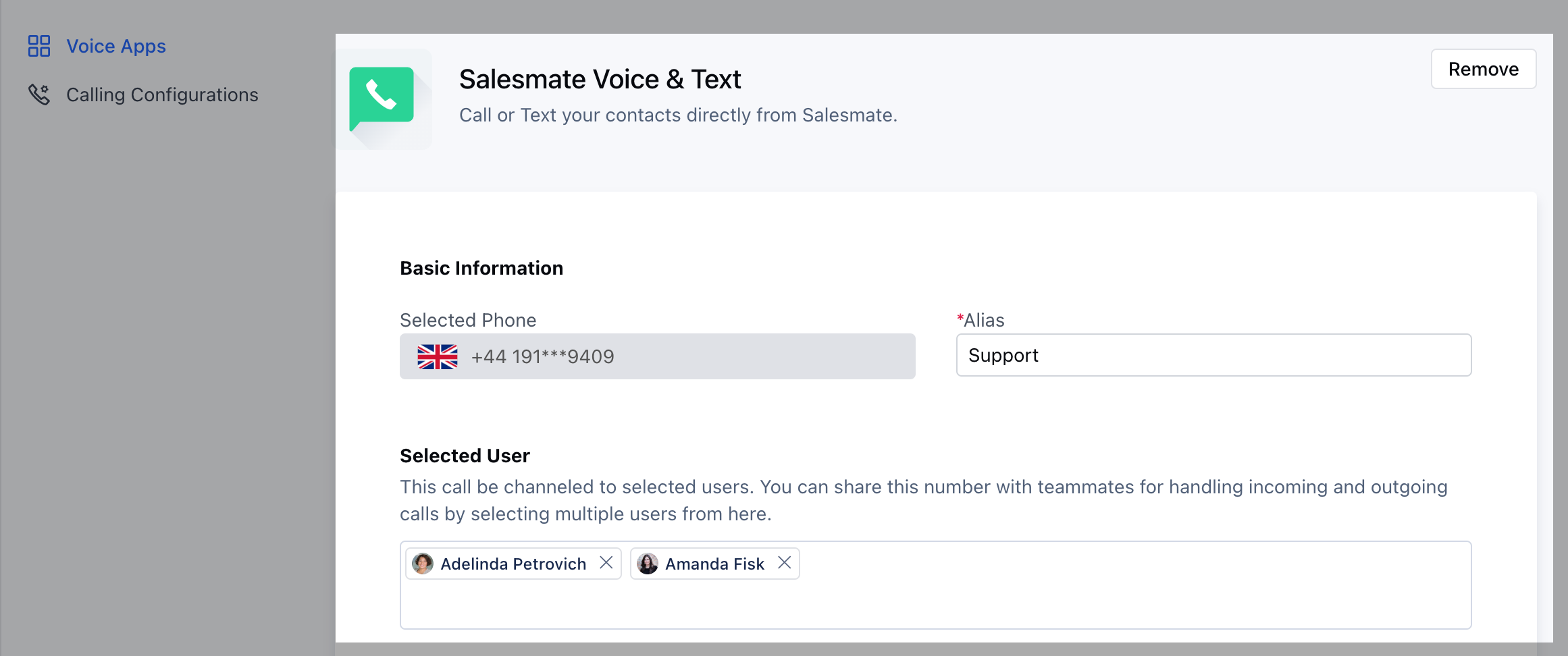
mceclip4.png Users can set up forwarding by updating their phone number availability to Forward calls to mobile phones( Only check this option. Make sure you have a number mentioned in the mobile field of your My account ) mceclip0(1).png