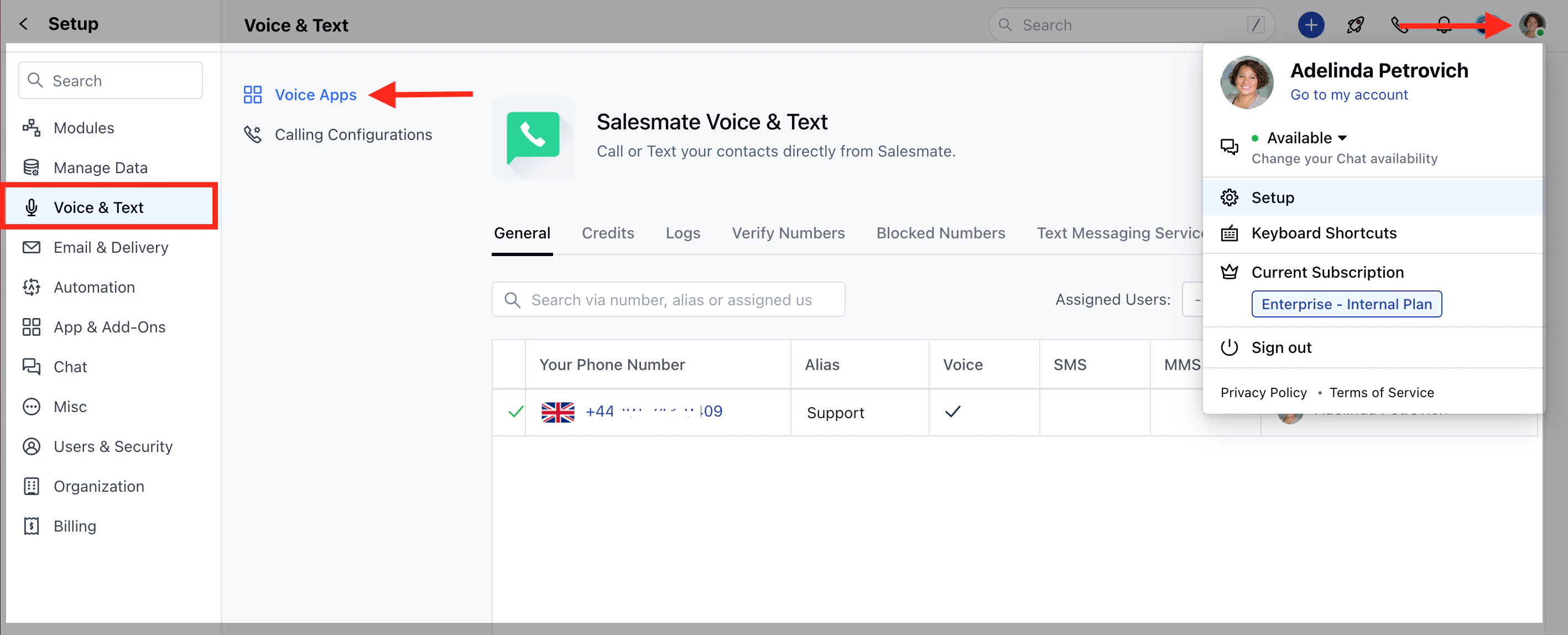
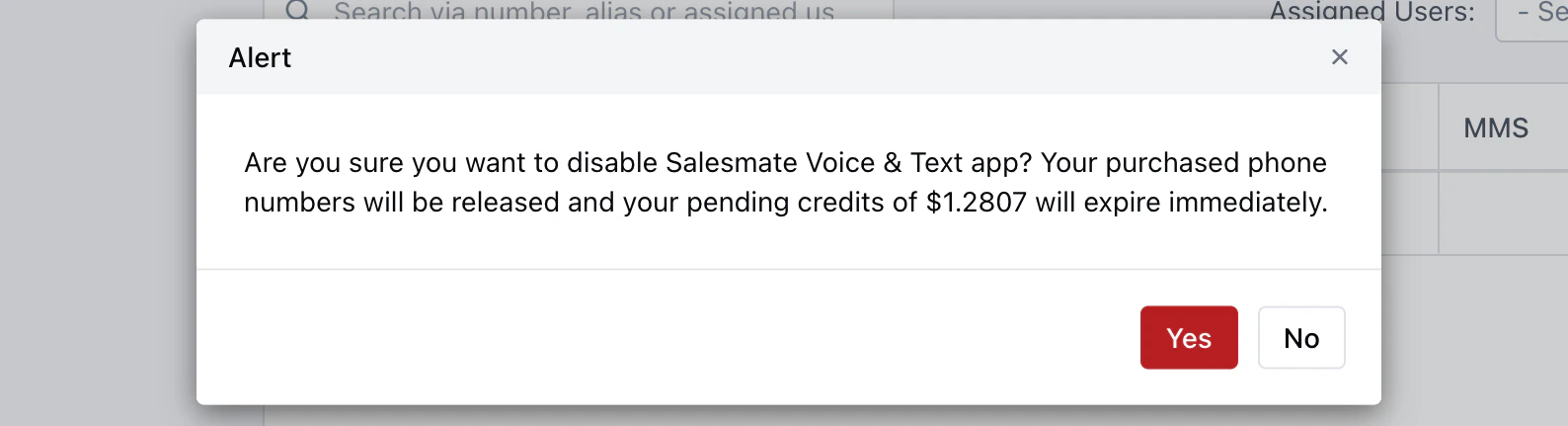
In Salesmate, to be able to stop calling out of the app using Salesmate Calling. You will need to deactivate the app. Here’s how to do it :Navigate to the Profile Icon on the top right cornerClick on Setup Head over to Voice & Text categoryClick on Voice AppsClick on **Remove.You will be prompted to Confirm if you want to disable the Salesmate Voice & Text app.**Note:**Please note this action is irreversible. Contact Support to enable Calling in your account.