- Assign Users to this Number
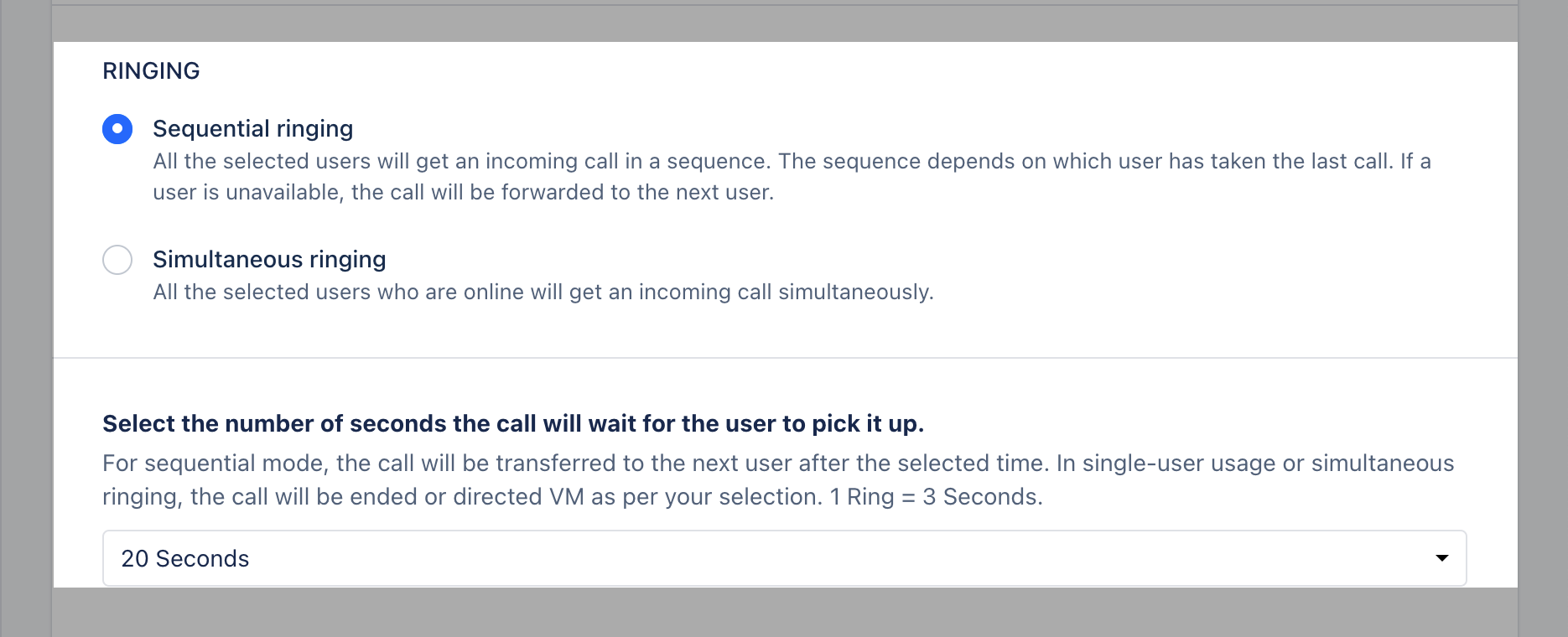
- Setup Ringing Type
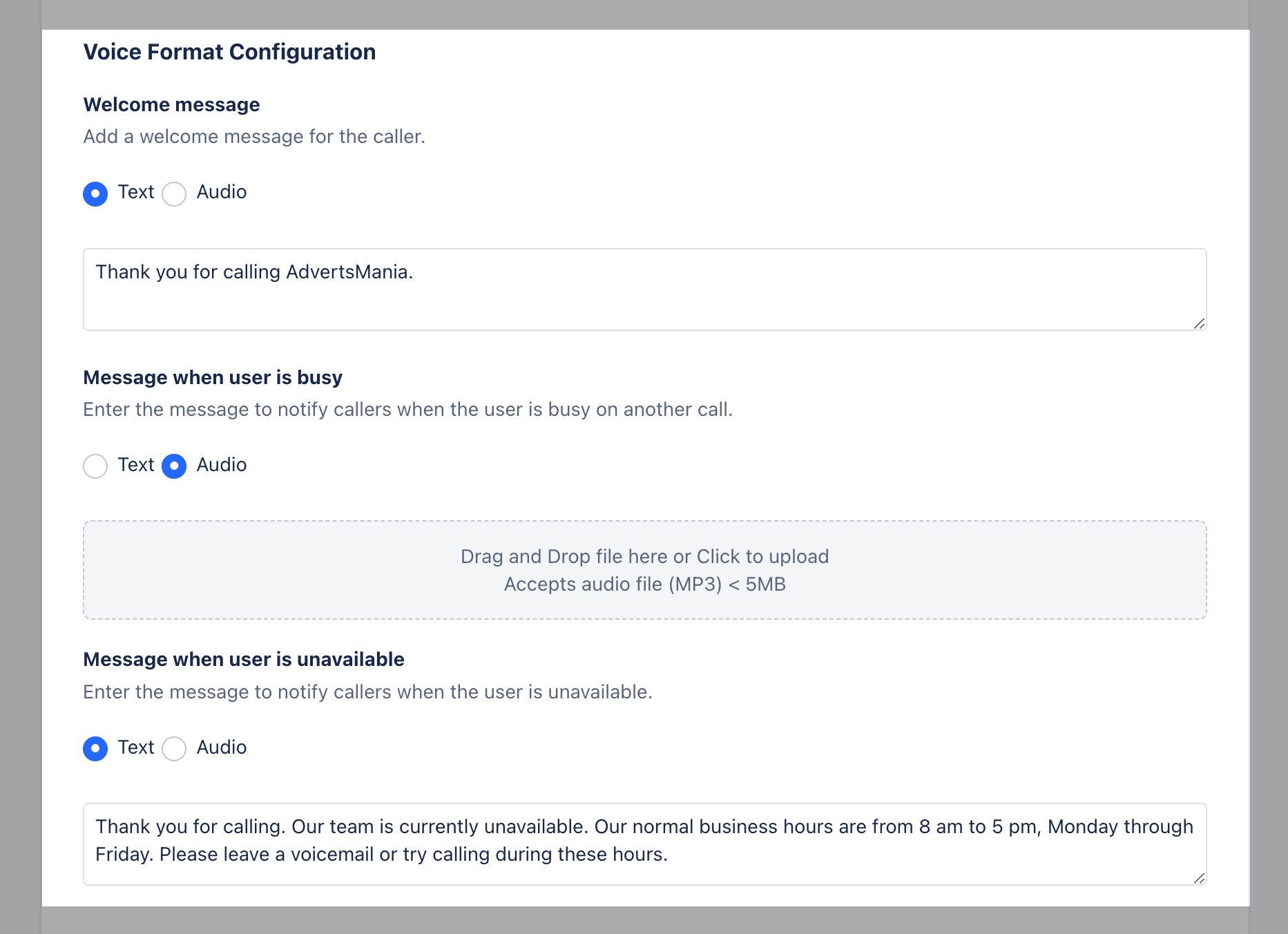
- Voice Format Configuration
- Call Hold Music
- Voicemail
- Call recording
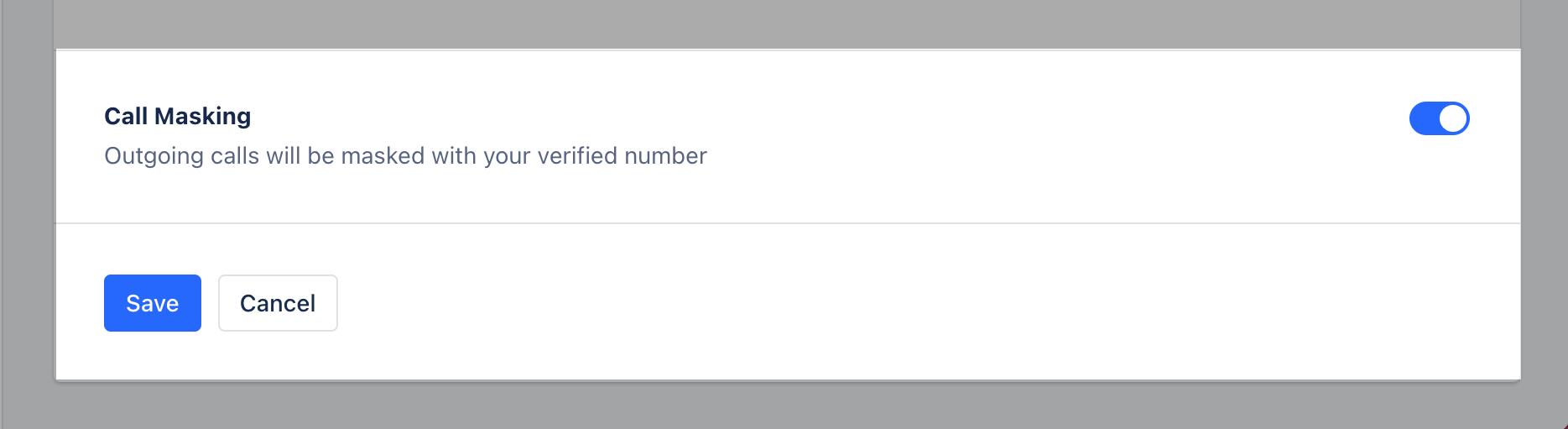
- Call Masking
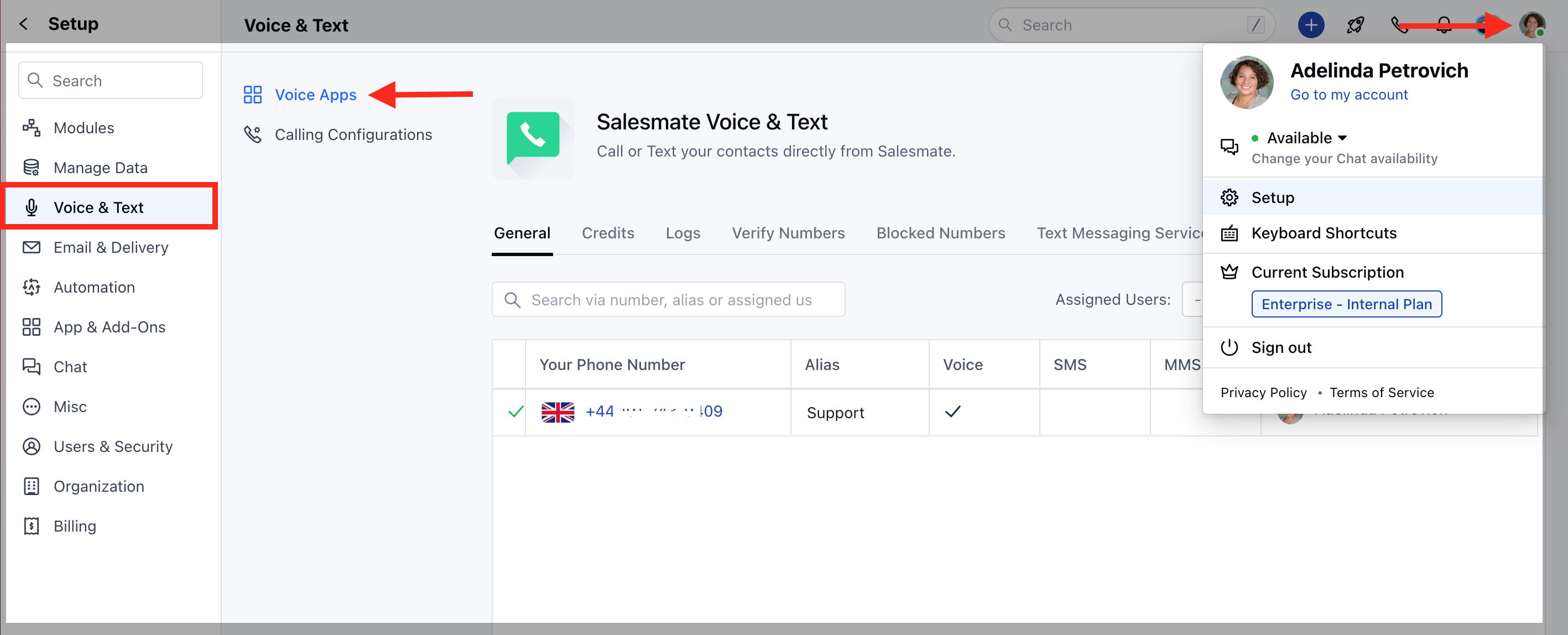
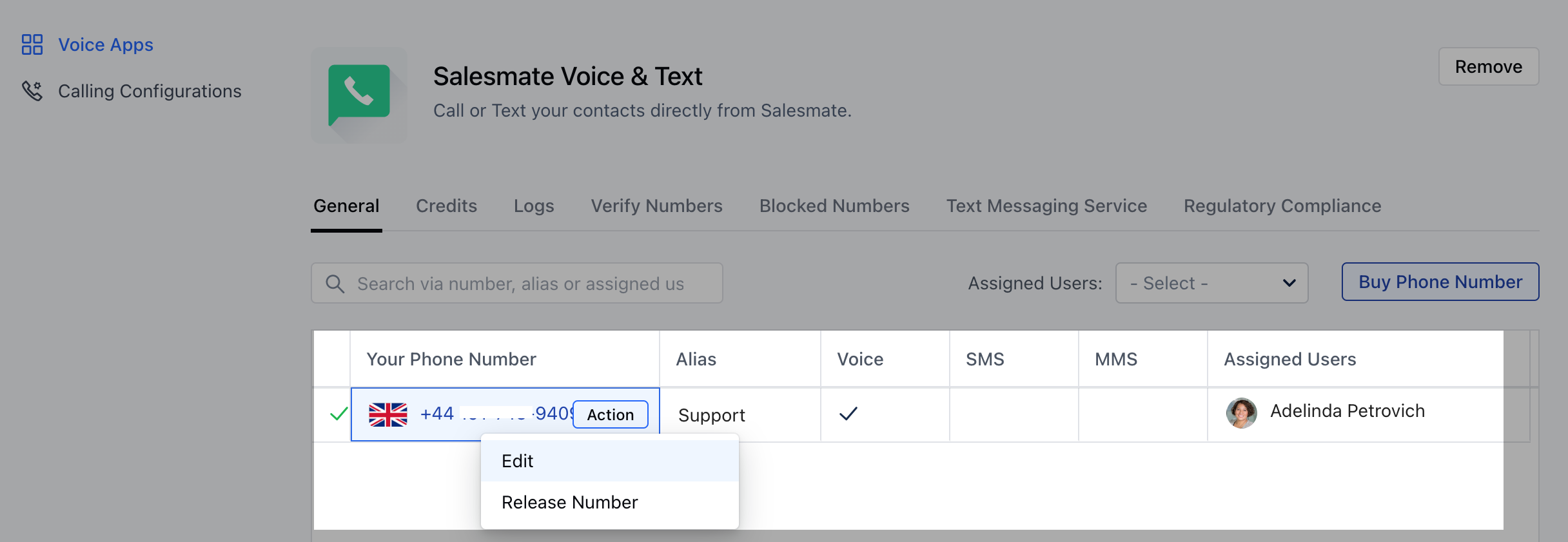
ASSIGN USERS TO THIS NUMBER
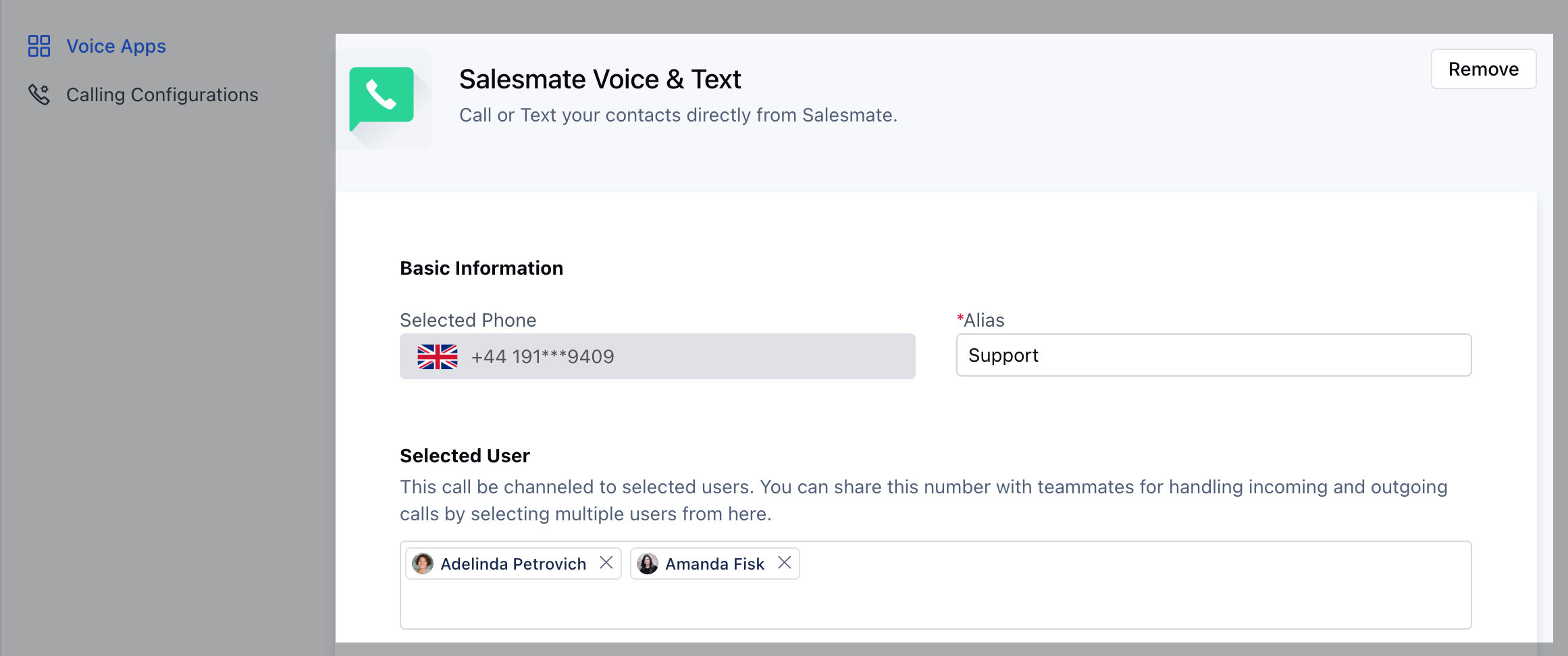
SETUP RINGING TYPE
- Sequential Ringing: All the selected users will get an incoming call in a sequence. The sequence depends on which user has taken the last call. If a user is unavailable, the call will be forwarded to the next user.
- Simultaneous Ringing: All the selected users who are online will get an incoming call simultaneously.
VOICE FORMAT CONFIGURATION
Salesmate allows you to configure Welcome Message for your Customers when they call you, message can be your voice recording which can be pushed as an attachment or it can be a Text Format which would be read and converted to a standard audio format.Setup the voice format configurations as a recorded message OR text:Welcome MessageMessage when the user is busy Message when the user is unavailable You can attach Simple Text in the Text Box for the above three messages and they will be converted to Audio format as messages to your calling customers.If you want to personalize it with your own powerful voice, you can click on Audio radio button and upload the file after recording.
- Drag and Drop a file on the section or Click to uploadThe system accepts an ** audio files of (MP3) Format, for a maximum size of ** 5MB **
CALL HOLD MUSIC
You can choose to set a call hold music, one which is the default of Salesmate OR upload an mp3 file.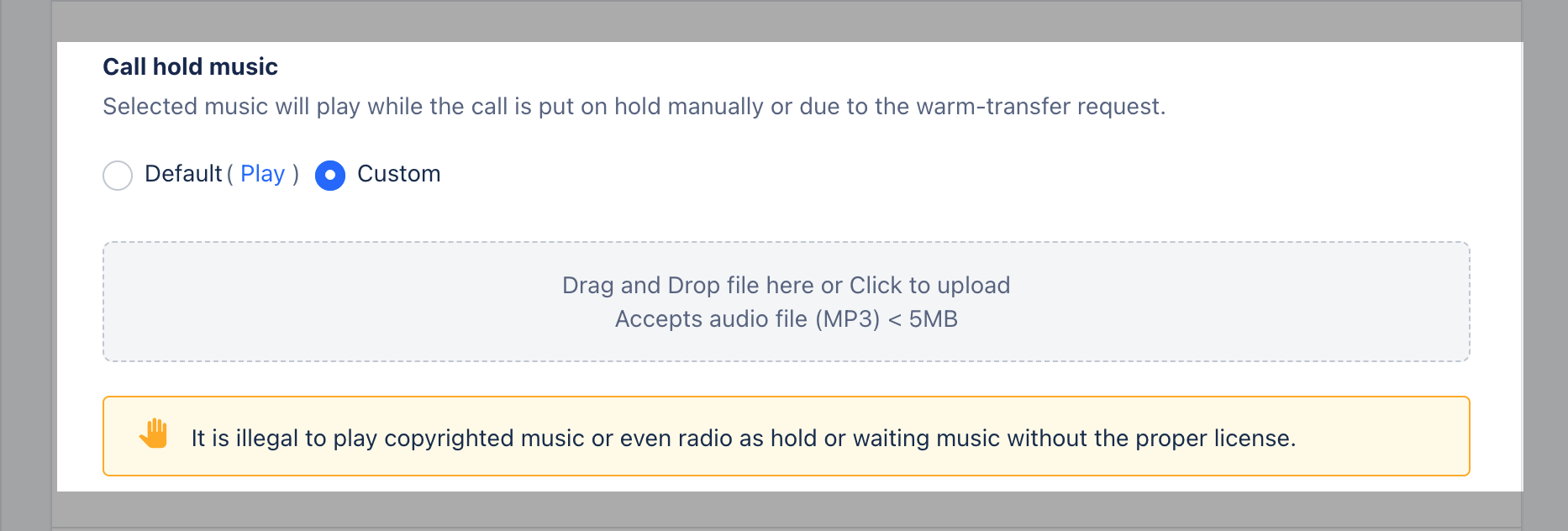
VOICEMAIL
Allow contacts to drop voicemail when users are unable to take their call.
CALL RECORDING
Automatically record all inbound and outbound call for this number. (You can disable recording during the call)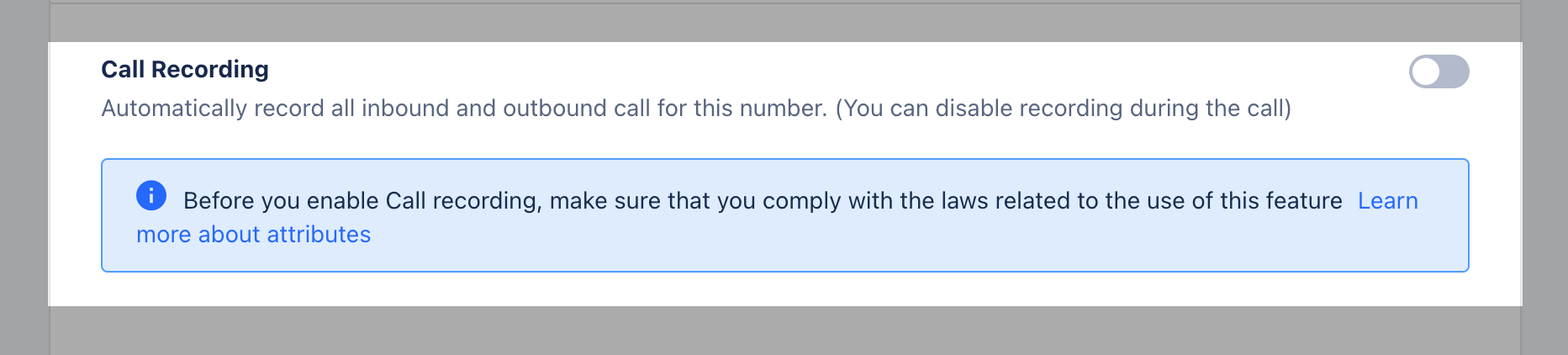
CALL MASKING
You can refer to the article How to make calls using your own number?