

Note: You need Organize Categories permission to perform any action on categories.
- Navigate to the Profile Icon from the top right corner.
- Click on the Set Up
- Headover to the Library category
- Select the Knowledge Base option
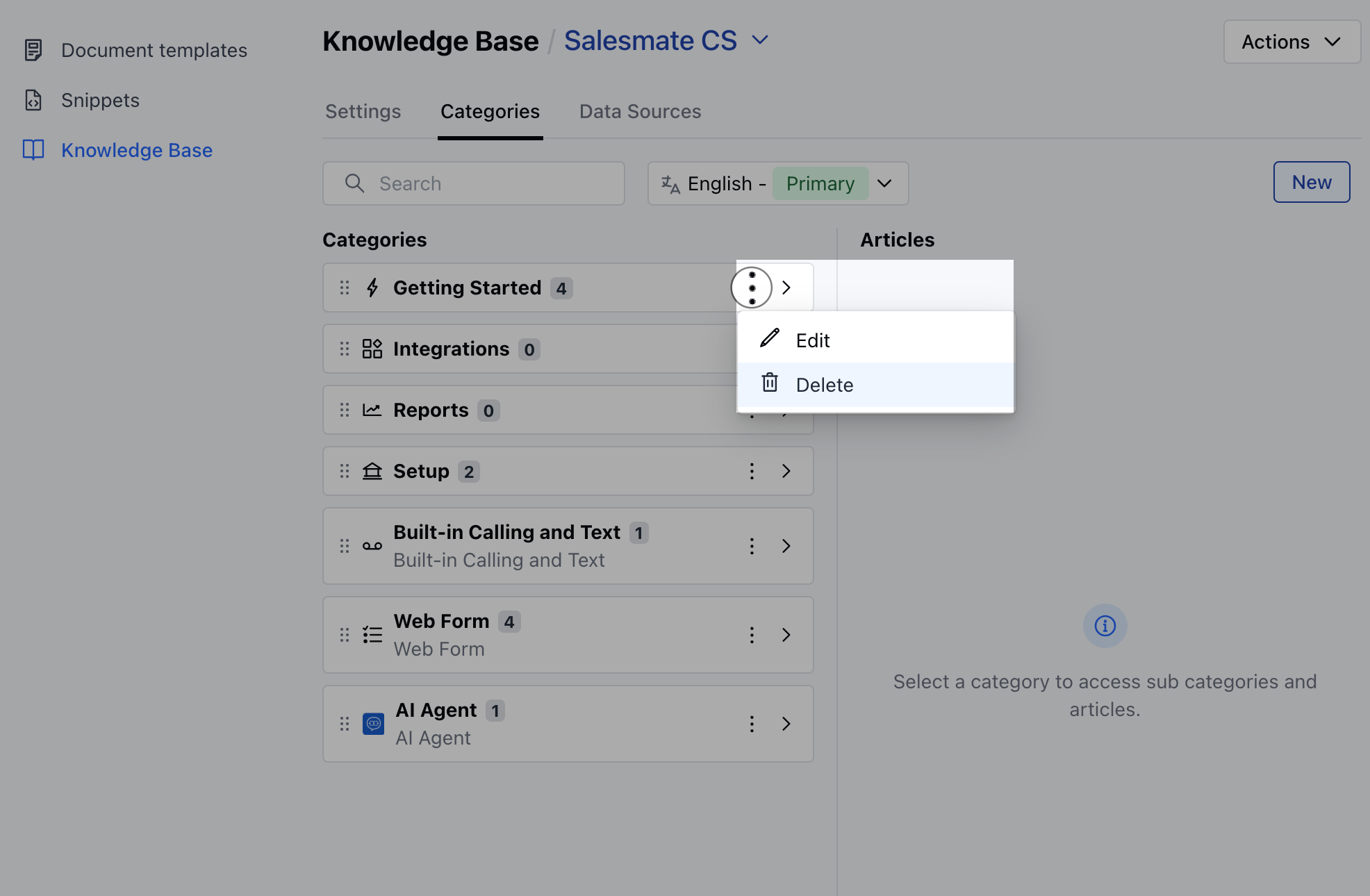
- Click on the Categories tab
- Select the category you want to delete, click the three-dot menu, and choose the Delete option.
- Confirm the Delete action
- A confirmation message saying Deleted Successfully will appear upon successful deletion.
Note: If the category contains articles or subcategories with articles, an error message will appear.
- Deleting a category will also remove any empty subcategories it contains.
- When you delete a category, all its translations will be deleted as well.