

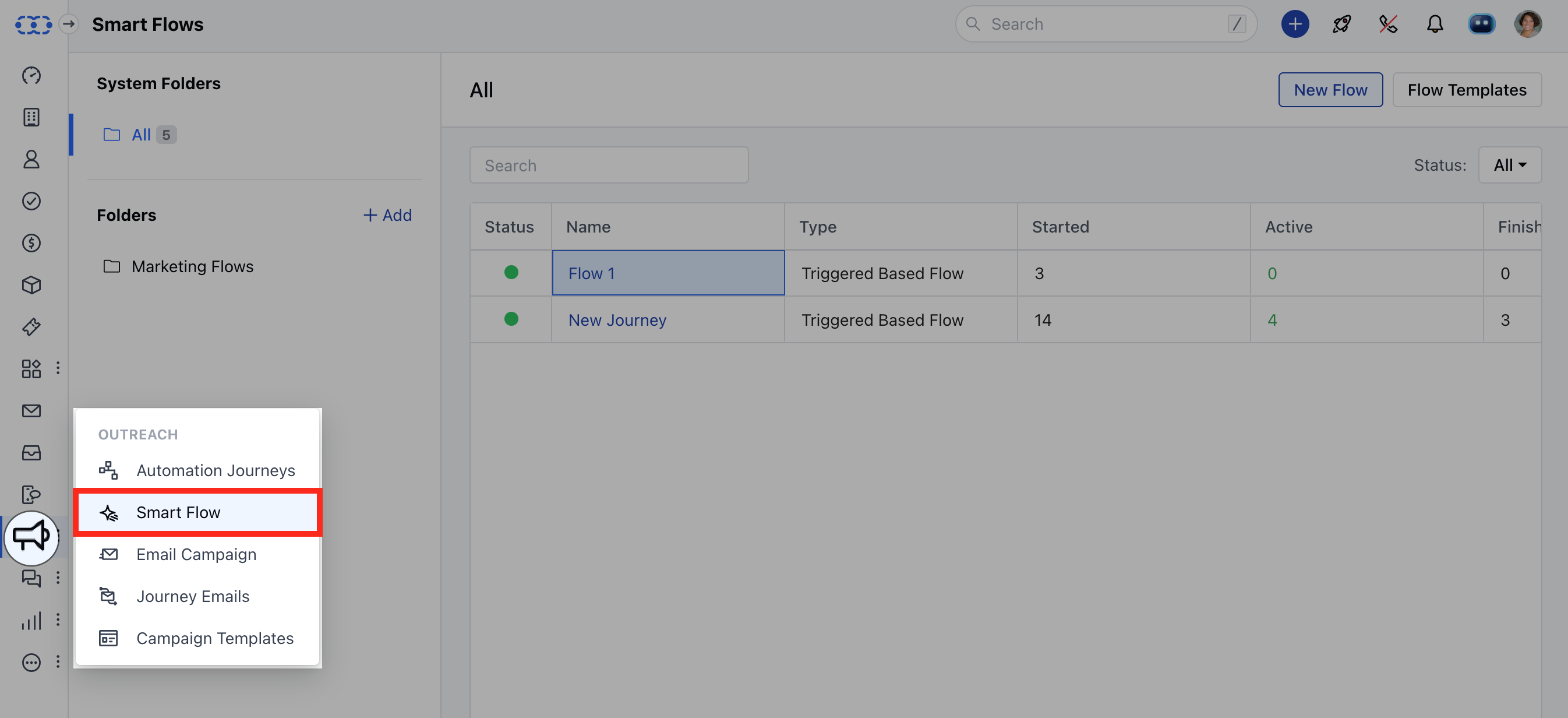
- Status: Status indicators such as pause, live, lock, or saved as a draft.
- Name: The name assigned to the flow.
- Type: The type of flow, such as Trigger-Based, Manual, Sub-Flow, or Approval Flow.
- Started: The number of records that have been added to the flow.
- Active: The total number of active records currently in the flow.
- Finished: The number of records that have completed the flow.
- Error: The number of records that encountered errors and are stuck in the flow.
- System Folders: This section provides a list of All available folders within Salesmate. It helps you organize and view your Smart Flows based on different folders, making it easier to manage and find specific flows.
- Credit Usage: This shows how many credits are being used by your Smart Flows. It helps you keep track of credit consumption, ensuring you stay within your allocated credit limits and manage your resources.