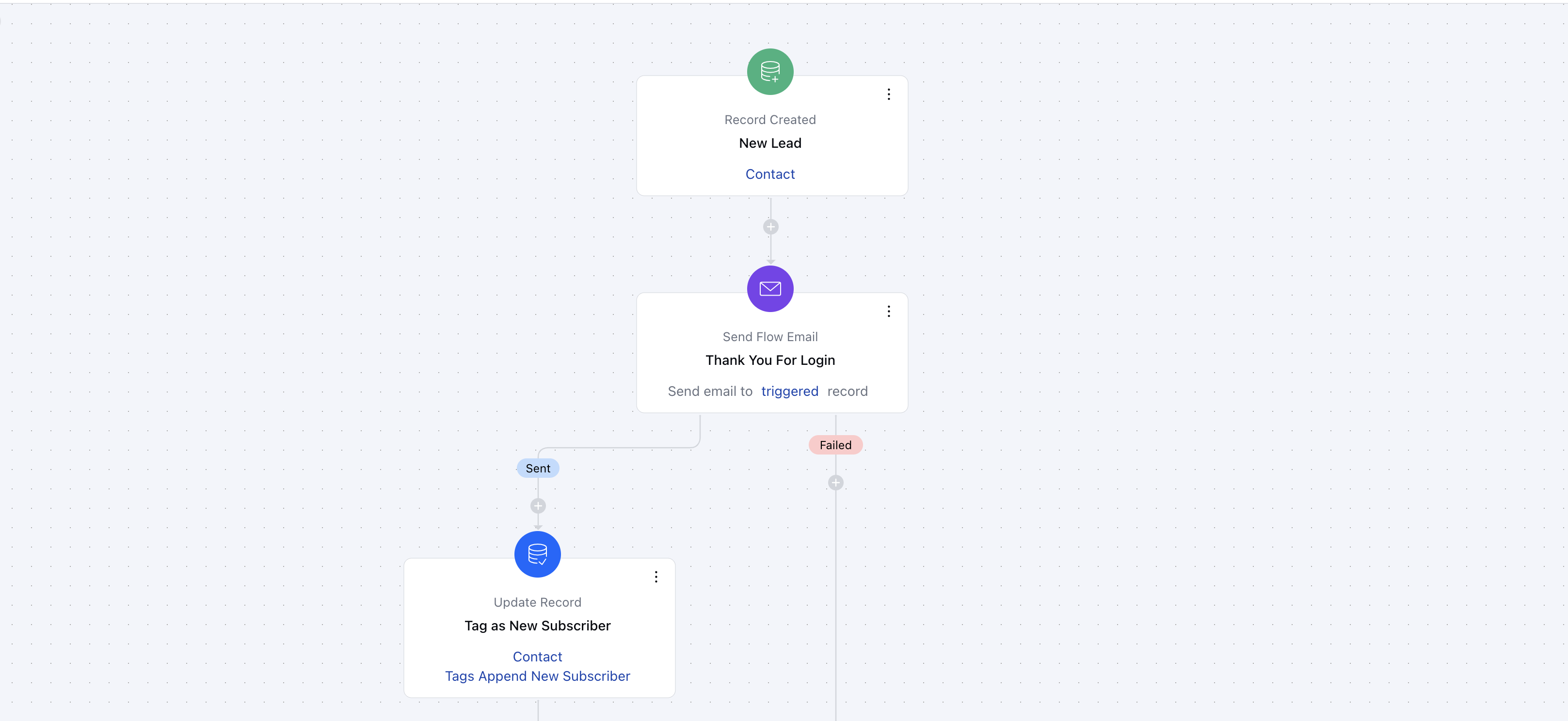
Topics covered:
- How to Create a Trigger based Smart Flow
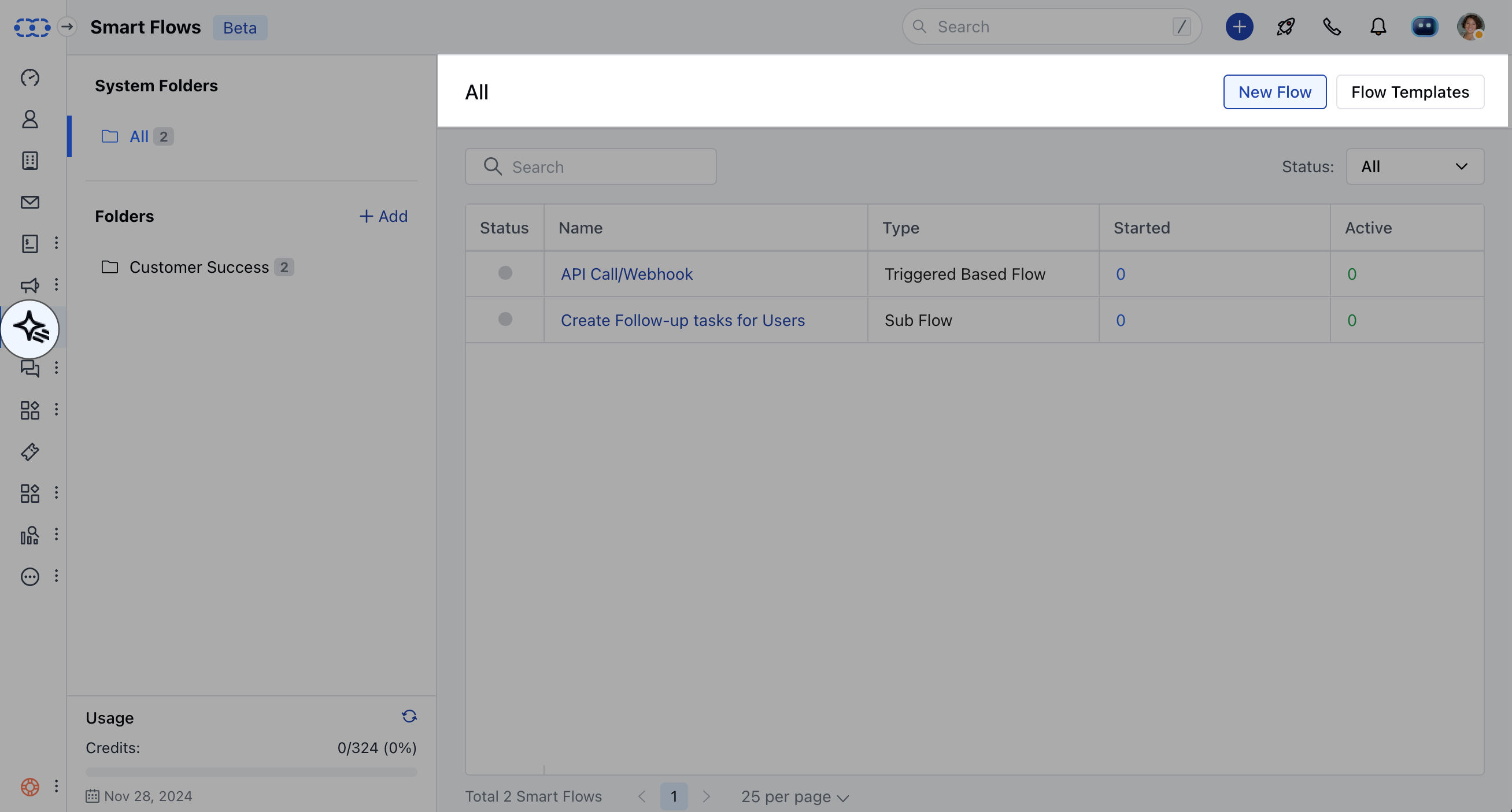
- Practical Example##**To create the Trigger Based Smart Flows,**Navigate to Smart Flows from left sidebarClick on New Flow
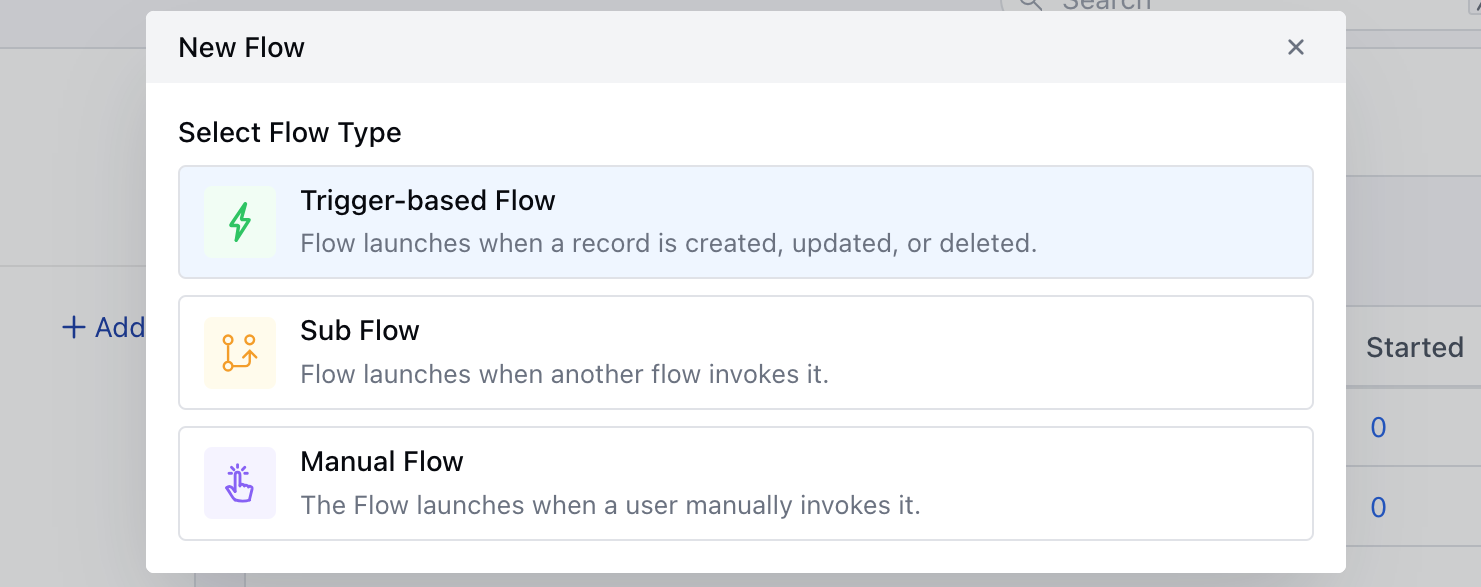
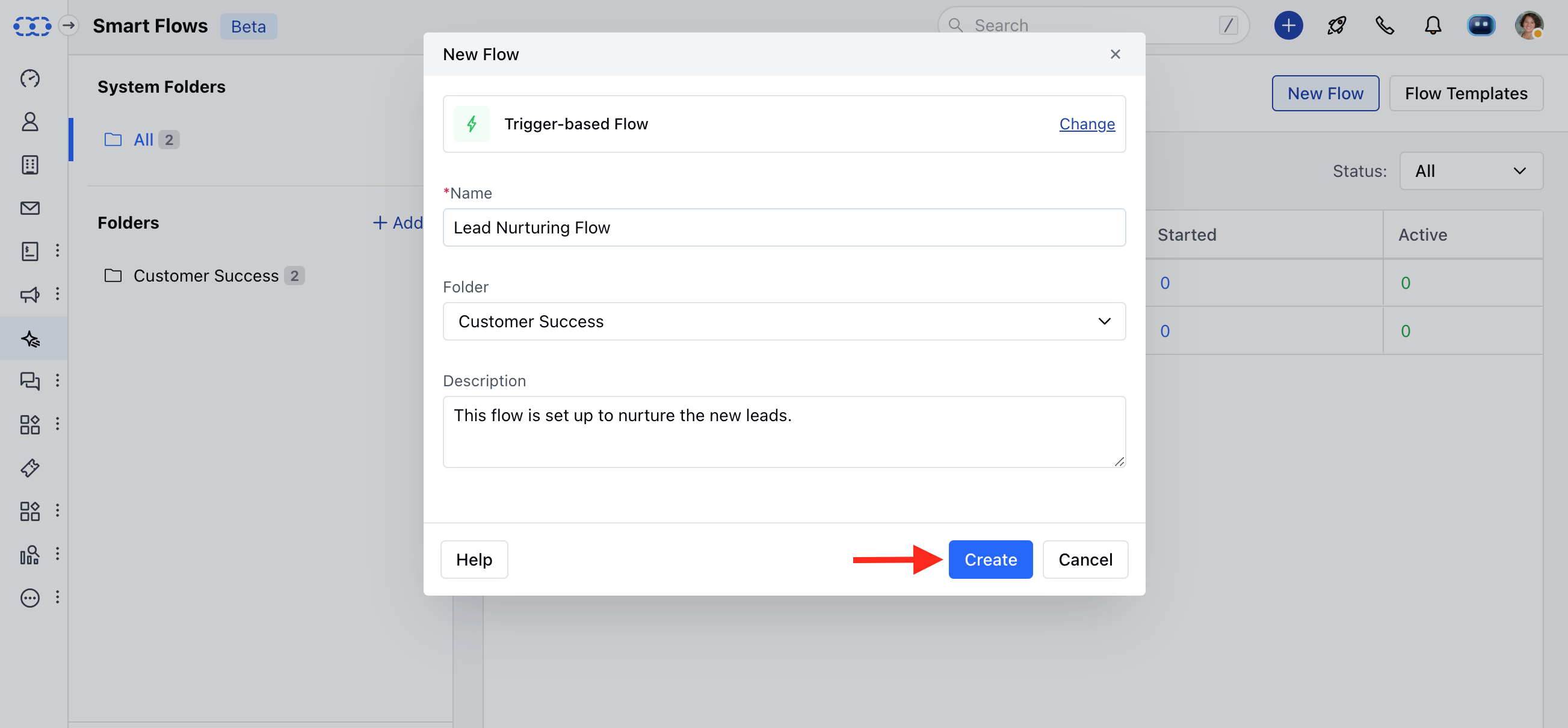
- Folder: Select the Folder
- Description: Give a brief description of Flow been created.
Practical Example When a new subscriber signs up on your website, an automated welcome email is sent to thank them and introduce your services. A tag, such as “New Subscriber,” is added to their profile for future segmentation. Additionally, a follow-up email with helpful resources or a special offer is scheduled to be sent a week later. This kind of flow helps engage new subscribers and increases the likelihood of conversion.