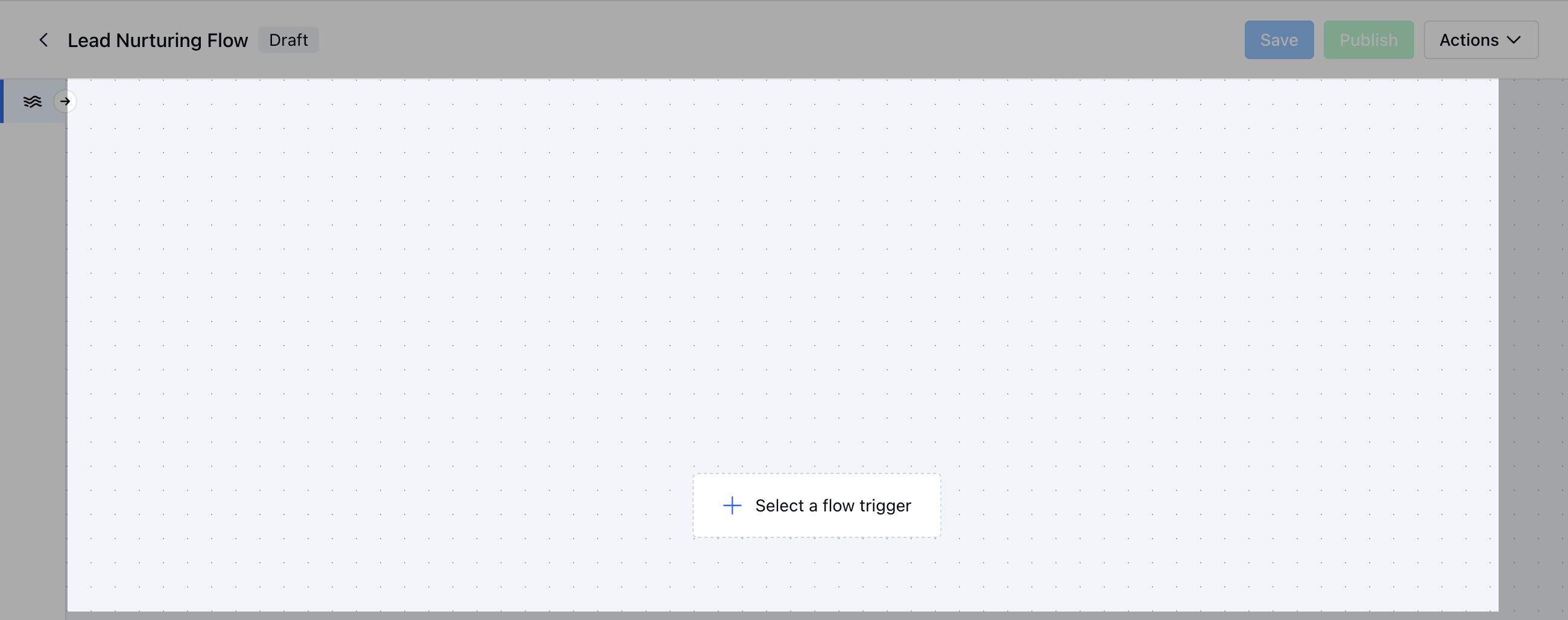
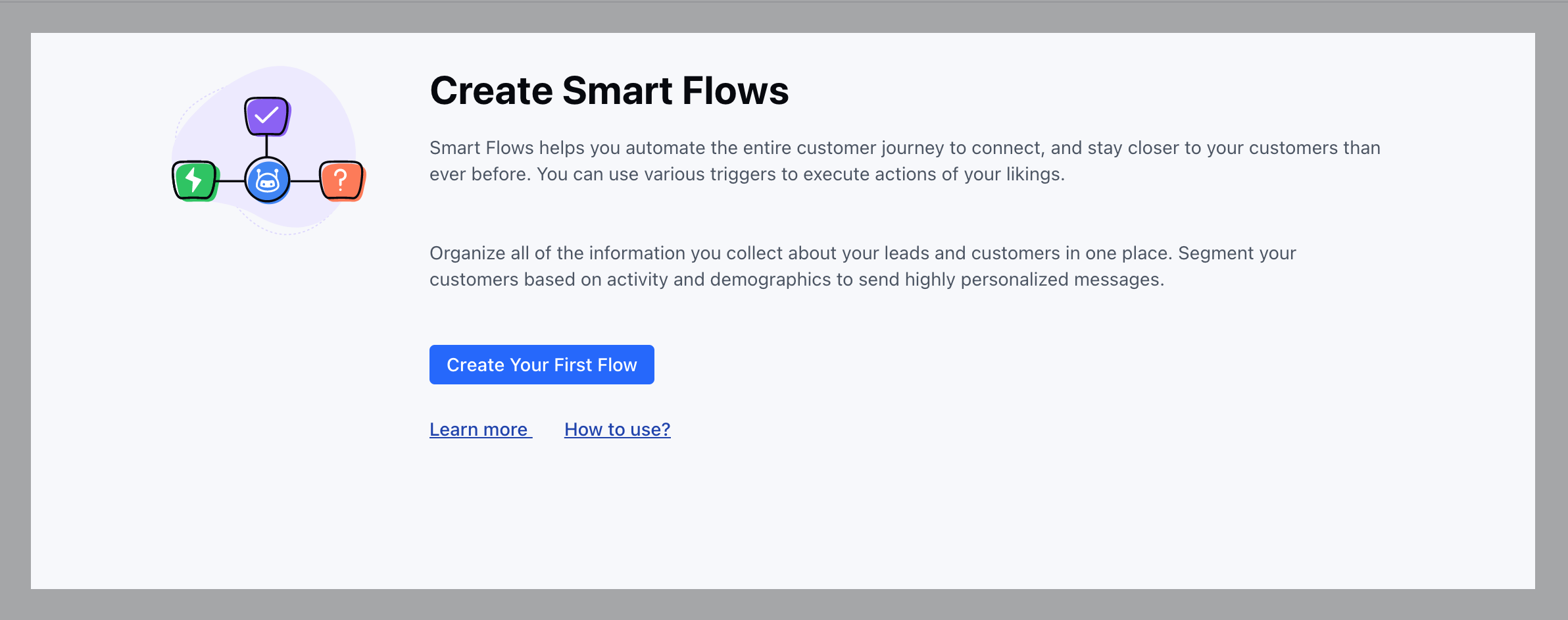
How to Create New Smart Flow
To Create a New Smart Flow, Access Smart Flows feature from left menu bar.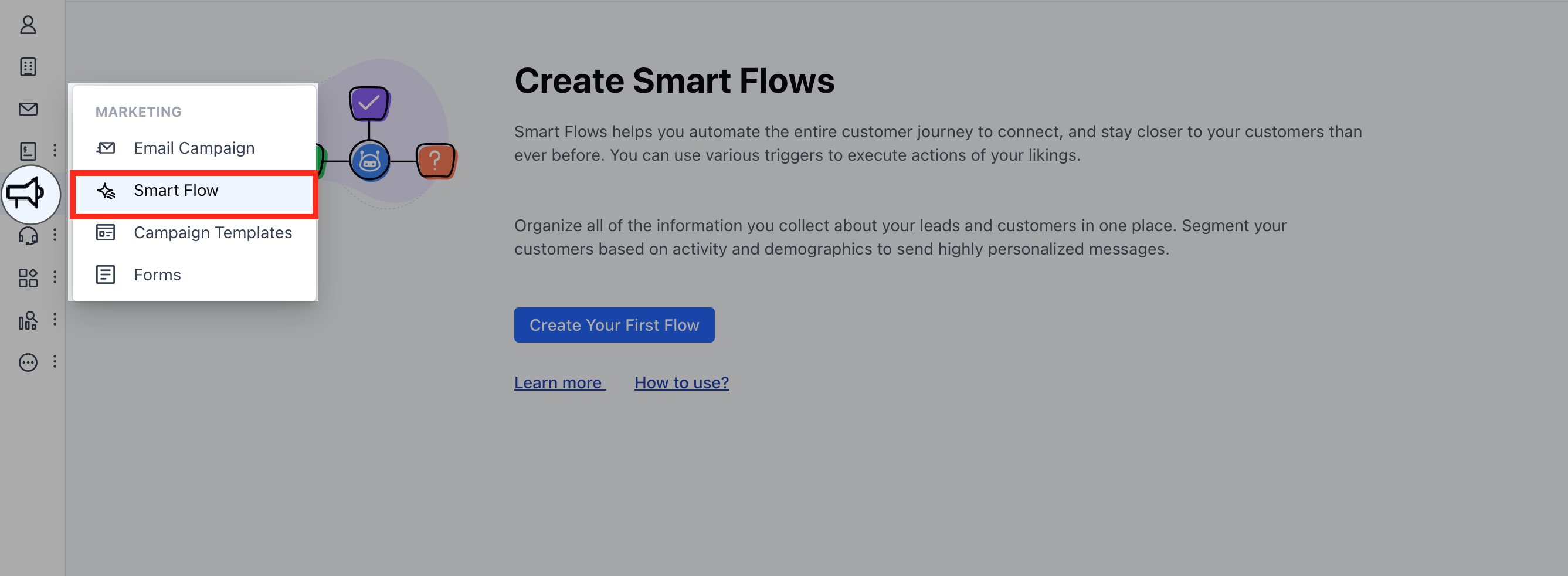
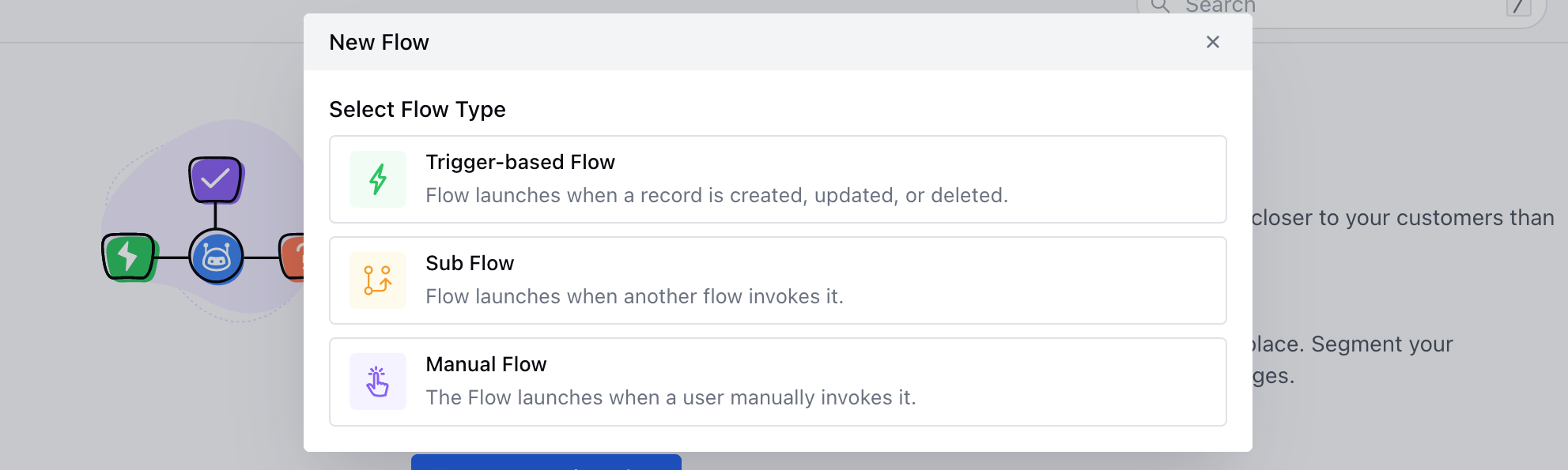
- Sub Flow: The flow will be initiated when it is invoked by another flow.
- Manual Flow: The flow is initiated manually by a user.
- Asynchronous execution: Select this method when you have a few common steps you want to call out in different flows. This supports ‘wait’ steps like sending an email and waiting for a reply before executing the next step.
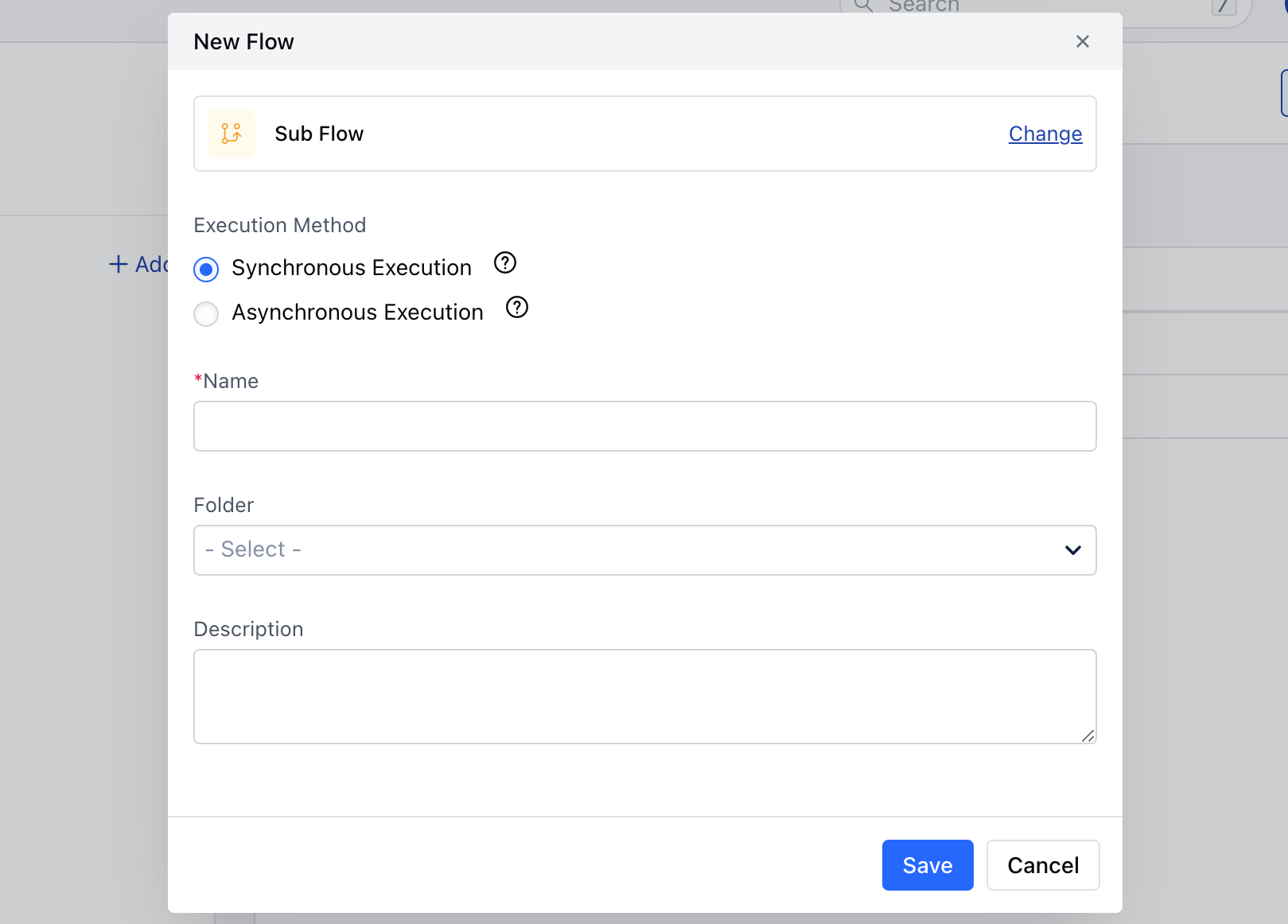
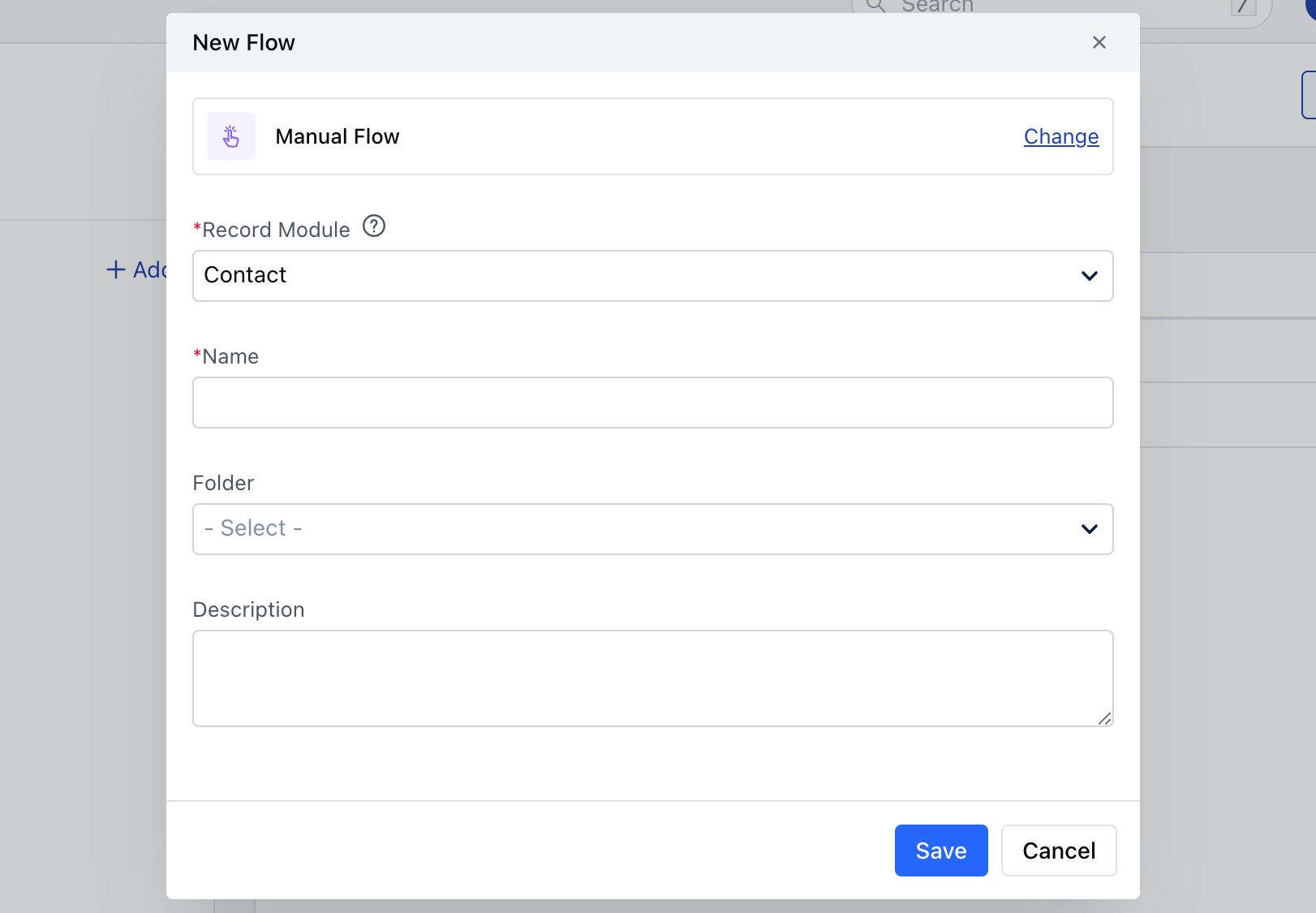
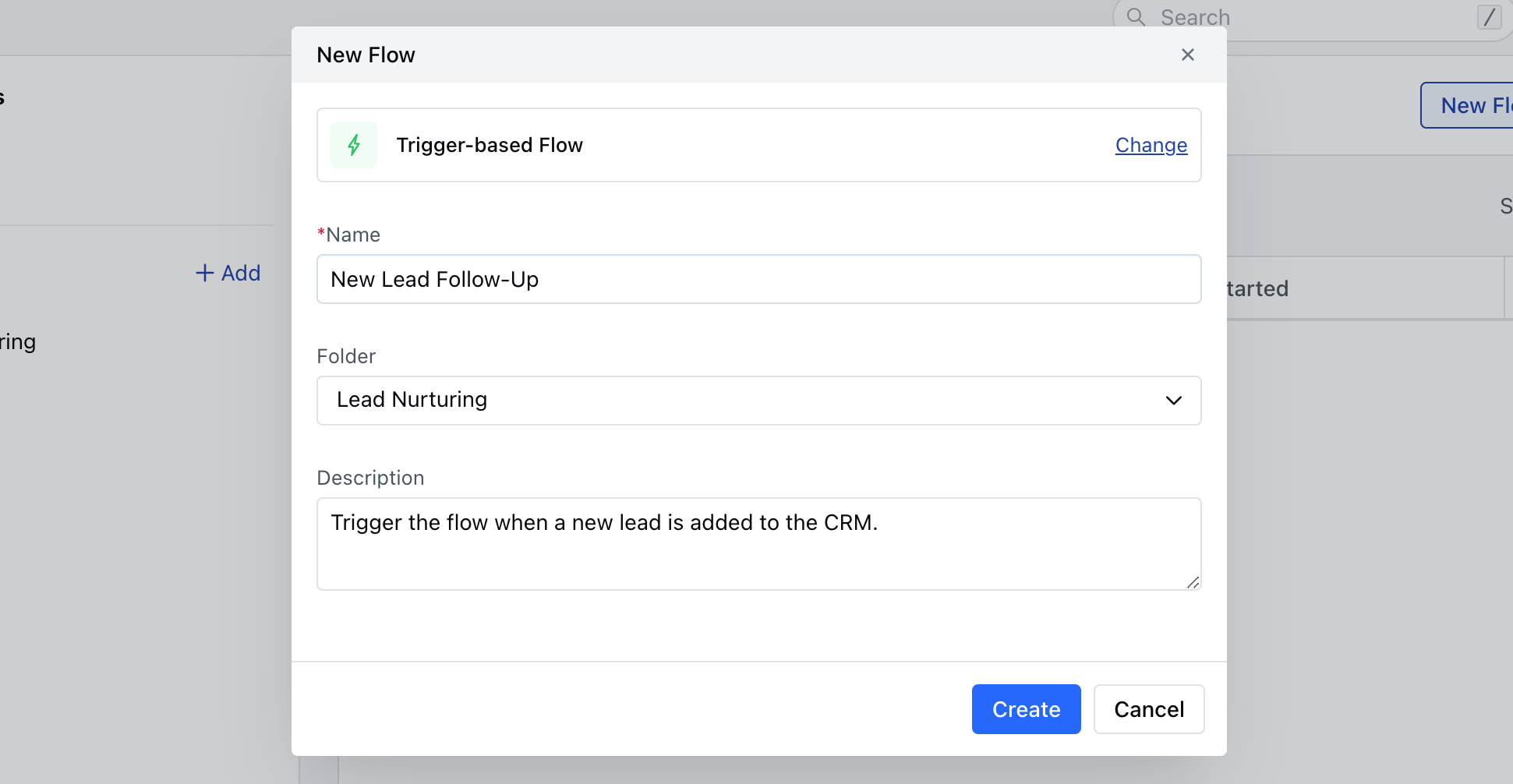
- Folder: Select the folder where you want to save the Flow.
- Description: Enter the brief information about the Flow you are creating.Once done,Save the information.