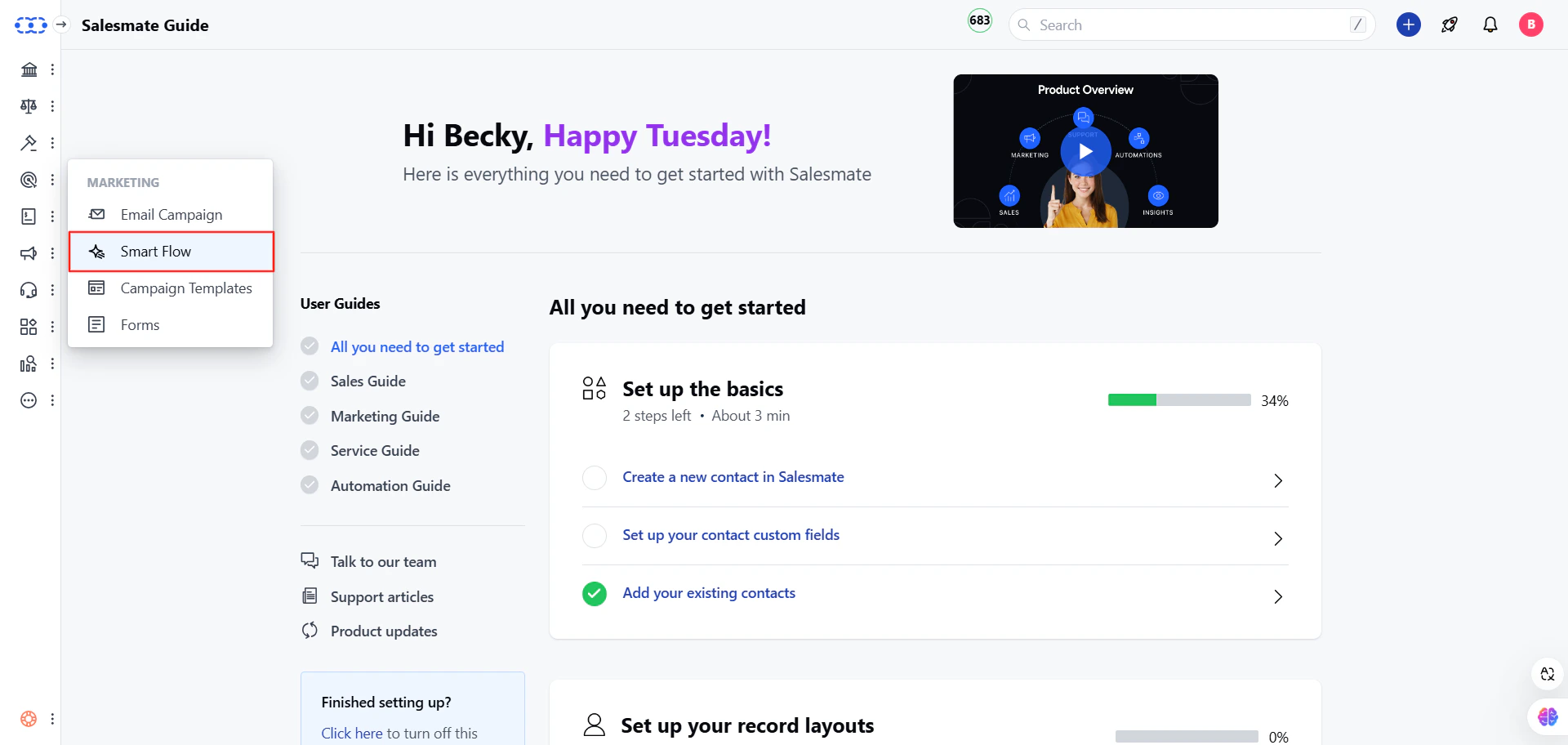
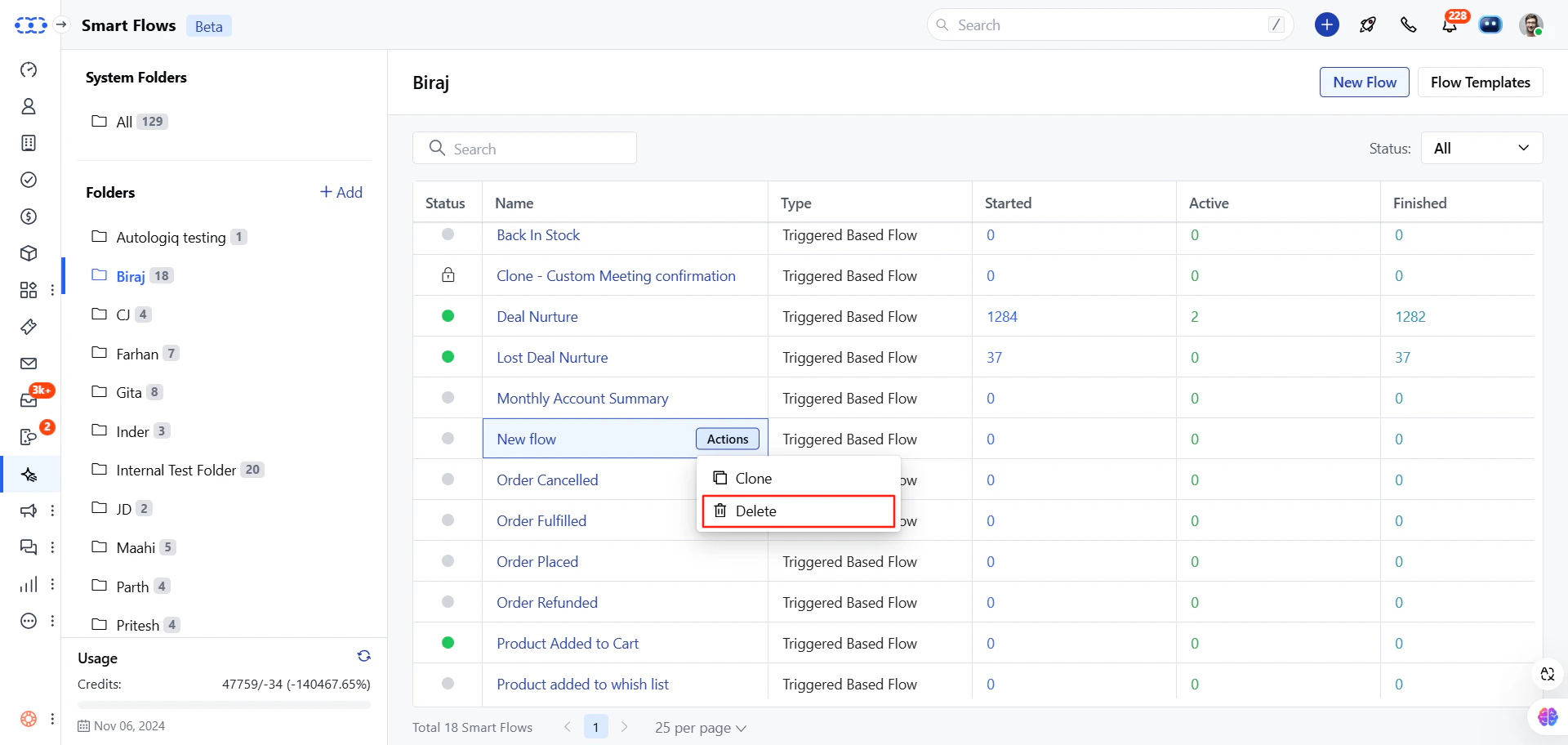
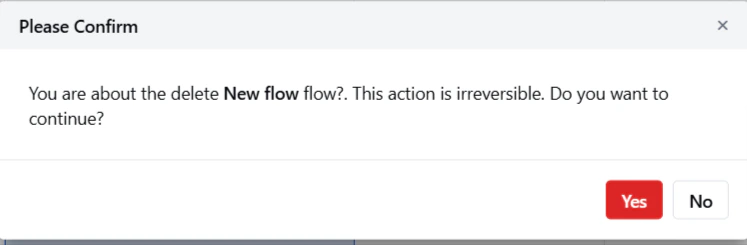
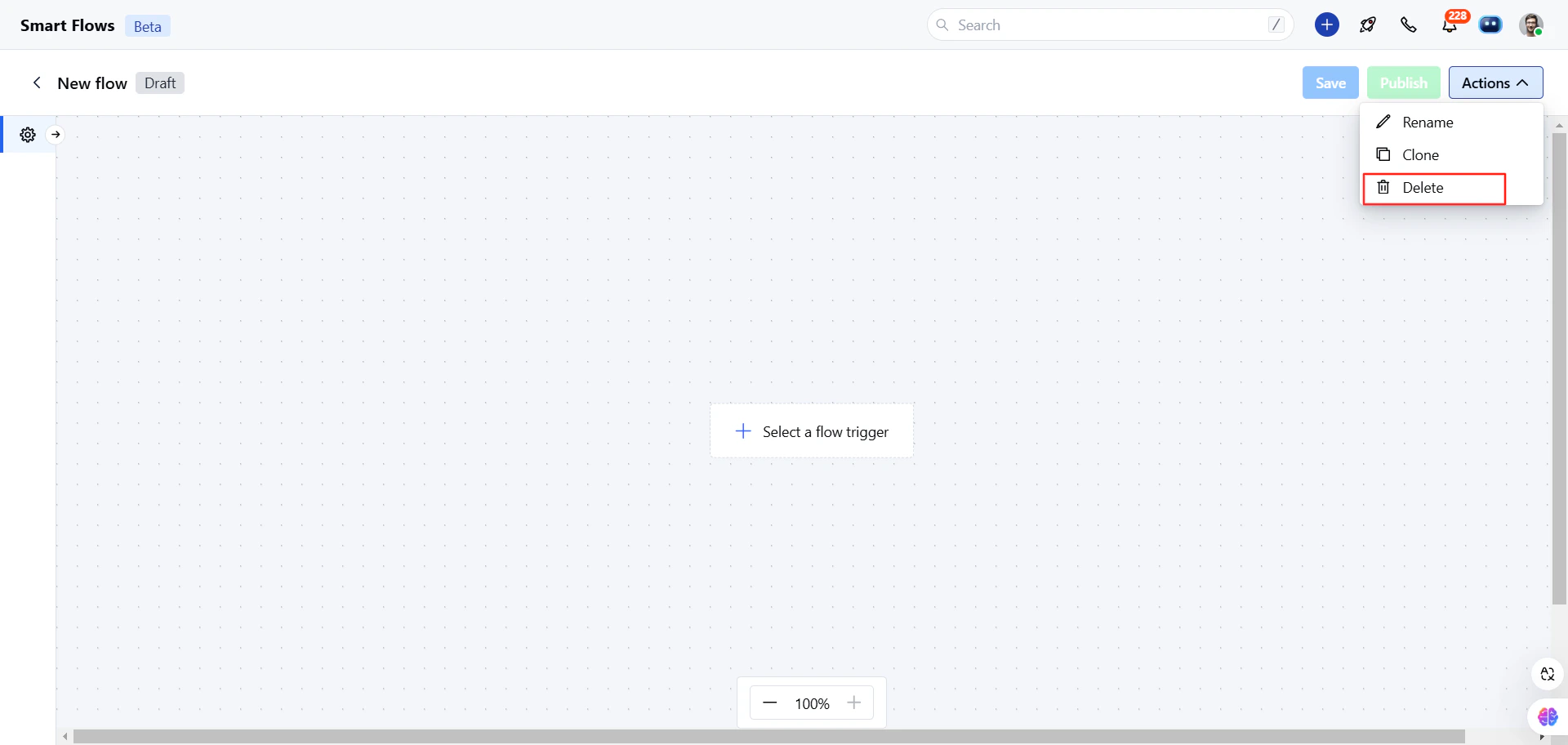
To delete a journey, please follow these steps:Navigate to the Outreach Icon from the left menu barClick on the Smart FlowFind your Flow.Click on the Actions button.Select the Delete option.Confirm your action to delete the Smart Flow.Or**Note:**On delete, all enrolled contacts to that Smart Flow get unenrolled. Delete operations are irreversible; once done, you can’t recover your Smart Flow. If you want to stop any flow temporarily, then use the Pause or Lock flow options.