Topics covered:
How to Create Manual Flow
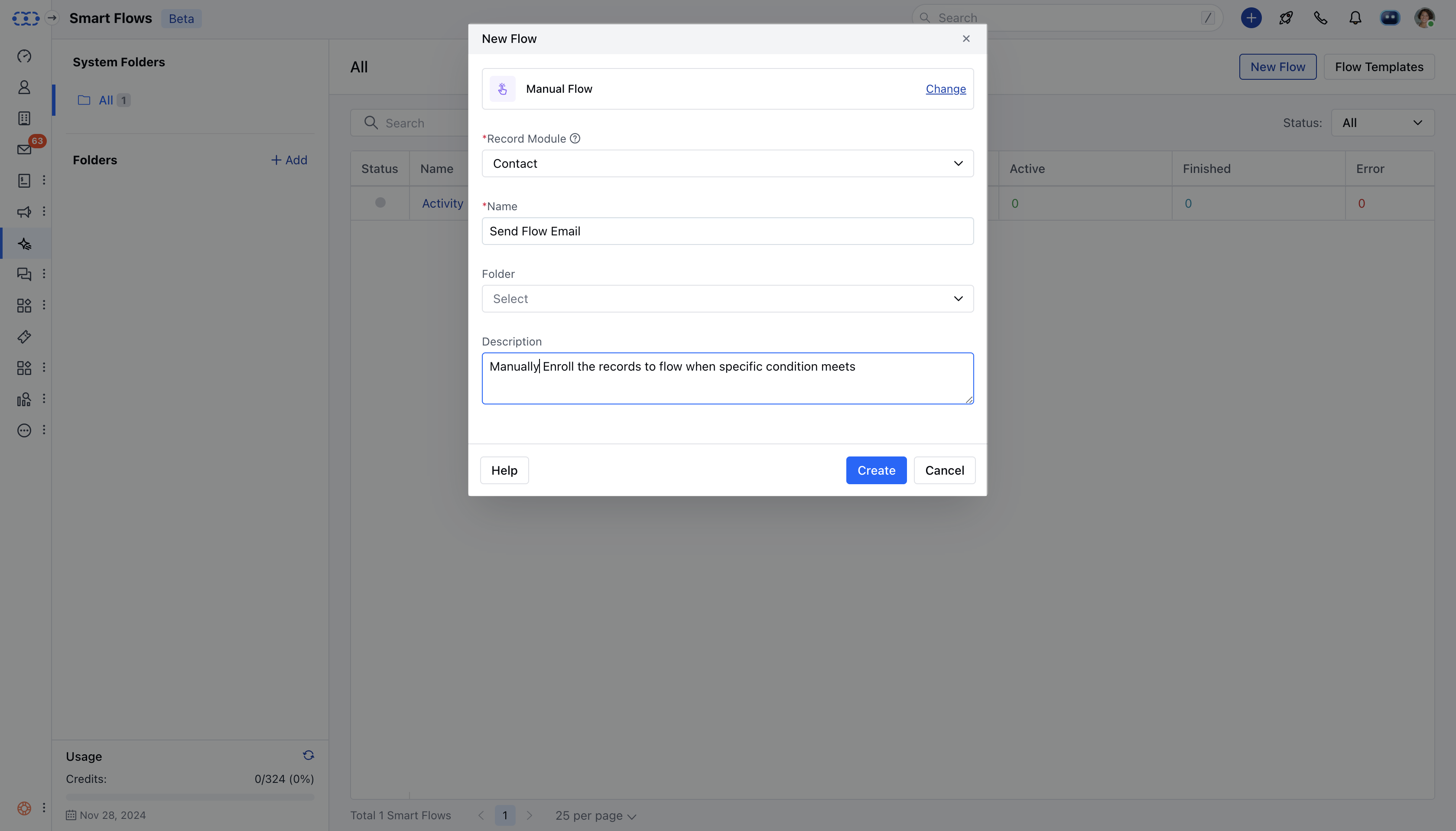
To create the Manual flow, Navigate to Smart Flows from left side outreachClick on ** New Flow ***
-
Select the flow type as* Manual Flow ***

- For* Manual Flow **, you’ll need to choose the record module
How to Enroll Records to Manual Flow
There are two ways to enroll the records,From the Detail View
Navigate to the required Module from the left menu barOpen the Detail view of the specific record you wish to enroll.Click on the Three dots in the top right cornerSelect the Enroll to Flow option.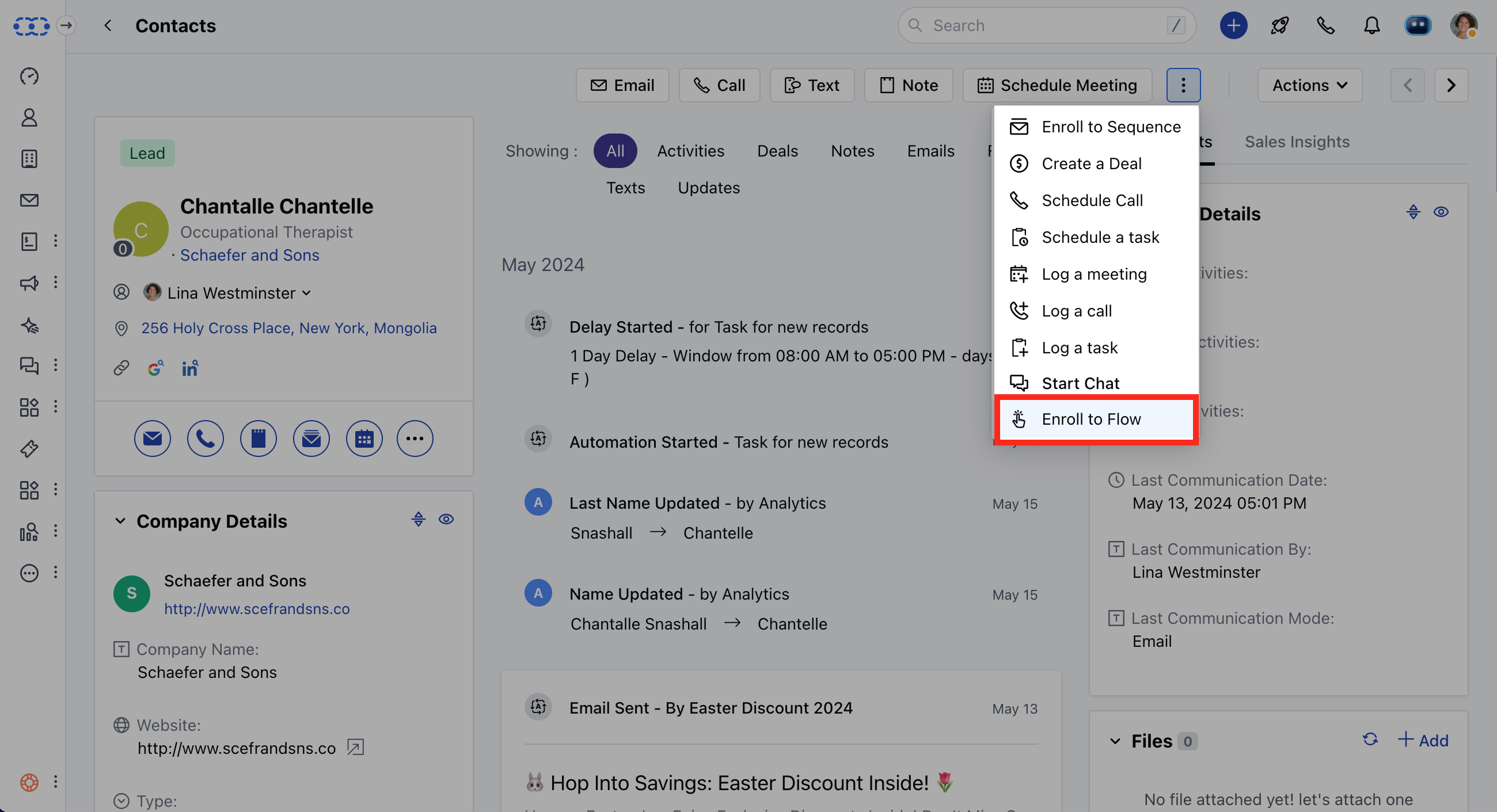
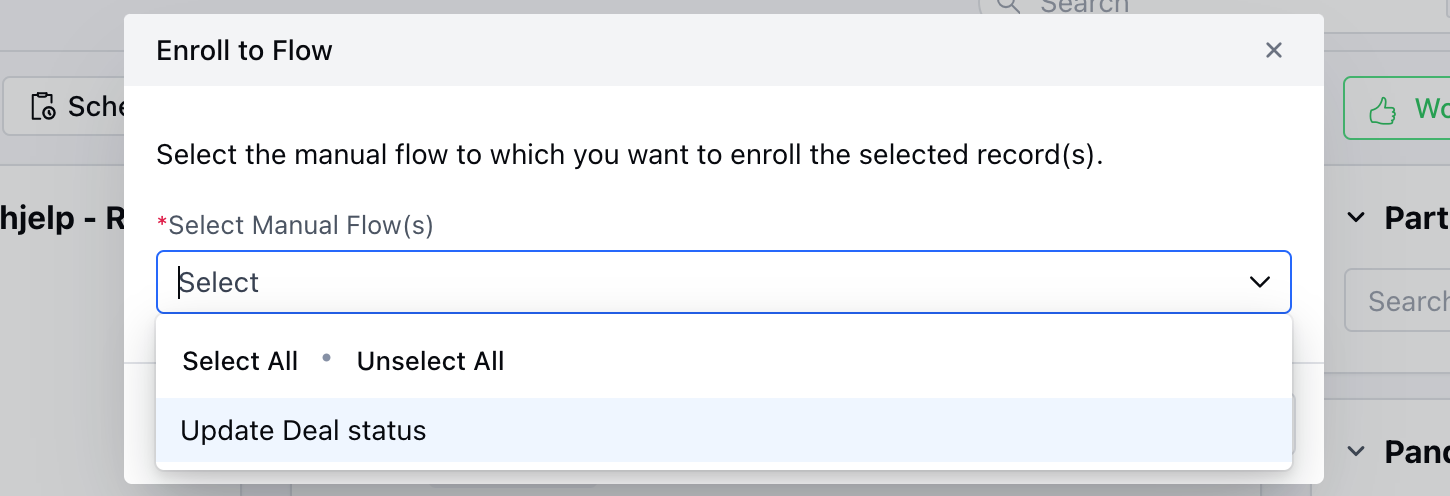
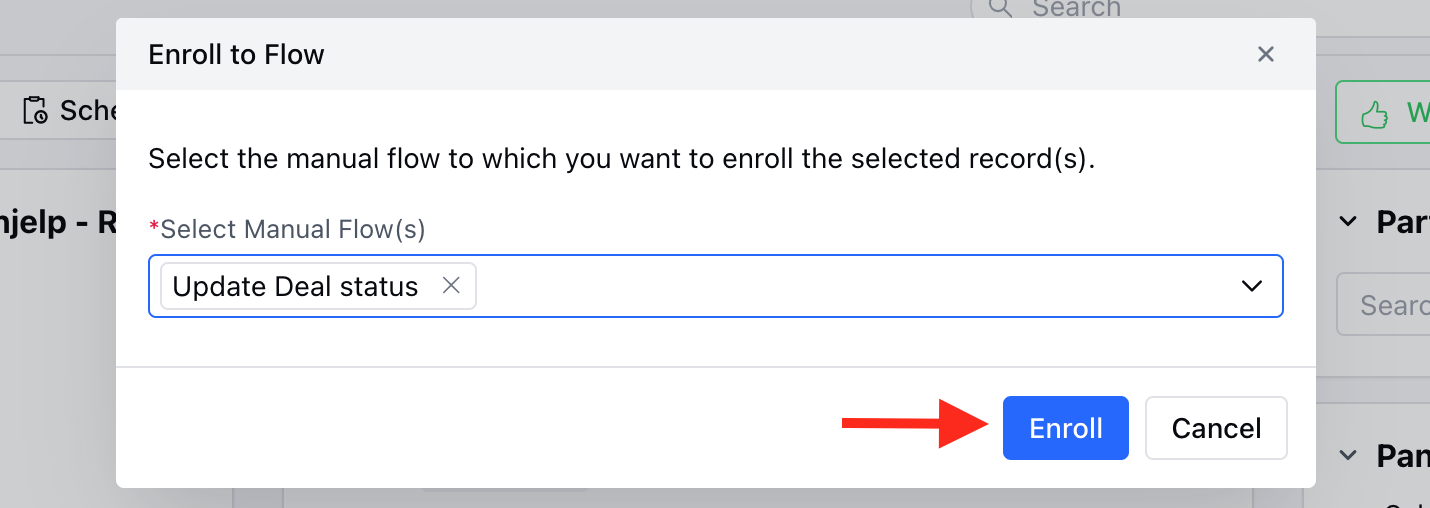
From the List View
Navigate to the Listing screen of the required Module.Select the records you want to enroll in by checking the corresponding boxes.Click on the Enroll to Flow option in the bulk actions toolbar.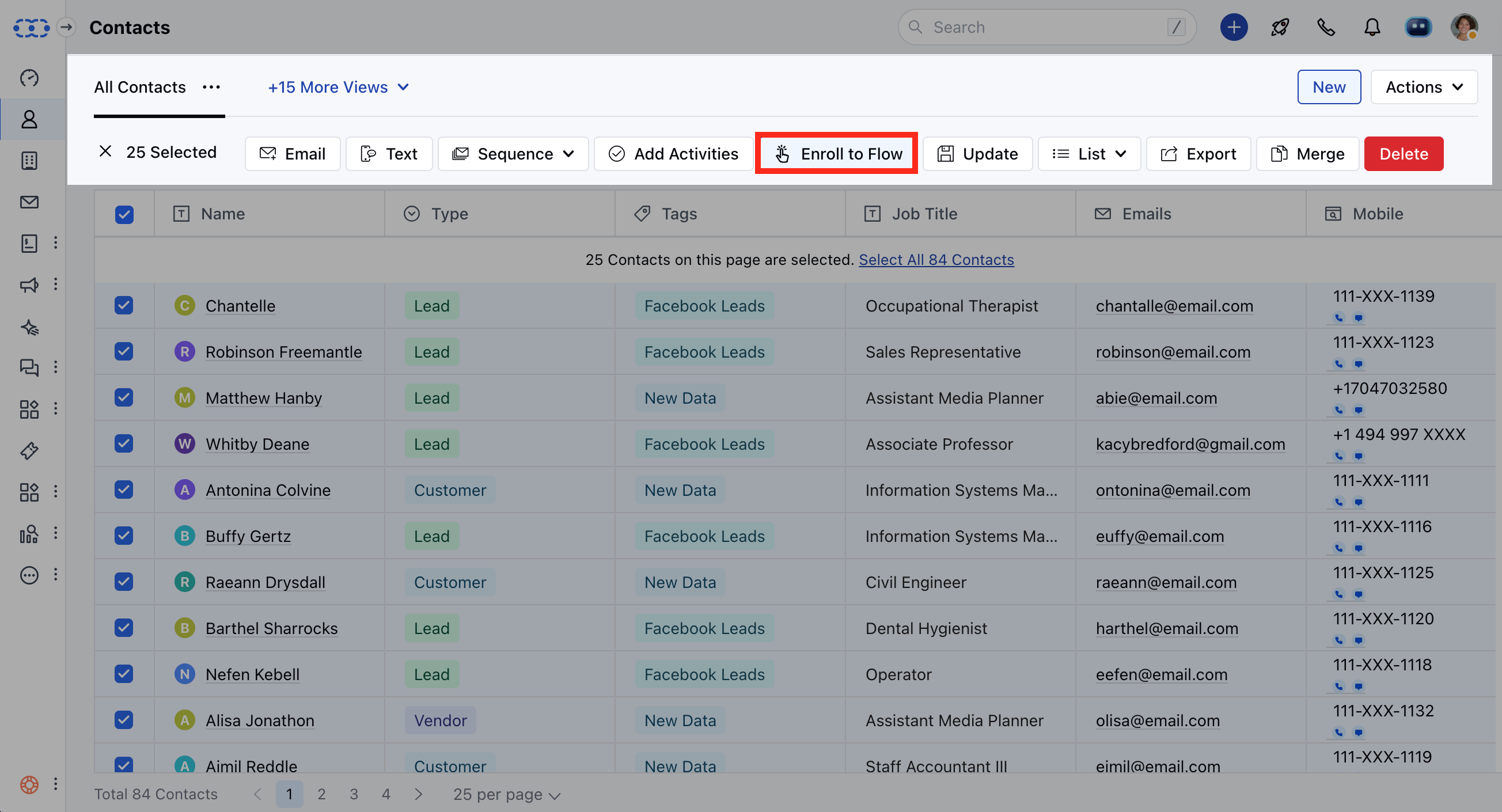
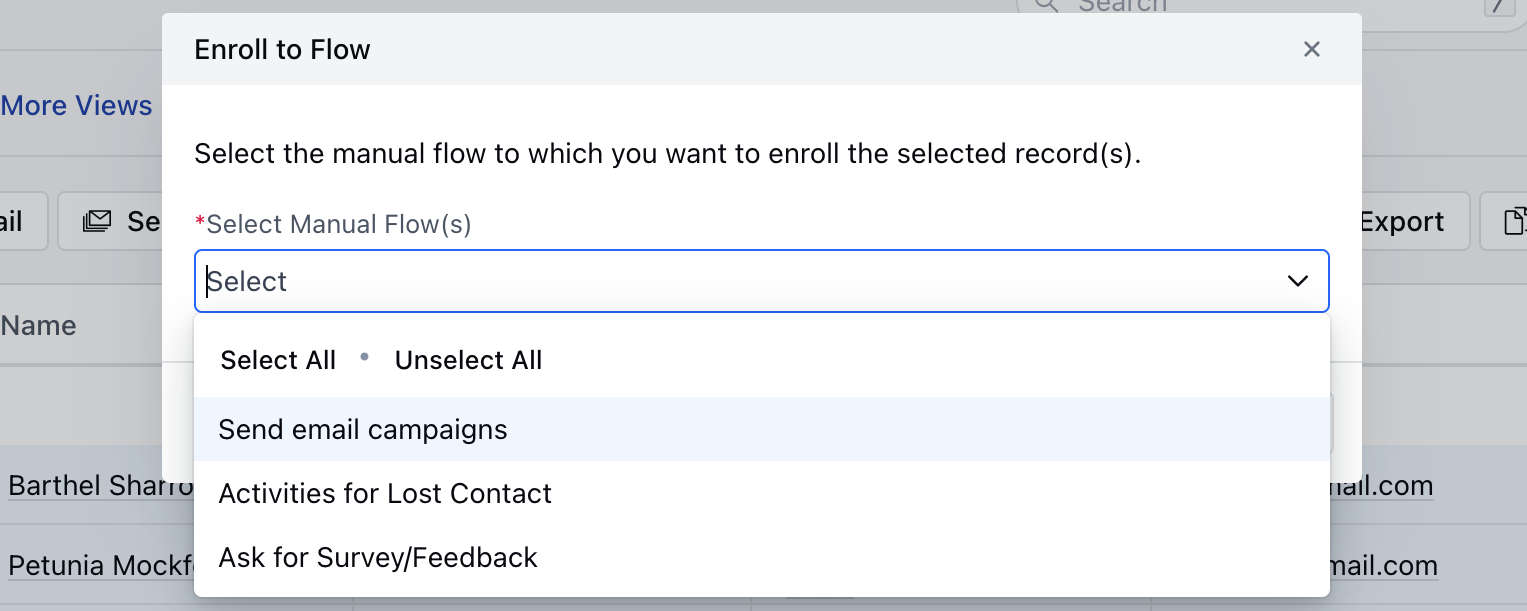
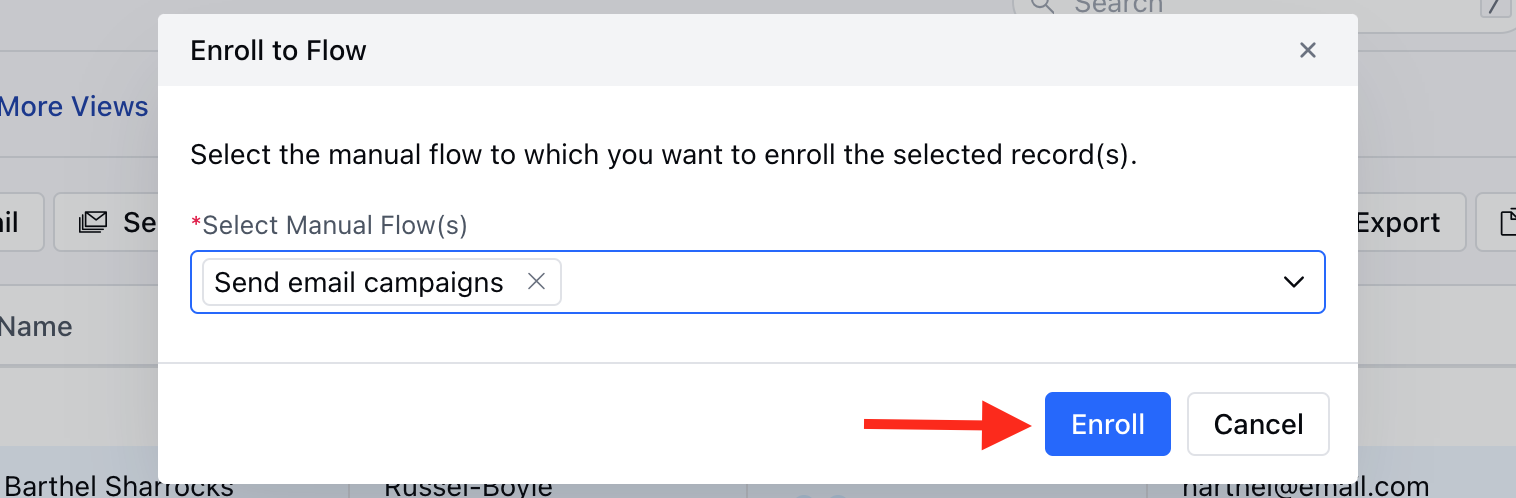
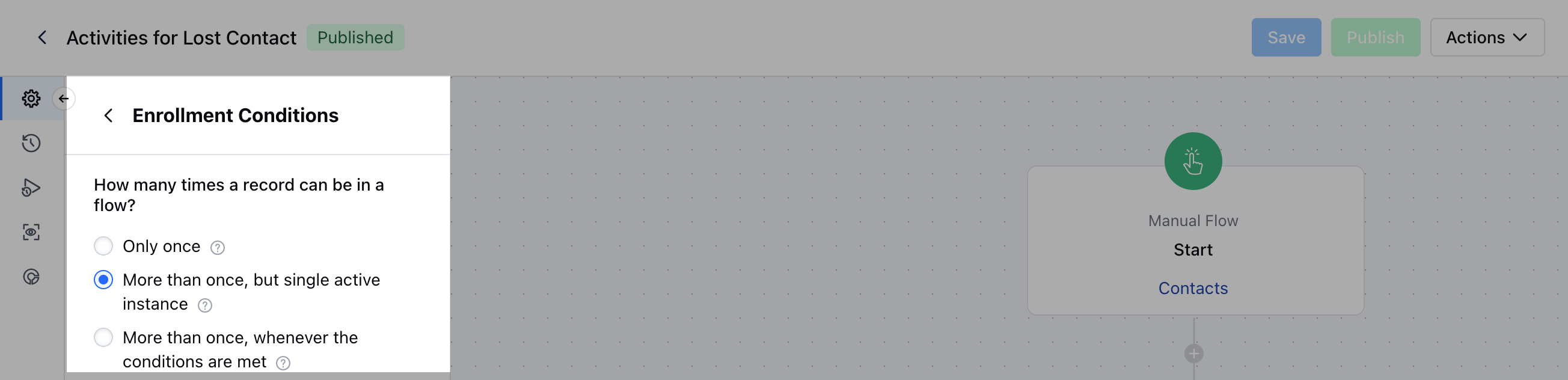
- **A manual flow can have the following enrollment conditions:**Only once:**A record can only enter this flow once **More than once, but single active instance:**A record can enroll in this flow whenever the conditions are met, provided that they are not running through the same flow.
- **More than once, whenever the conditions are met:**A record can enter this flow each time the trigger conditions are met.