How to Use Campaign A/B Testing
Navigate to the Outreach Icon on the left menu barClick on Email Campaign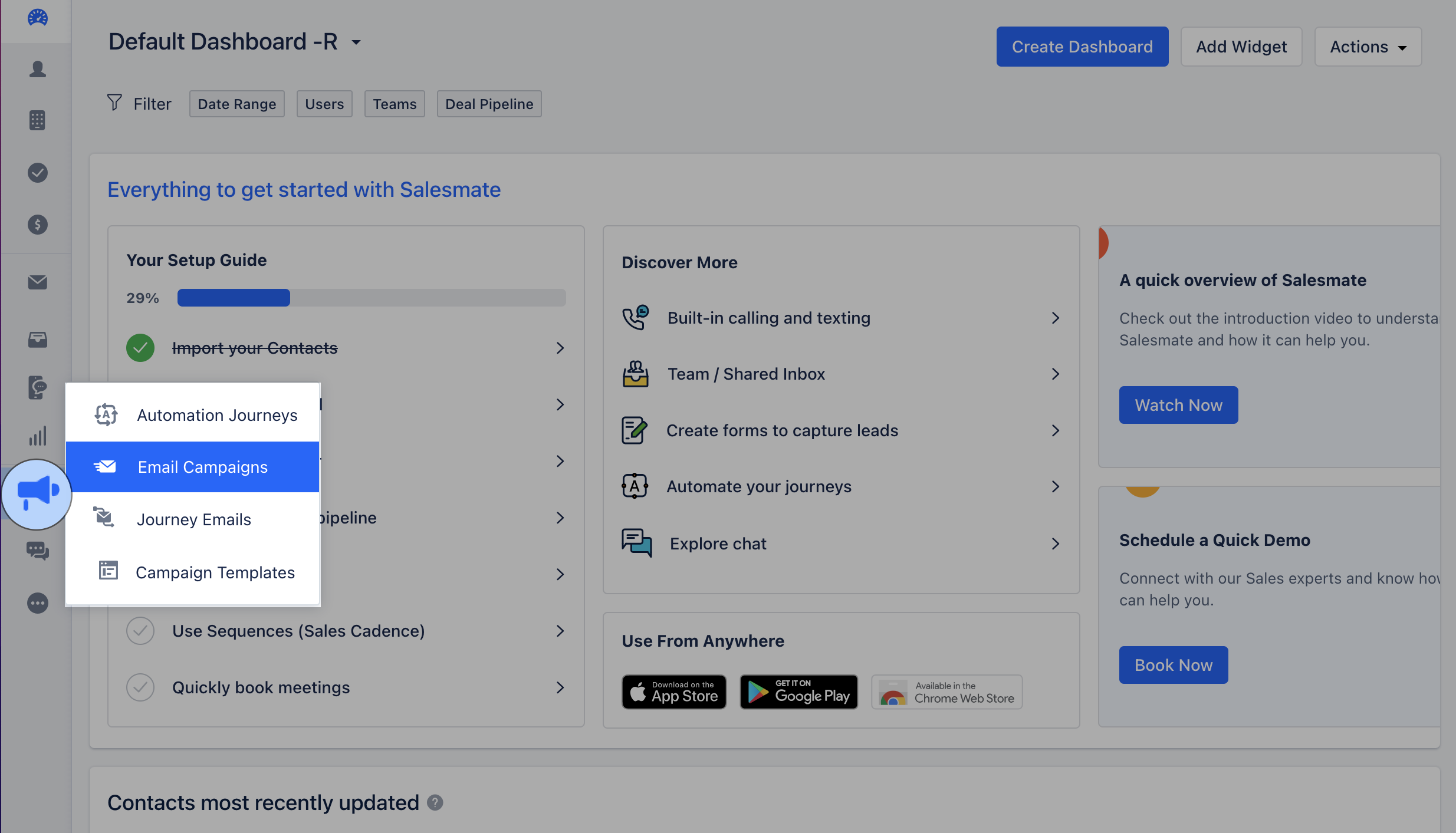
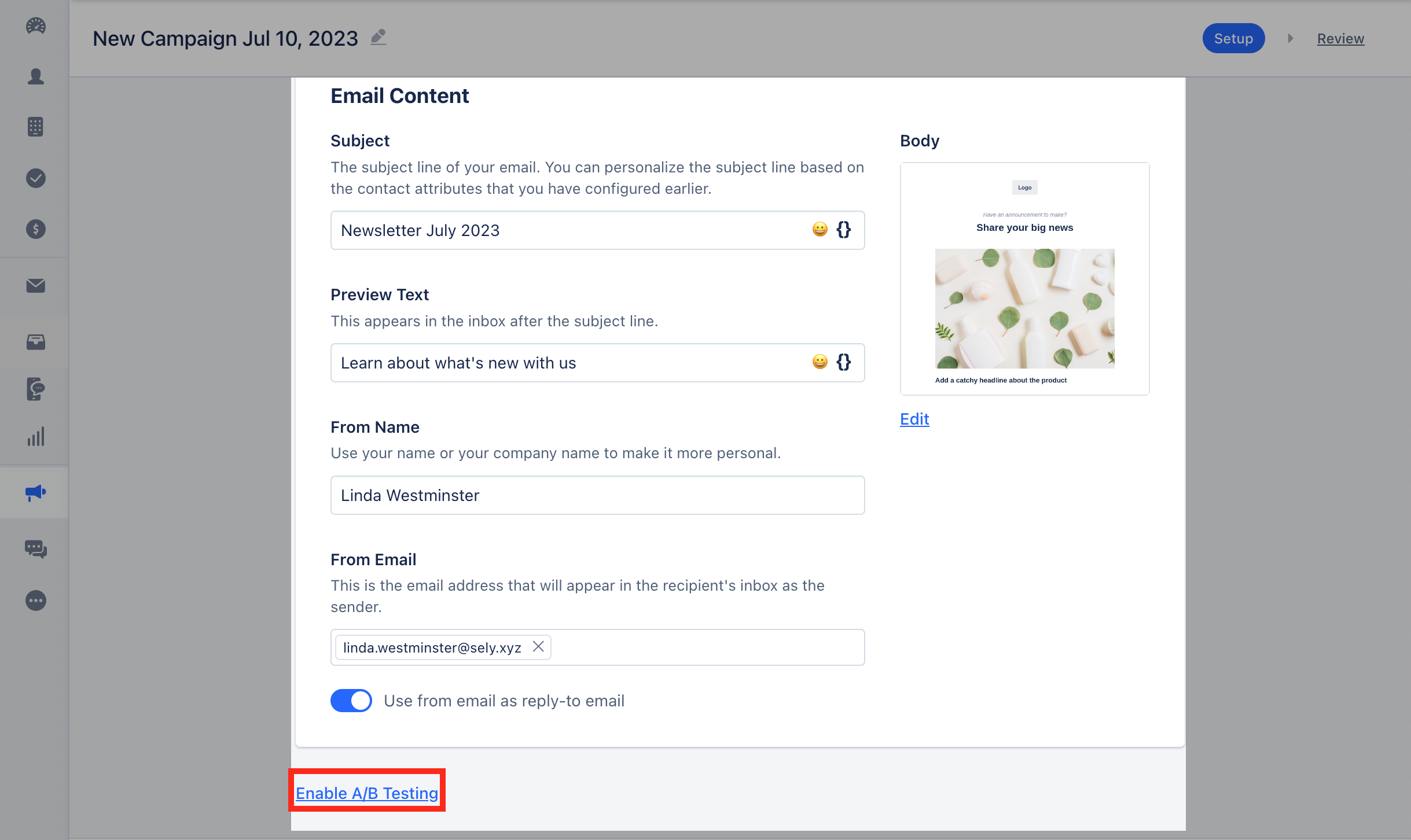
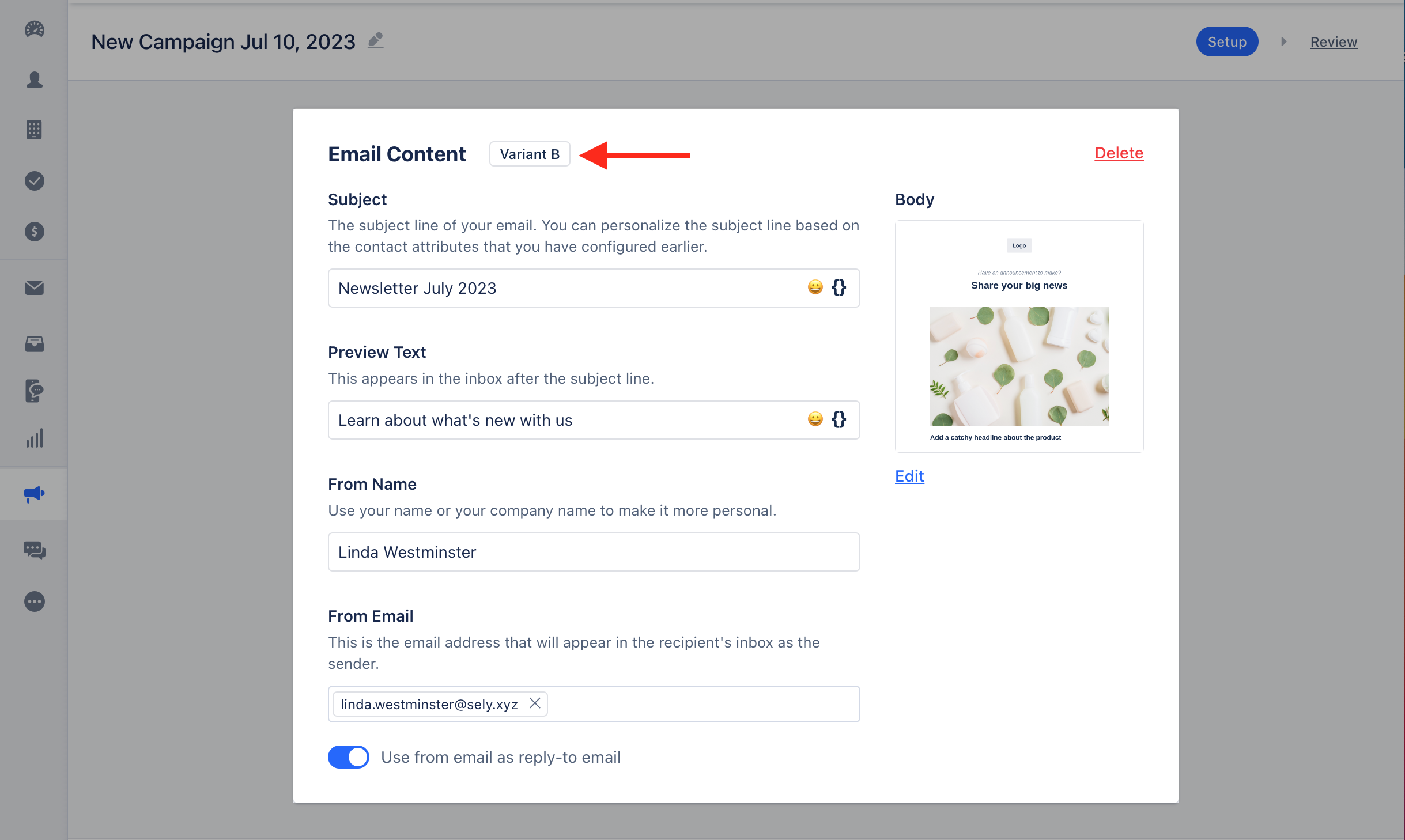
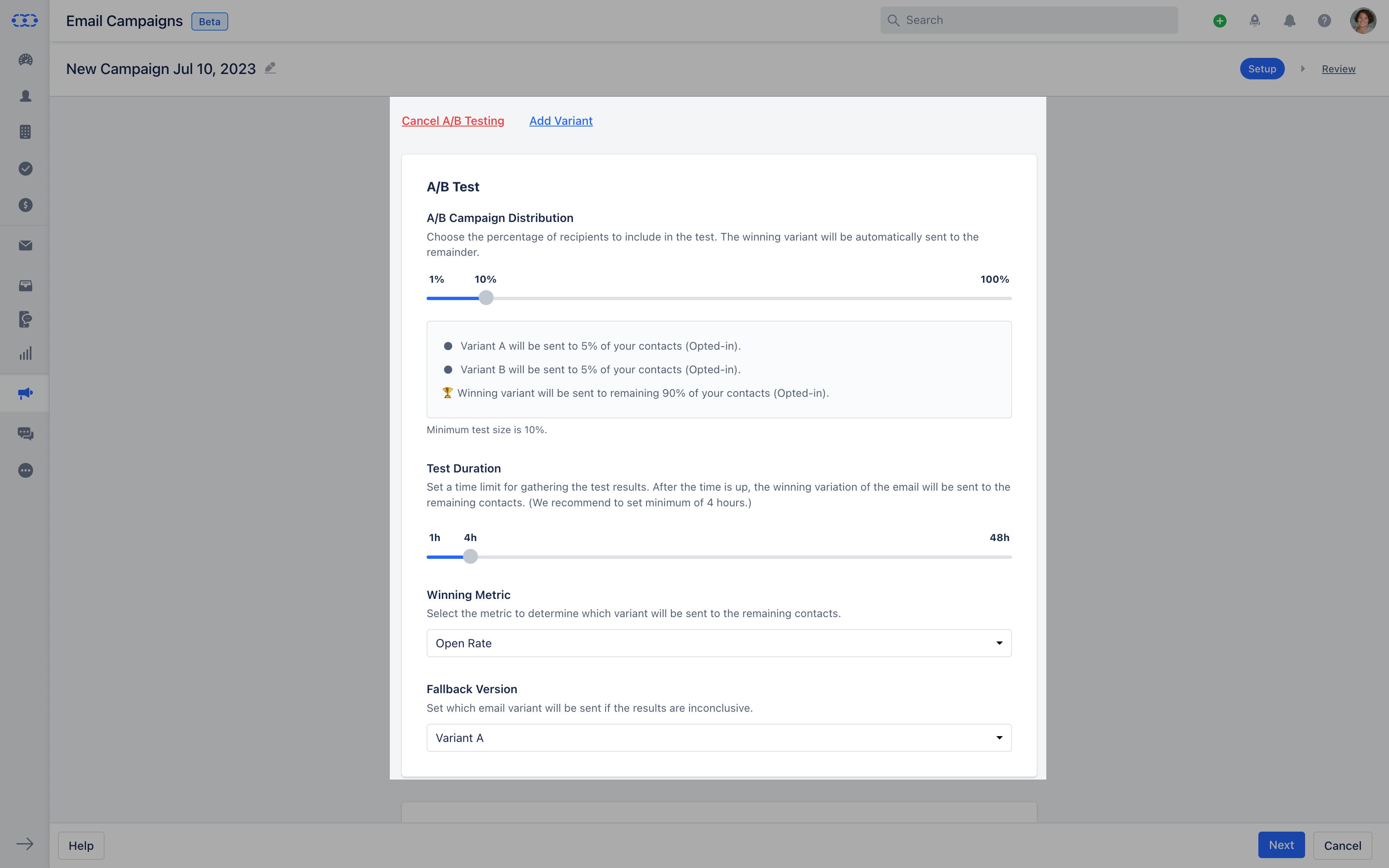
A/B Test Configuration **A/B Campaign Distribution:**Choose the percentage of receipts to include in the Test so that the winning variant will automatically be sent to the remainder.Suppose you select A/B Campaign Distribution as 40% then it would be tested with 20% of emails will be sent to Variant A and 20 % of the emails will be sent to Variant B. Winning variant will be sent to the remaining 60% of the contacts.
- **Test Duration
- **You need to be set for the time to test the variant. After the time is up the winning variant will be sent to remaining contacts.You need to set a minimum of 4 hrs of duration time and the Maximum test duration time for any campaign would be up to 48hrs. You cannot set the slider to be below 10%100% A/B Distribution will be equally set distribution and there would be no Fall back version.
- **Winning Metric -**You need to select the metric parameter in order to determine the winning variant.
- **Open Rate -**The number Of times the email is been opened **Click Rate -**How many times links have been clicked.
- **Click-through Rate -**Links Clicked from opened emails in a given time.
- **Fallback version -**You must set which email variant will be sent if the result is inconclusive.
Here, the winning variant template will be sent to the remaining contacts once the test duration is completed.