

Topics covered:
- Difference between Transactional and Non Transactional Emails
- How to Create a Transactional Email Template
- How to Send Transactional Emails via Smart Flow
Difference between Transactional and Non Transactional Emails
Examples of transactional emails include order confirmations, password reset links, shipping updates, and invoice or payment receipts. These emails are sent directly to individuals based on a specific action they’ve taken, making them one-to-one communications. They are strictly functional in nature, focused on completing or confirming a transaction, and do not require the recipient’s marketing consent. Since they are not promotional, an unsubscribe link is not required.Non-transactional emails are promotional in nature and are typically sent to a larger audience to drive engagement or sales. Examples include newsletters, limited-time offers, product announcements, and event invitations. These emails are not triggered by a user action but are instead part of a broader marketing strategy. Because they promote content or services, they require the recipient’s prior consent and must include an option to unsubscribe, as mandated by email compliance regulations.How to Create a Transactional Email Template
Navigate to the Outreach section from the left menu bar.Click on Journey Emails.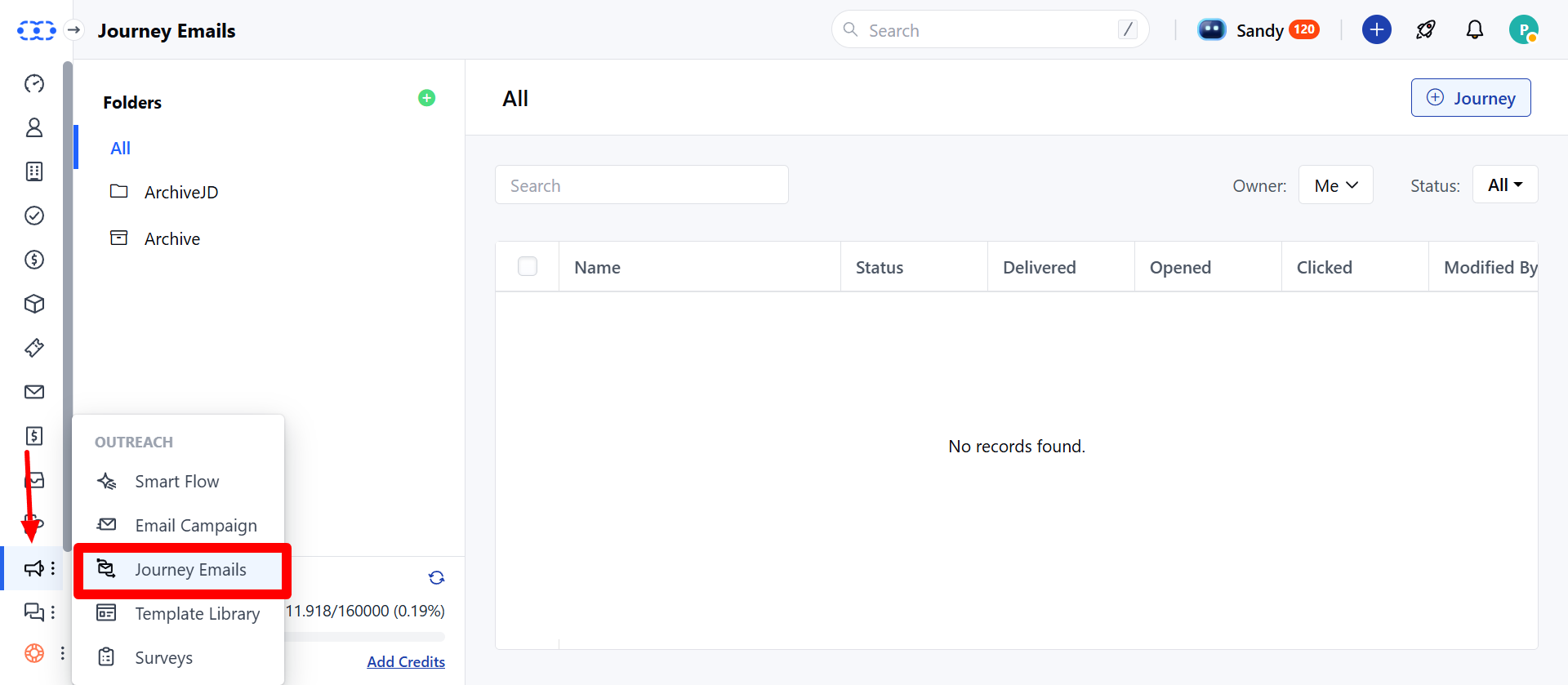
Email Type Selection
In the Email Type field, choose whether the email is Transactional or Non-Transactional. Please select “Transactional” under Email Type.If Transactional is selected,Subscription Type will not be required.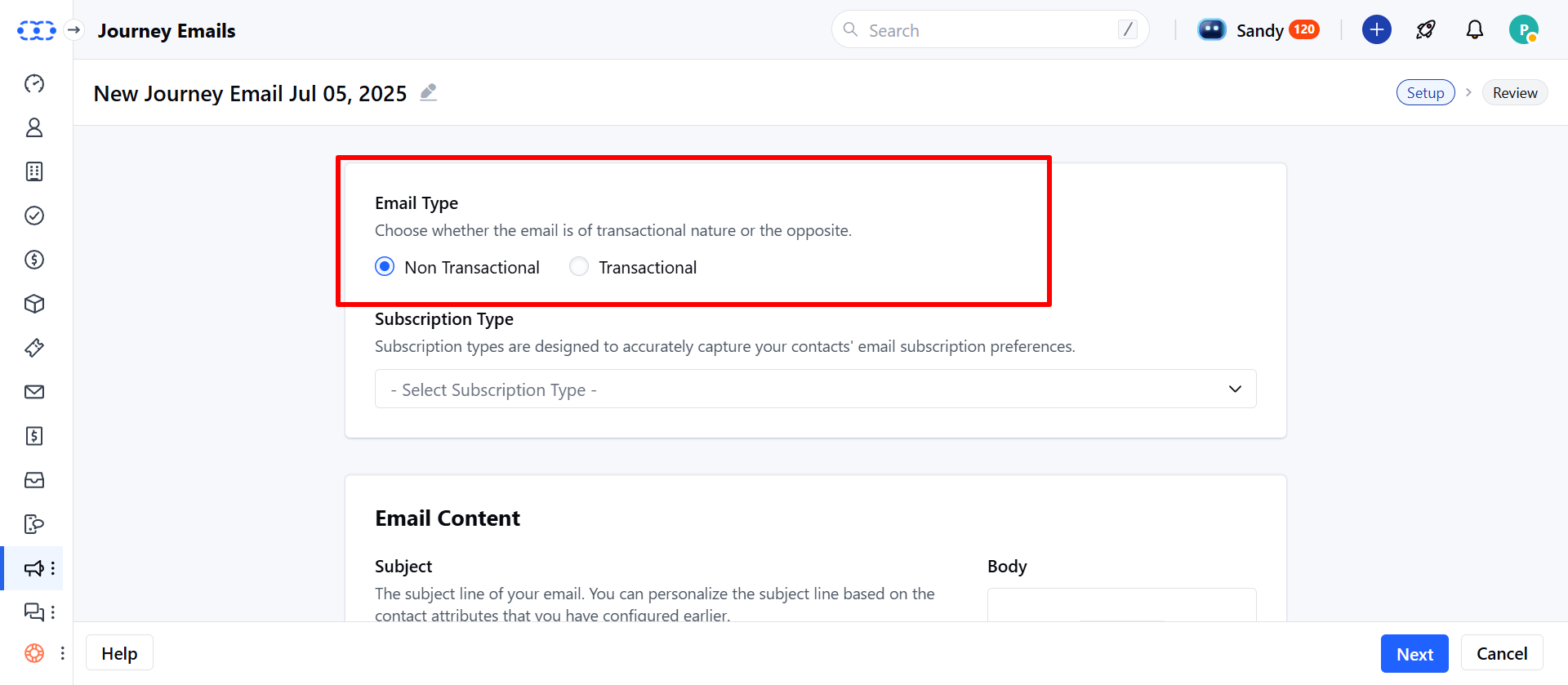
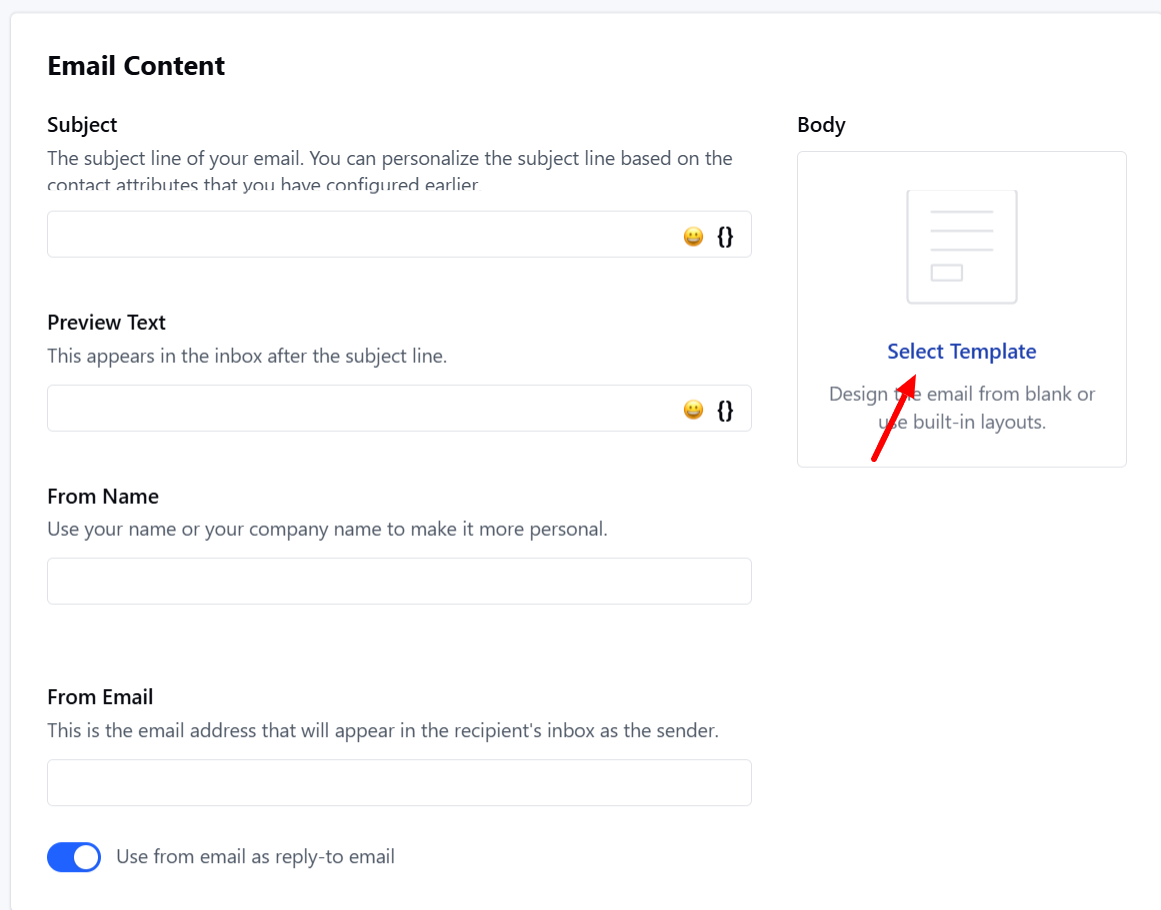
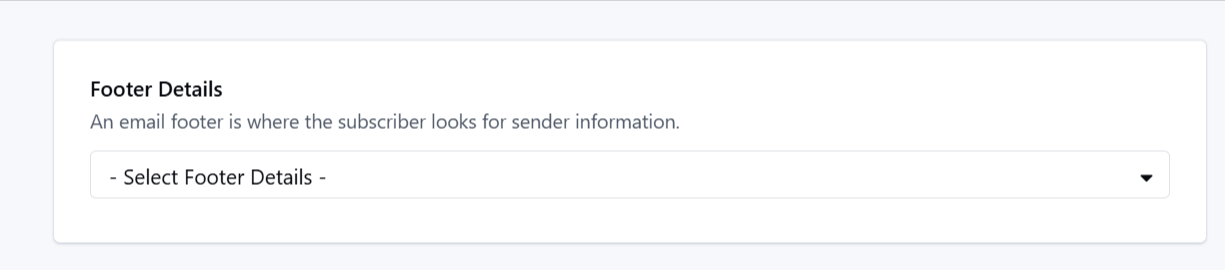
- Template Setup Choose an existing template or create one from scratch.Provide sender information:** From Name **From Email **Subject **Reply-To Email **
How to Send Transactional Emails via Smart Flow
Go to Smart Flow under Outreach section and create a new Smart Flow.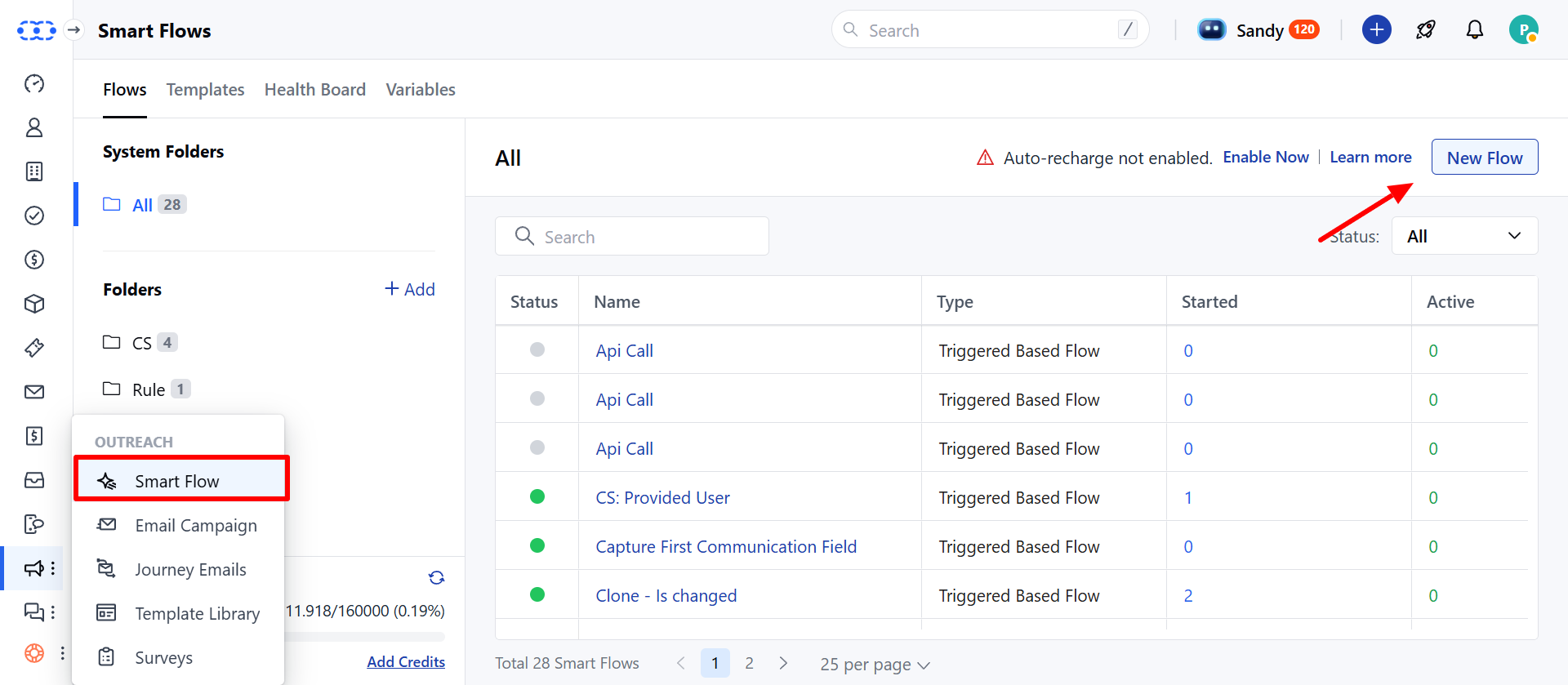
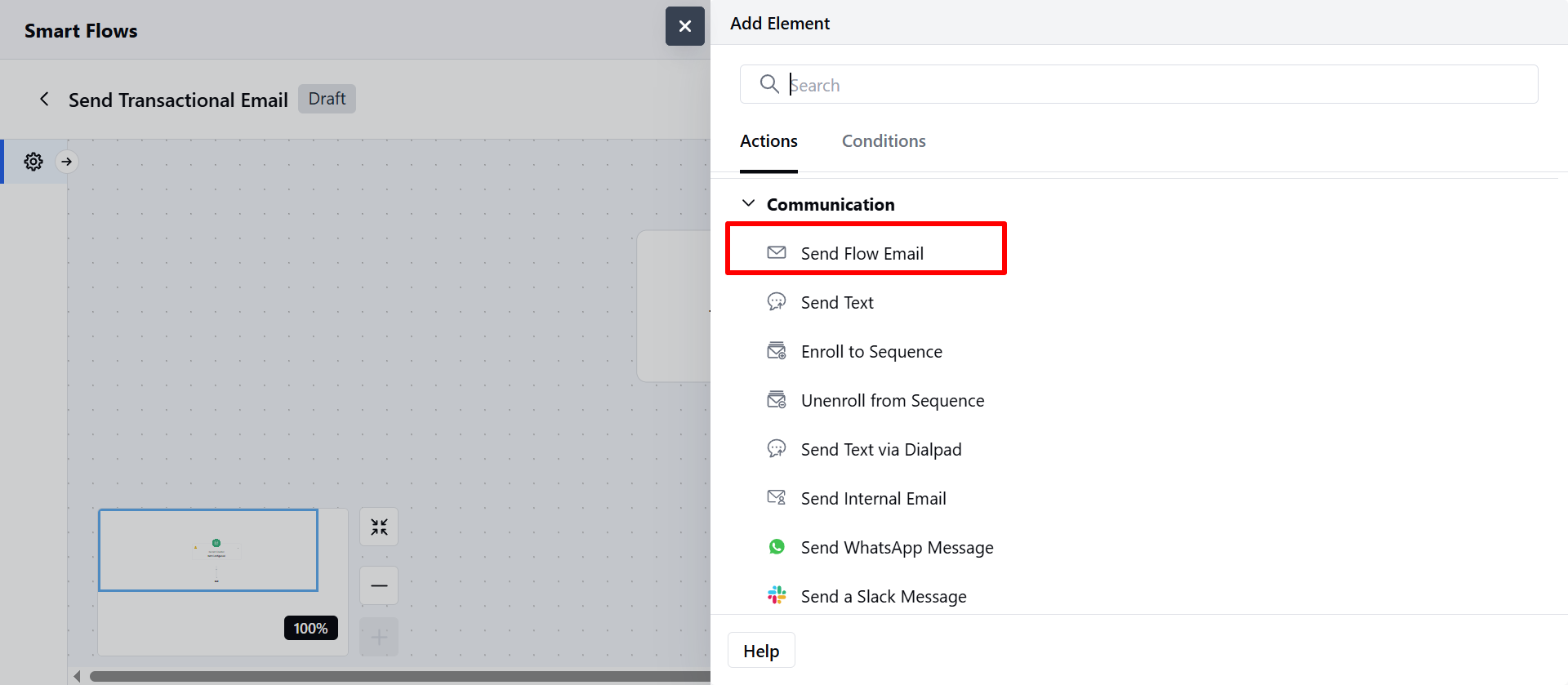
- Note: