Note: A User with Manage Permission Rights can perform this action. The deleted records remain in the Deleted Records section for 30 days. You can recover deleted tickets within the next 30 days from the deletion date.
Delete the Single Ticket
To Delete the single Ticket,- Navigate to the Tickets module from the left menu bar
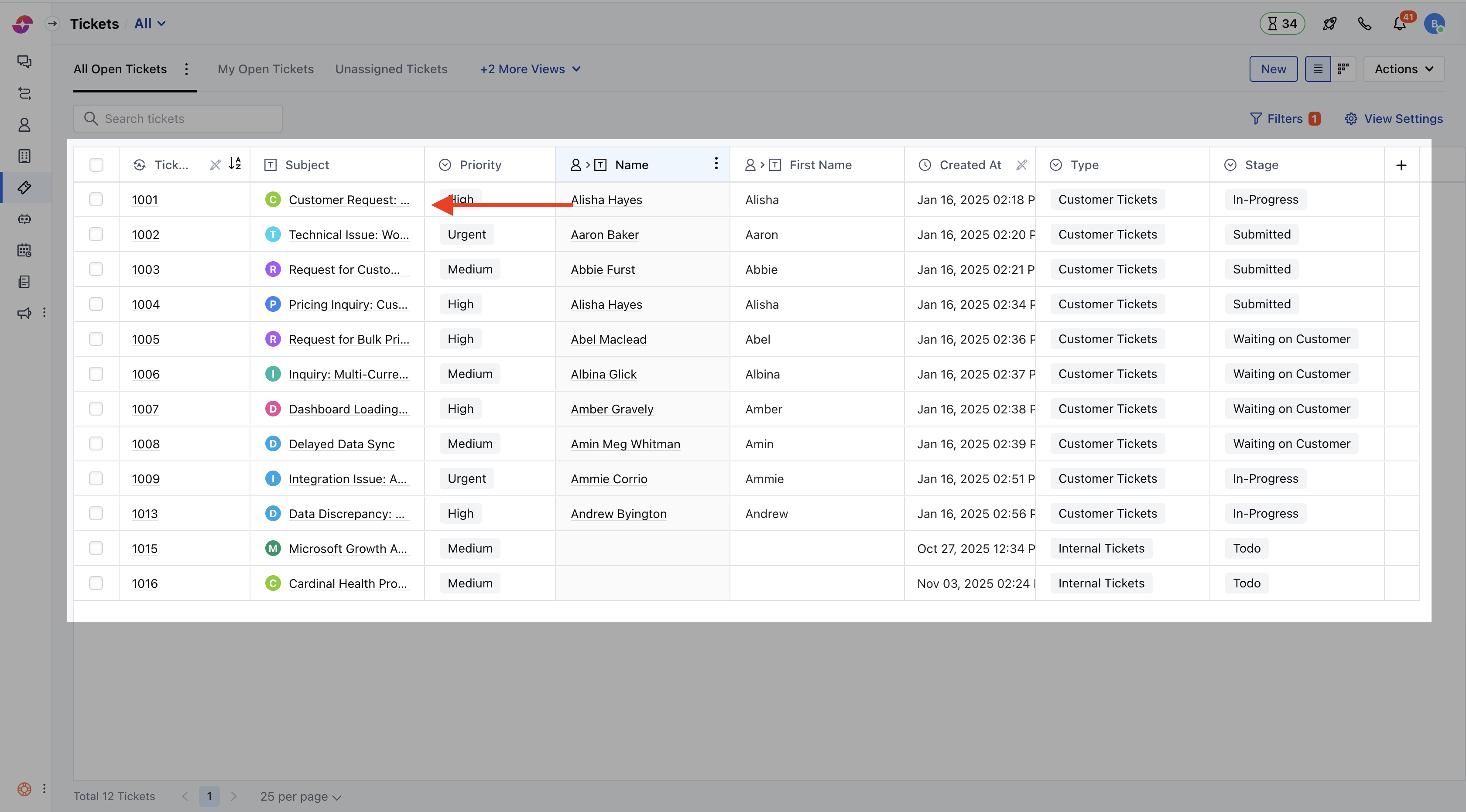
- Select and click on the Title of the created ticket, you will be redirected to the detail screen
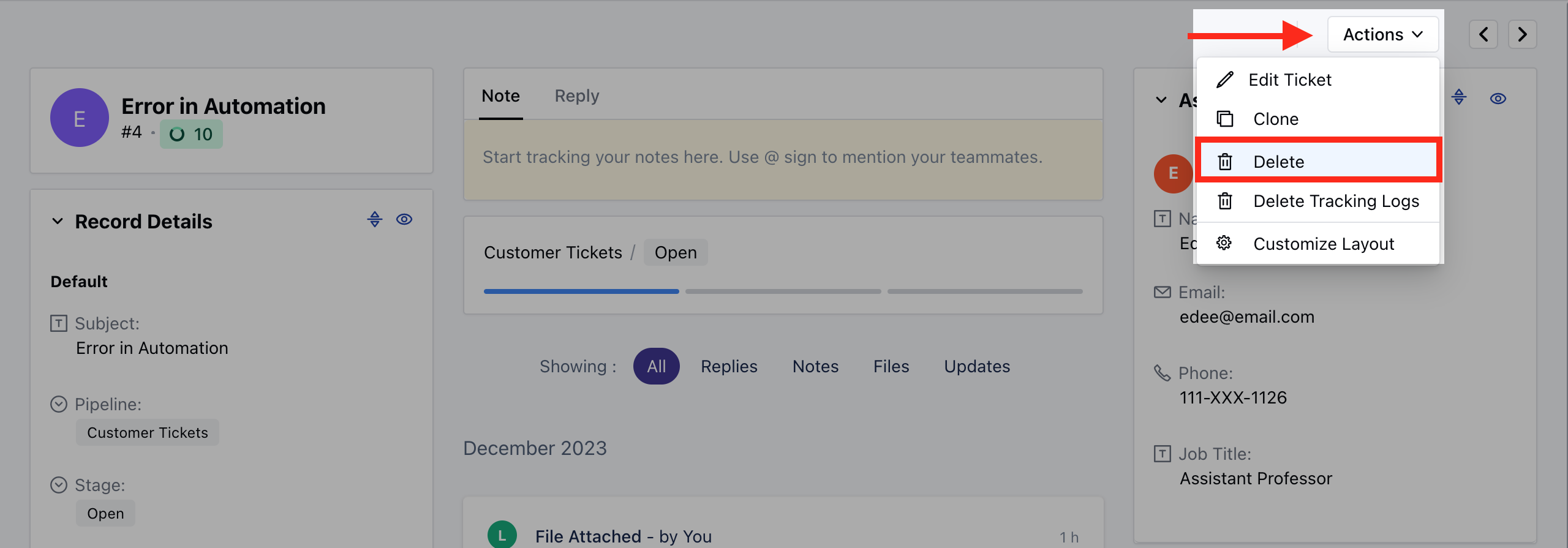
- Navigate to the Actions button on the top right.
- Select the Delete option from the list
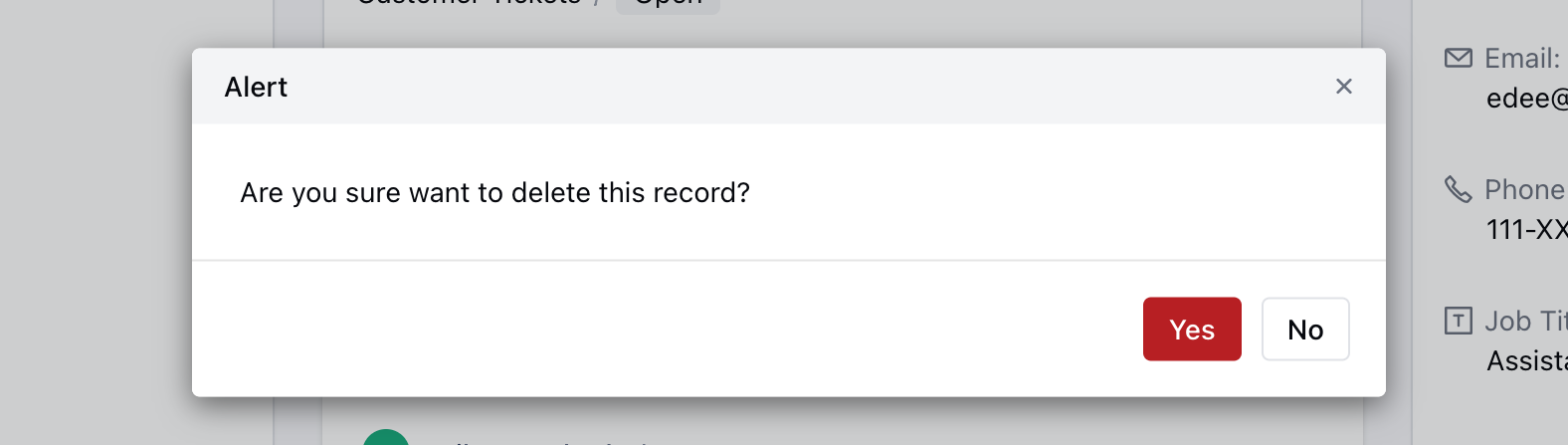
- Confirm the Action to continue deleting the Ticket
Bulk Delete the Tickets
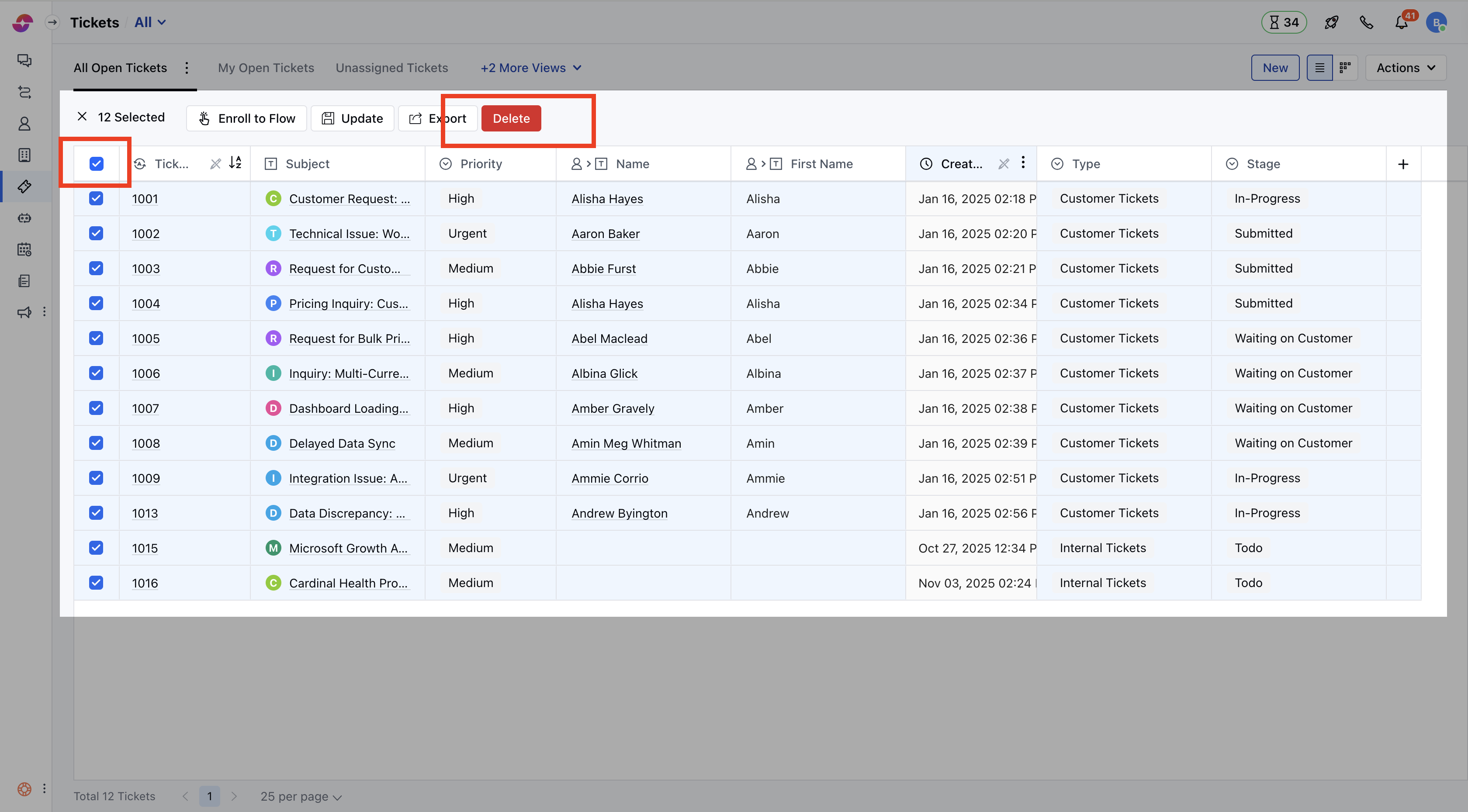
To Bulk Delete the Tickets,- Navigate to the Tickets Module from the left menu bar
- Bulk-select the Tickets
- Click on the Delete option to continue the deleting process
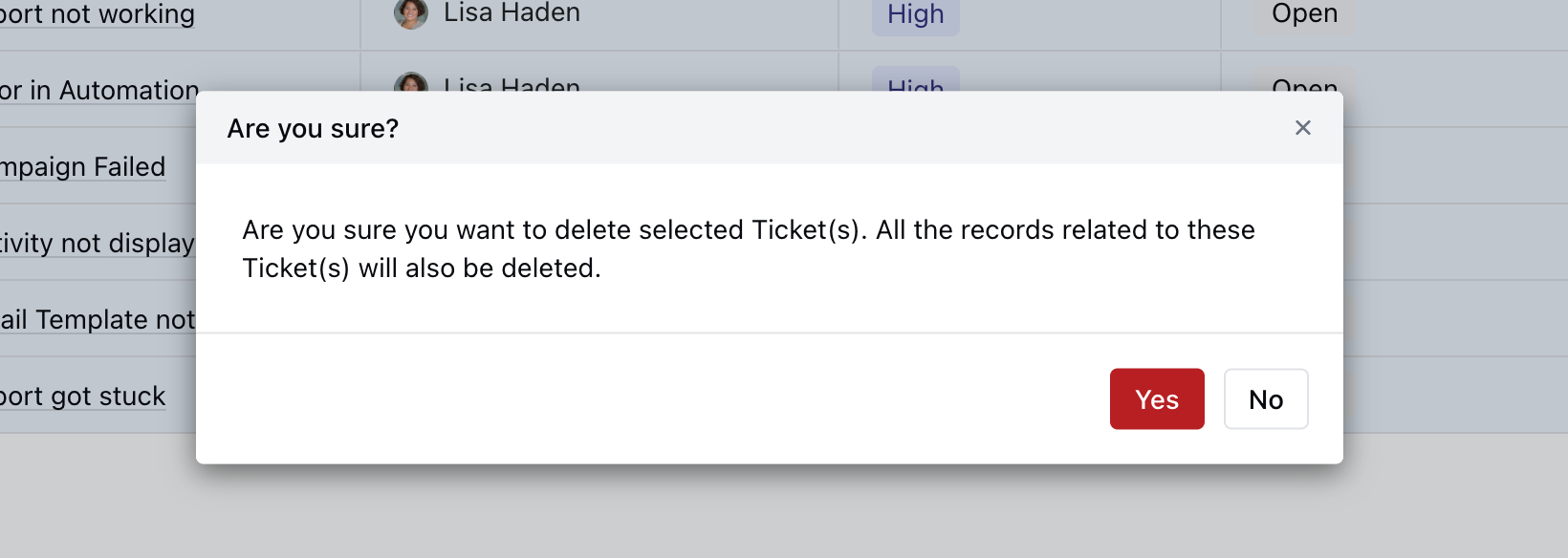
- Click on Yes to confirm the Delete