To be able to send text messages out of Salesmate, you will need to enable the Salesmate Voice & Text app. Click Here - Follow the Article linked to know more about the Calling Activation Process

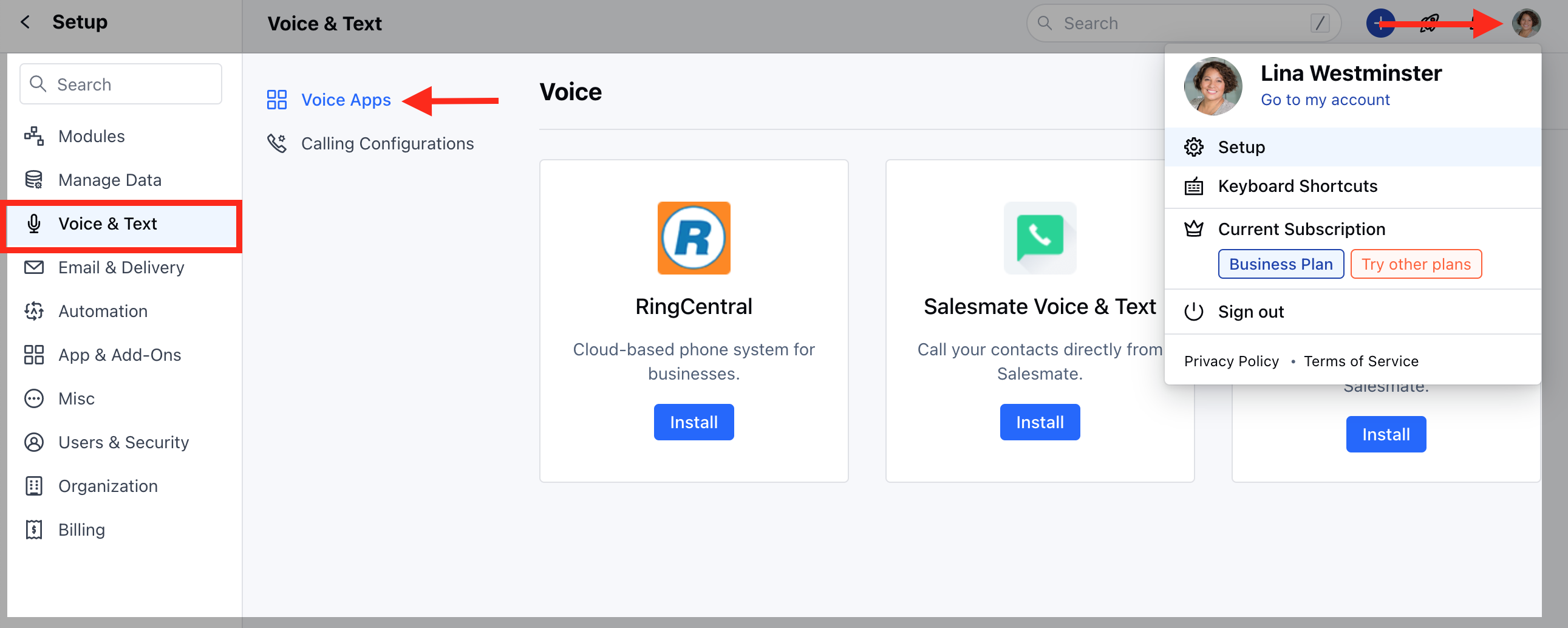
**Calling and Text Feature Activation Steps :**Navigate to the Profile Icon on the top right cornerClick on Setup Head over to Voice & Text categoryClick on Voice Appsmceclip0.png
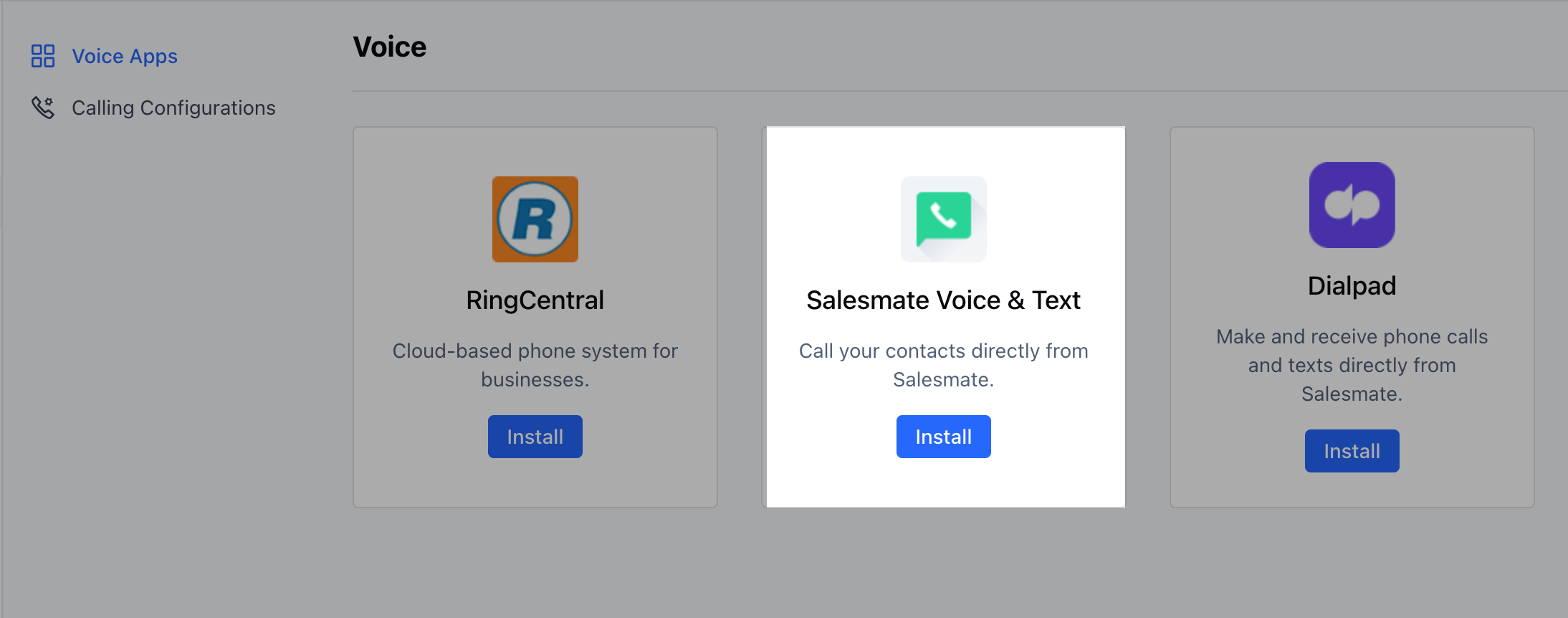
Click on Install(Salesmate Voice & Text) mceclip1.png
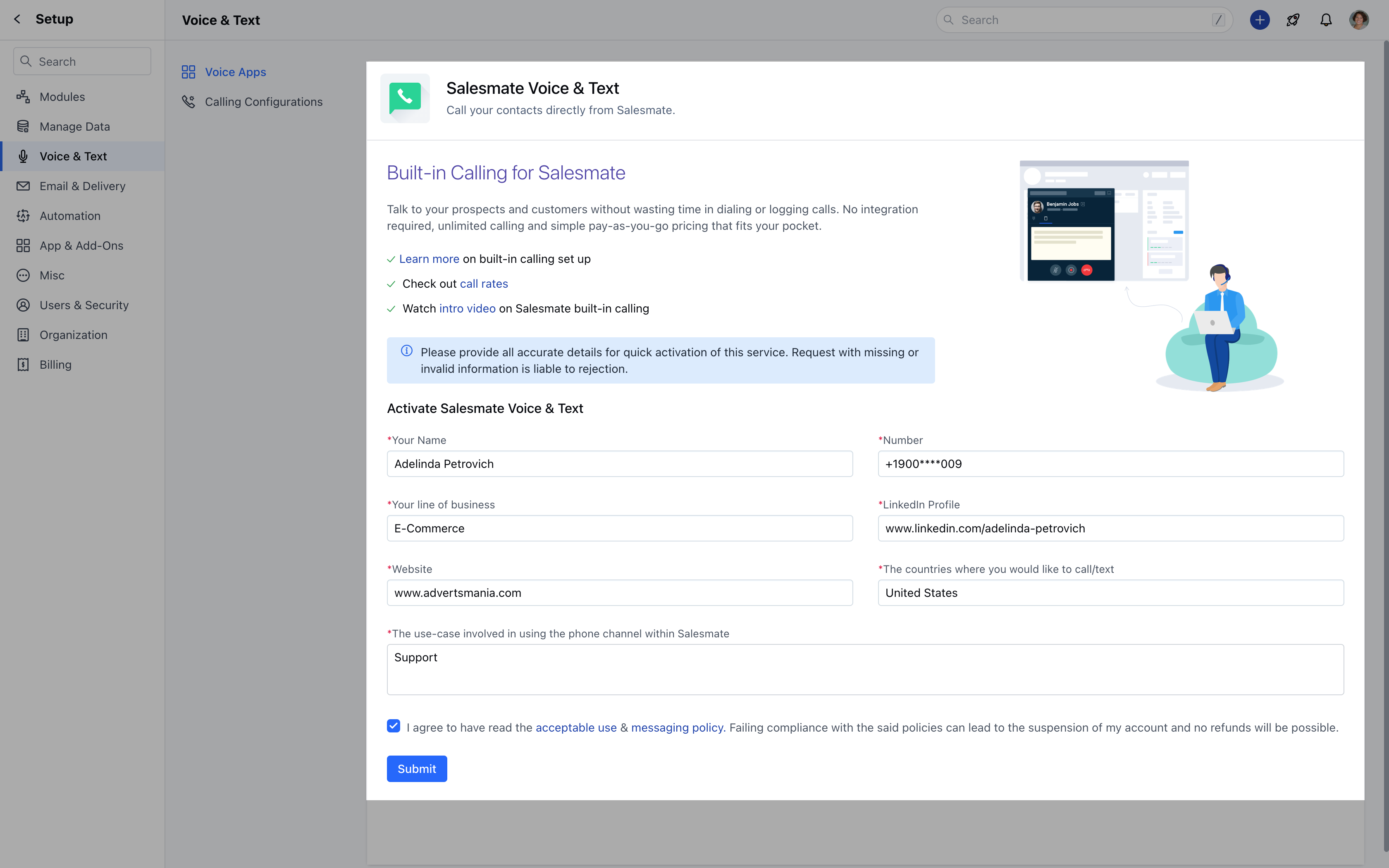
  • *Fill in the Request Form :**(Please provide all accurate details for quick activation of this service. Request with missing or invalid information is liable to rejection.)
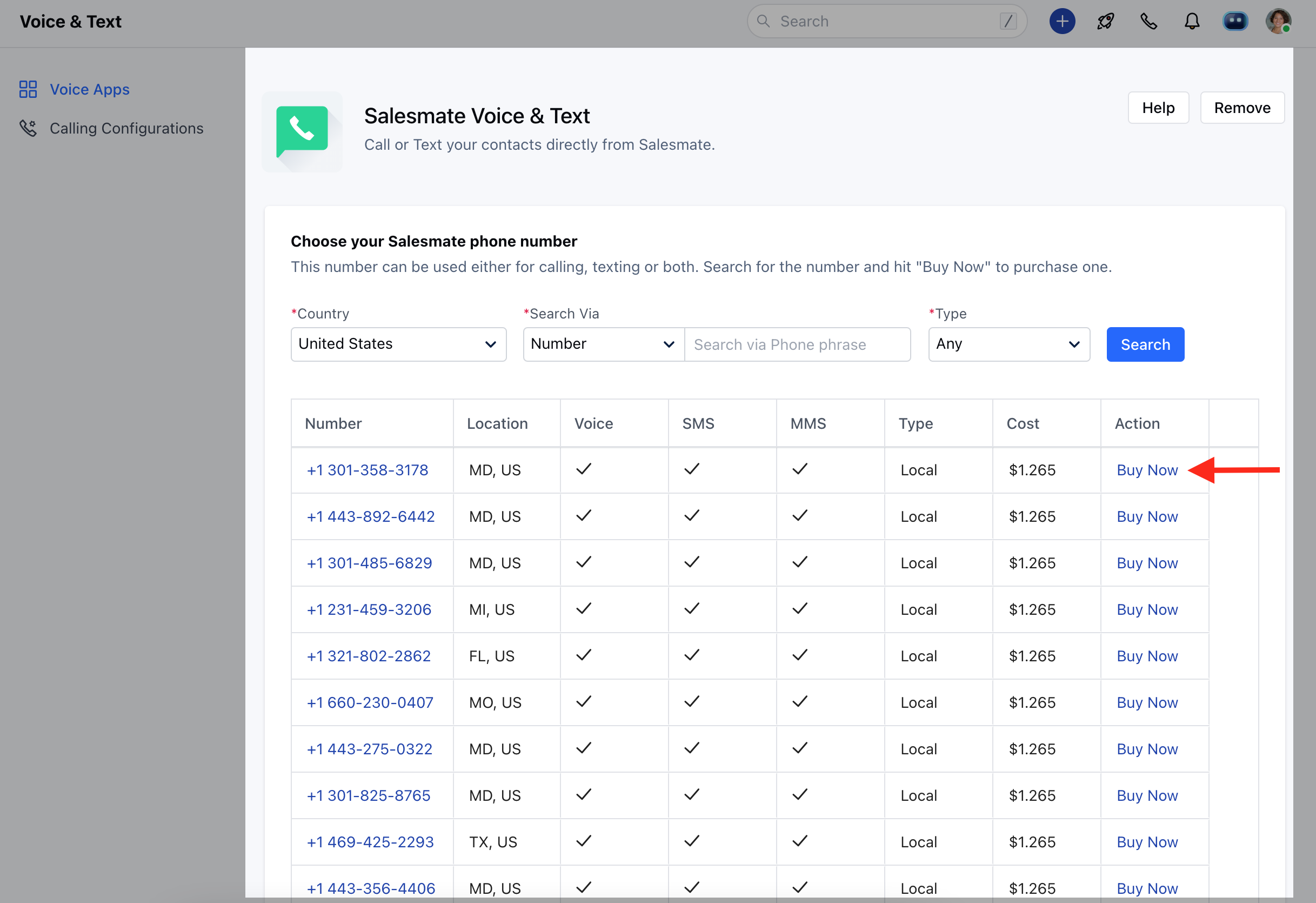
mceclip2.png Once Activated, you need to Purchase a number that has the Capability to allow Text Messaging. Refer to the capability column while purchasing the number to do so. mceclip3.png