

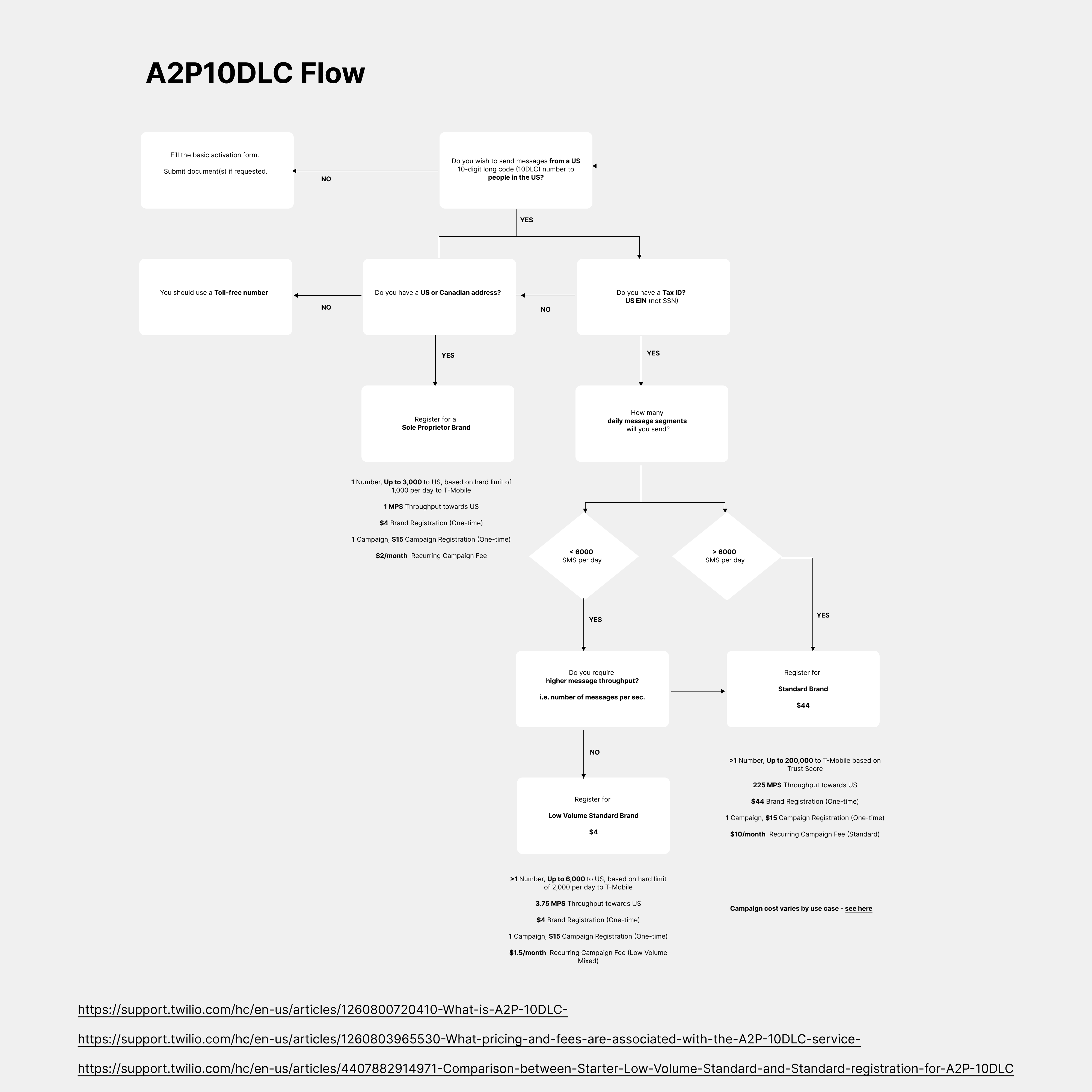
- Cloud-based system: You do not require any hardware setup or software installation. It works completely over the internet (VoIP Technology) and it is set up by default in your Salesmate account.Similar to calling, you can refer to the
- text pricing page to know the charges for sending and receiving text messages in Salesmate.Note: To use texting feature within Salesmate you would need to first activate the Calling and Texting Feature from here
- Salesmate Text Messaging covers:
- Sending Text Messages
- Receiving Text Messages
- Conversational View
- Text Messaging Templates
- Bulk Text Messaging
- Text Message Scheduling