Skip to main contentUse of Templates while text messaging makes your work easier to send repeated texts in the same format OR while sending a bulk message.**Create Text Templates:**Navigate to the Texts from the left menu bar Click on Templates
Click on the + New Template button to create a new text template
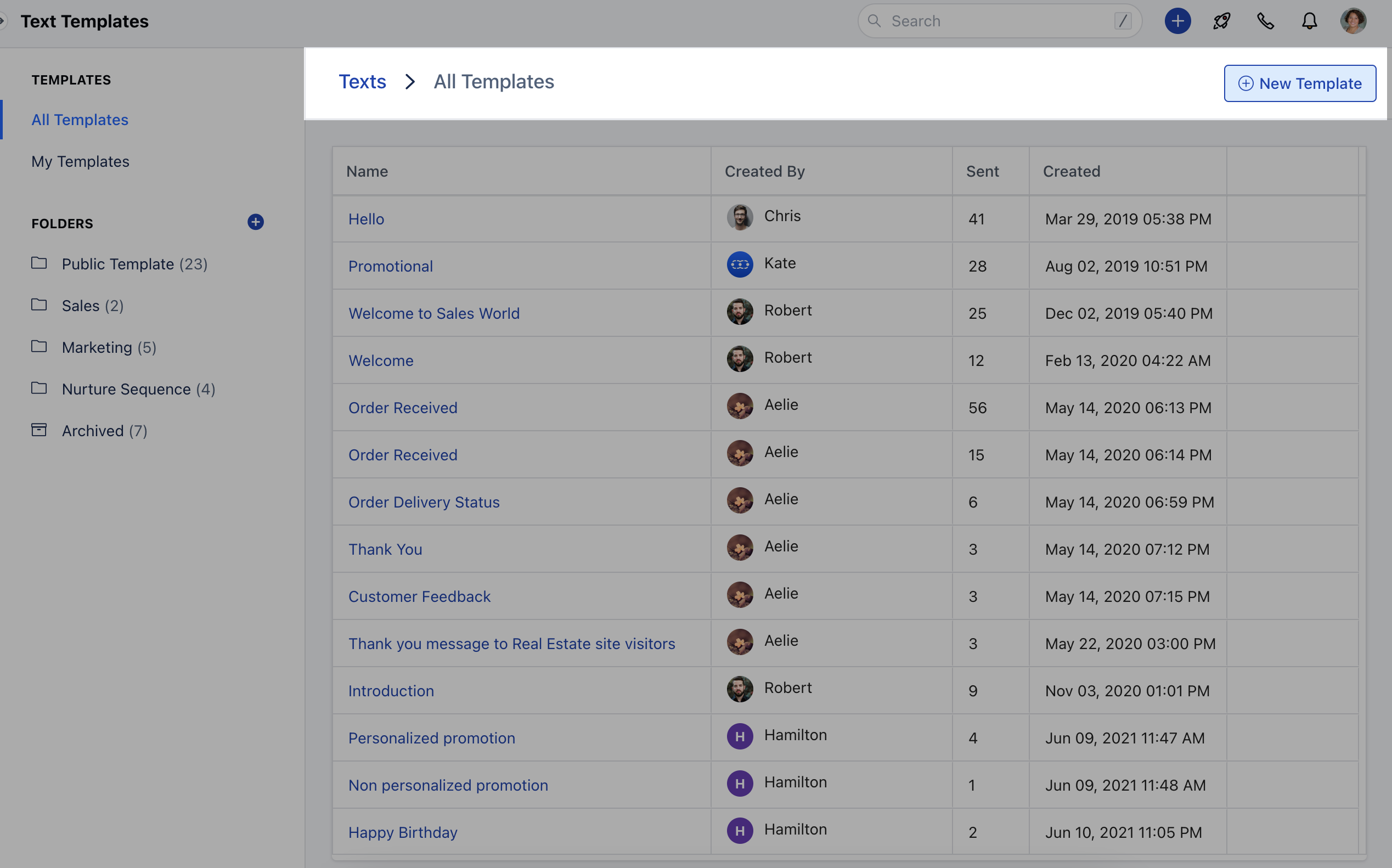
- Note*: You can create folders and store these templates in them to keep them organized.
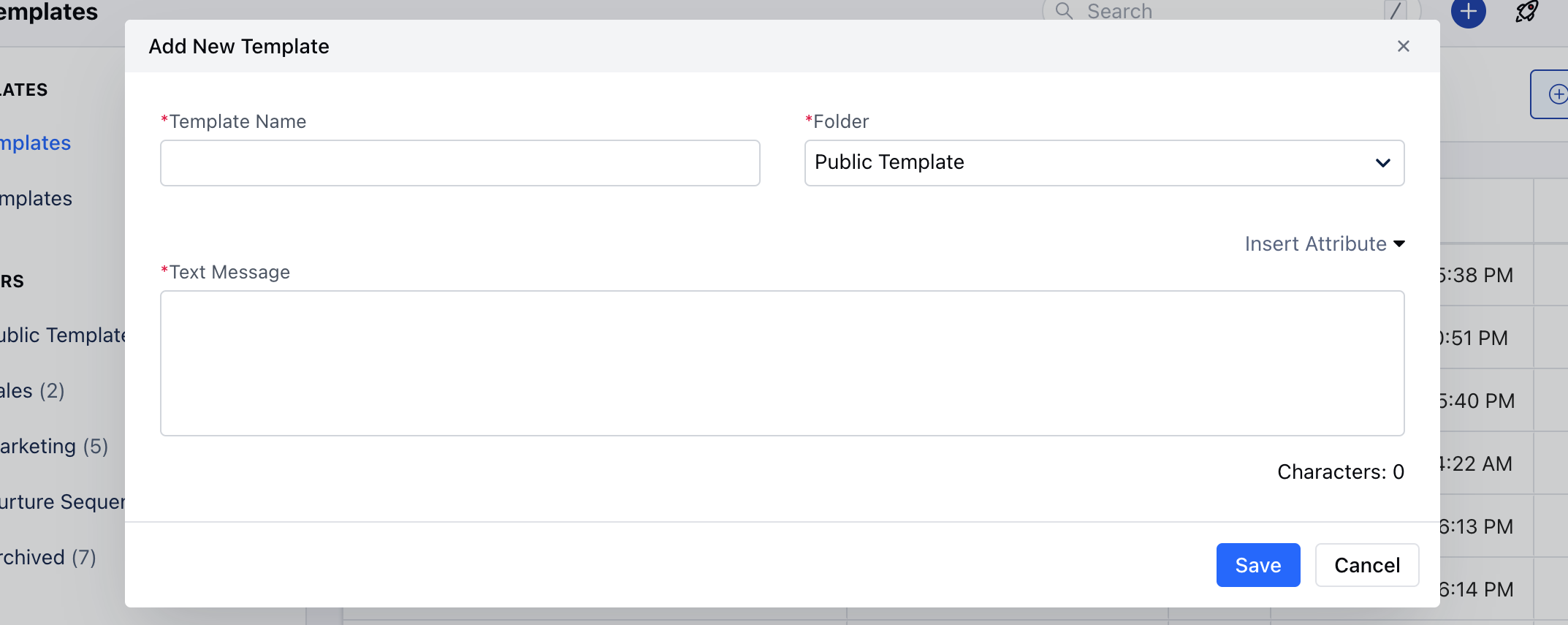
**Using Attributes:**Click on + New Template
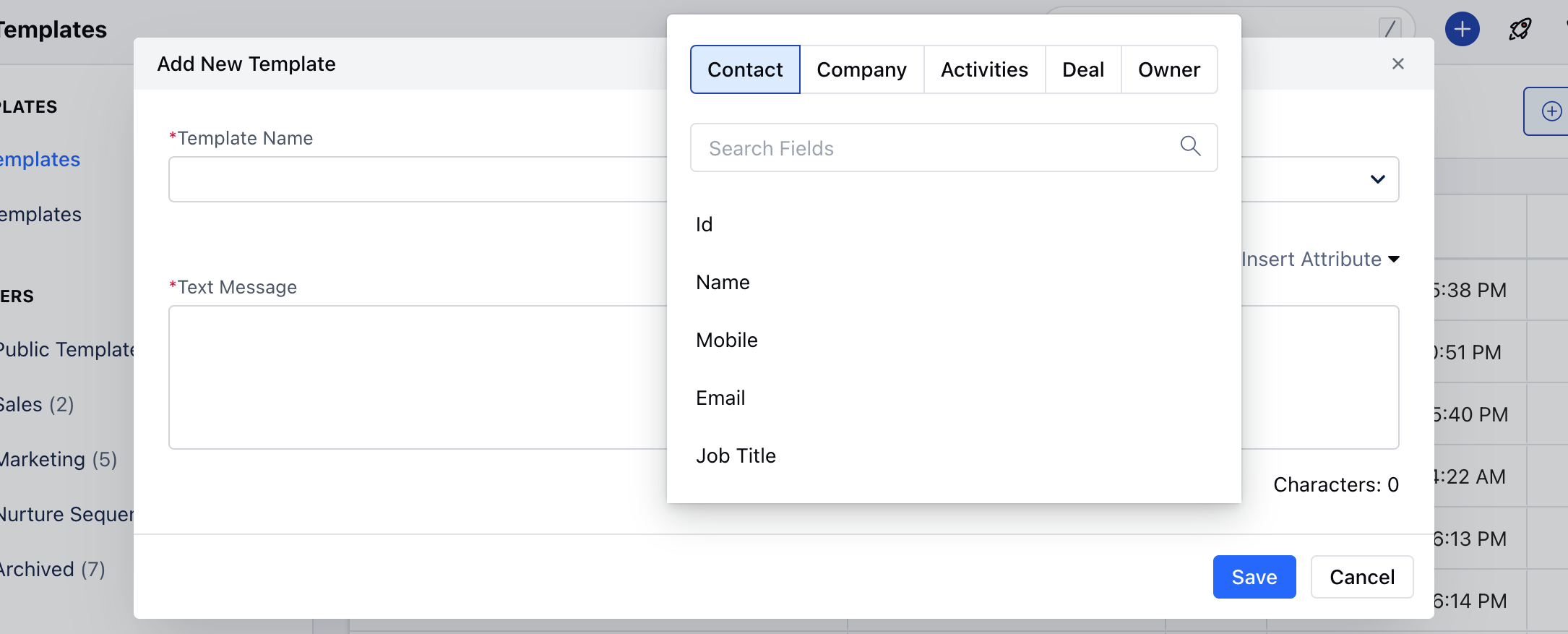
Click on Insert Attributes Select Merge Fields of your choice
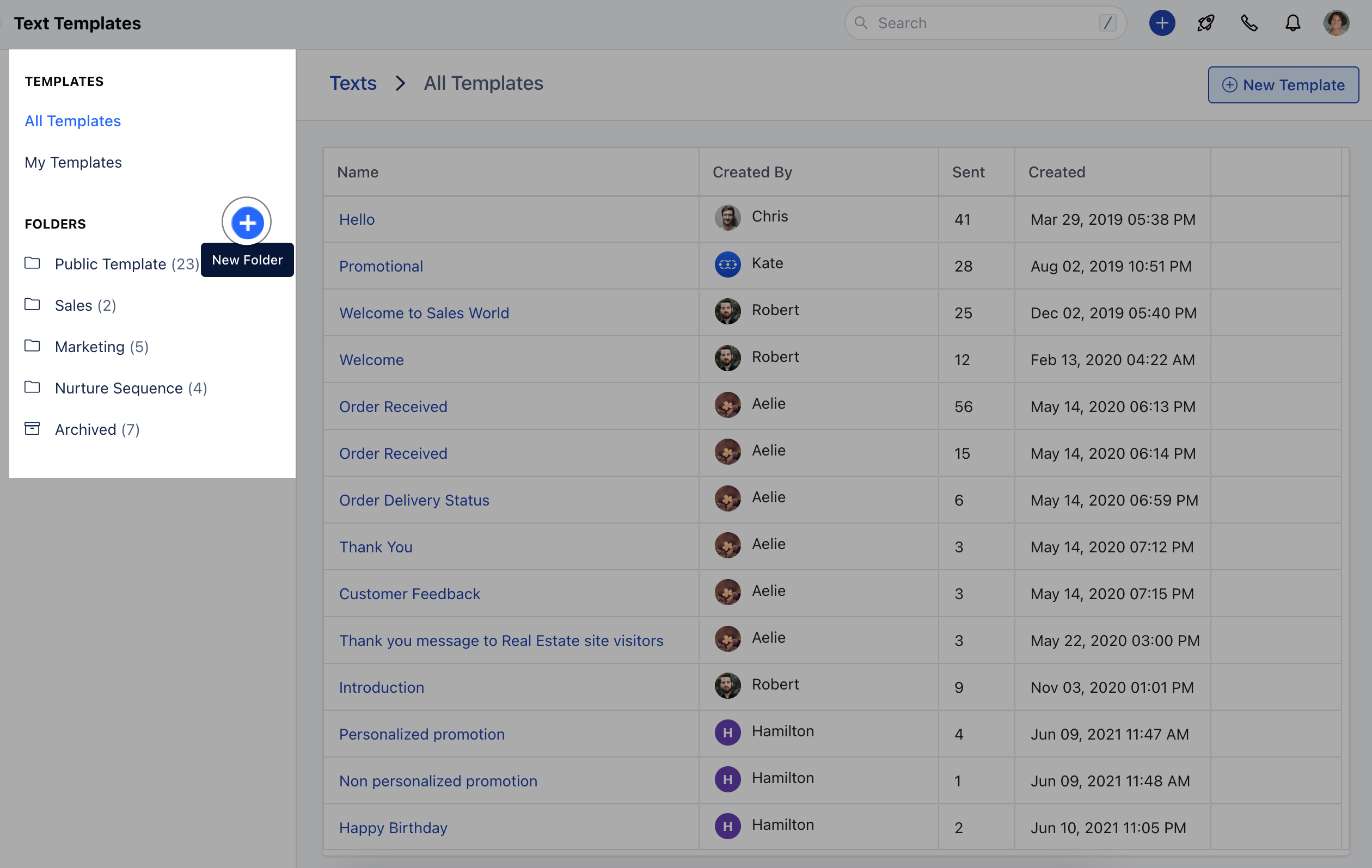
**Create Text Template Folder:**Click on the + button beside FOLDERS to create the Text Template Folder
Note : You can select a template at the time of sending a single text message or a bulk one.If a single text message is being sent, and as soon as you choose the template, it will replace all variables with the related module and replace the text message body with a written one. Even users can type a variable after selecting a template inside the message and that should be parsed before sending the message.If you are sending the bulk message, then variables will not be replaced while selecting a template, and they will be replaced at the time of sending the messageThe template count will be increased with each send.