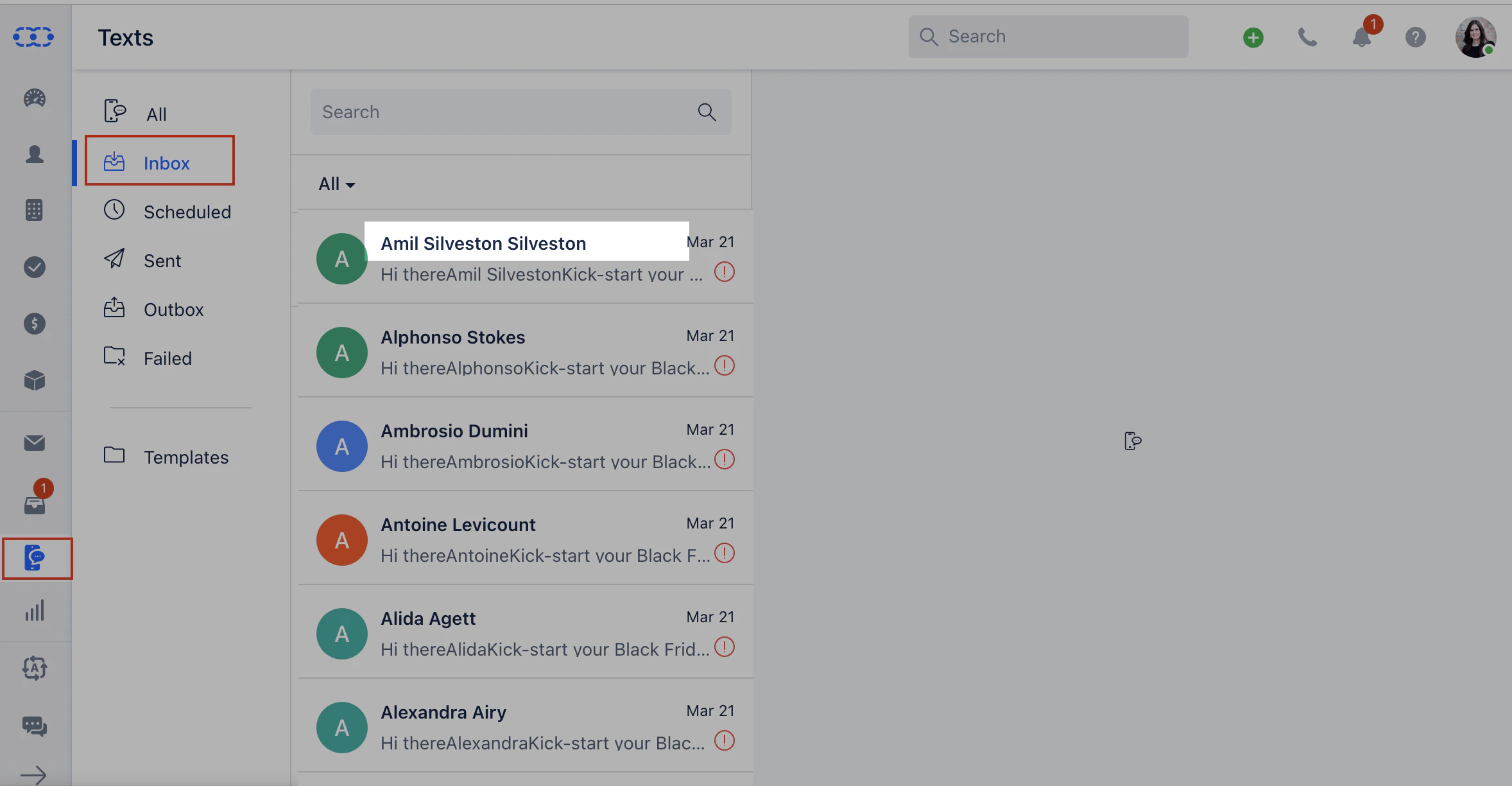
All text messages received on your VoIP number can be seen in one place.Go to Texts Click on Inbox You will see the list of messages received inside Salesmate on your VoIP numberIf the number is identified the associated contact name will be displayed.If the number is not identified then the number will be displayedThe unsaved numbers can be added as a contact.Note: You will receive notifications for the text messages received on your number in the notification panel ( the bell icon ) in the top menu bar and the message will be reflected on Contac’s Timeline