How is the Text Messaging Service feature useful
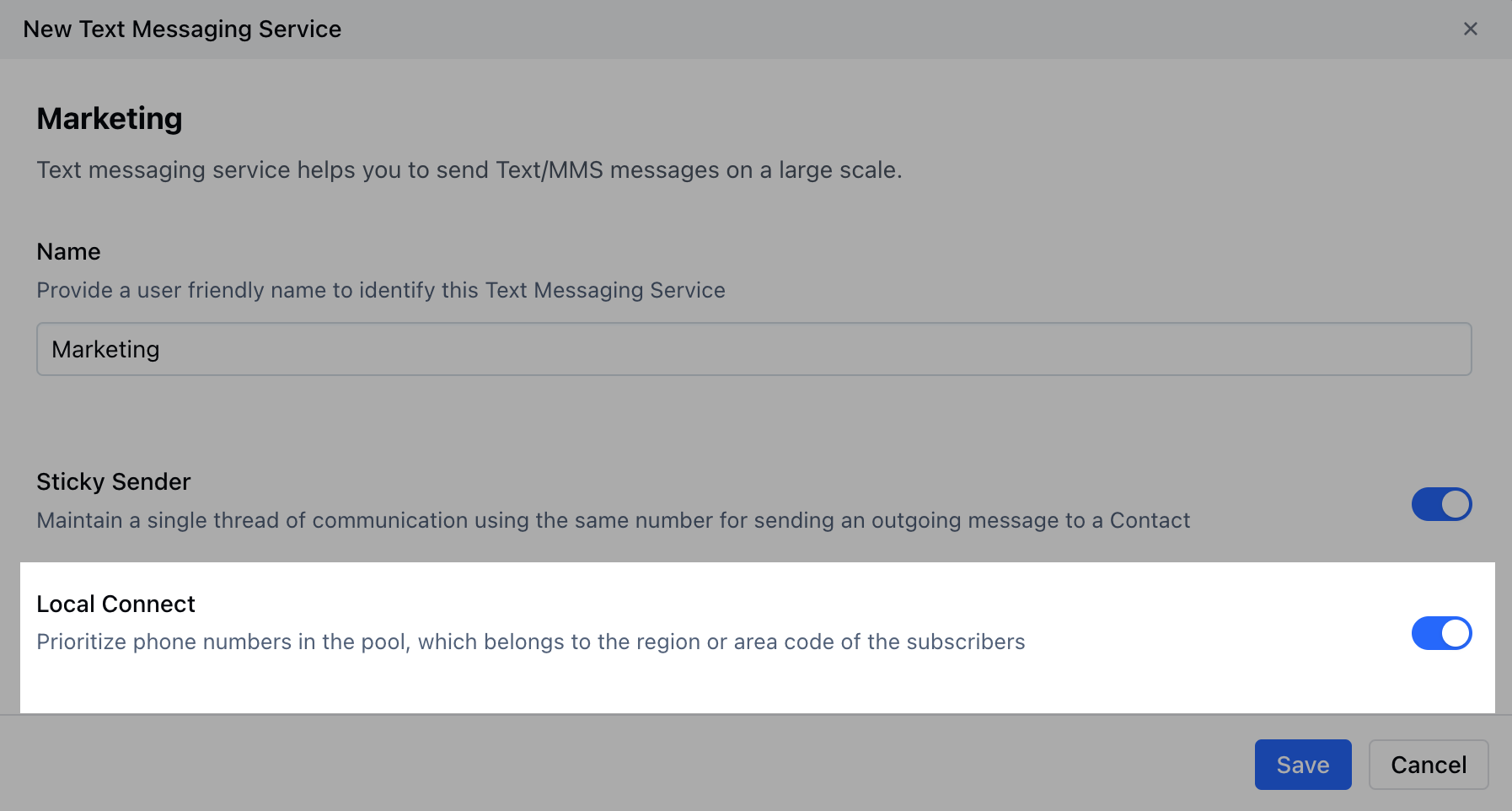
- Geo-Match: Send outgoing messages from a local matching number.
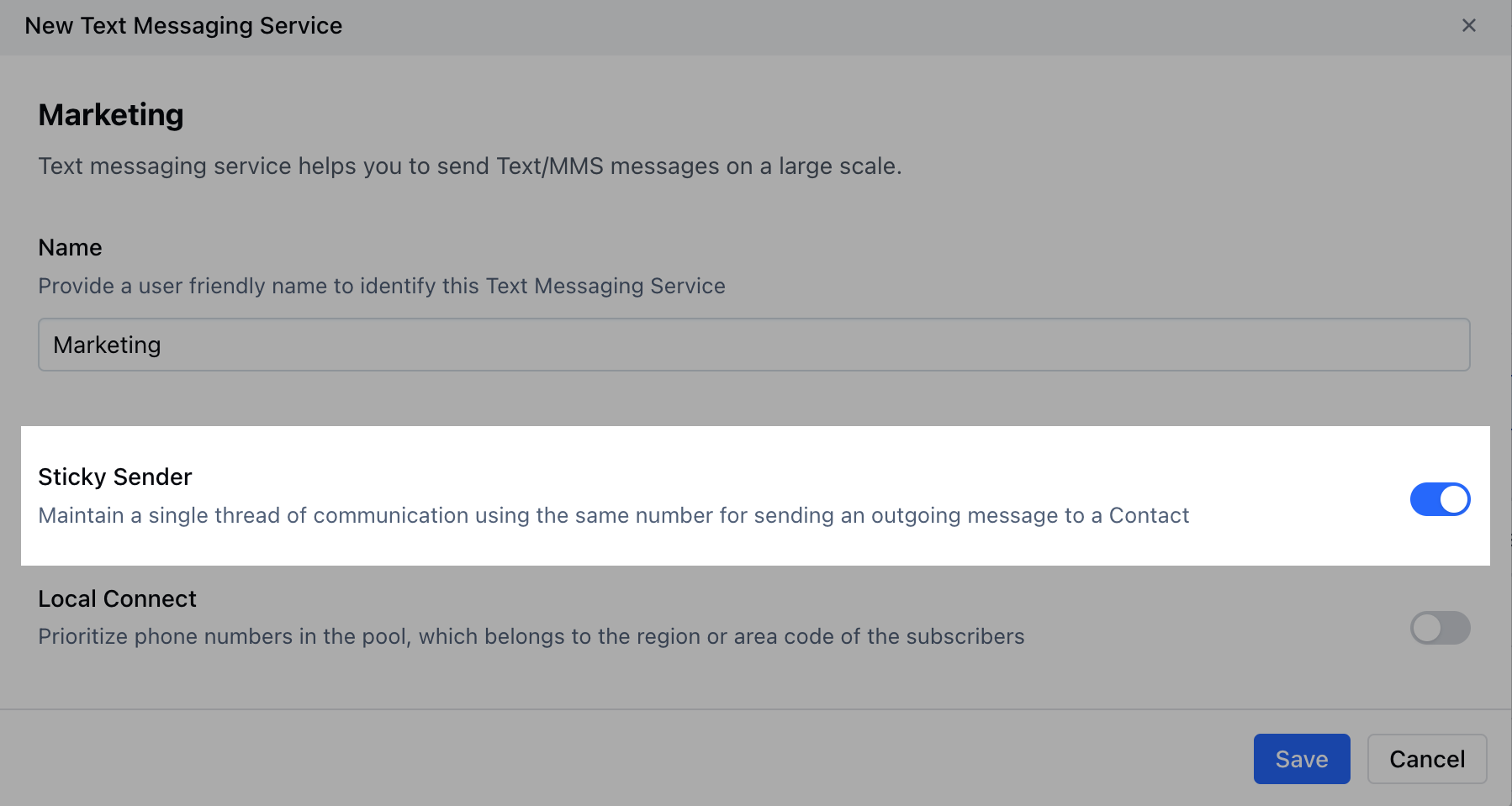
- Sticky-Sender: Use the same number for sending new messages to the same client to maintain conversation history
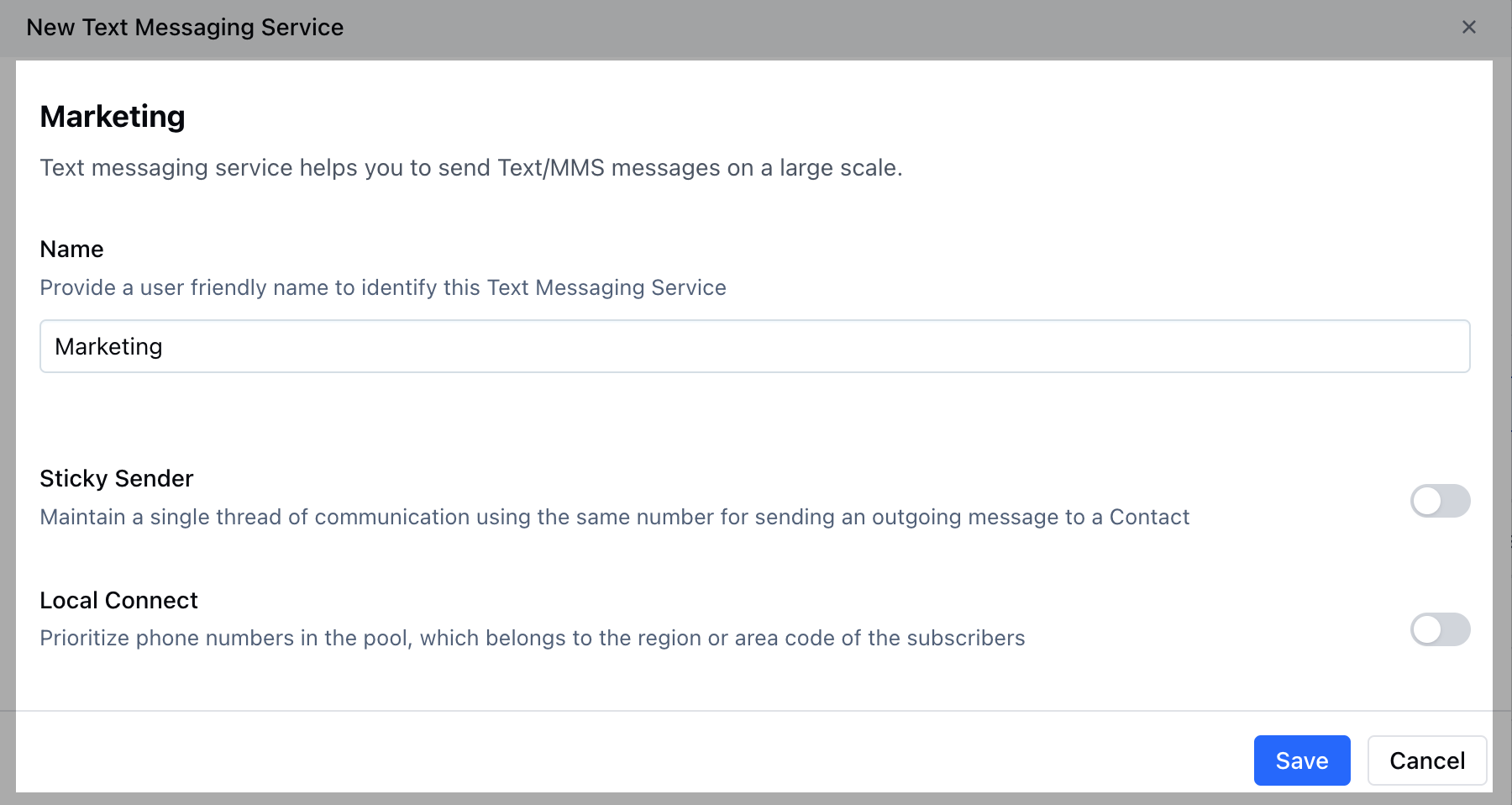
Create a new Text Messaging Service
To create a new Text Messaging Service, please follow these steps:
Navigate to the Profile Icon on the top right cornerClick on Setup Head over to Voice & Text categoryClick on Voice Apps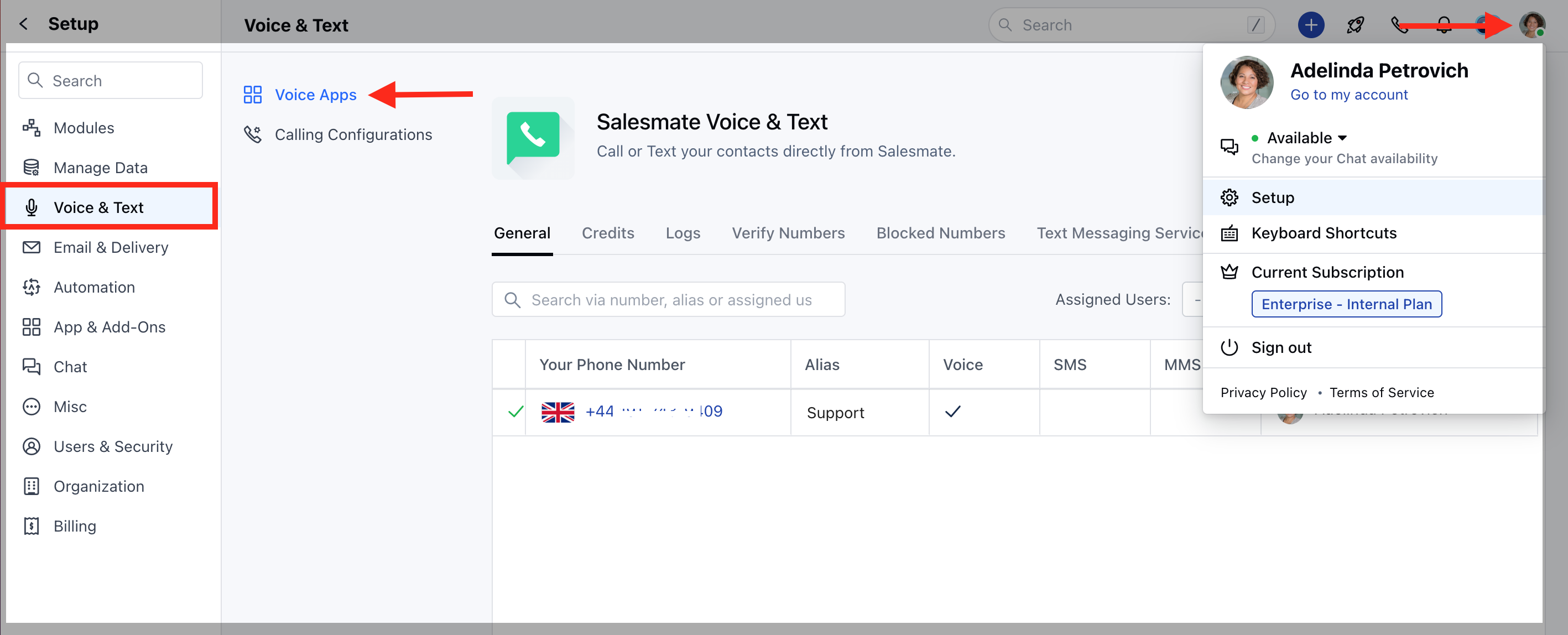
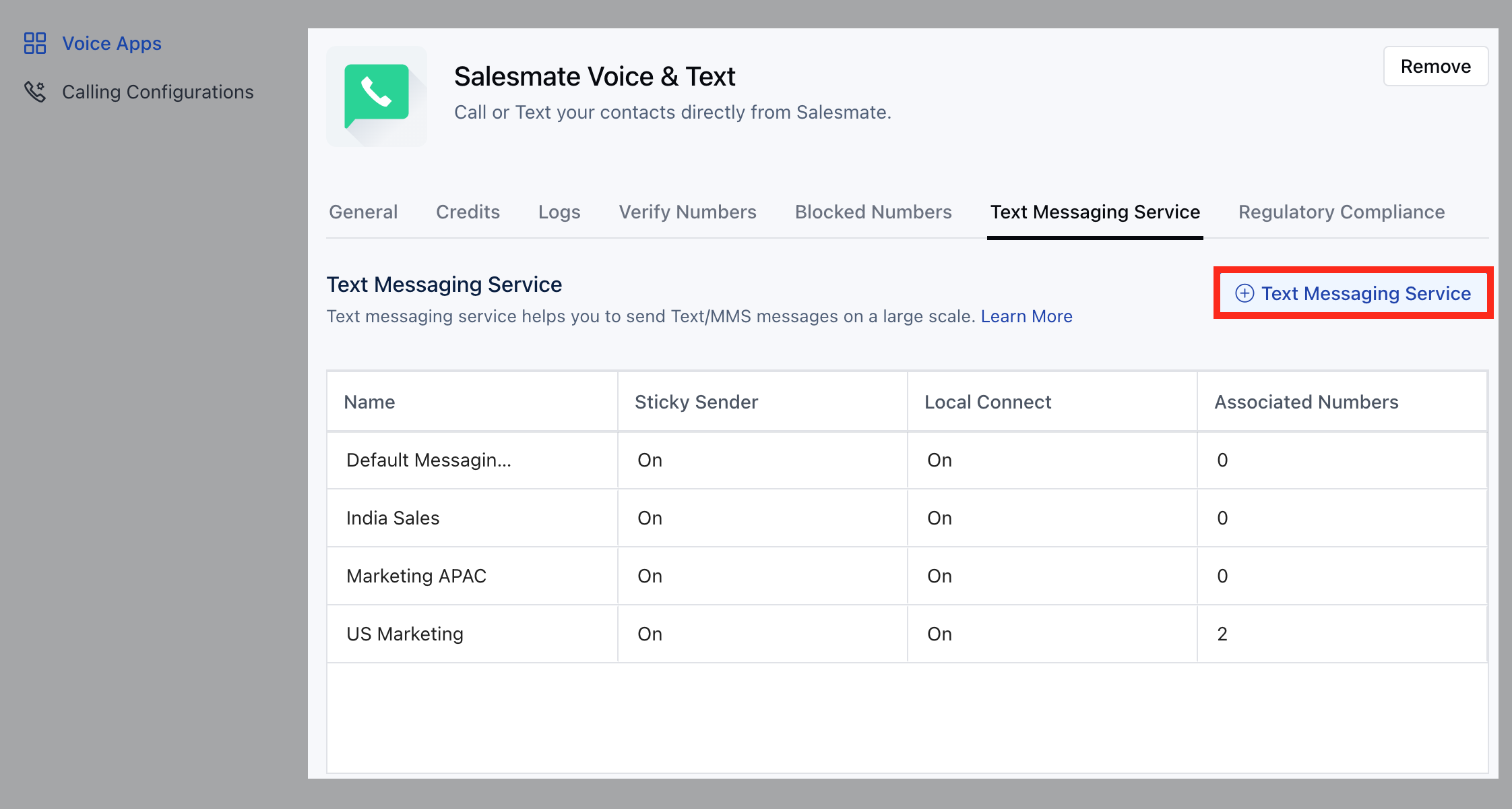
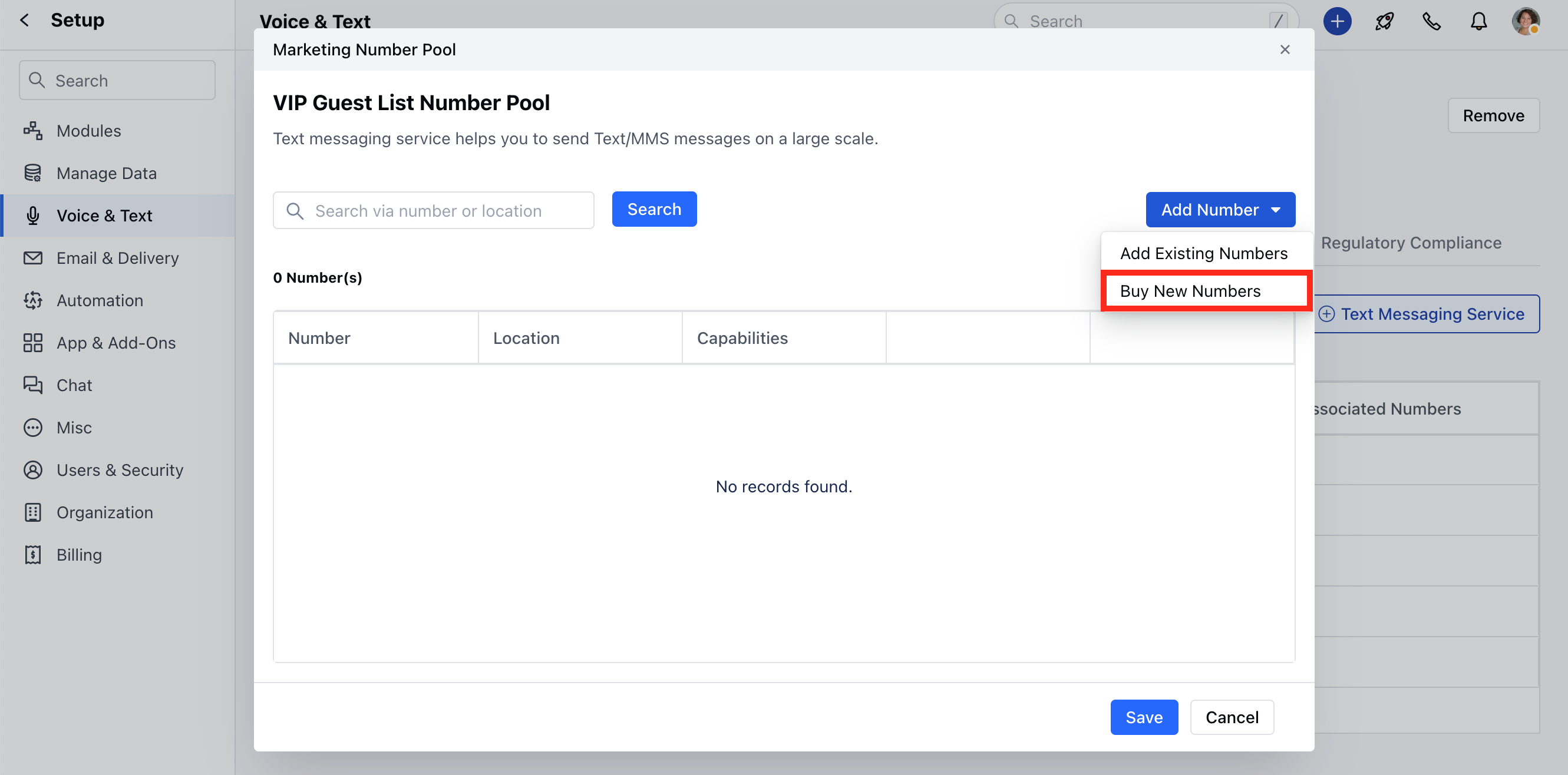
- Add Existing Number: Salesmate will let you choose any of your pre-purchased numbers for this service. You can search numbers via Phone Number, Alias, or Location.
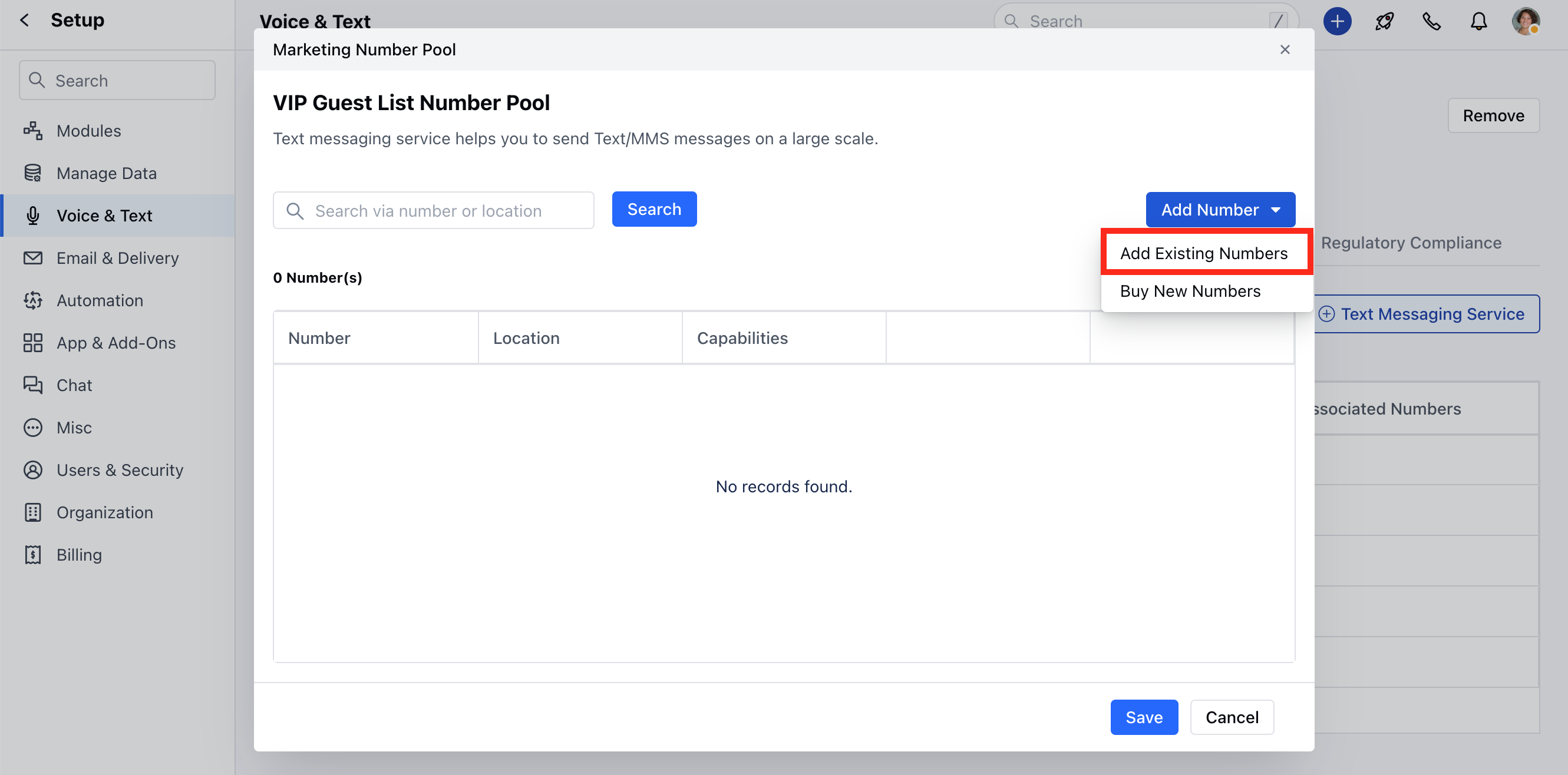
- Buy New Numbers: Salesmate will let you quickly buy new numbers from a particular state or area code.
Where can we use the Text Messaging Service Feature
- Sending Bulk Texts: Inside from dropdown, we will show an additional name like Real eState Pilot. Users can choose the Text Messaging Service and outgoing messages will be fired using the group of numbers.
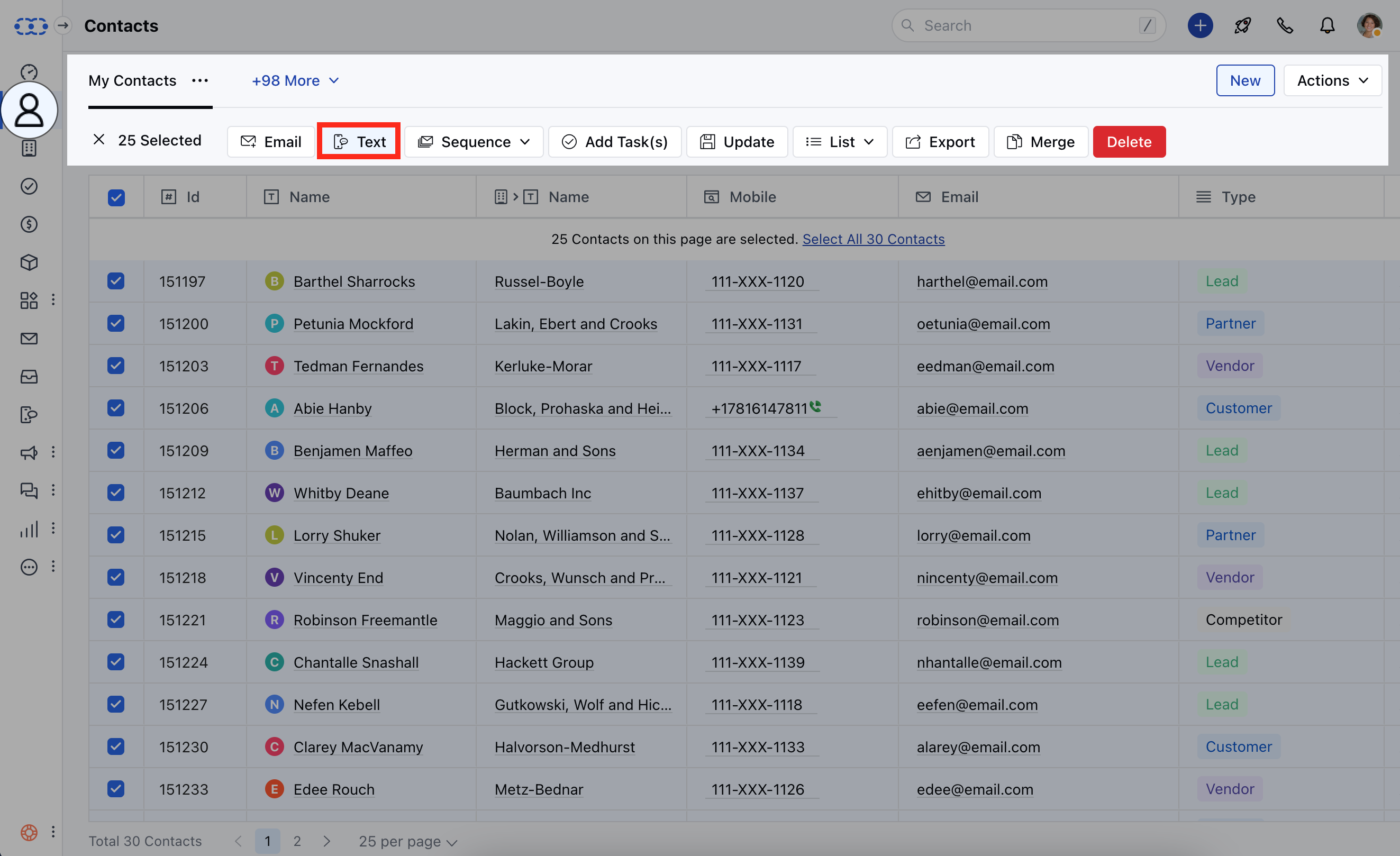
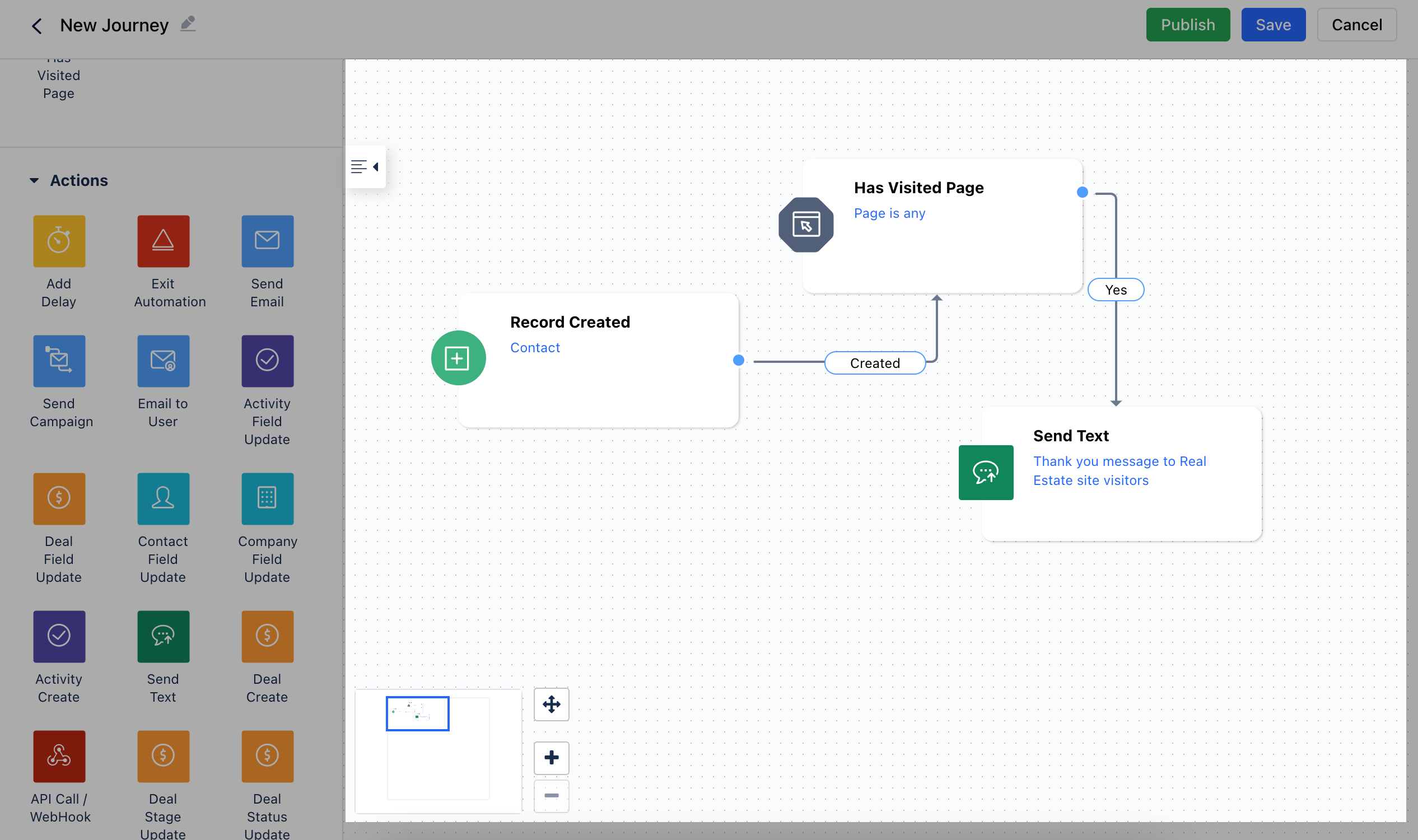
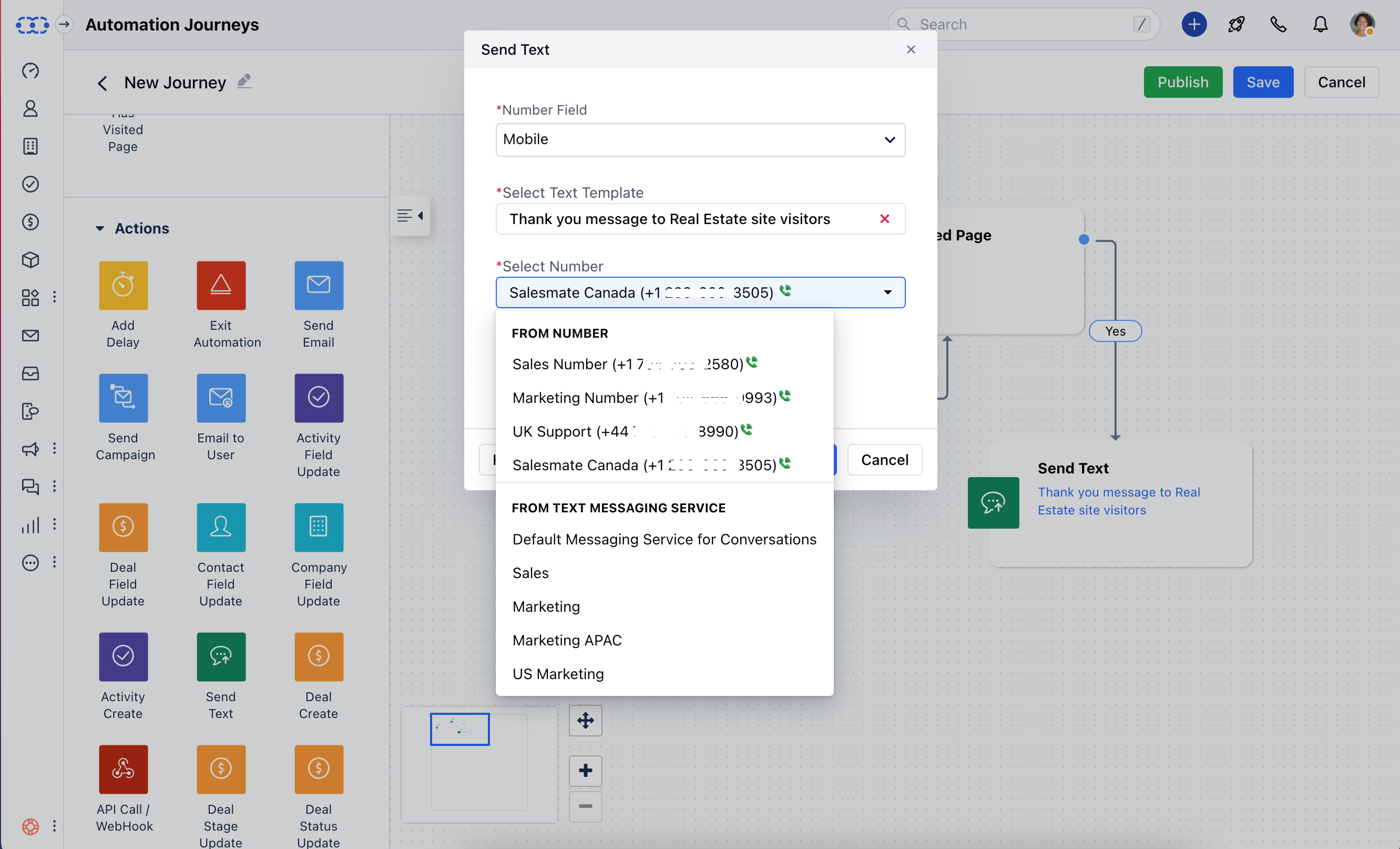
- Sending Via Automation: Inside the automation, we have an option to send from a number. You can choose Text Messaging Service as a service to send text messages.