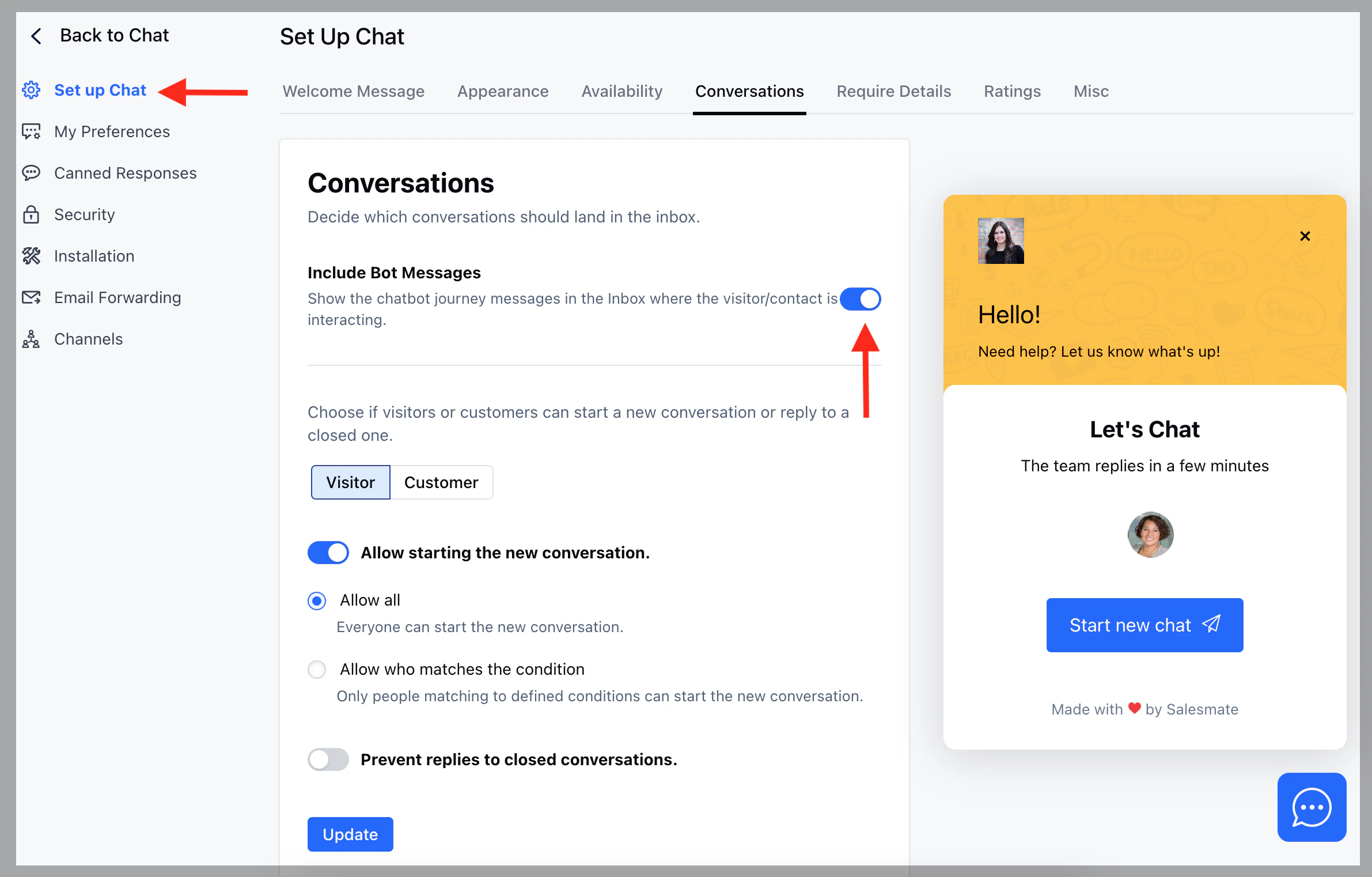
You can decide if the bot messages should be visible in the Inbox while the visitor/contact is interacting. For example, you have a chatbot that asks for Name, Email, and Phone and you want to monitor any conversations with the bot, If you find a conversation requiring immediate action, you or your teammate can take it over.To view all ongoing conversations with bots,
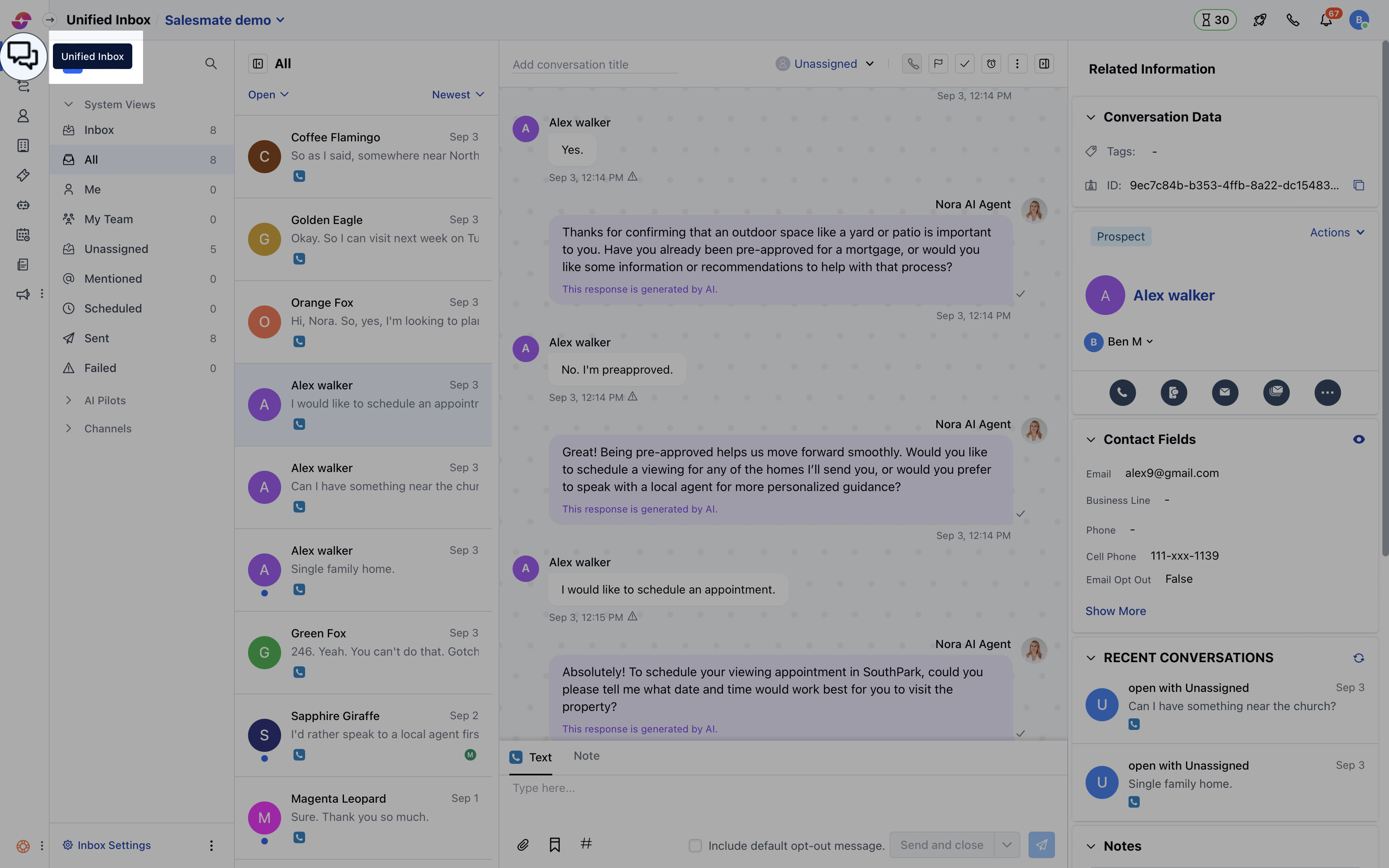
Navigate to Conversations Icon on the left menu bar