

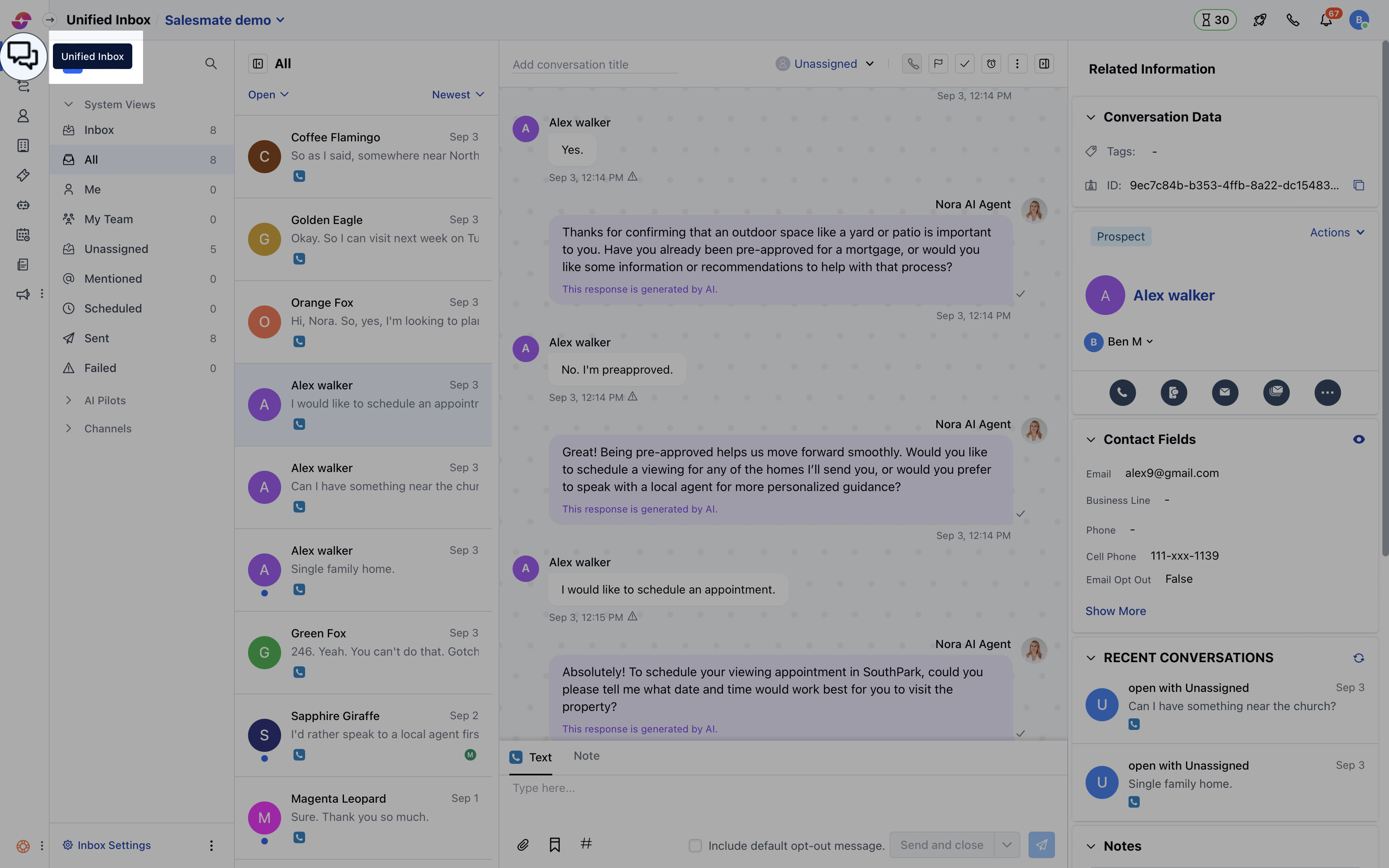
- Navigate to Conversations Icon on the left menu bar
- Click on Chats
- Head to Chat Settings on bottom left.
- Switch to the Misc tab where you can toggle the switch to enable or disable the sound and hit the Update button to save the changes.
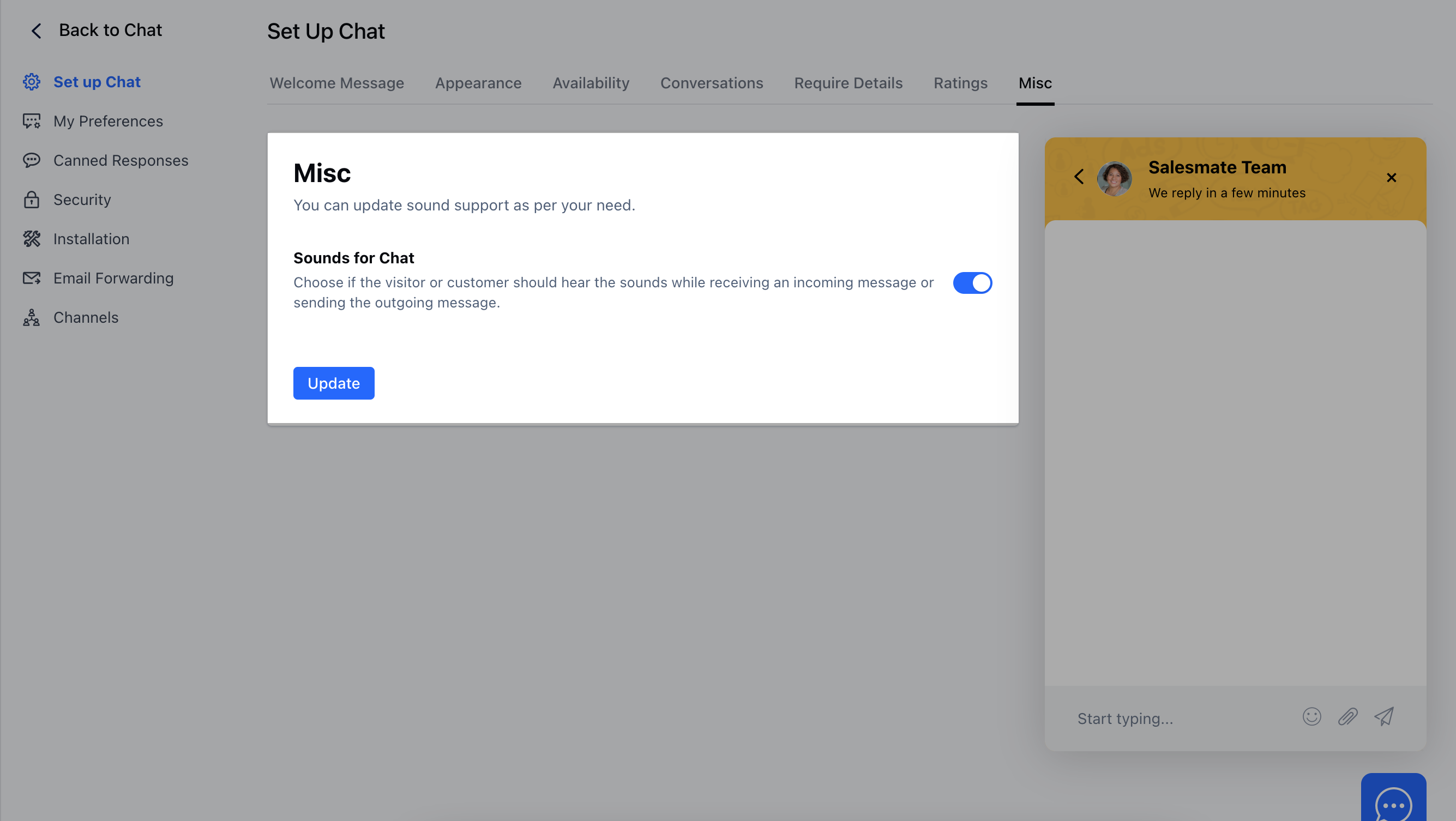
Note: This setting is only for the Chat widget installed on your website, and not for the users who are using the Chat inbox.