

Note: You need “Edit Articles” permission to unarchive an article.
How to Archive an Article
- Navigate to Articles from left side outreach
- If multiple knowledge bases exist, select the appropriate one.
- Locate the article you want to archive .
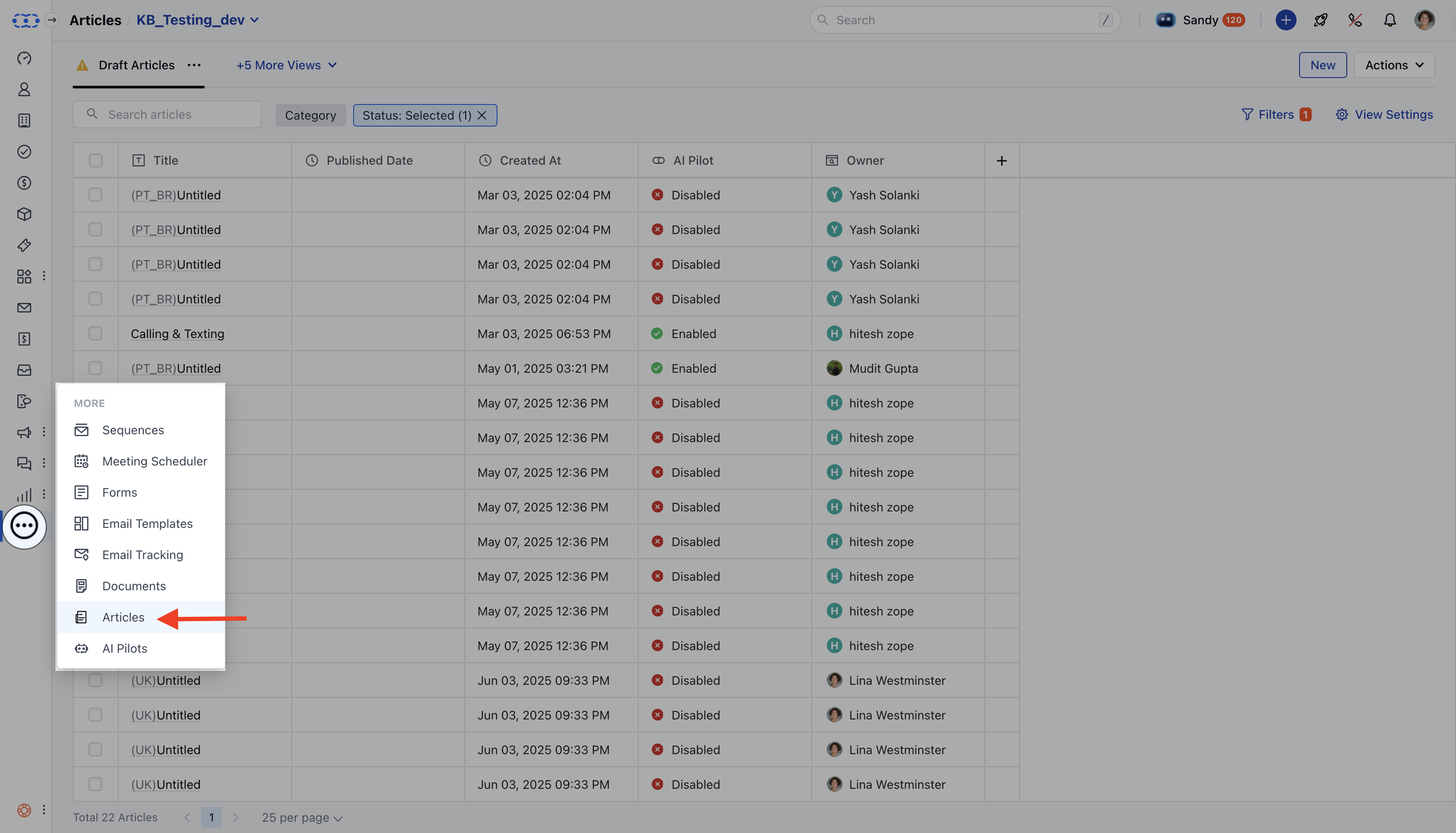
- Click on the Actions button and choose Archive.
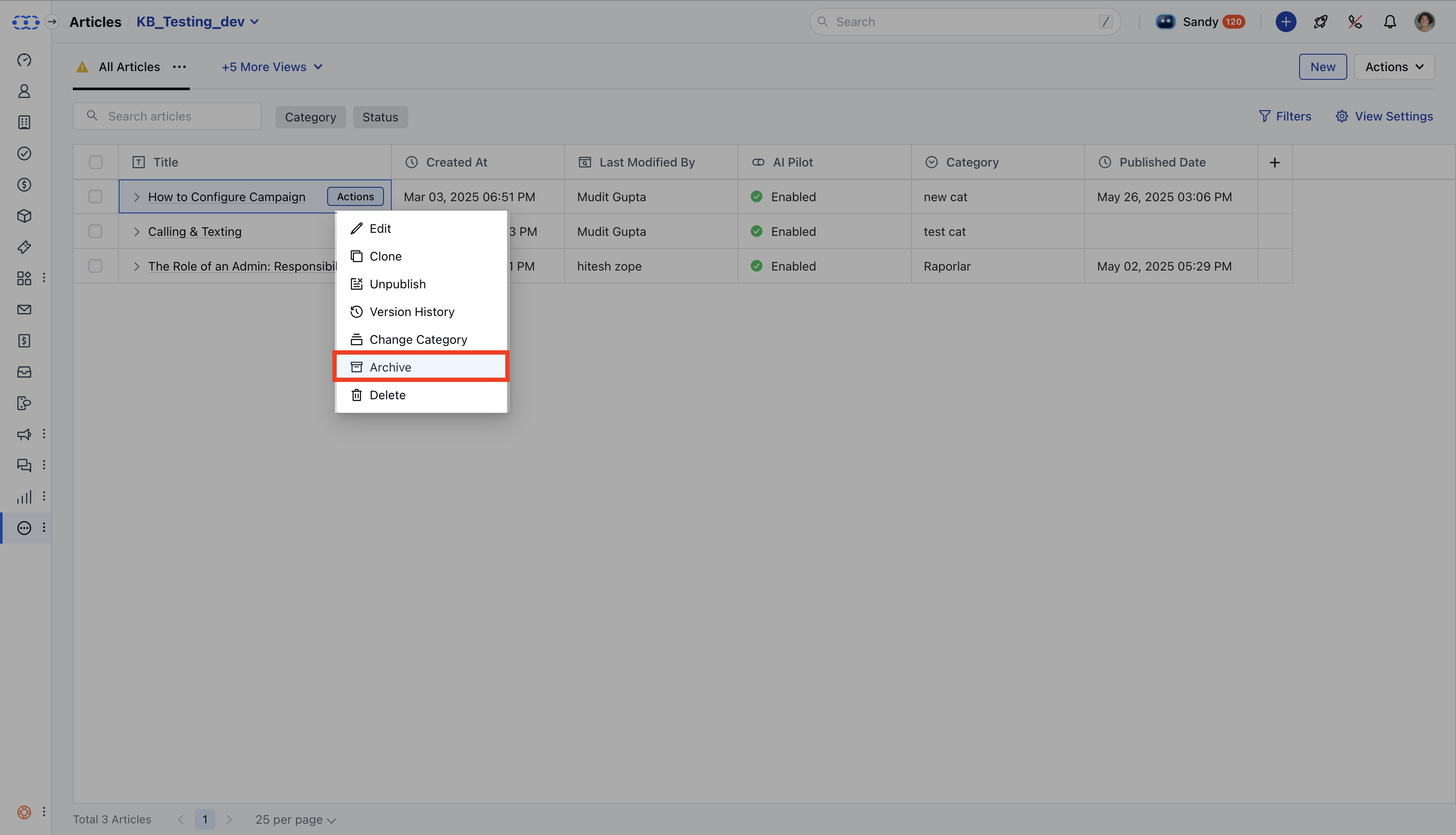
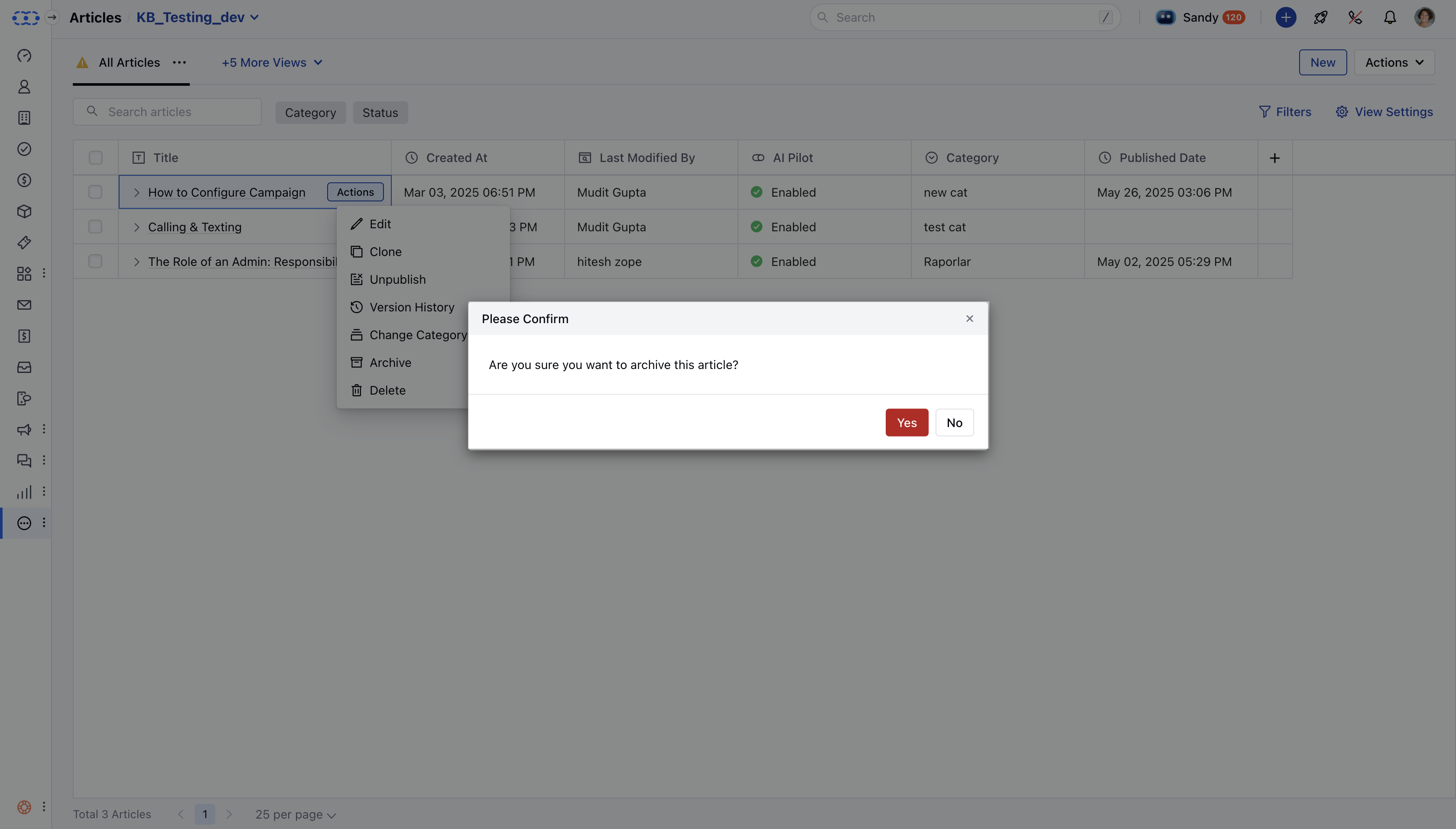
- A confirmation dialog will appear: “Are you sure you want to archive this article? You can restore it anytime from the archived list.” Click Yes to confirm.
- A success message will appear:“Archived successfully.”