

For performing bulk operations, follow the steps below:
- Click on **Unified Inbox **on the left menu bar.
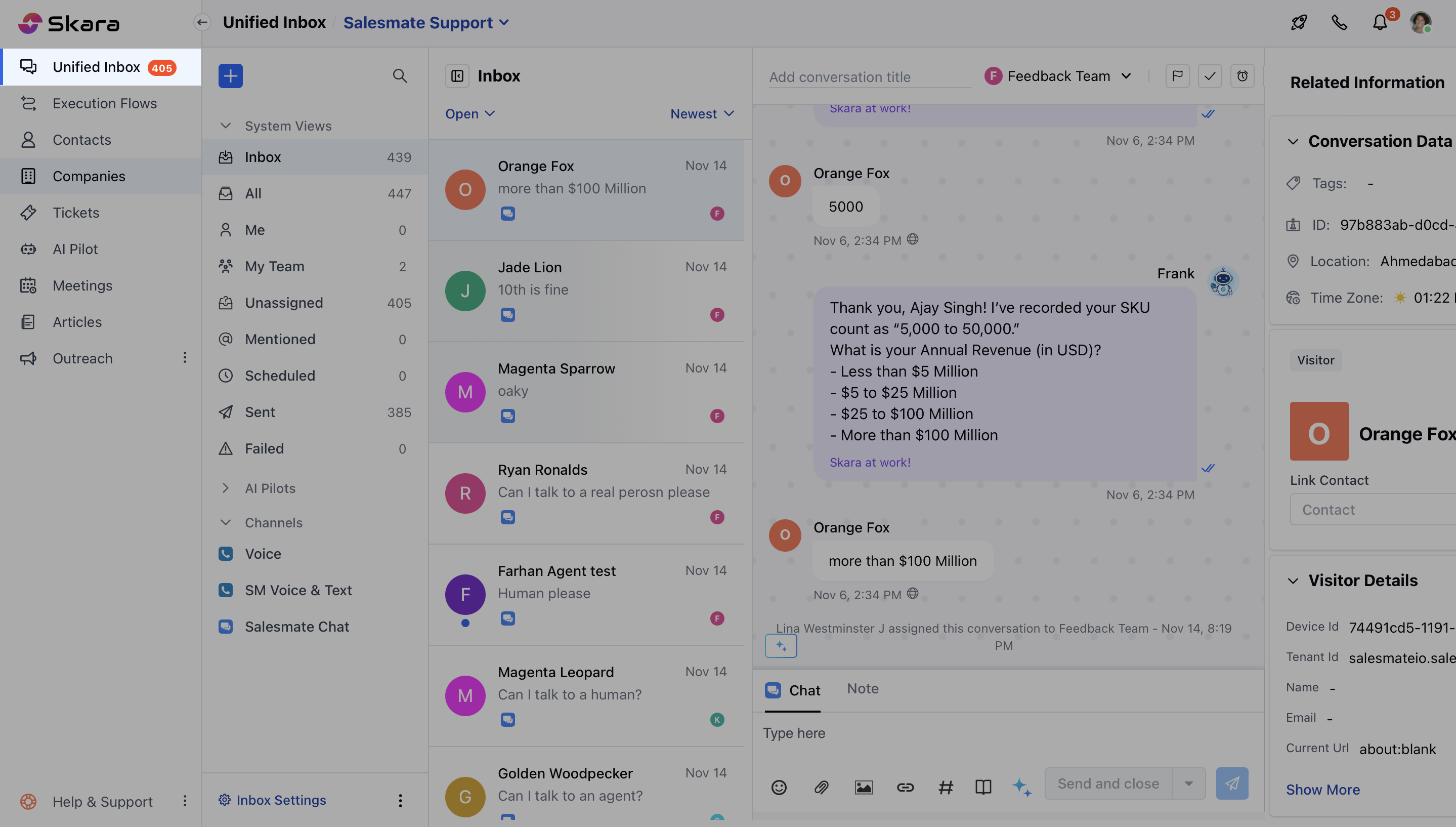
- Select the conversation from the Inbox or apply filters to segregate the conversations you want. Learn more about using filters in this article.
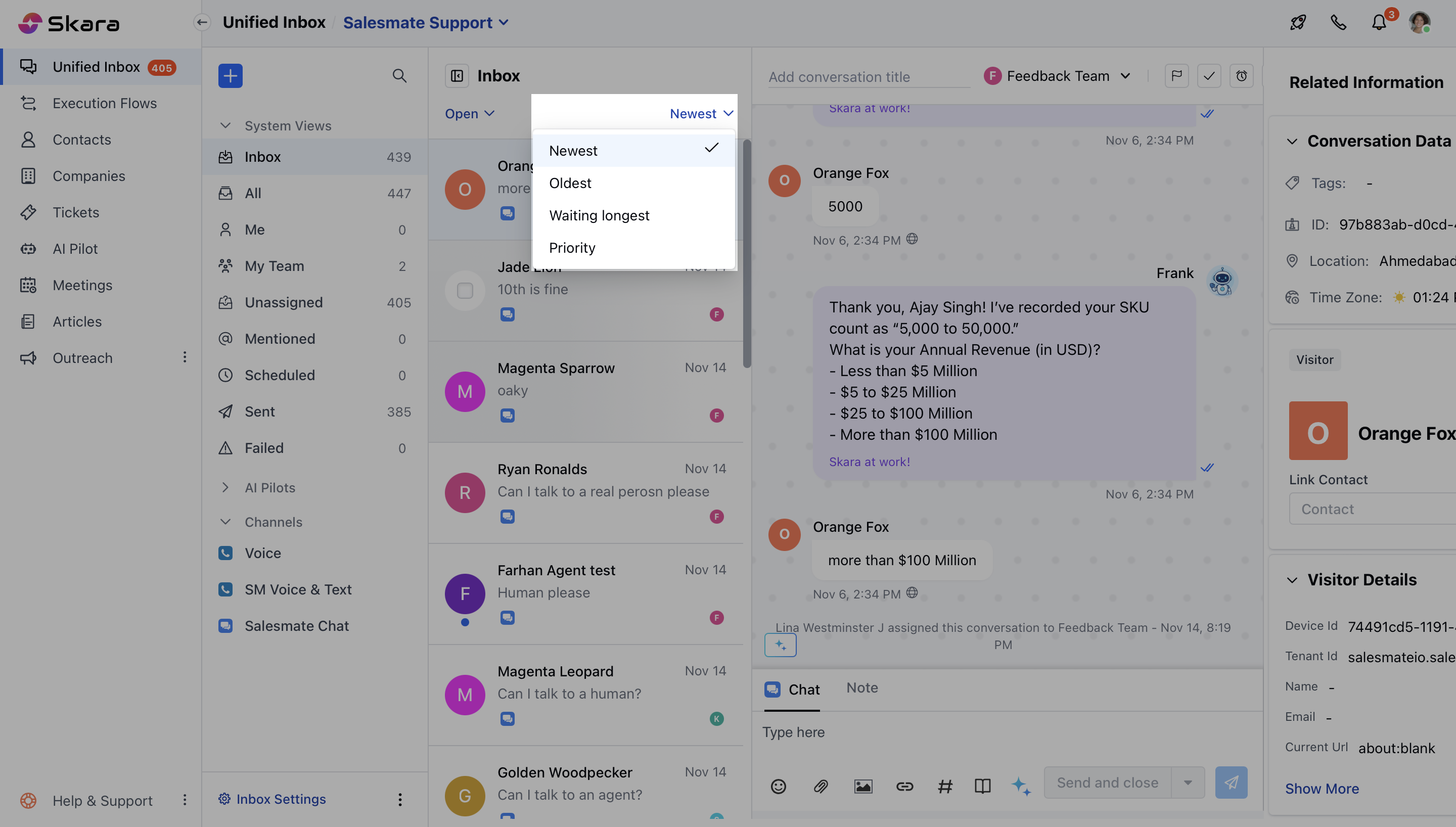
- Select multiple conversations by hovering your cursor over any conversation and selecting the checkbox.
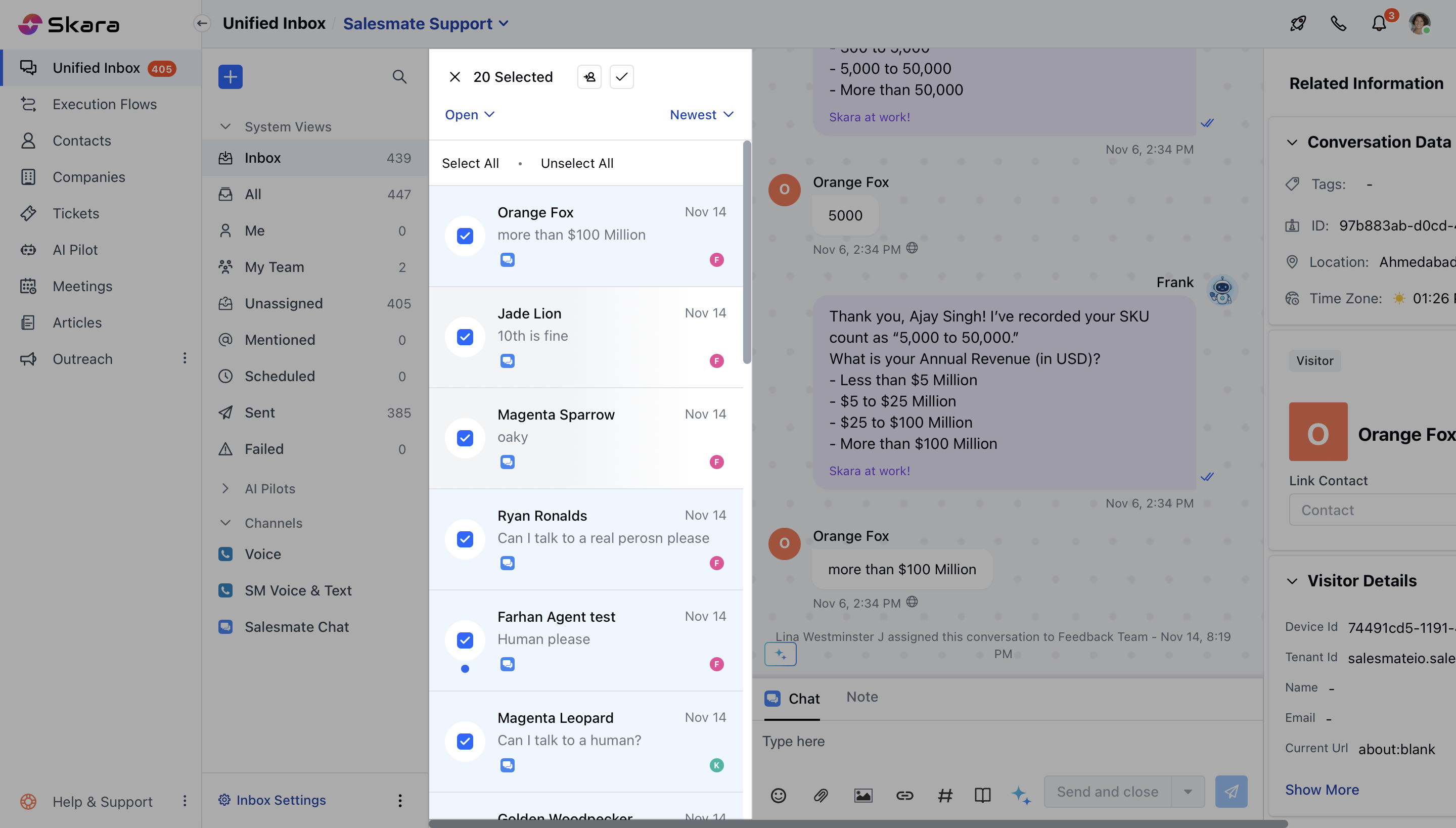
- Once you select the conversations for Bulk operations, you can:
- Change the ownership: It will change the owner of chosen conversations at once.
- Close the conversation: It closes all chosen conversations at once.
Note:
- You can only close a conversation if you have the permission “Can close conversation”.
- You can only reassign a conversation if you have the permission “Manage conversation ownership”.