

- Hover the mouse over the reply or note which you want to delete
- Click on the three-dotted action button.
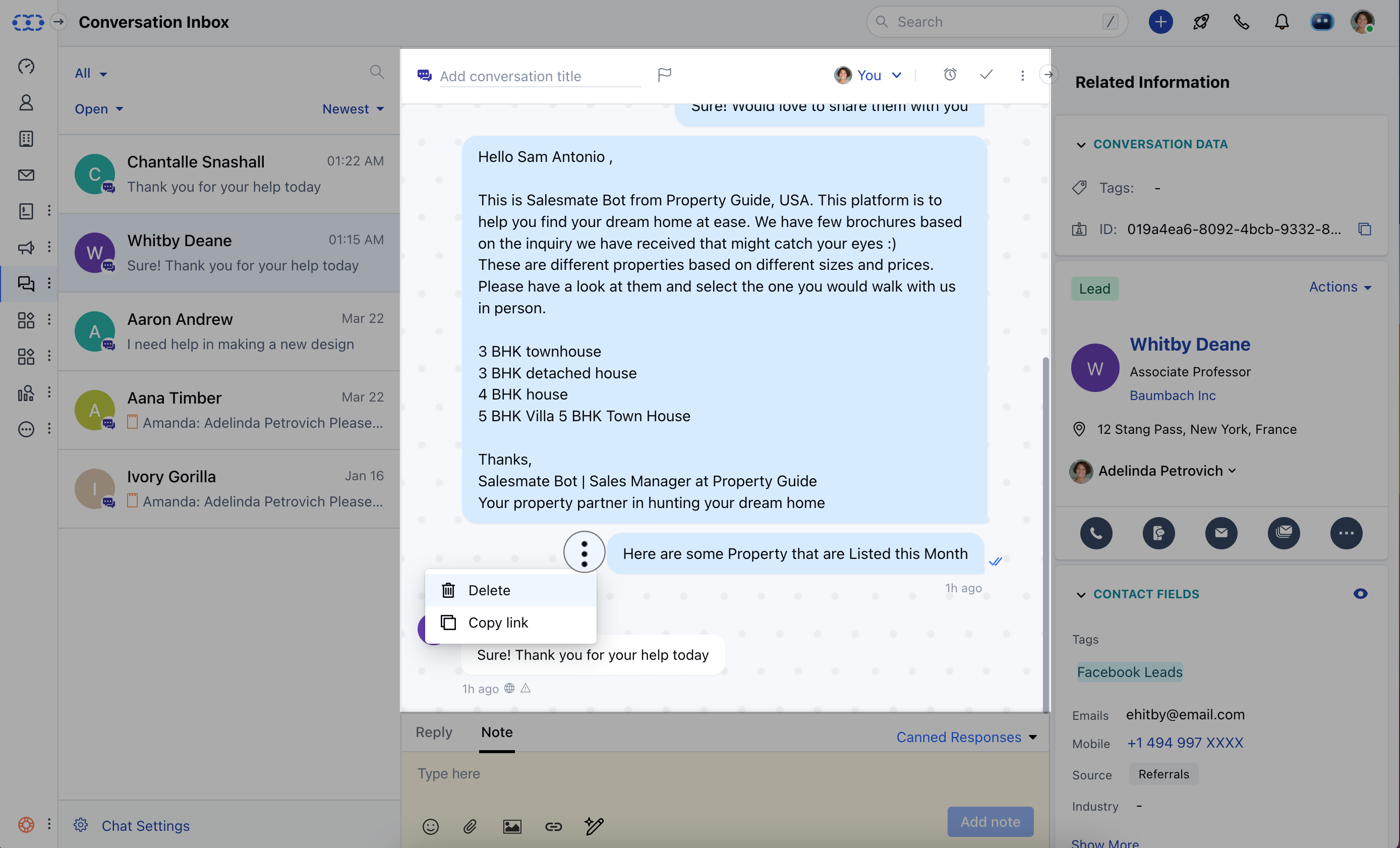
- Click on Delete
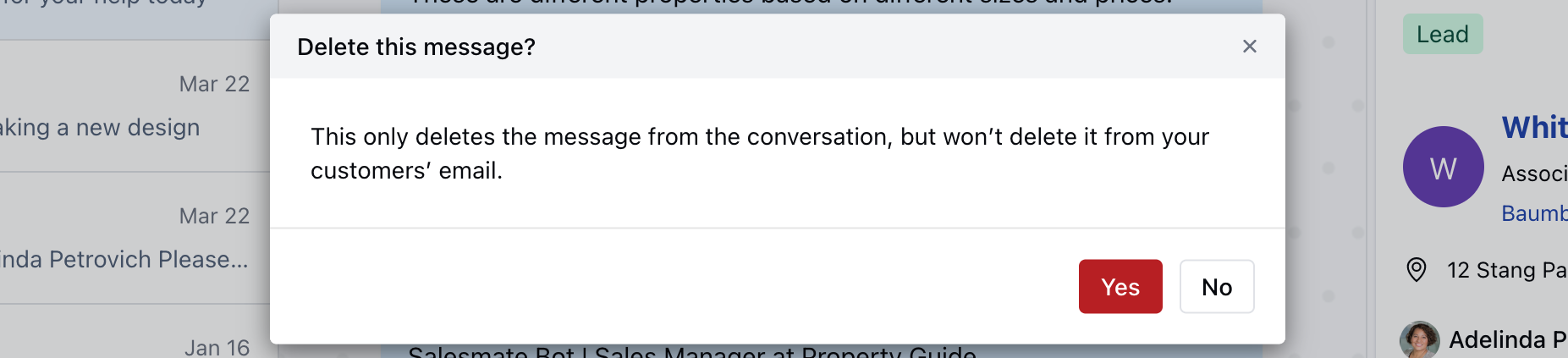
- Click on Yes to confirm. - Your reply or note will be successfully ** deleted **.
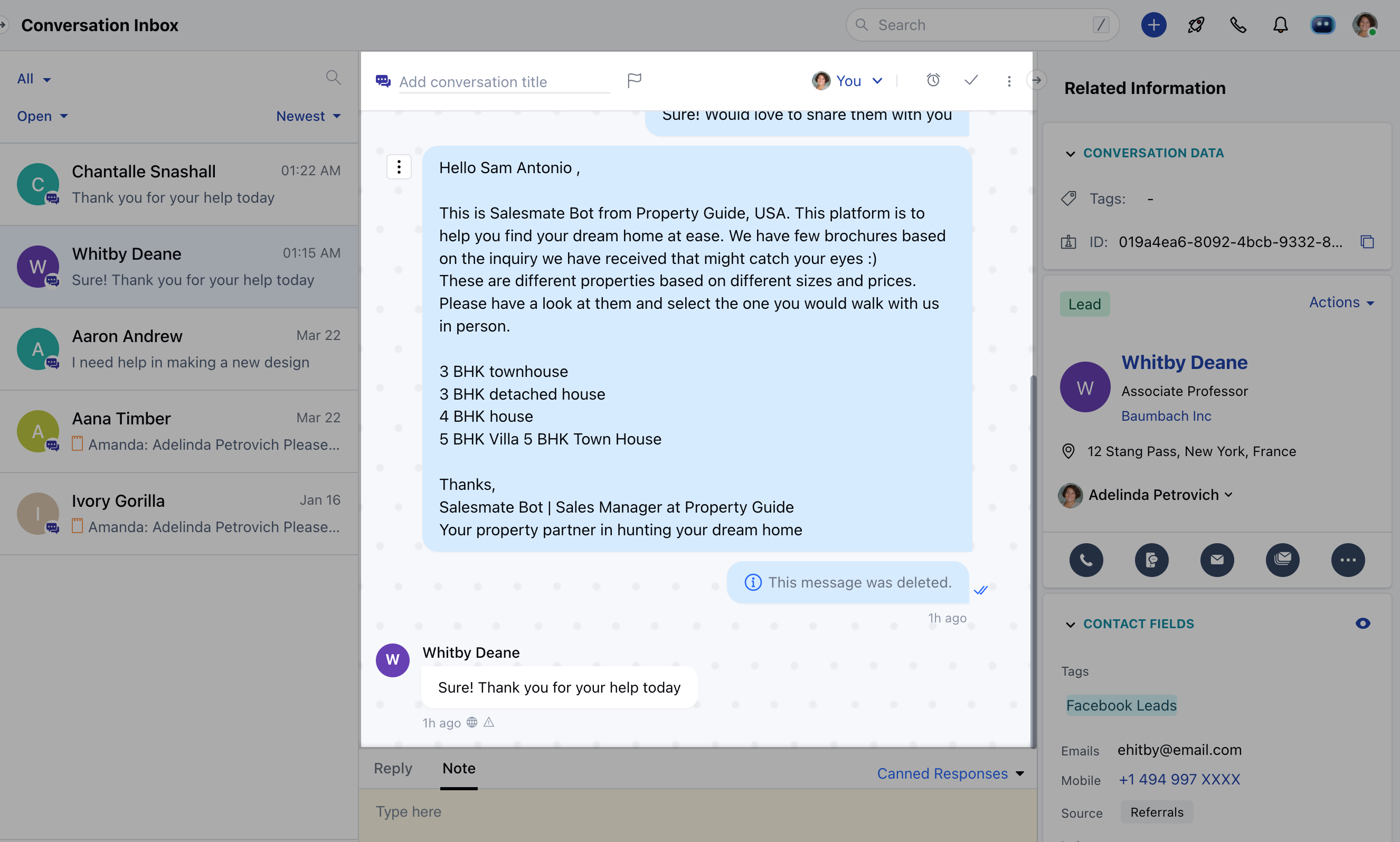
Note: This will permanently delete the reply or note from the
conversation but won’t delete it from your teammate’s email if already
notified.