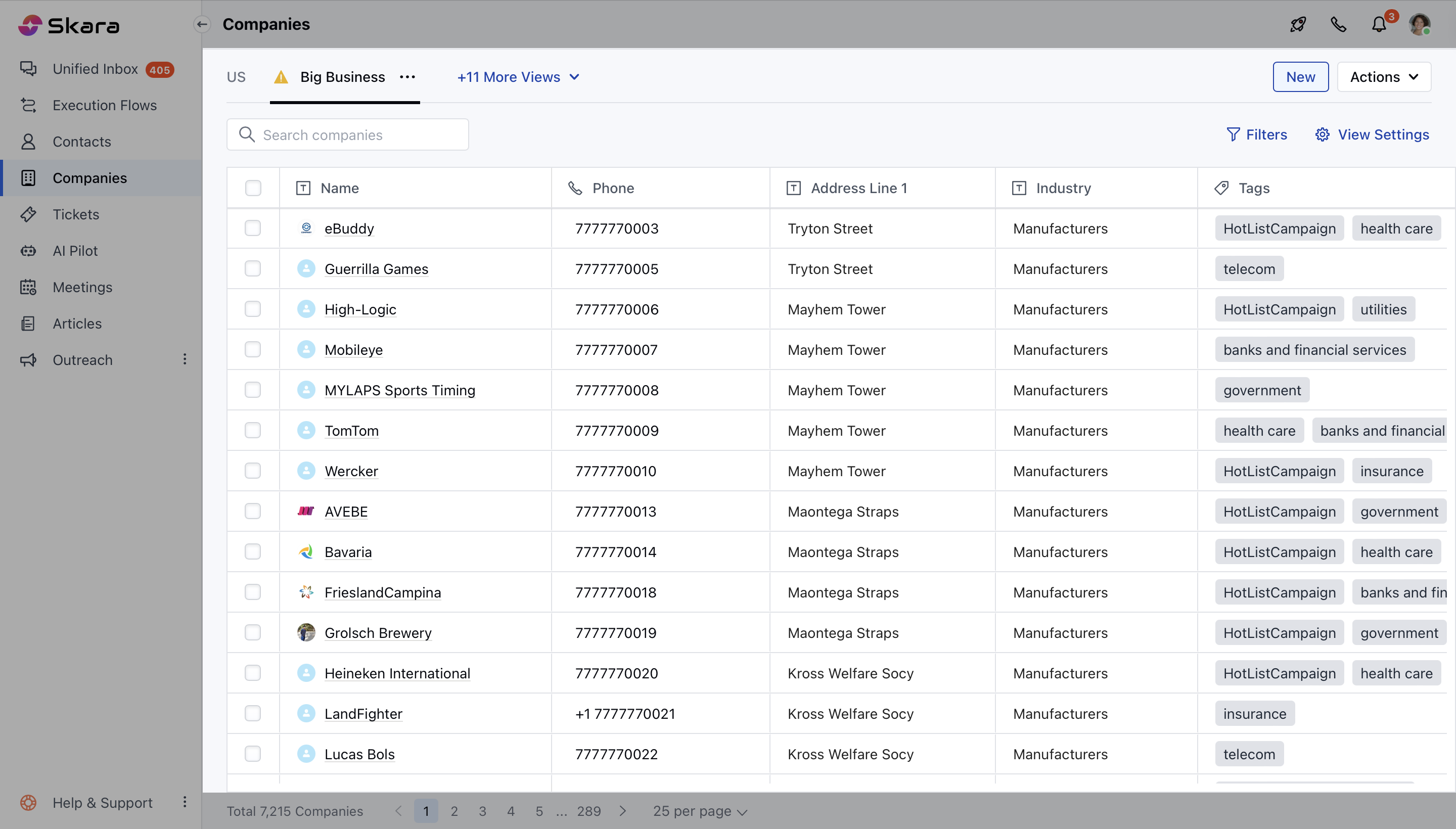
- Navigate to the Company Module from the left sidebar accessing to Listing View
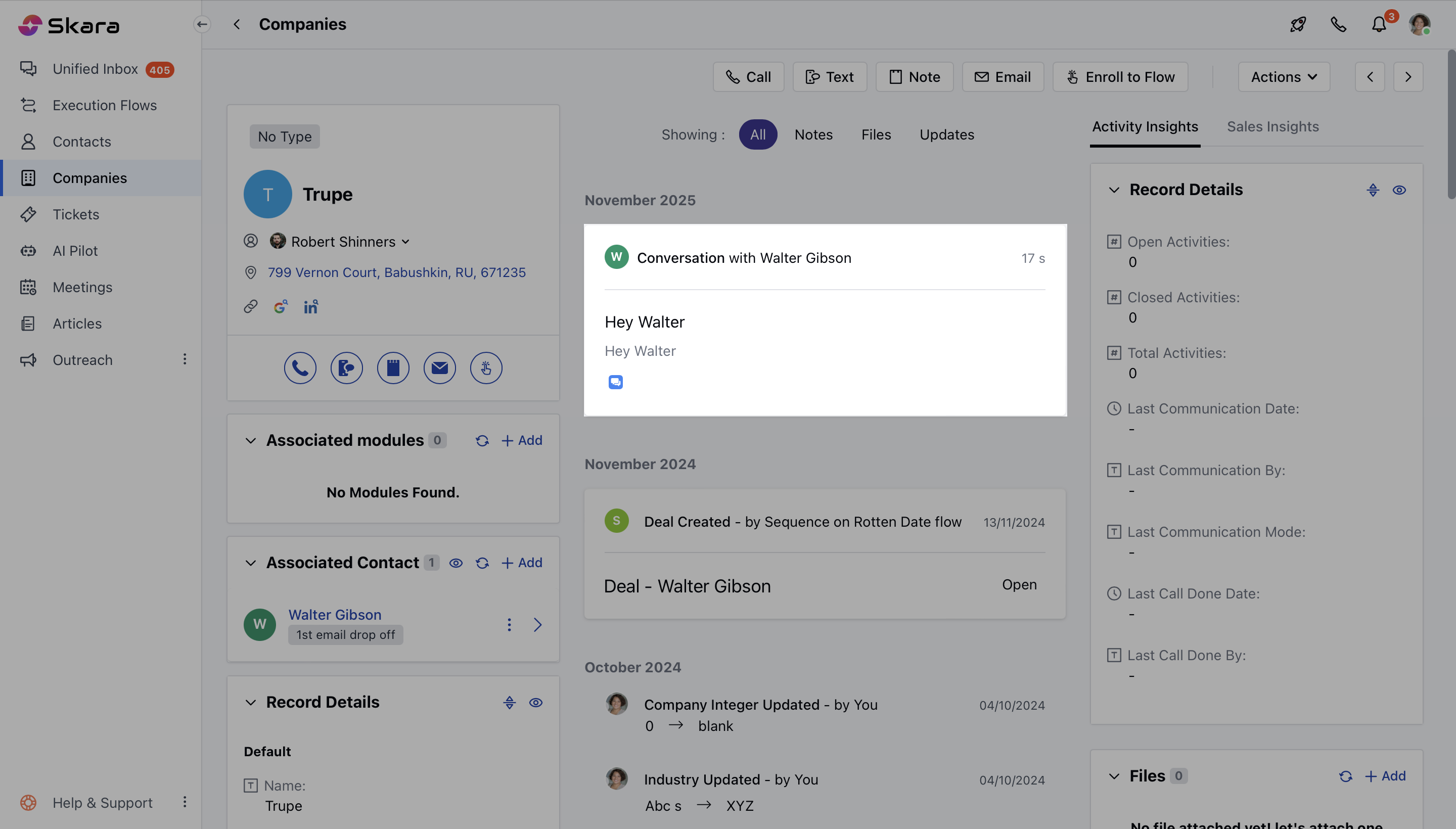
- Select the Organization and open it in the Detail View
- Here you can find all recent conversations linked to contacts within the same company, using the Associated Conversation Widget. Learn More about how to add Widgets to Layout.