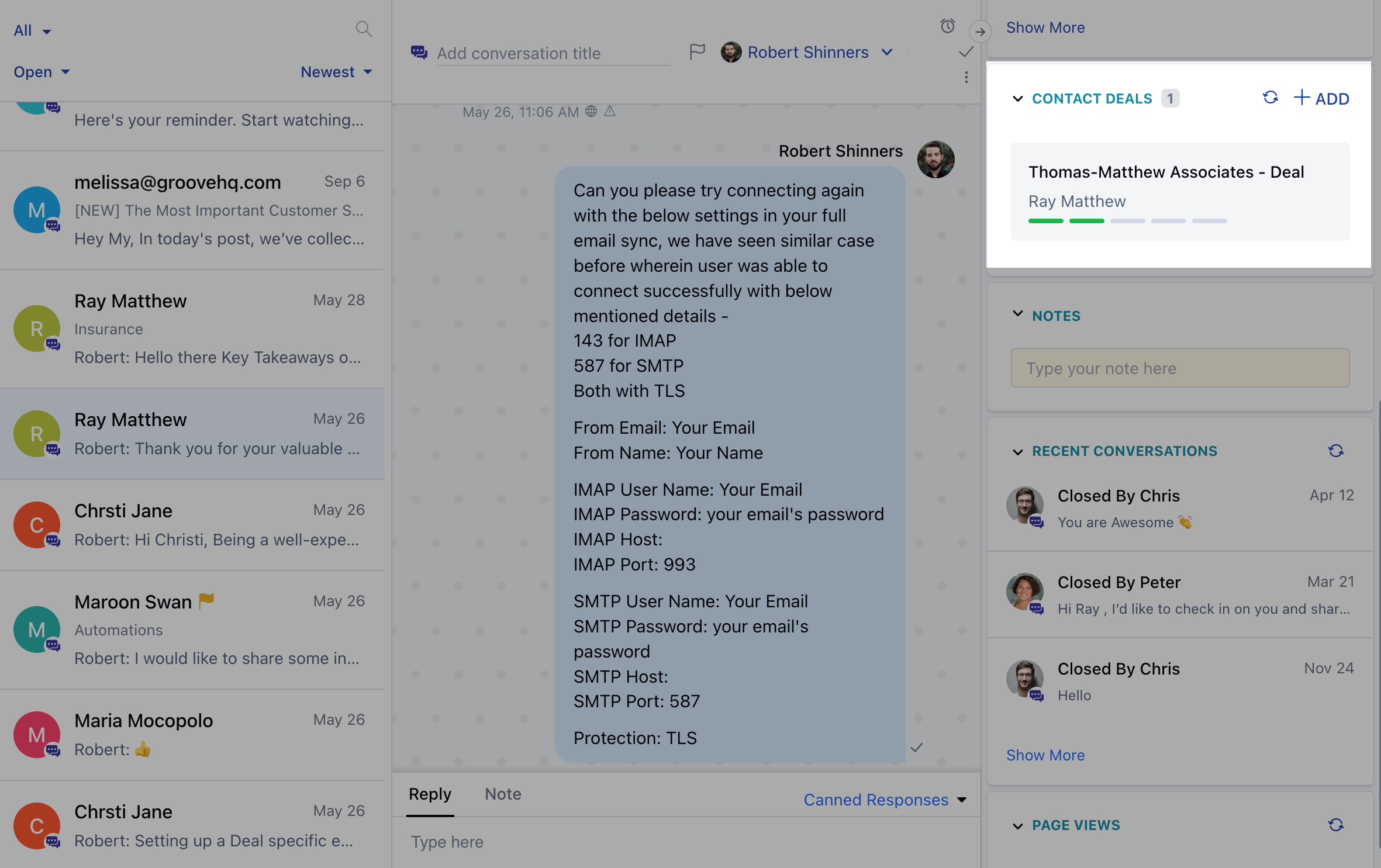
- Navigate to Conversations Icon on the left menu bar
- Click on Chats
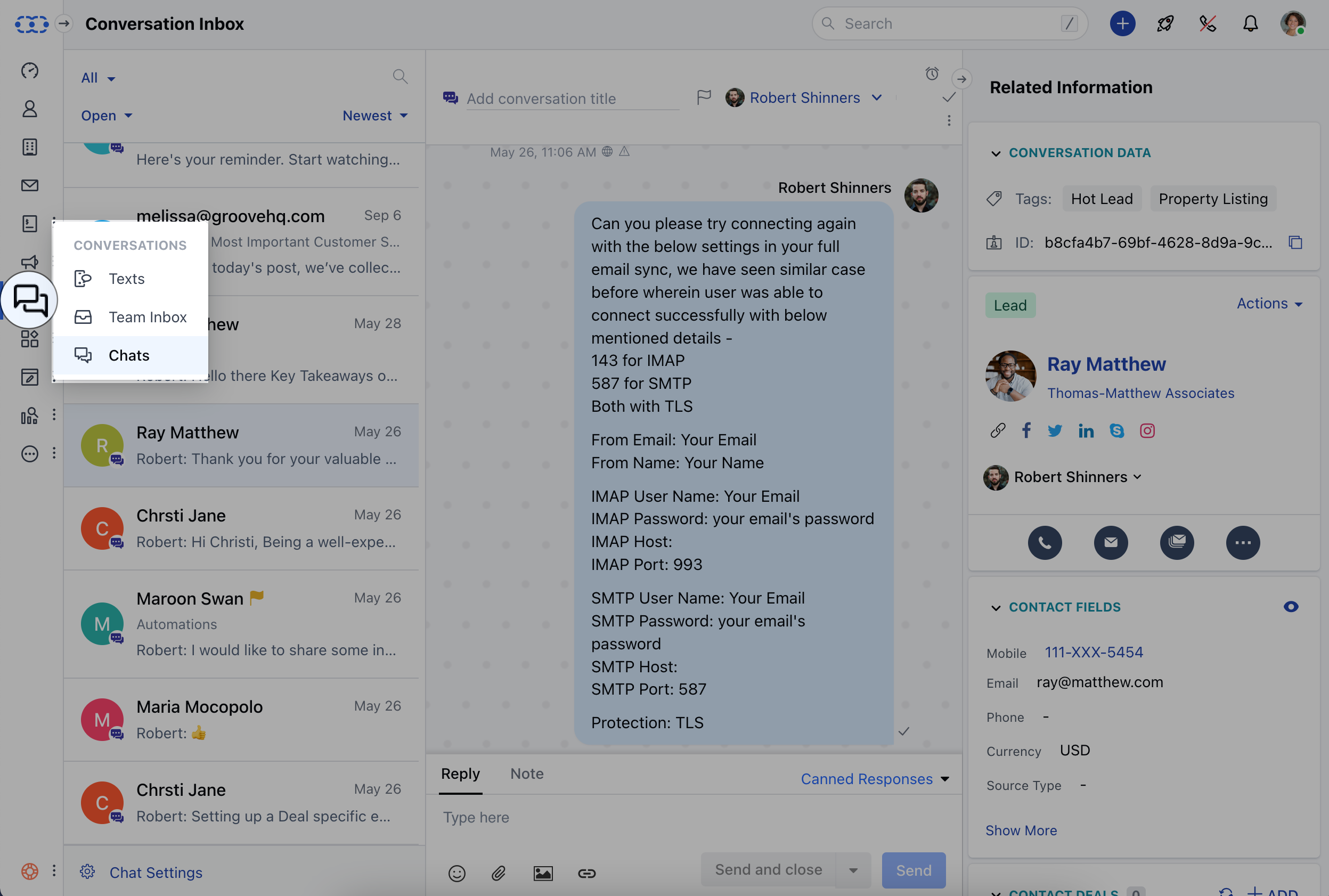
- Under the Chat Conversation view “Check the Right Block for “Contact Deal”
- Users will get an option to create a deal using the ”+” Add Deal Icon
- On the creation of a deal from the conversation panel, the deal gets auto-linked with the conversation.
- Multiple Deals can be associated with a Contact at a time.