Topics covered:
How to Use and Configure
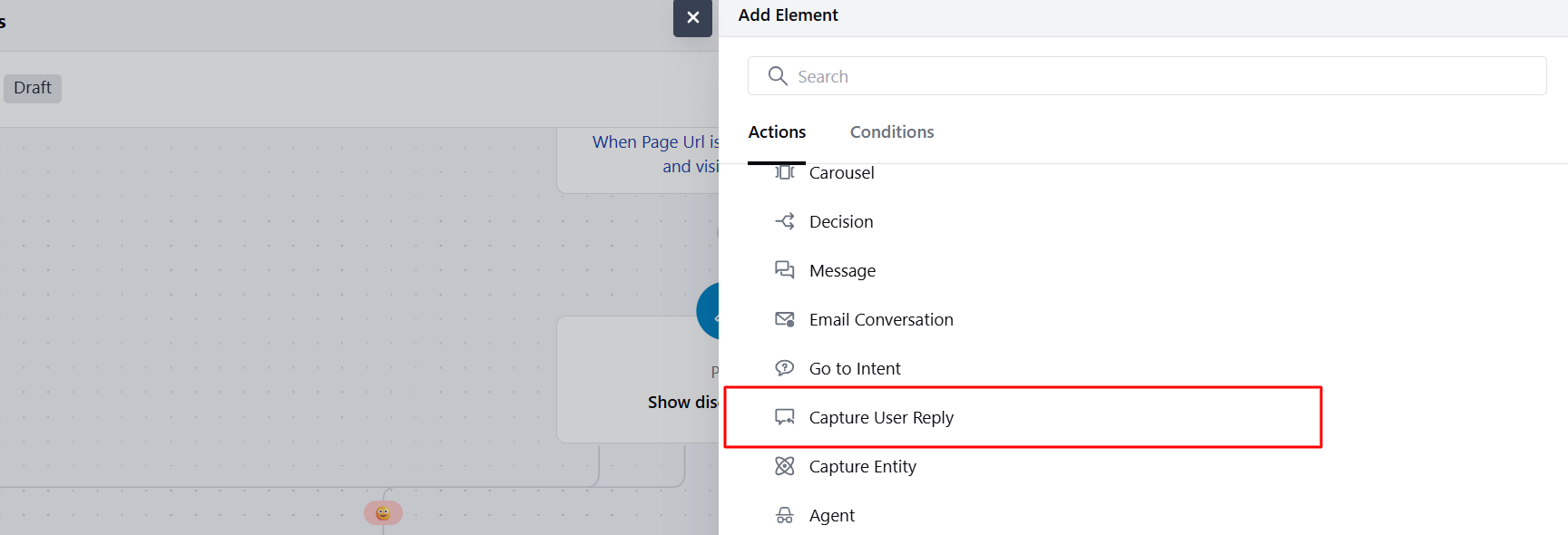
- Within the Execution flows, once you have configured your trigger please choose Capture User Reply under Chat Conversation.
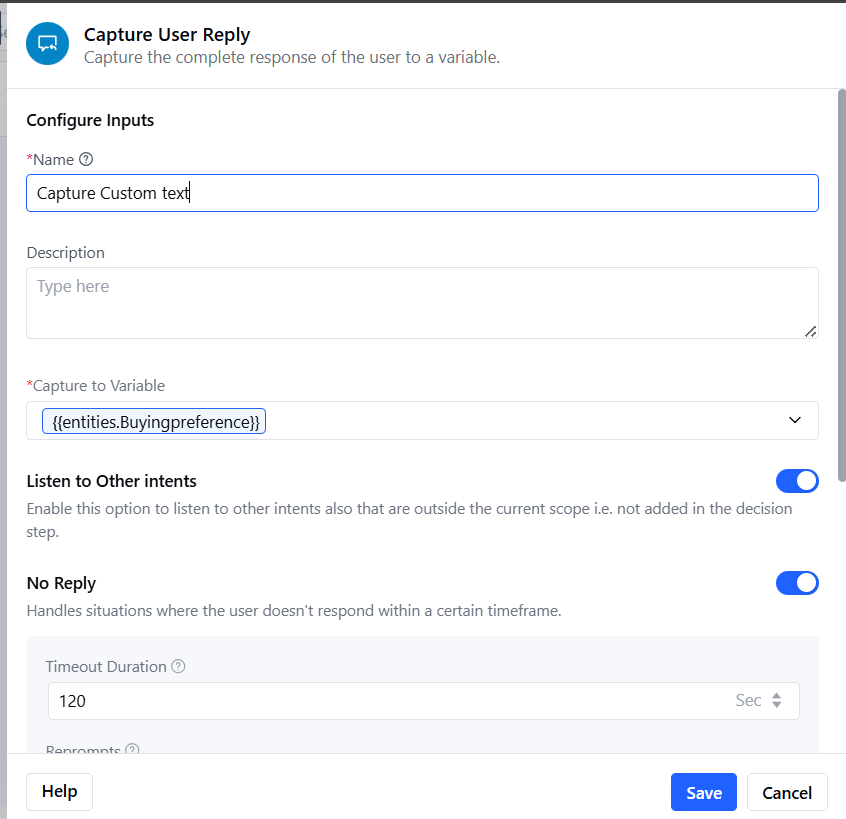
- Description (Optional): Provide a brief explanation of the action’s function for reference.
- Capture to Variable: Select the variable where the captured reply will be stored.
- Listen to Other Intents: Enable this option if you want the agent to detect and trigger other intents based on the user’s reply.
- No Reply Handling: Enable this option to Send a follow-up message to re-engage the user and send a follow up messages automatically. When enabled, you will need to configure below settings.
- Timeout Duration:Set the time (in seconds or minutes) the system should wait for a user reply before triggering a response.
- Re-prompts: Enter responses which should be sent when no reply is received. You can provide one example and have more responses generated by AI
- Additional Output Port for No Reply (If Enabled):If No Reply Handlingis enabled, an extra output port is added to manage scenarios where no user reply is received. This allows you to define aspecific path to follow after all retry prompts are exhausted (e.g., escalation, timeout message).
Practical Use Case:
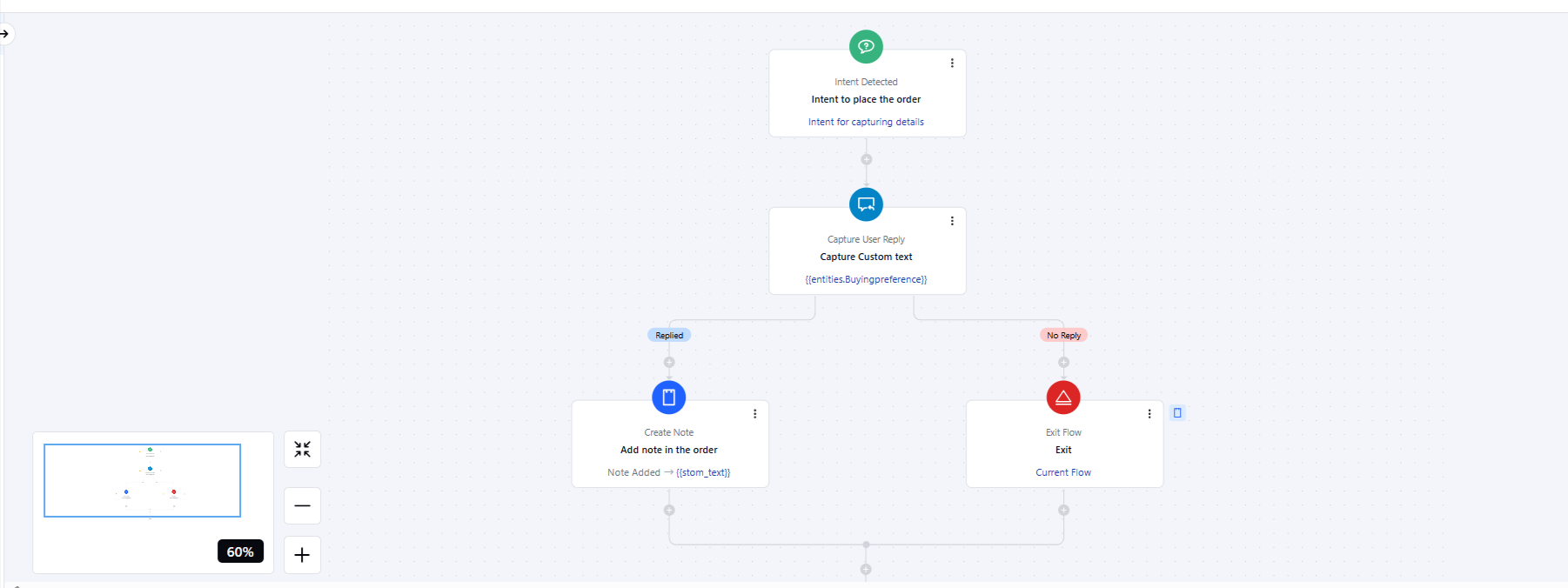
Imagine an e-commerce chatbot assisting a customer with placing an order for a personalized product, such as a custom T-shirt. The bot could ask, “Please enter the custom text you’d like printed on your T-shirt.” In this scenario:- The Capture User Reply action is used to store the customer’s input (e.g., “John’s Birthday Bash”).The reply is saved to a variable(e.g.,
customText) that can be passed along to the order management system.If the customer doesn’t respond, the No Reply Handling option triggers a gentle reminder like “We need your custom text to complete the order. Please enter it now.”