How to Configure
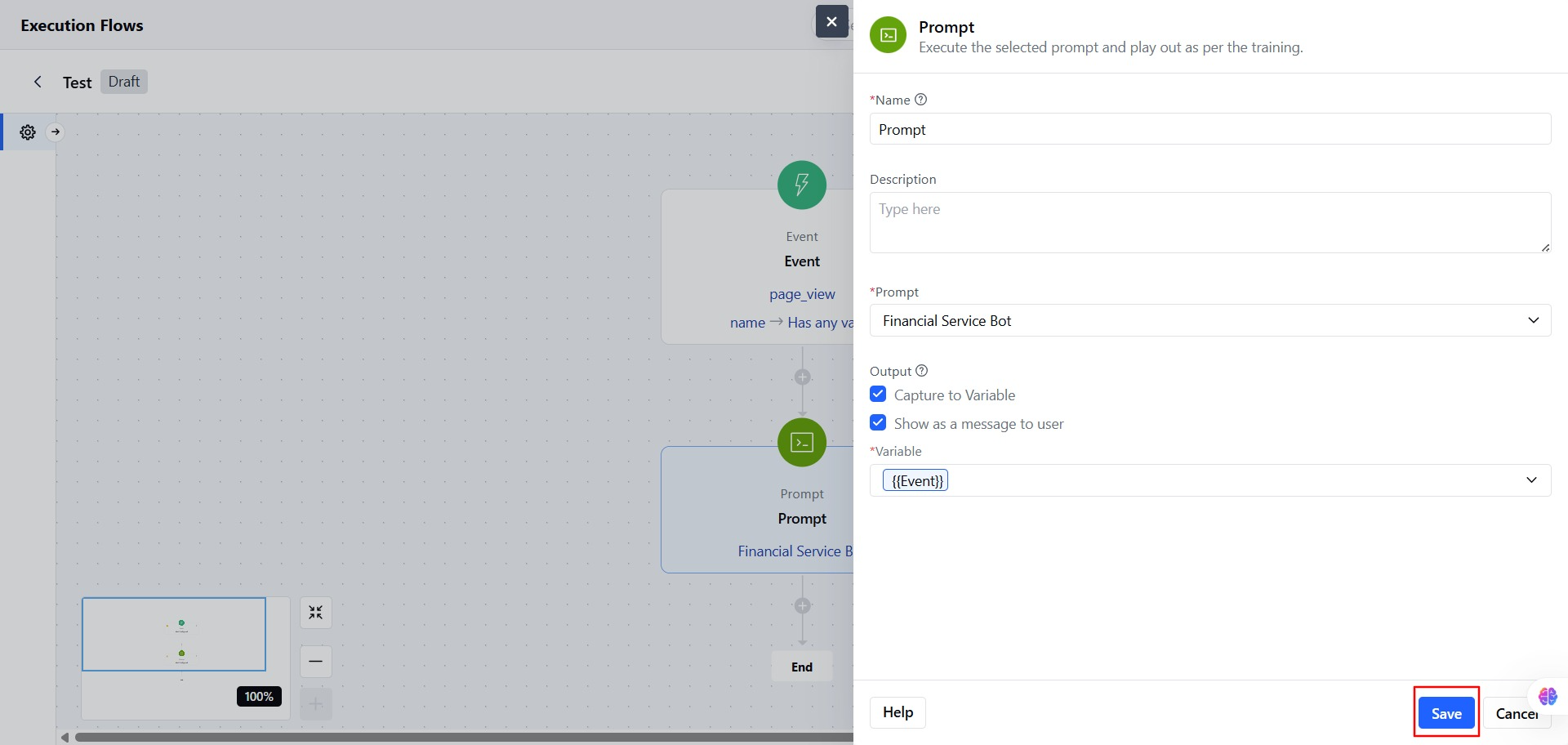
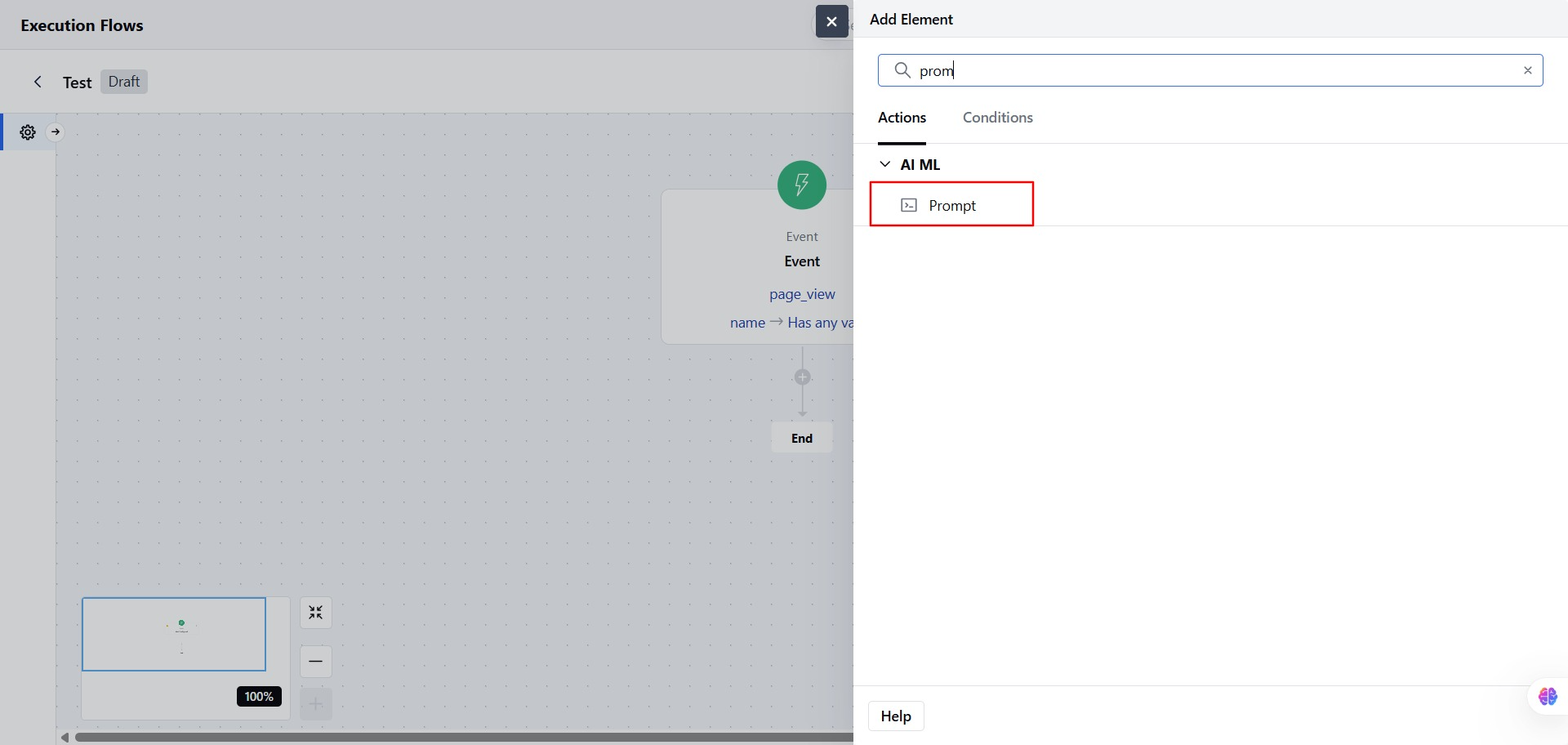
- Click on the Prompt Action block in your flow.
- Add a Name based on your flow
- Add a Description, it can help explain what this step does.
- Select a Prompt: Choose an existing prompt enabled for the bot. Or, you can create a new prompt from this screen.
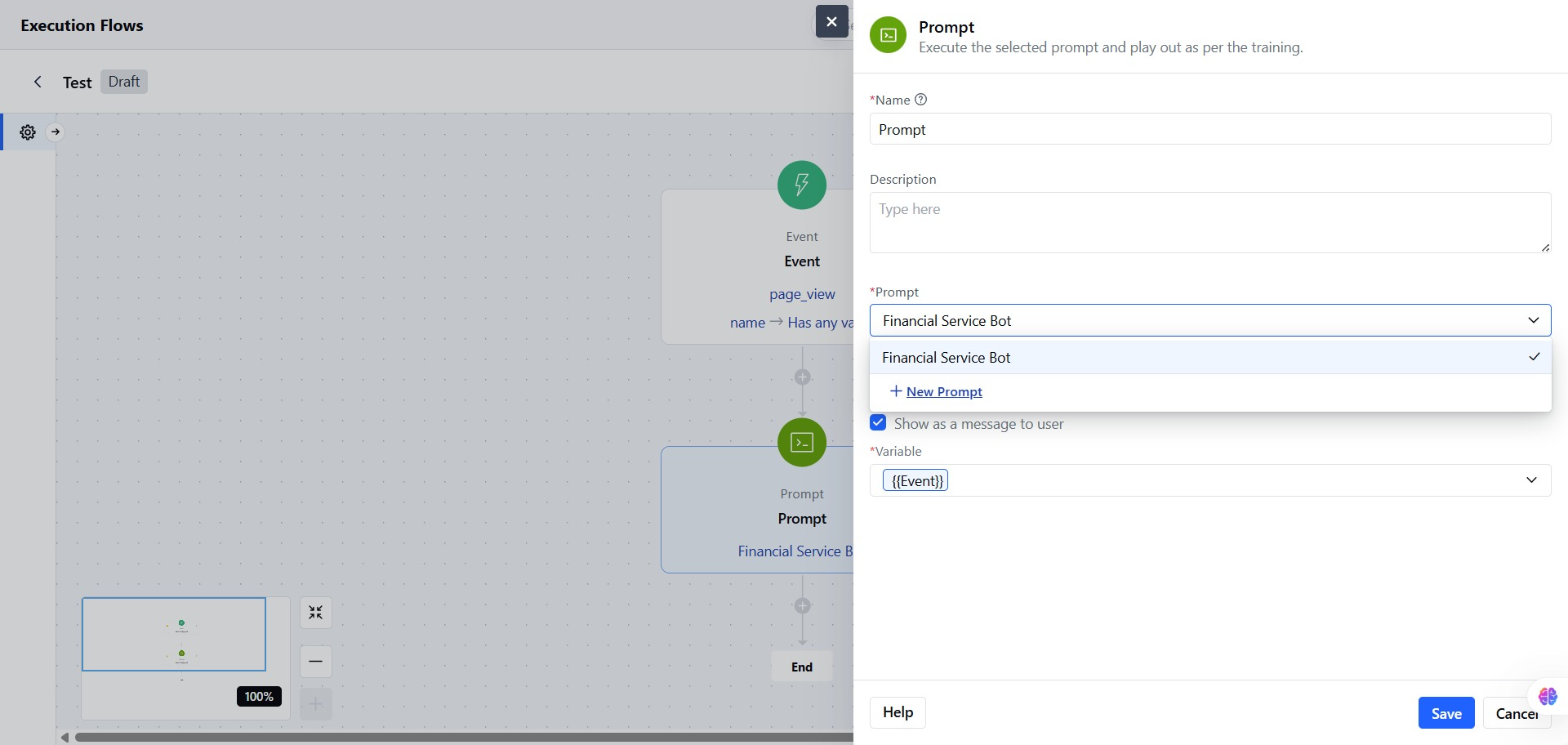
- Only one prompt can be selected.
- You can choose two Output
- Capture to Variable Save the response to a variable for use later in the flow.
- Show as a Message to User Display the response directly to the user in the chat.
- Click Save to confirm the flow.