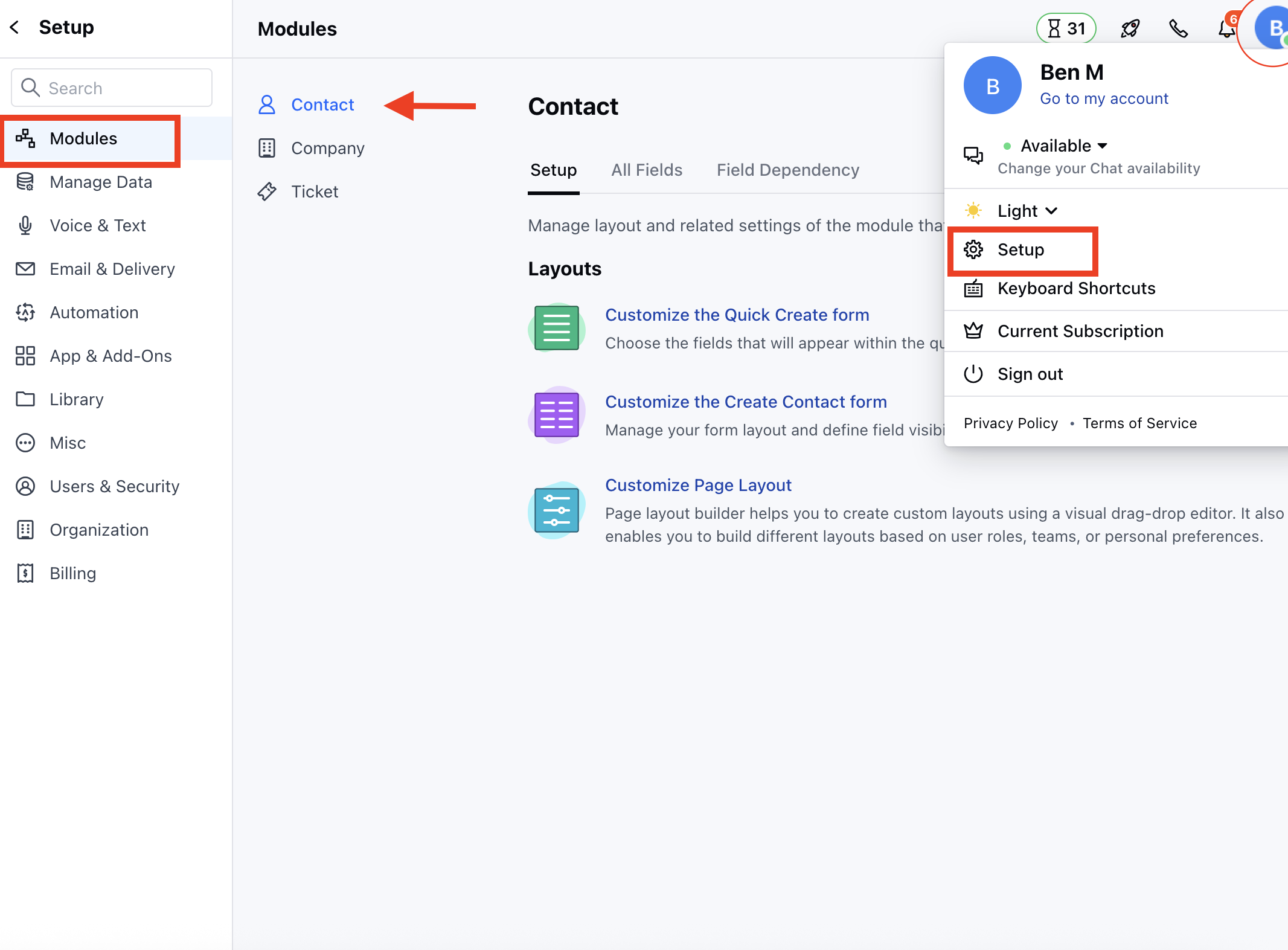
- Navigate to the Profile Icon in the top right corner.
- Click on Set Up
- Head over to the Modules category
- Select the required Module (Contact, Company or Ticket Module)
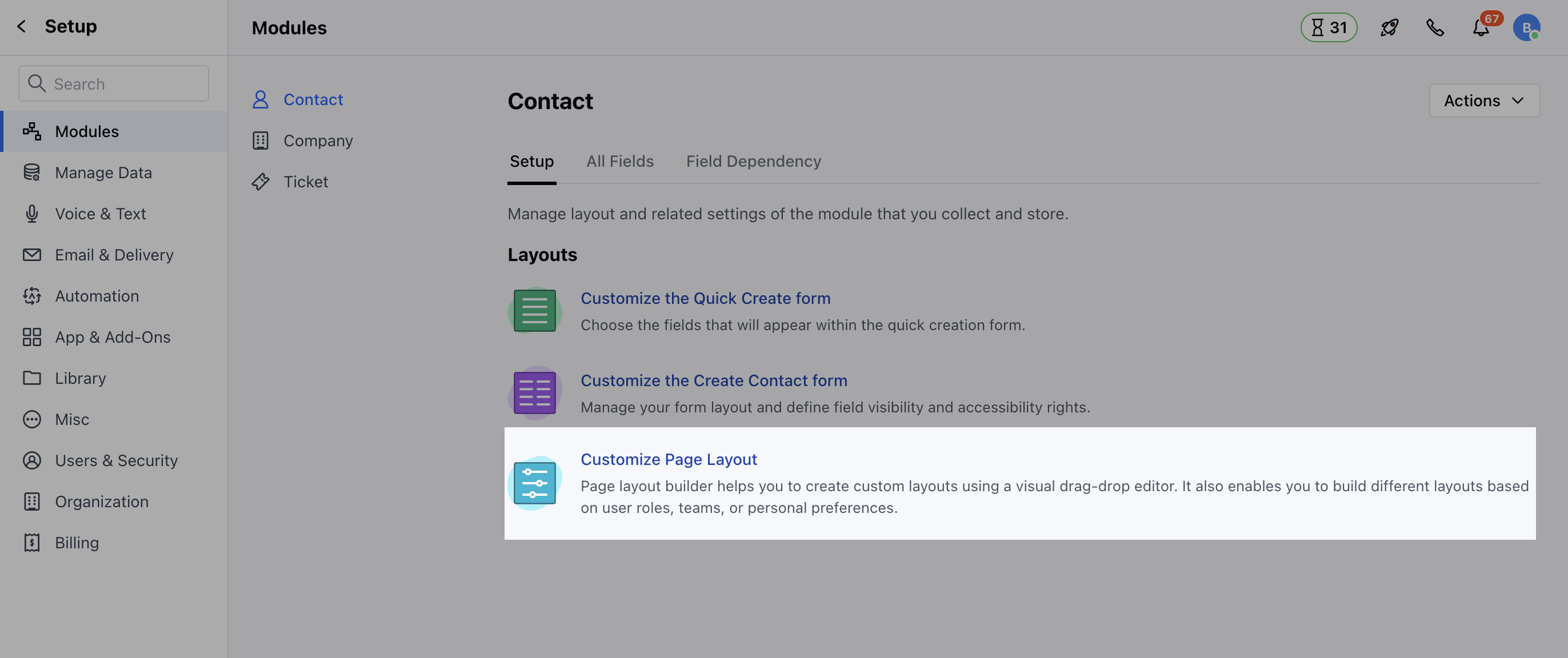
- Click on the Customize the Page Layout option
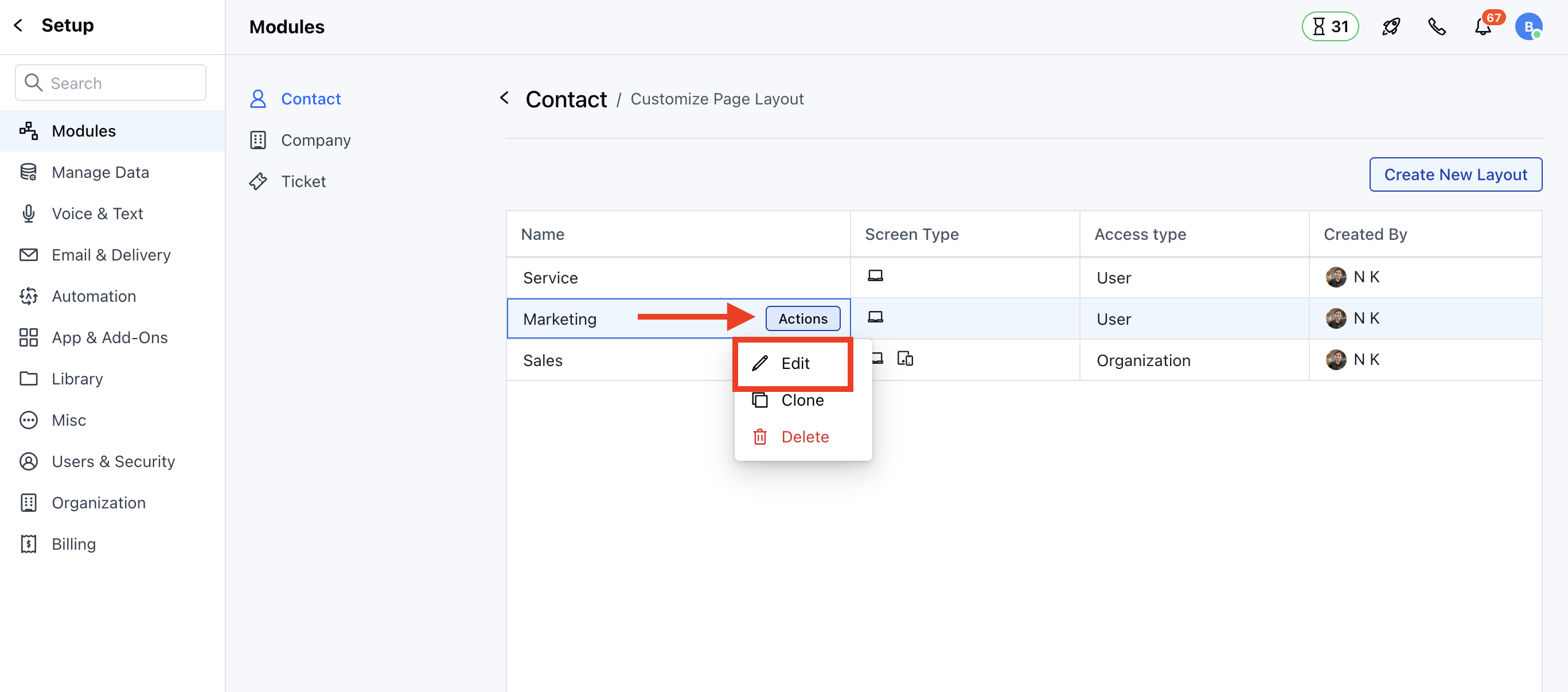
- Here, you can Edit the existing Layout or Create a New Layout
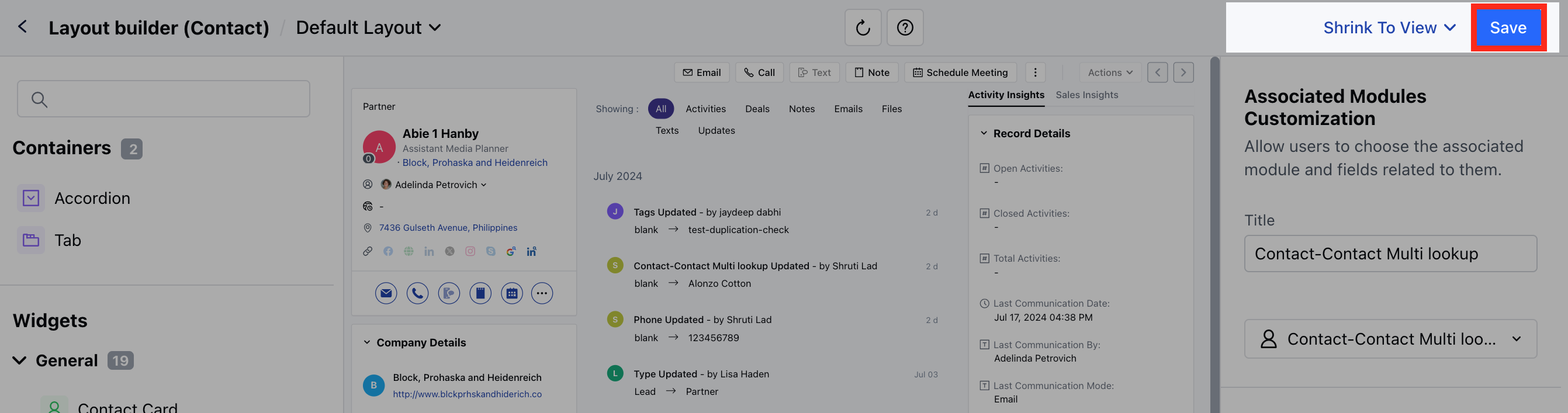
- When you drag-drop the Associated Module widget on the layout page, a drop-down will ask you to choose the relation.
- Once you have selected the module, an option to add the fields will be enabled.
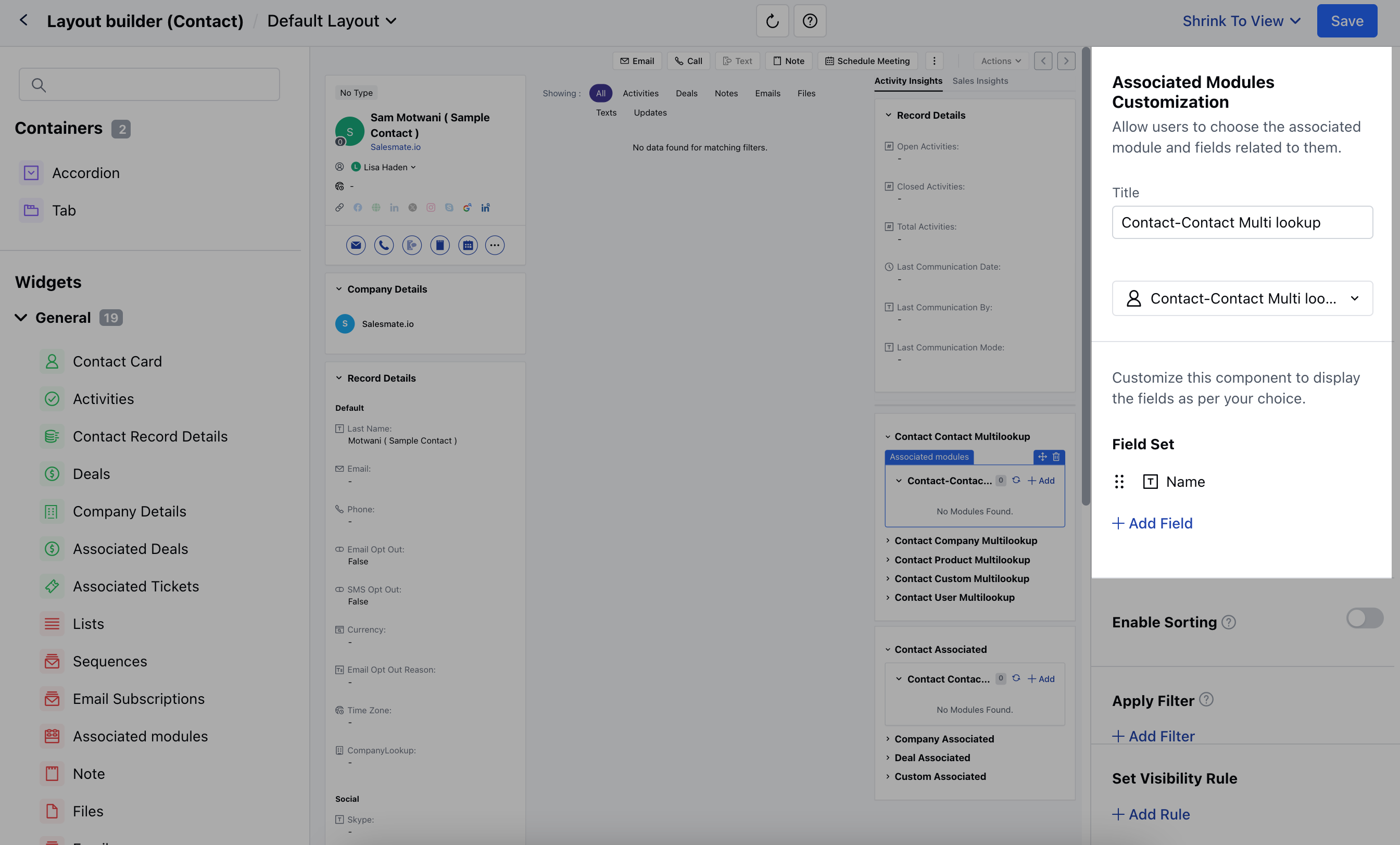
- Now if you add any of the above mentioned Widgets, you would get an option to,
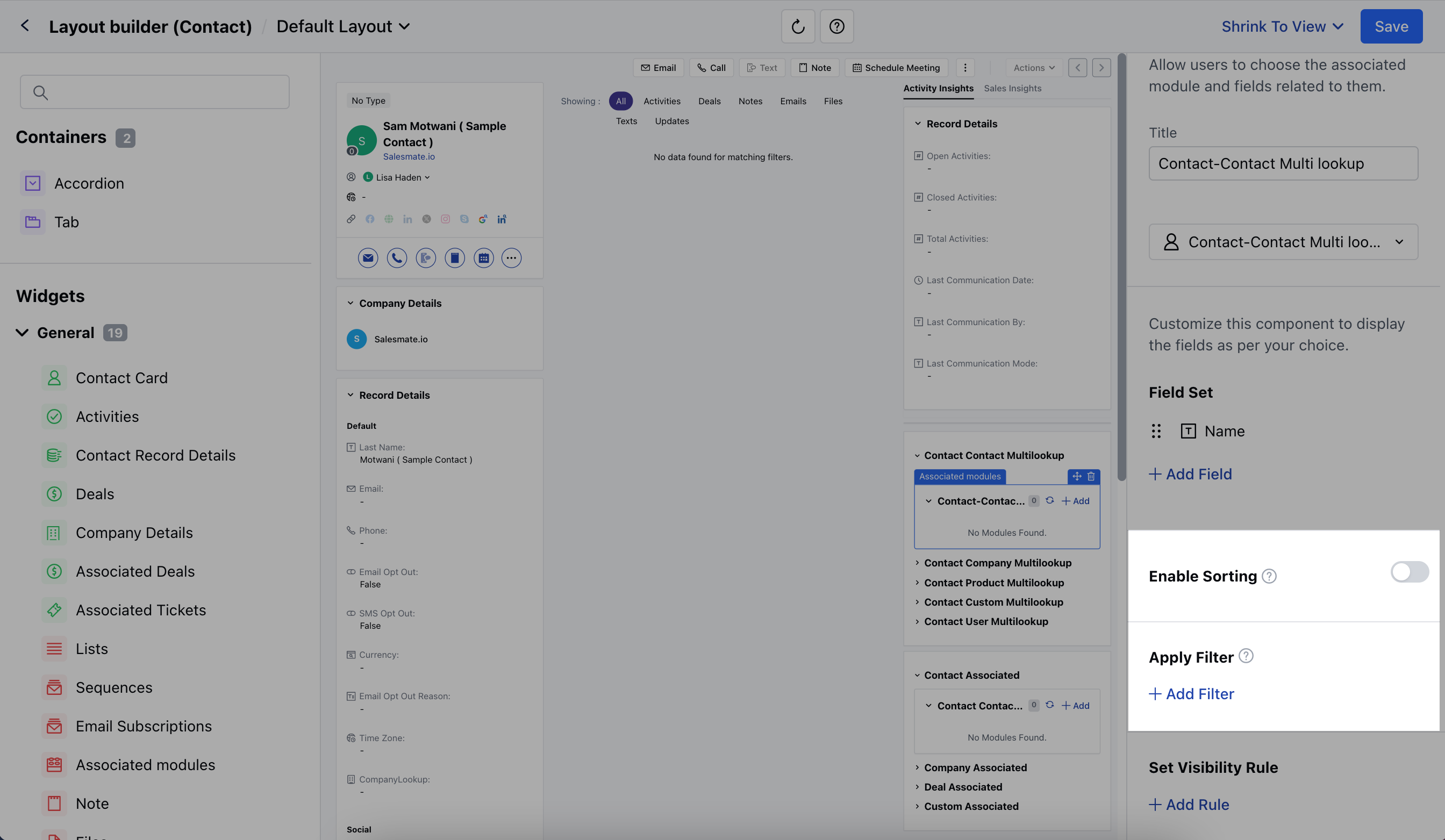
Enable Sorting
- This option will be disabled by default, click on the Toggle button to enable the option.
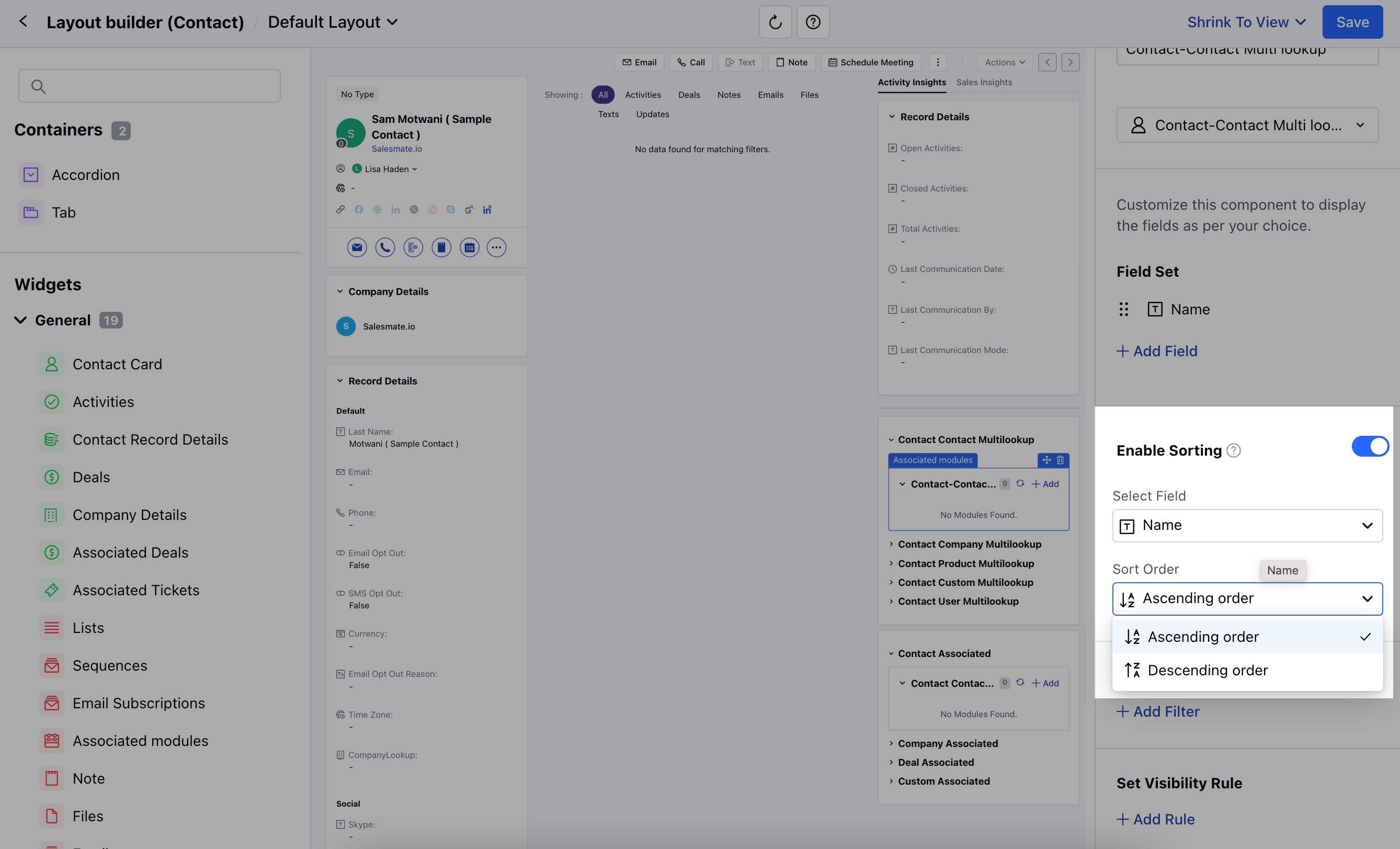
- Choose the field on which you want to apply sorting and then select the order of sorting,
- Select Field: Select the required field from the available list of fields.
- Sort Order: Choose to sort the order in ascending or descending order.
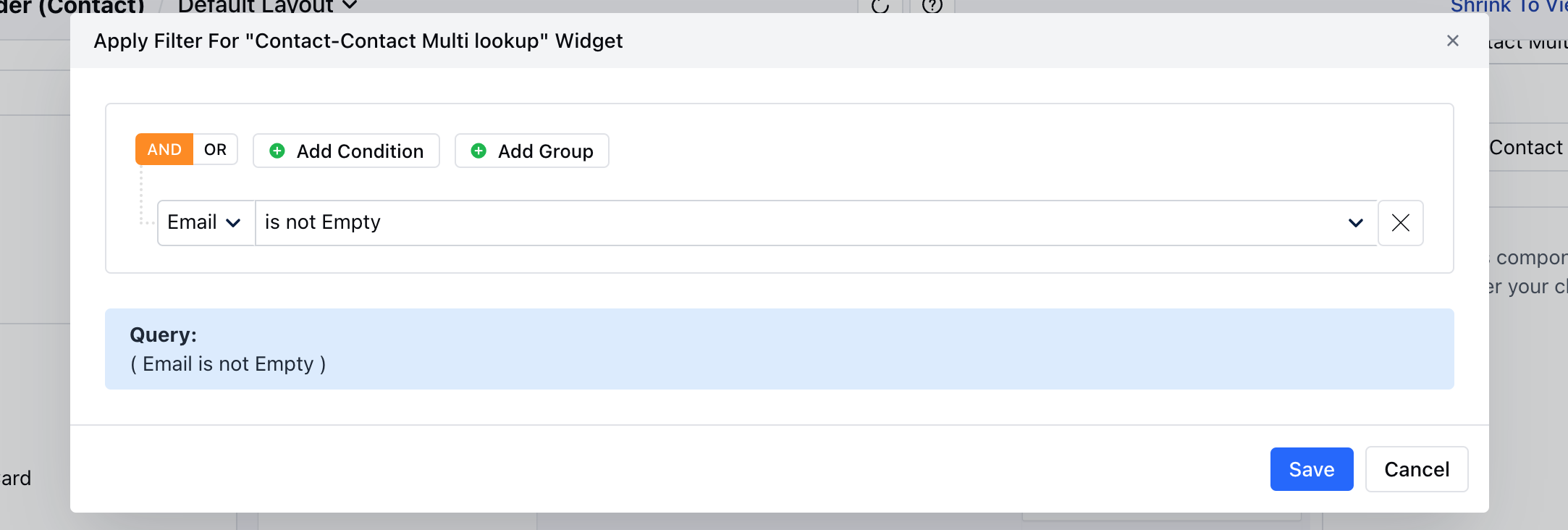
Apply Filters
- Click on + Add Filter to apply Filters
- A pop up will open to add the set of Conditions
- Once done, Save the applied criteria.
- Click on Save to save the applied changes.