You can add colors while
To add colors to the Tag,
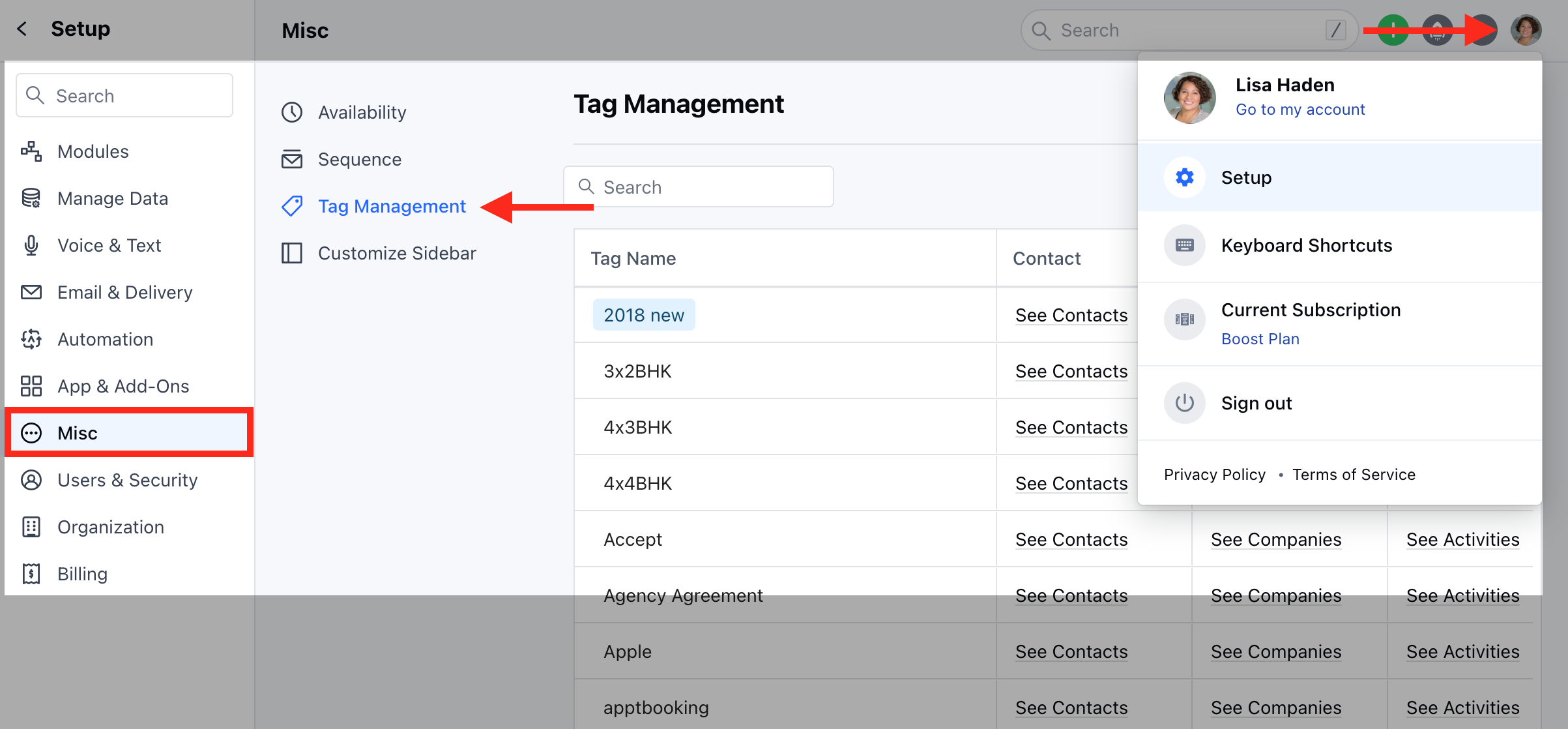
- Navigate to the Profile Icon on the top right corner
- Click on Set Up
- Head over to the Misc category
- Click on Tag Management
Creating a New Tag
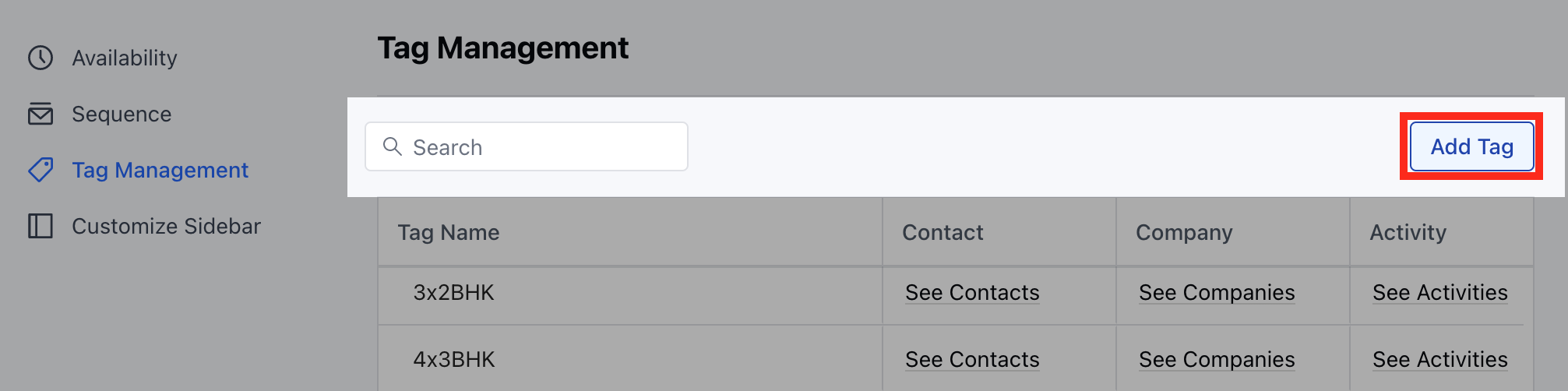
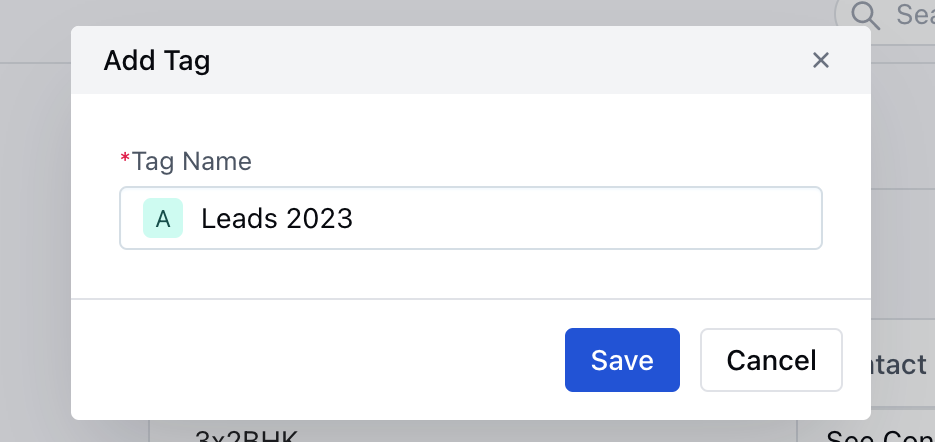
- Click on the Add Tag option
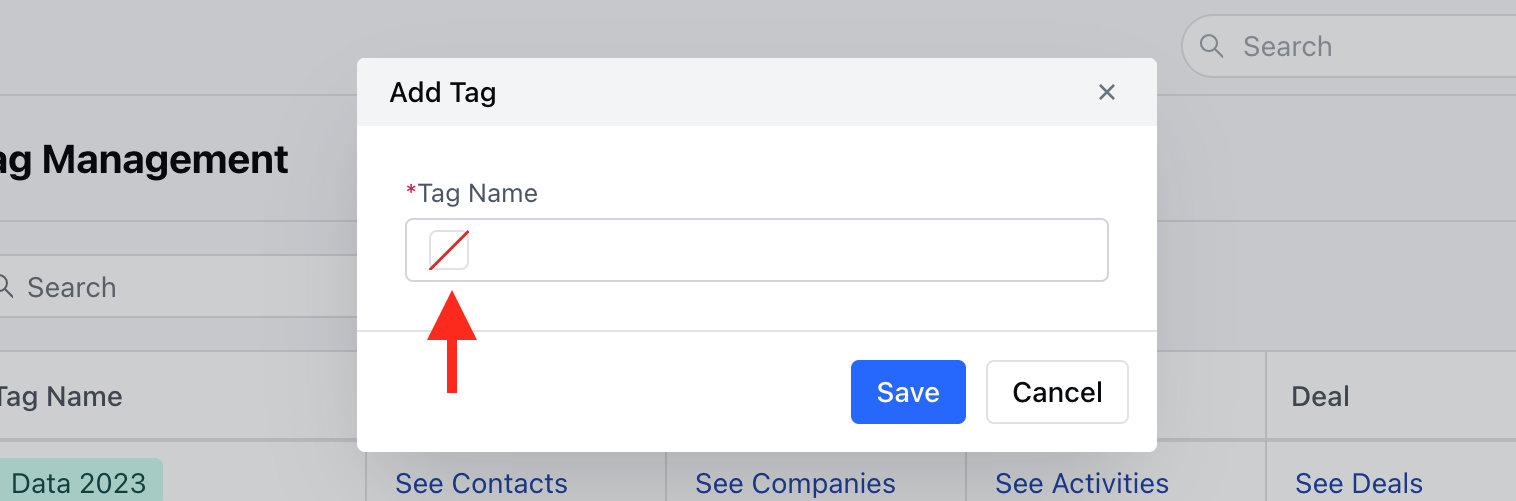
- Click on the Square icon
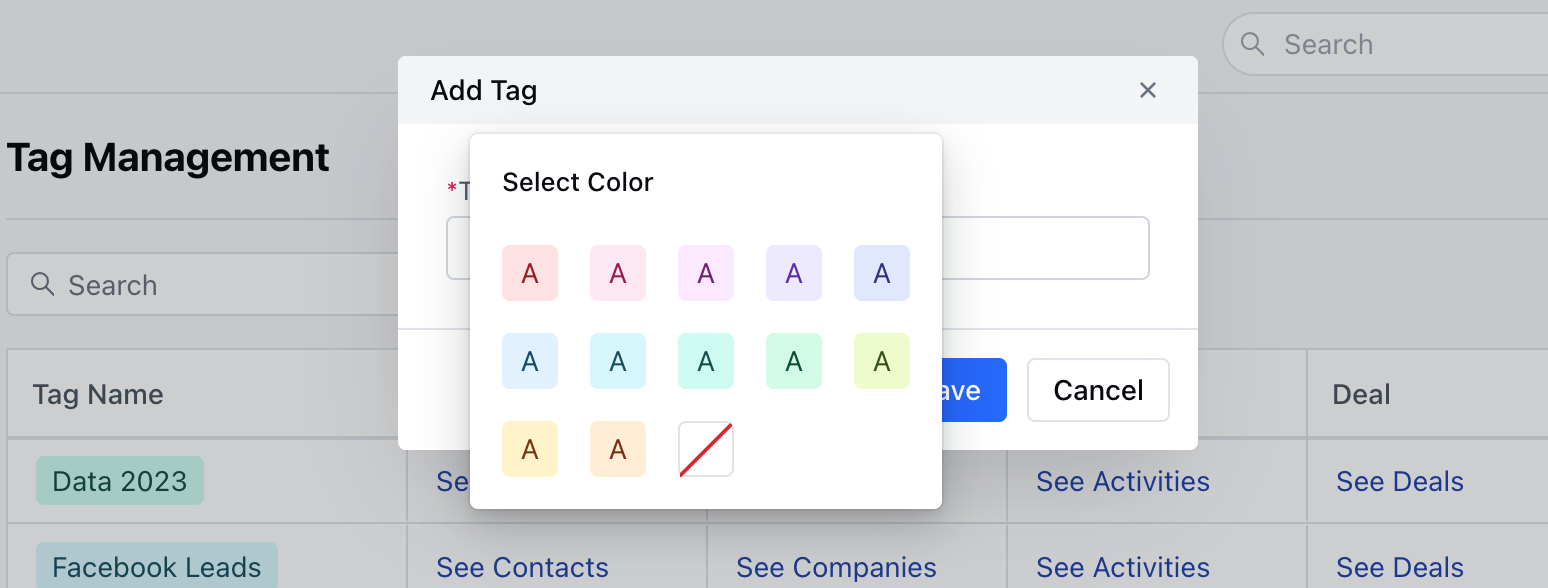
- Select the Colour
- Enter the Tag Name
- Click on Save
Update the Existing Tags
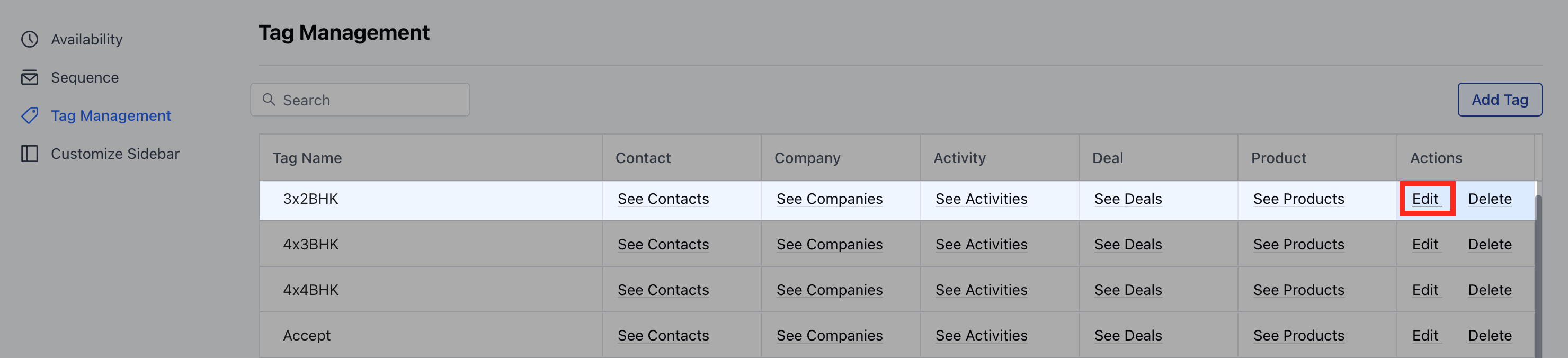
- Select the Tag you wish to Update
- Click on the Edit option
- Click on the Square Icon followed by selecting the Color
- Hit on the Update option