How to Create a New Pipeline,
To create a New Pipeline, Navigate to the Profile icon in the top right corner Click on the Setup Head over to the Modules category Click on the Pipeline Section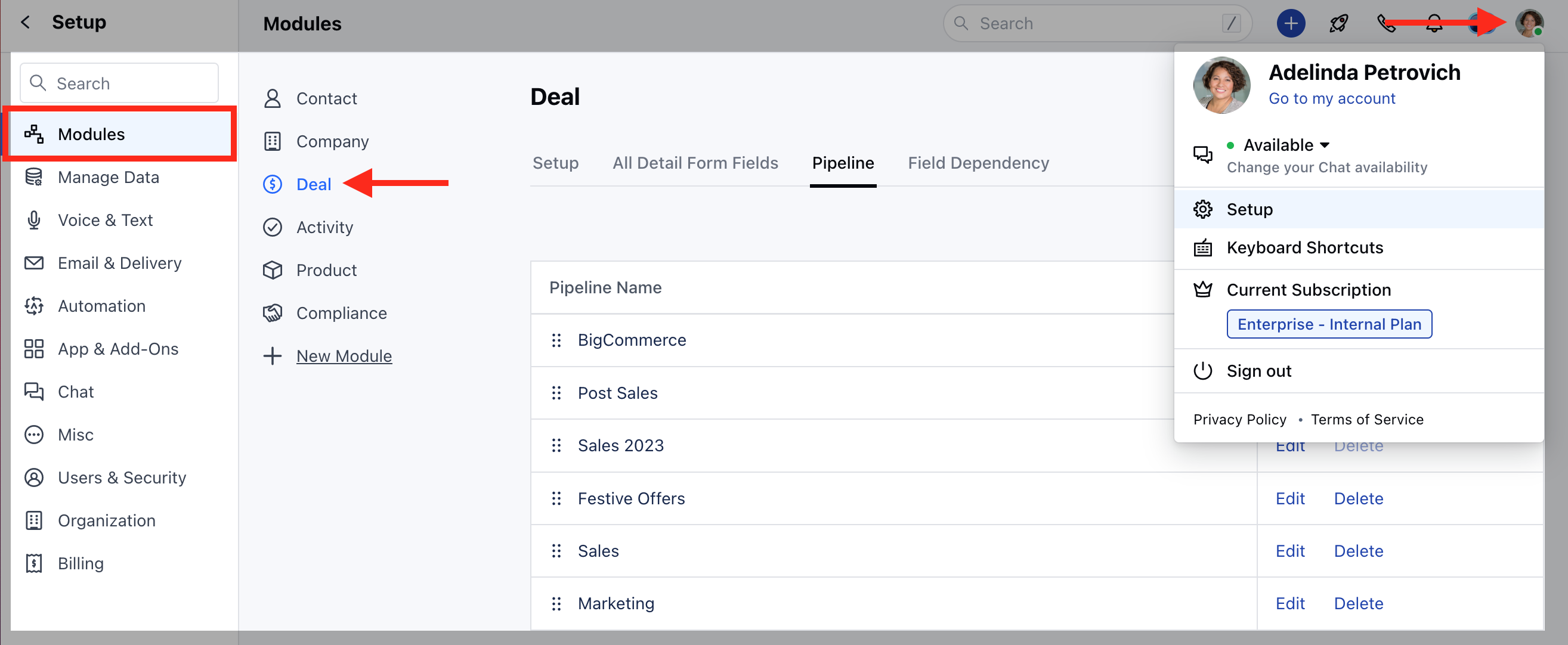
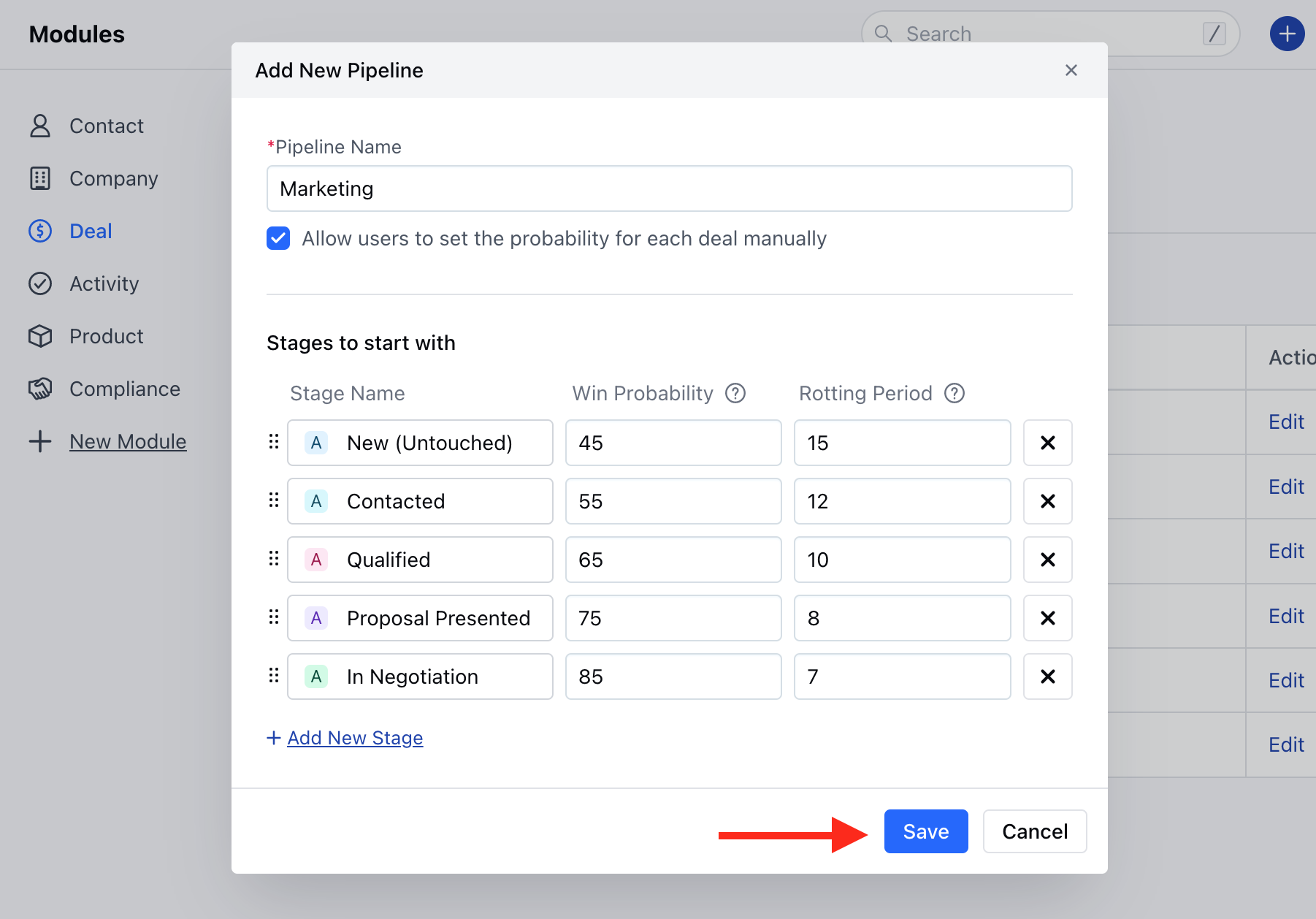
- **You can also Add a New Stag e if required or just Remove it if not needed.rearrange the Stages with simple drag-and-dropOnce done click on Save
Update the Default Pipeline
To Update the Default Pipeline, Click on the Edit option of the Default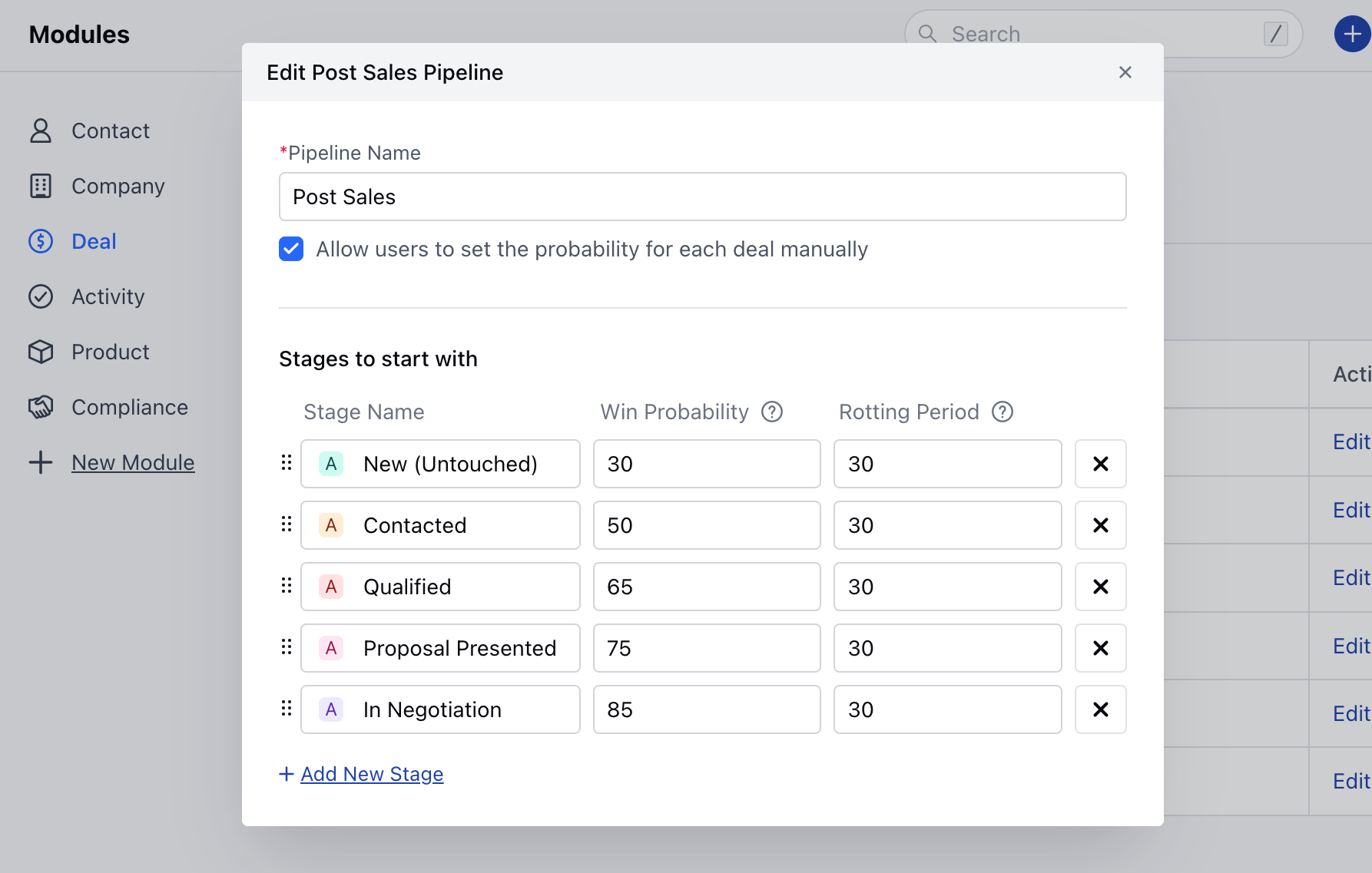

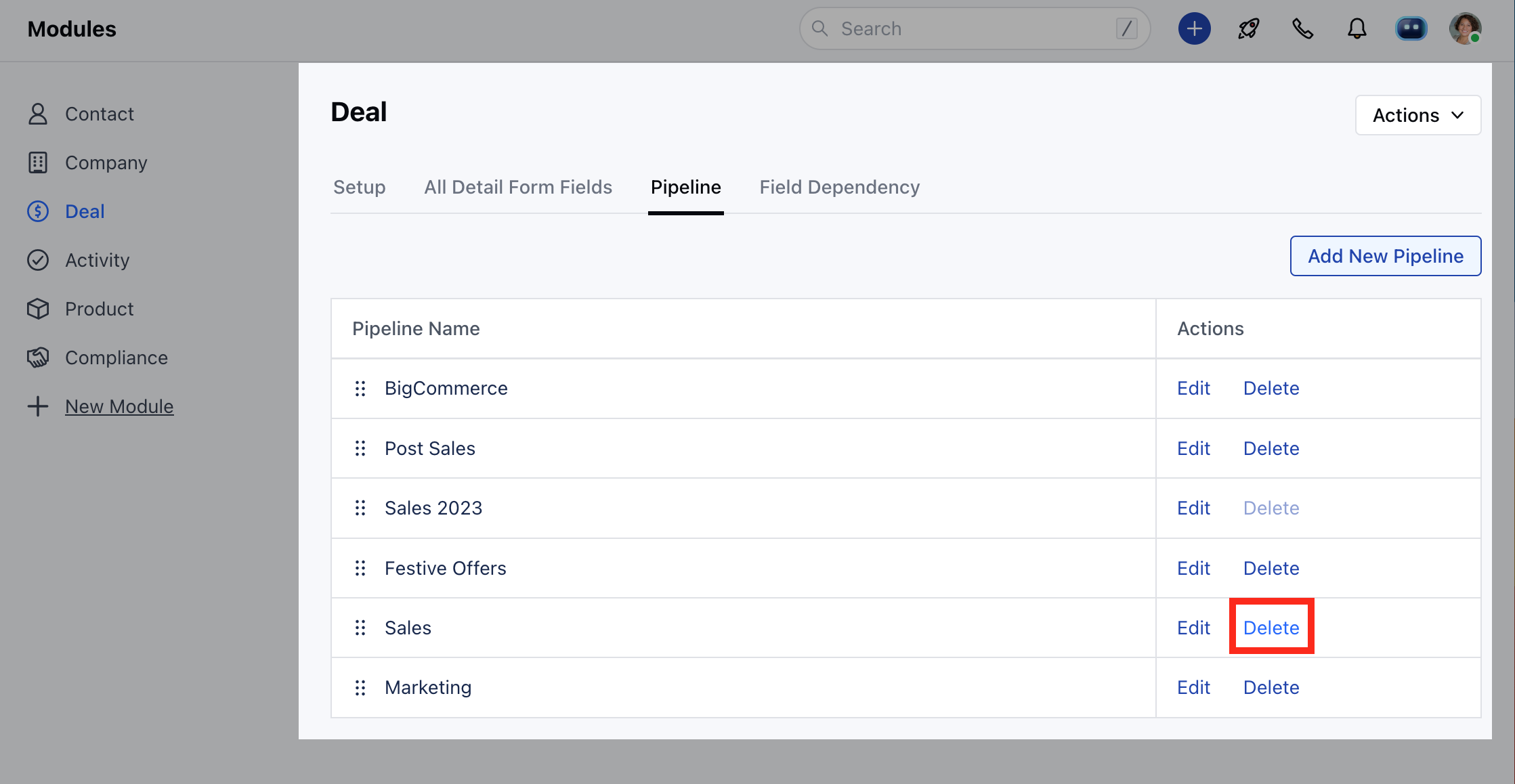
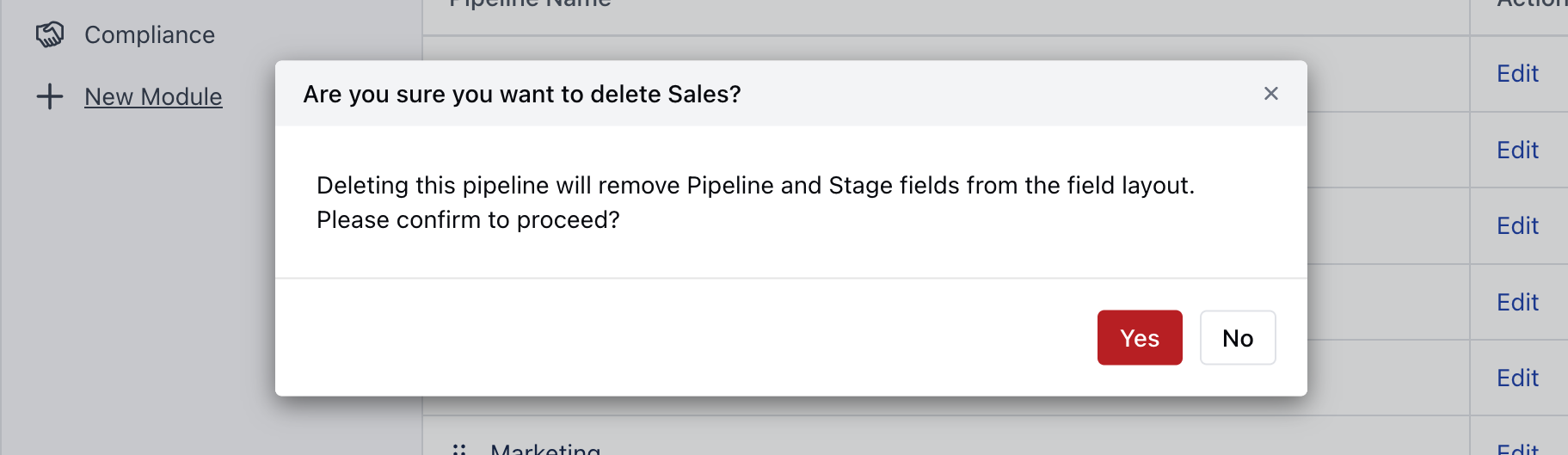
How to Delete a Pipeline
Click on the Delete icon to delete the Pipeline