

Note: Available for Pro and above Plans
How to Set Field Permission
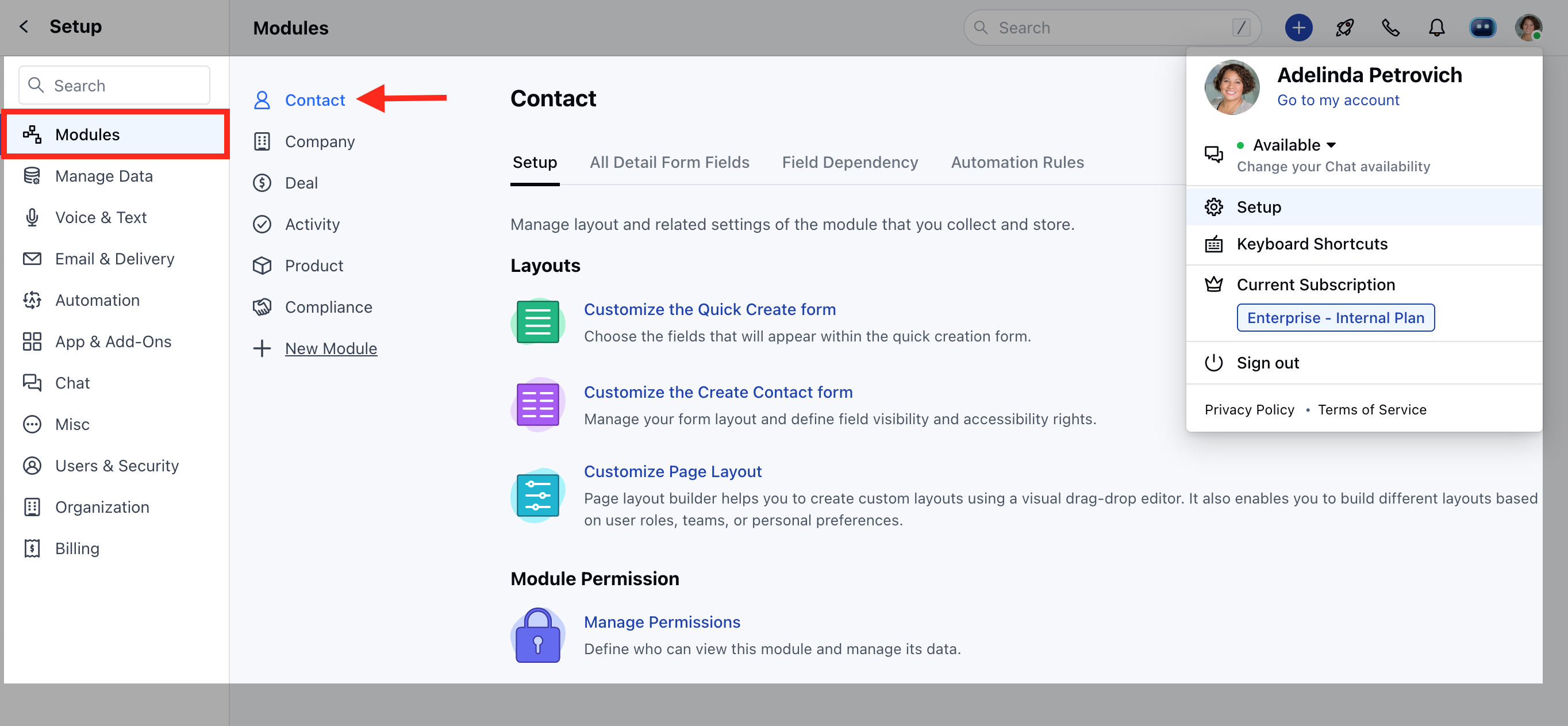
To Set Field Permission,- Navigate to the Profile Icon on the top right corner
- Click on Set Up
- Head Over to the Modules Category
- Select the Module(Contact, Company and Ticket Modules)
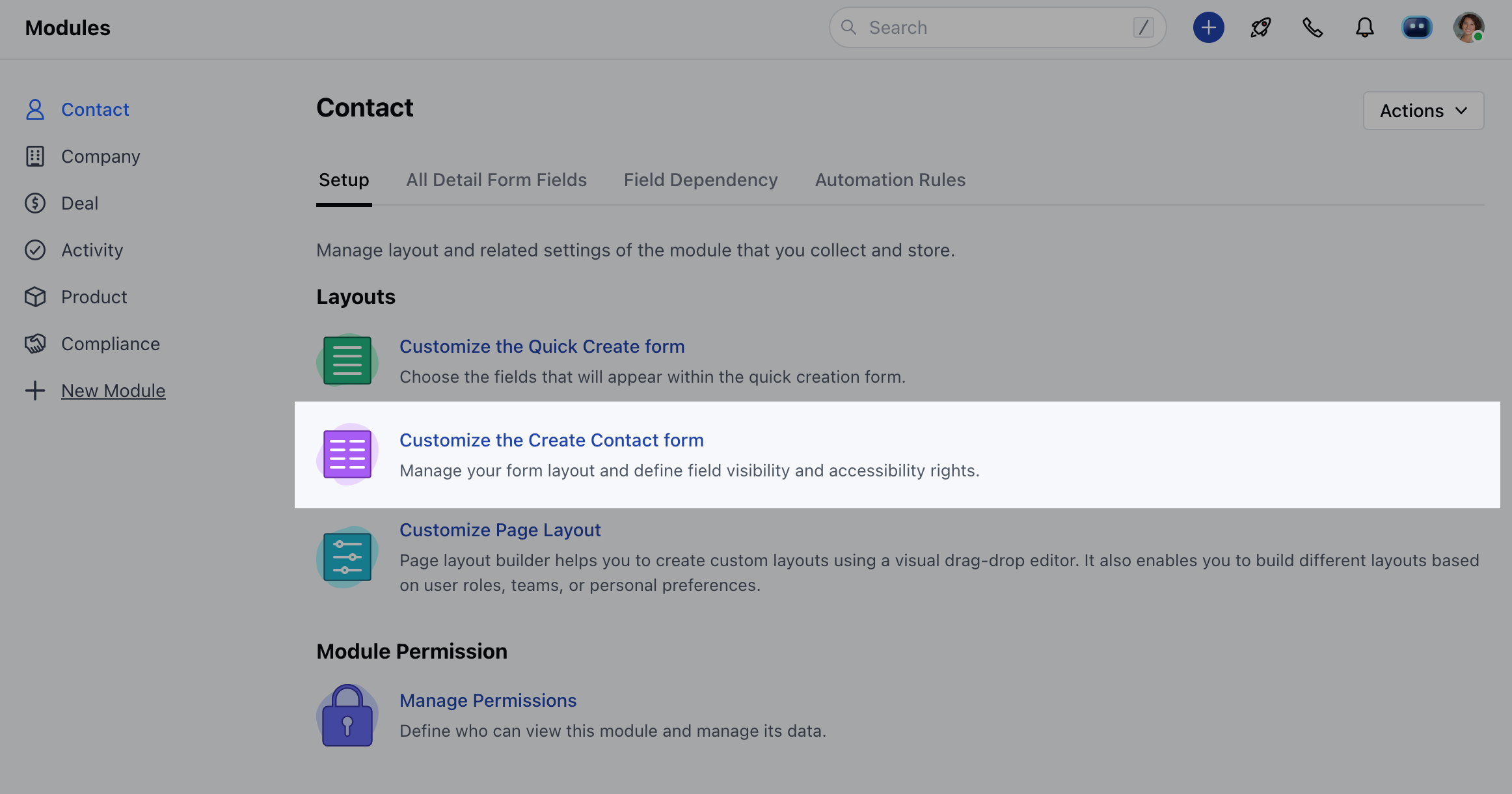
- Click on Customize the Create Module Form under Layout
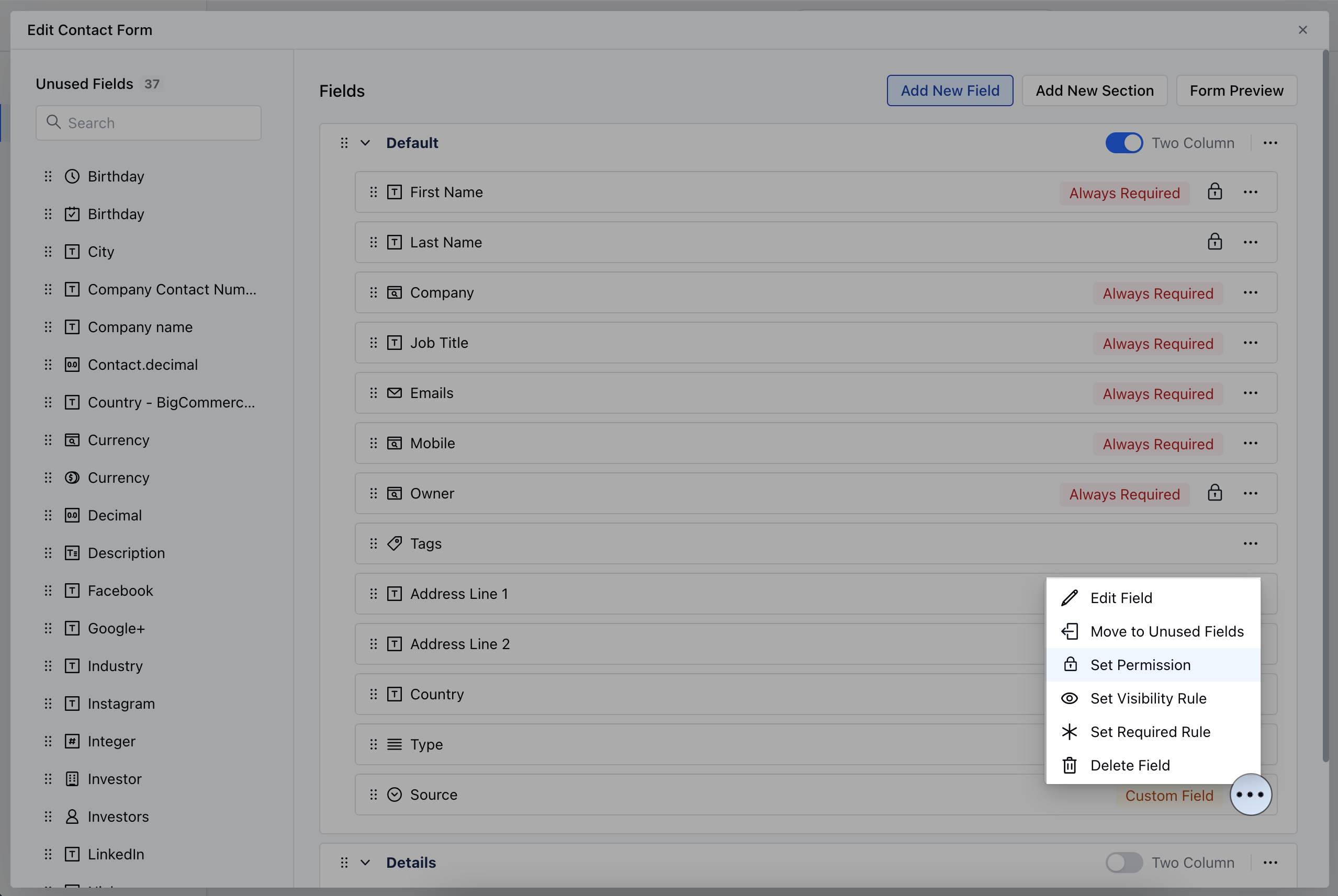
- Choose the field for which you want to Set Permissions, then click on the three dots located at the corner
- Click on the Set Permission option
- Go to All Detail Form Field Section
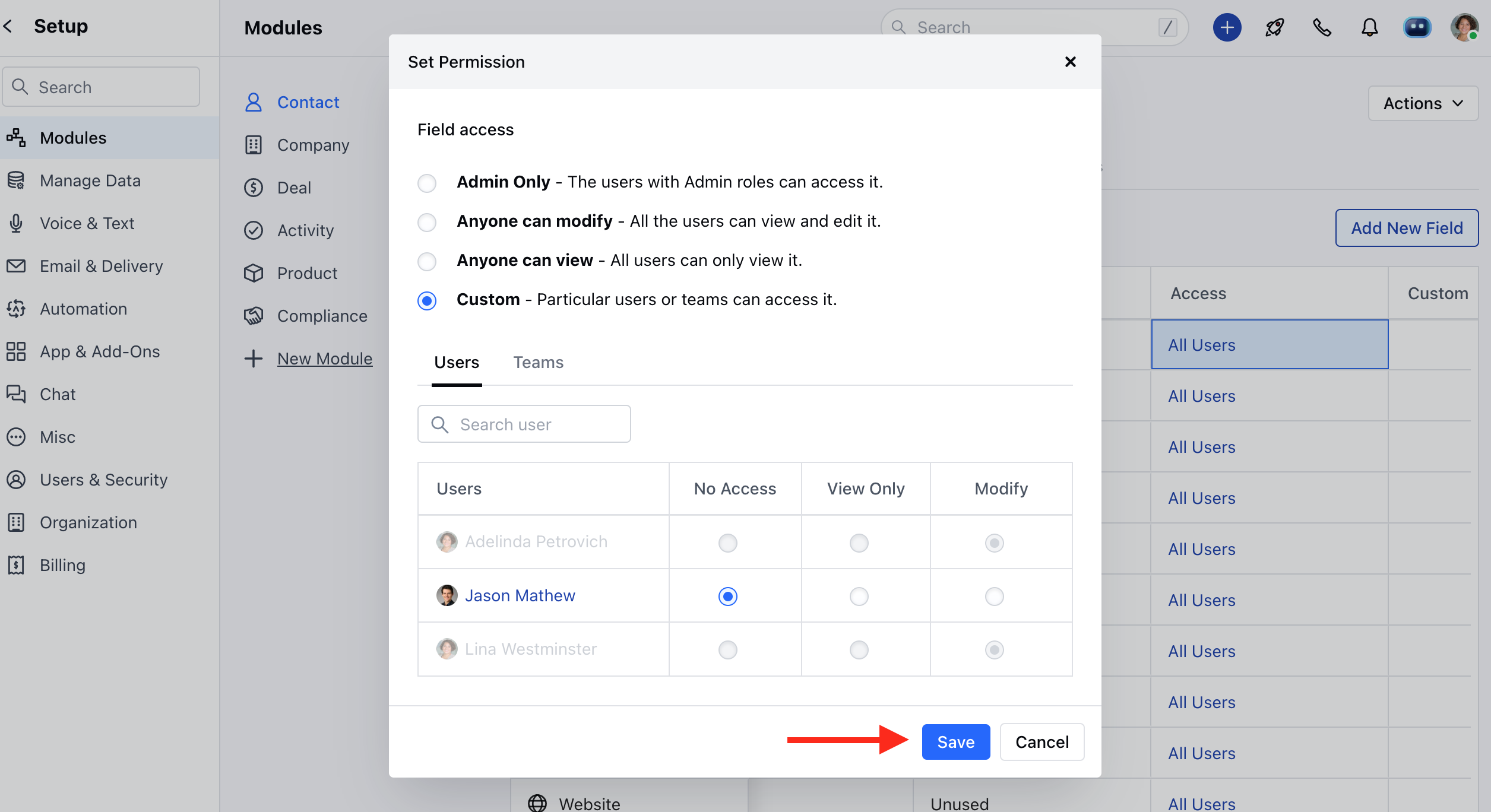
- Choose the field for which you want to set permissions, then click on the corresponding permission option under the Access column

- Admin Only: Limits access to admin users only, granting them exclusive view and edit privileges.
- Anyone can Modify: Allows all users with access to the link to view and edit the field.
- Anyone can View: Provides view-only access to all users.
- Custom: Offers more specific configurations, allowing you to assign view and edit permissions individually to users or teams. You can assign one of the following permissions to each user or group: No access, View only, or Modify.
Note: Please Note that Users with Manage Layout Permission can perform this action