Topics covered:
How to Configure Assign Action
When setting up a Smart Flow, select the Assign Action.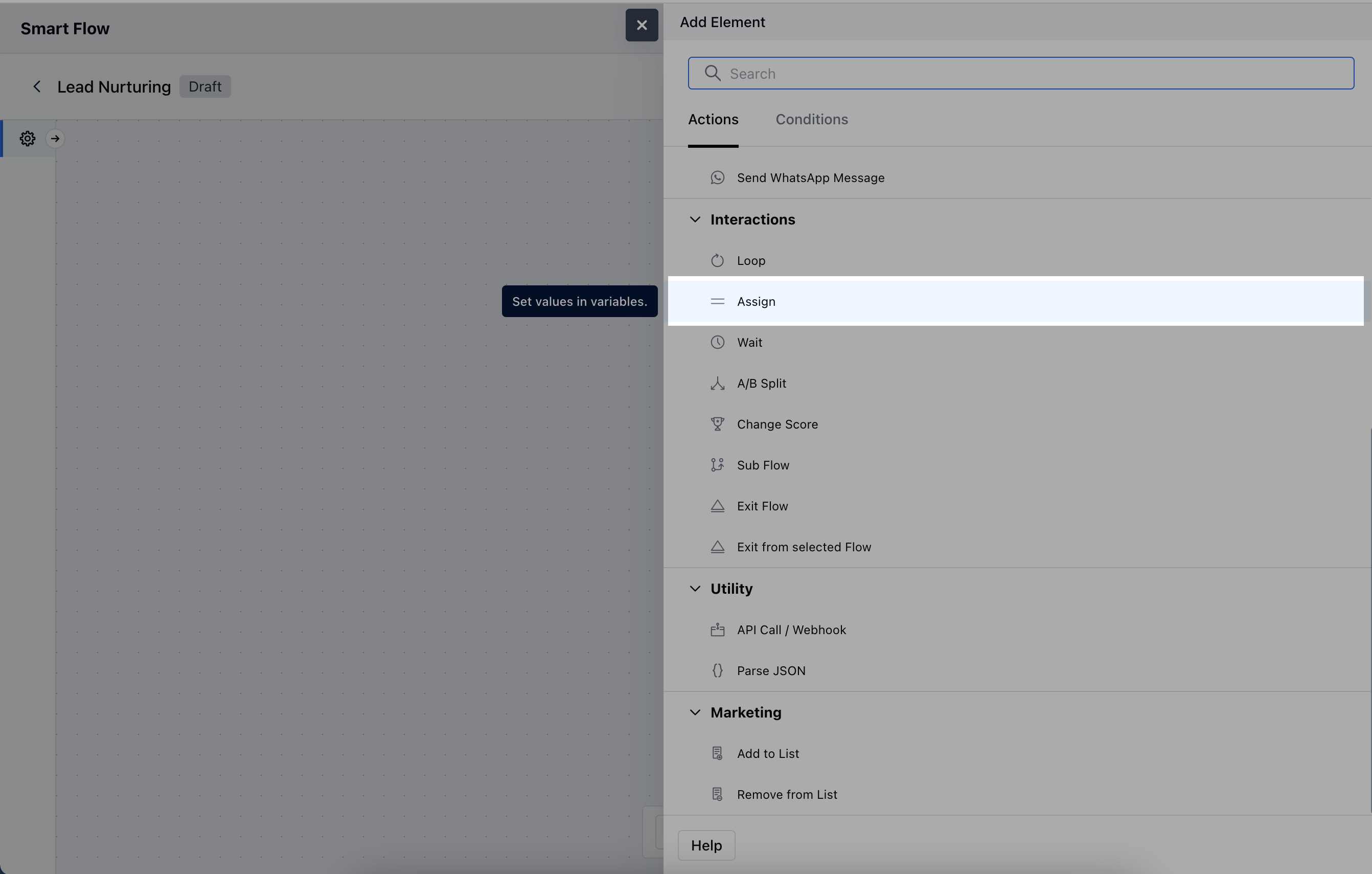
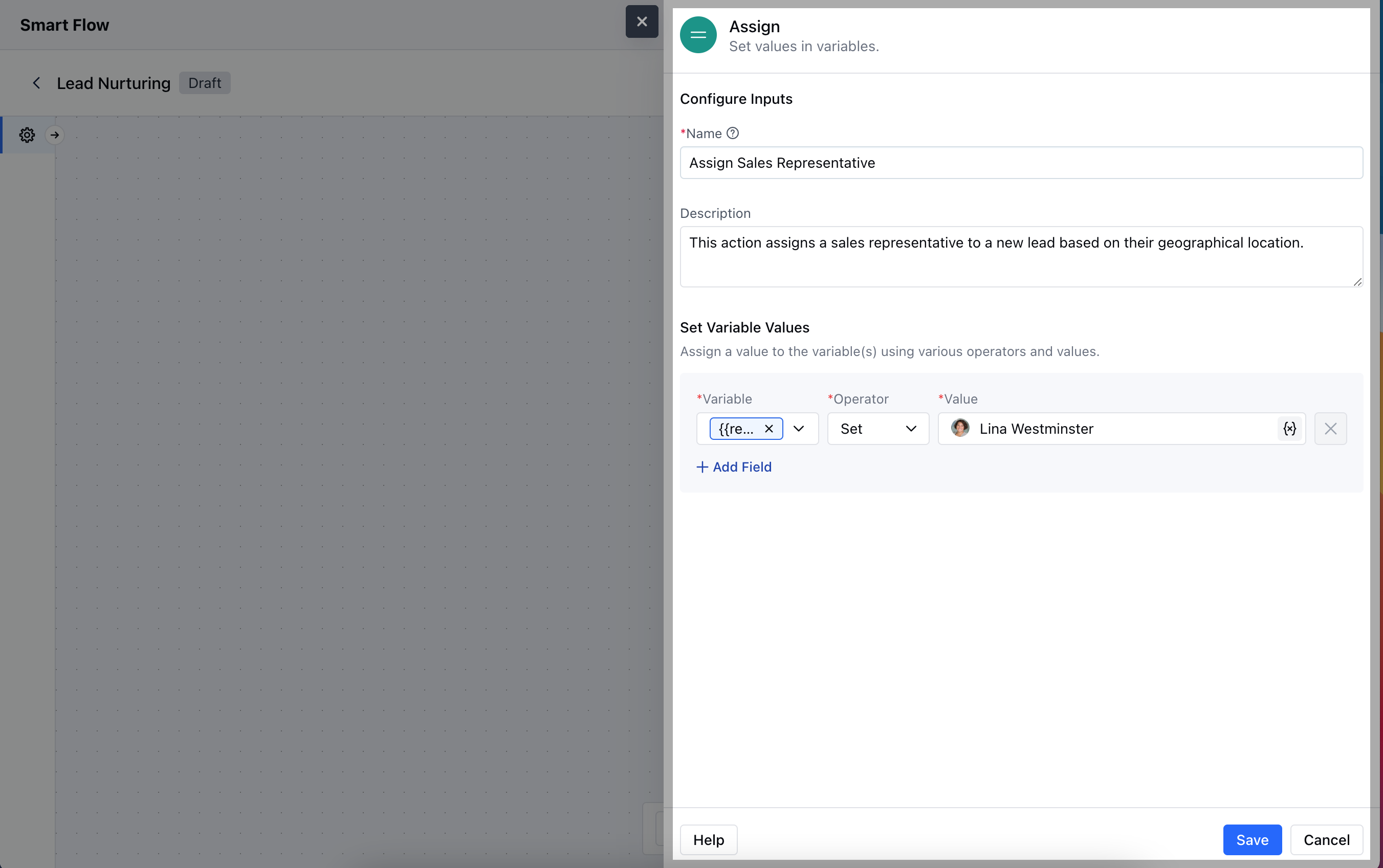
- Description: Provide a brief explanation of what the action accomplishes, detailing how it fits into the overall workflow.
- Set Variable Values: Specify any variables that should be assigned values based on the action.Hit the Save button to save the configuration.
Practical Example
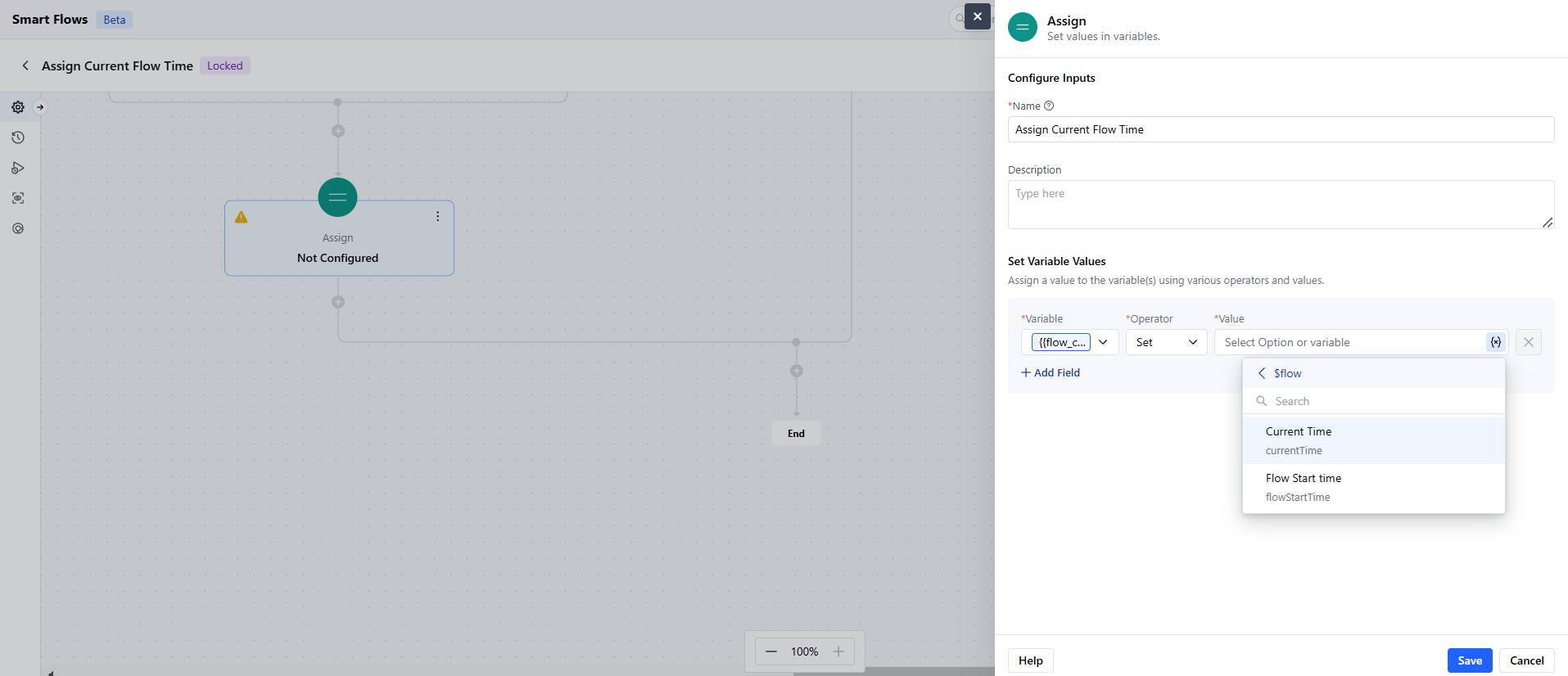
You can assign a run-time value to a variable for using it in the future. For example, I want to store the current time of the Smart Flow to be used in the later steps. I can do that by creating a variable of Date and Time variable and assigning the Flow’s current time to it where I want to capture it.