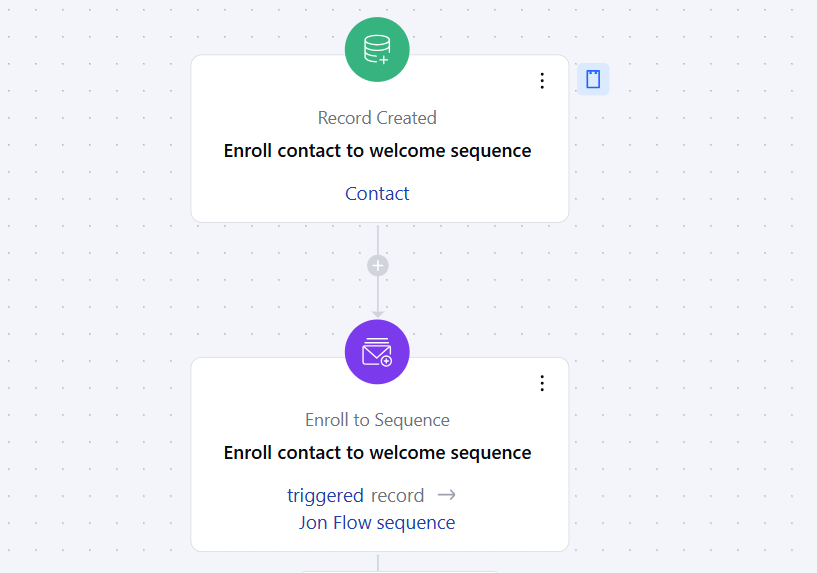
Topics covered:
How to Configure Enroll to Sequence Action
When setting up a Smart Flow, select the Enroll to Sequence action.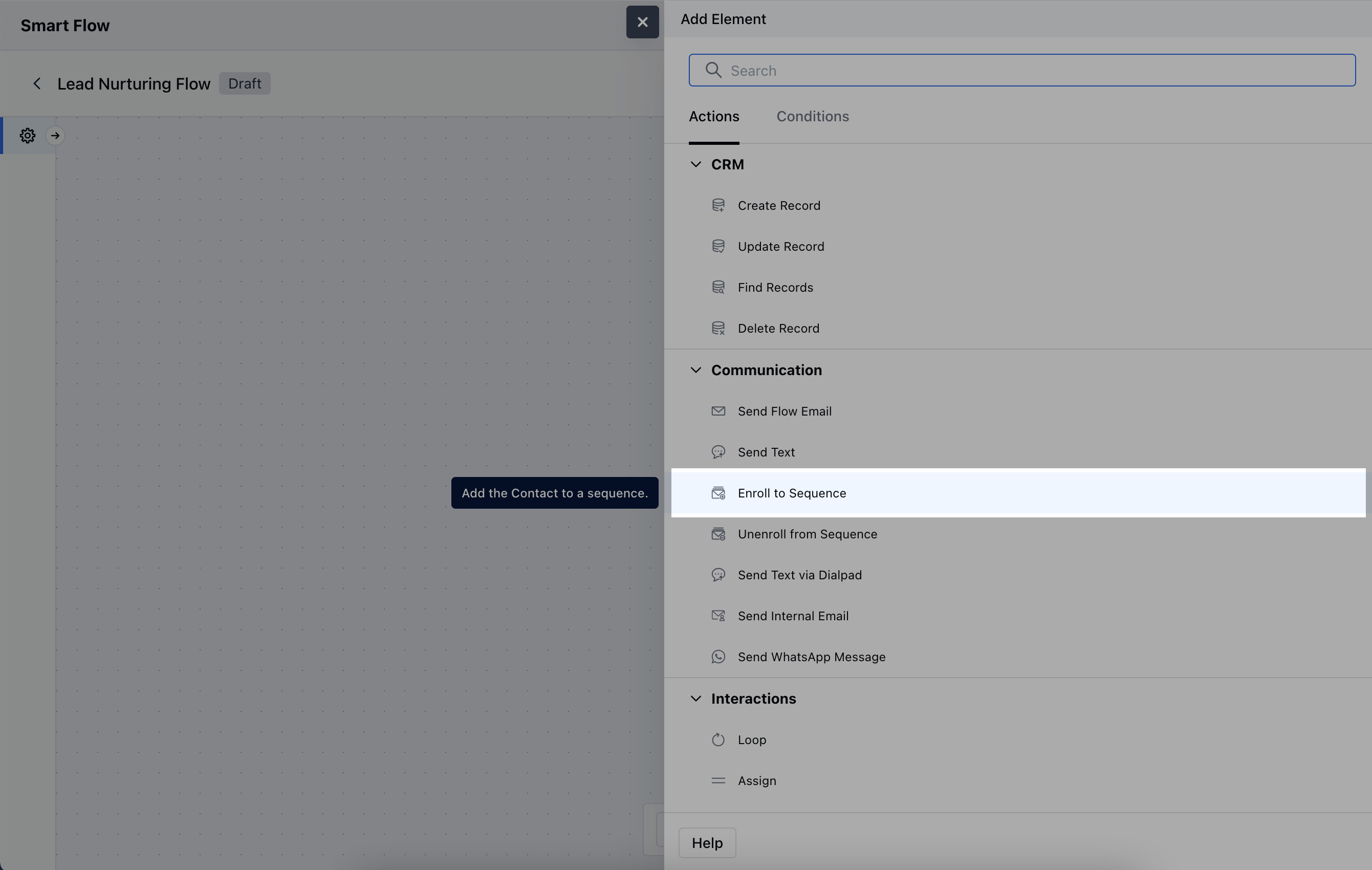
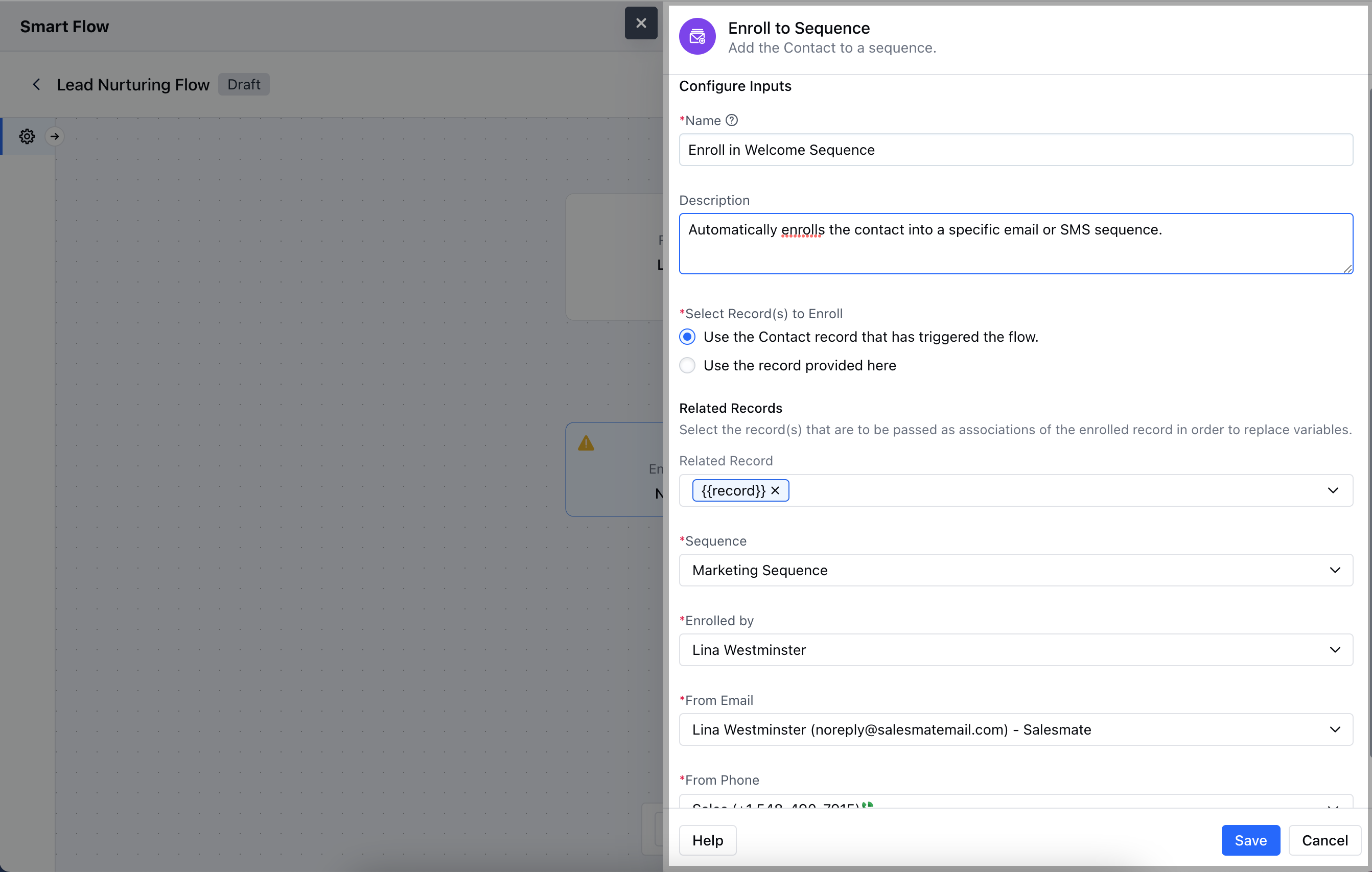
- Description: Give a brief explanation of the action’s function, describing what it will achieve.
- Select Record(s) to Enroll: Determine which records will be enrolled in the sequence. You can either select the contact associated with the flow trigger or manually choose specific records.
- Related Record: Specify any related record to associate with the sequence.
- Sequence: Choose the designated sequence that the record will follow.
- Enrolled by: Select the user whose Name and Email address will be used to send the Sequence.
- From Email: Select the email address that will be used for sending communications within the sequence.
- From Phone: Choose the phone number to be used for sending text, if the User has been assigned multiple numbers.Once the configuration is completed, hit Save.
Practical Example
For instance, you want to enroll a contact to sequence automatically when you have closed a deal with them to capture their feedbackUsing the above case, you can use Smart flows to enroll the contact into a sequence which has steps to collect their feedback of the product or experience of their purchase process.This sequence would send them an automated feedback collection E-mail, Send Text, Create activity to call them to ensure maximum efforts are made to capture this feedback.You can use the action of Record Updated and configure the journey to enroll the records to this sequence i.e.- Feedback Collection Sequence.