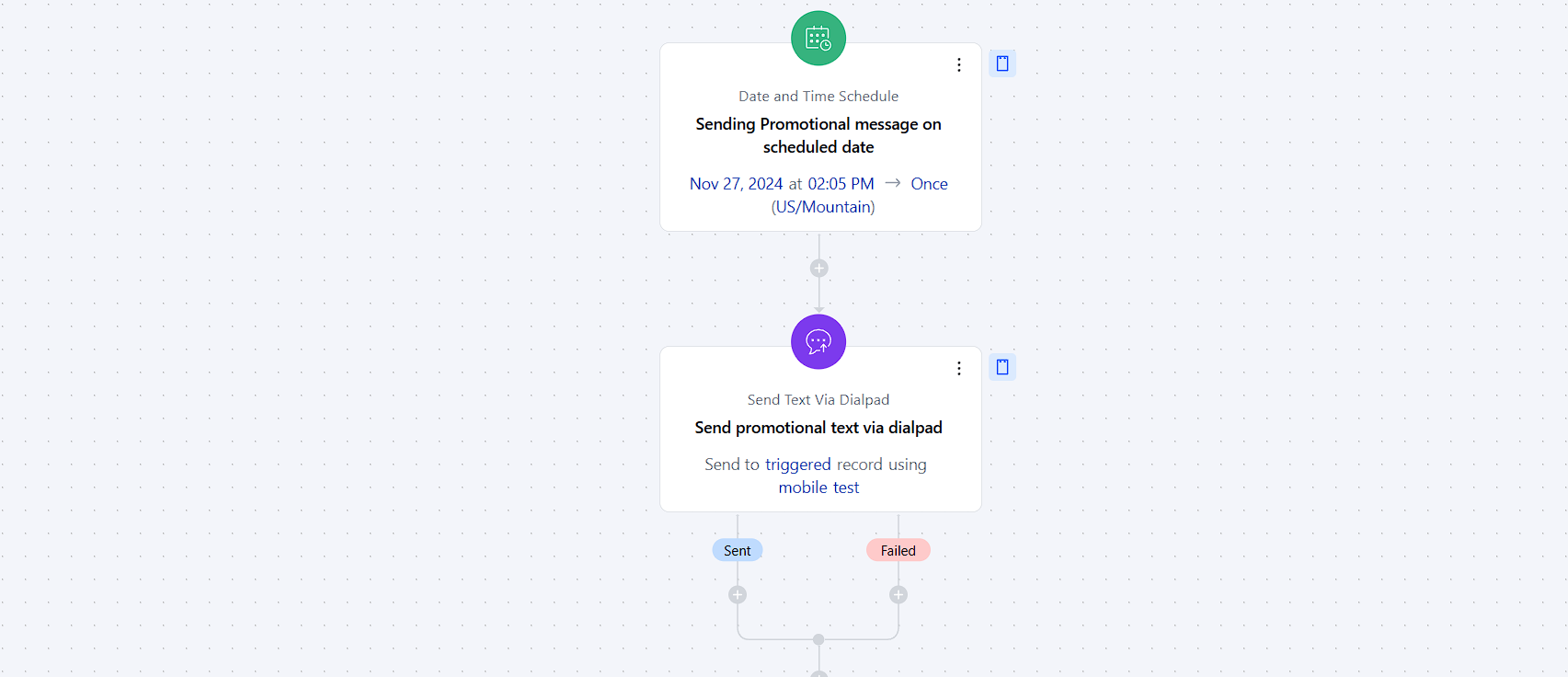
- The Send Text Action allows you to automatically send text messages to contacts within a Smart Flow.
Topics covered:
How to Configure Send Text ActionHow to Configure Send Text Action
While setting up a Smart Flow, select Send Text action.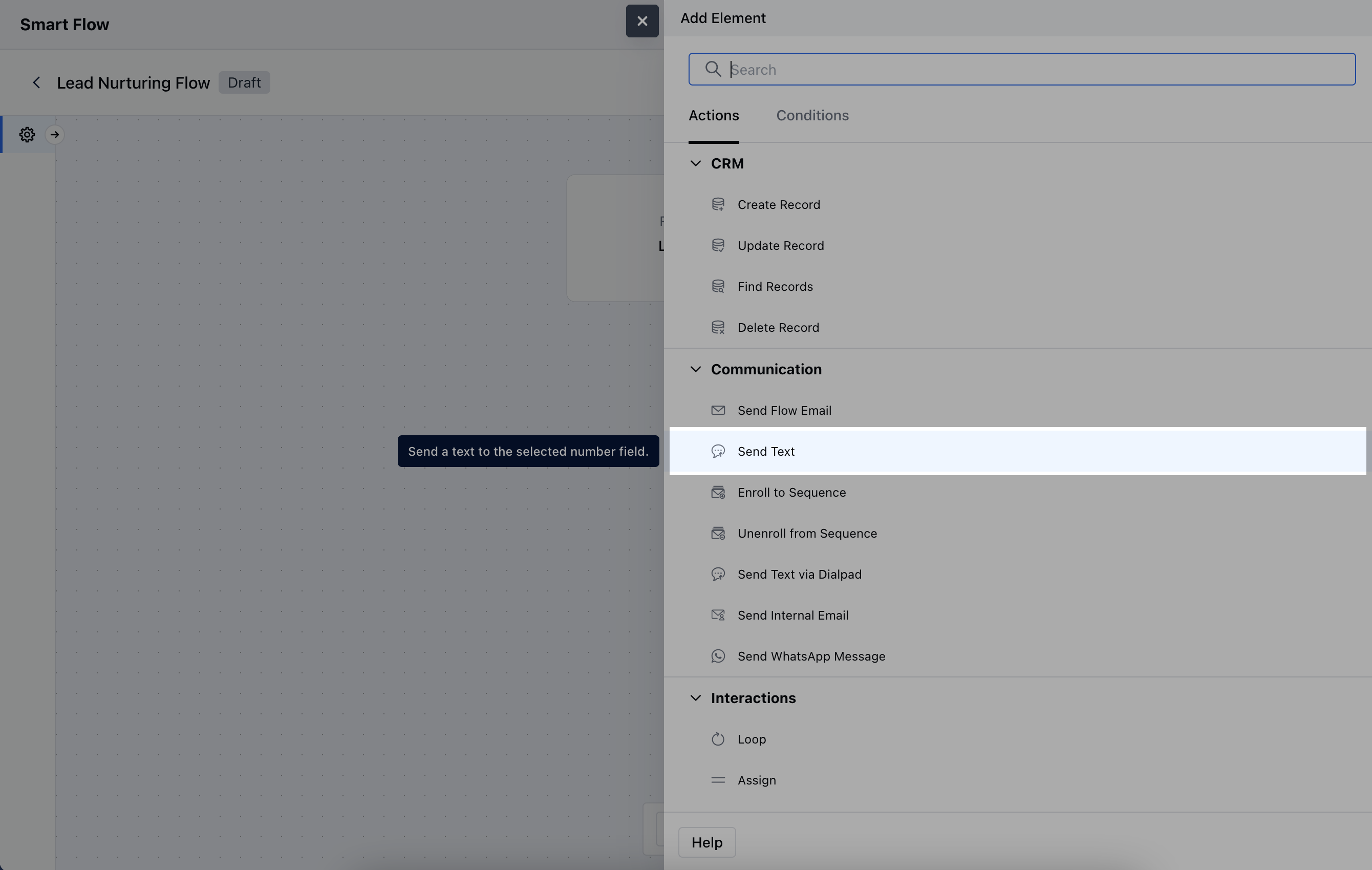
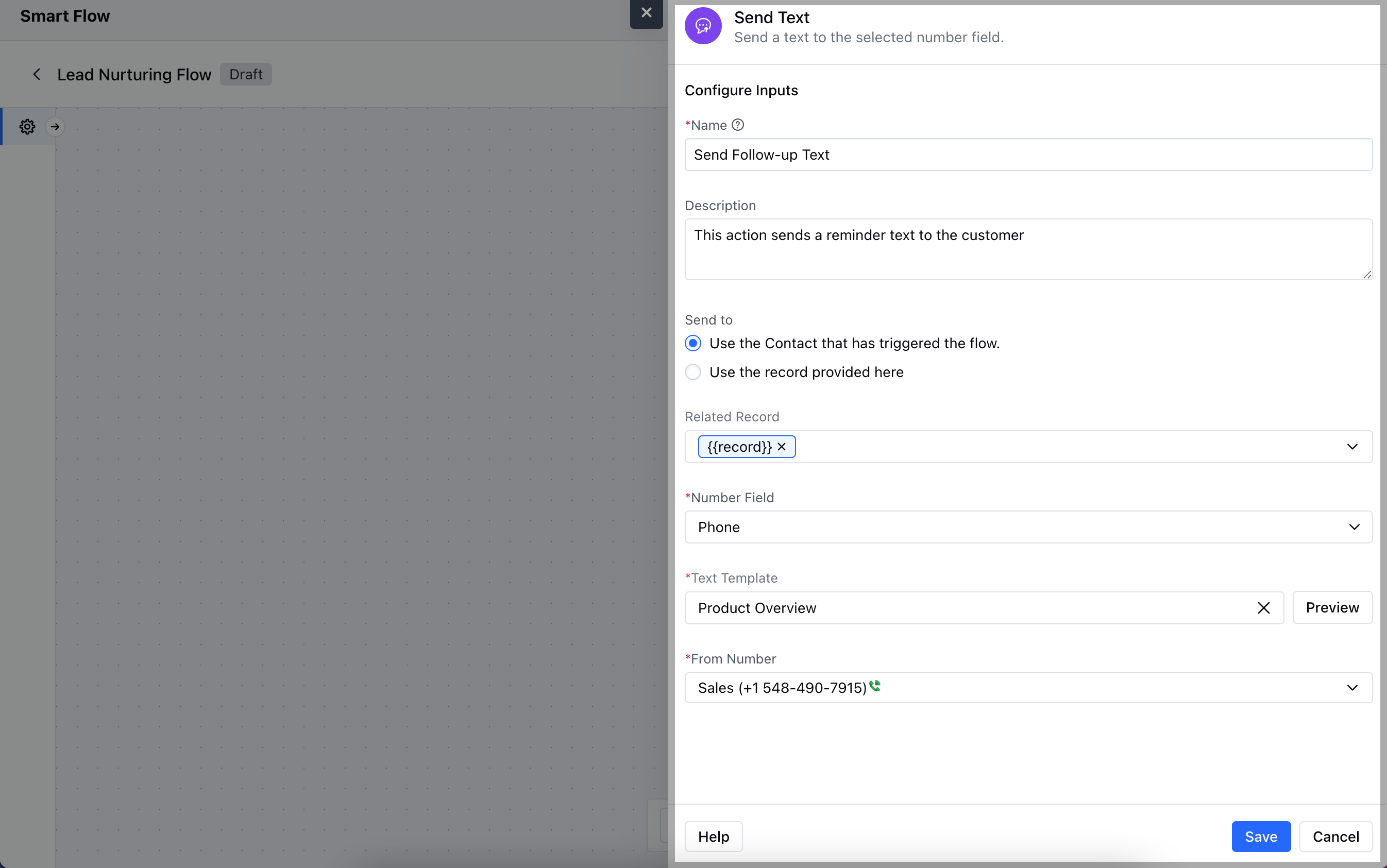
- Description: Offer a brief explanation of the action’s purpose Send to:Use the Contact that has triggered the flow: Automatically send the text to the contact linked to the flow trigger.
- Use the record provided here: Manually specify the recipient for the text.
- Related Record: If applicable, link the action to a related record.
- Number Field: Choose the phone number field from the contact or related record.
- Text Template: Select a pre-designed text template to send.
- From Number: Specify the phone number from which the text will be sent.Once the configuration is completed, hit Save.
Practical Example
For instance, if you would like to send text reminders to a contact at regular intervals, you can set up a flow and connect it to this action of “Send Text”. The below example describes a flow that triggers when a text is sent and adds delay of 2 days before sending another text follow up.