How to Configure Unenroll from Sequence Action
When setting up a Smart Flow, select the Unenroll from Sequence action.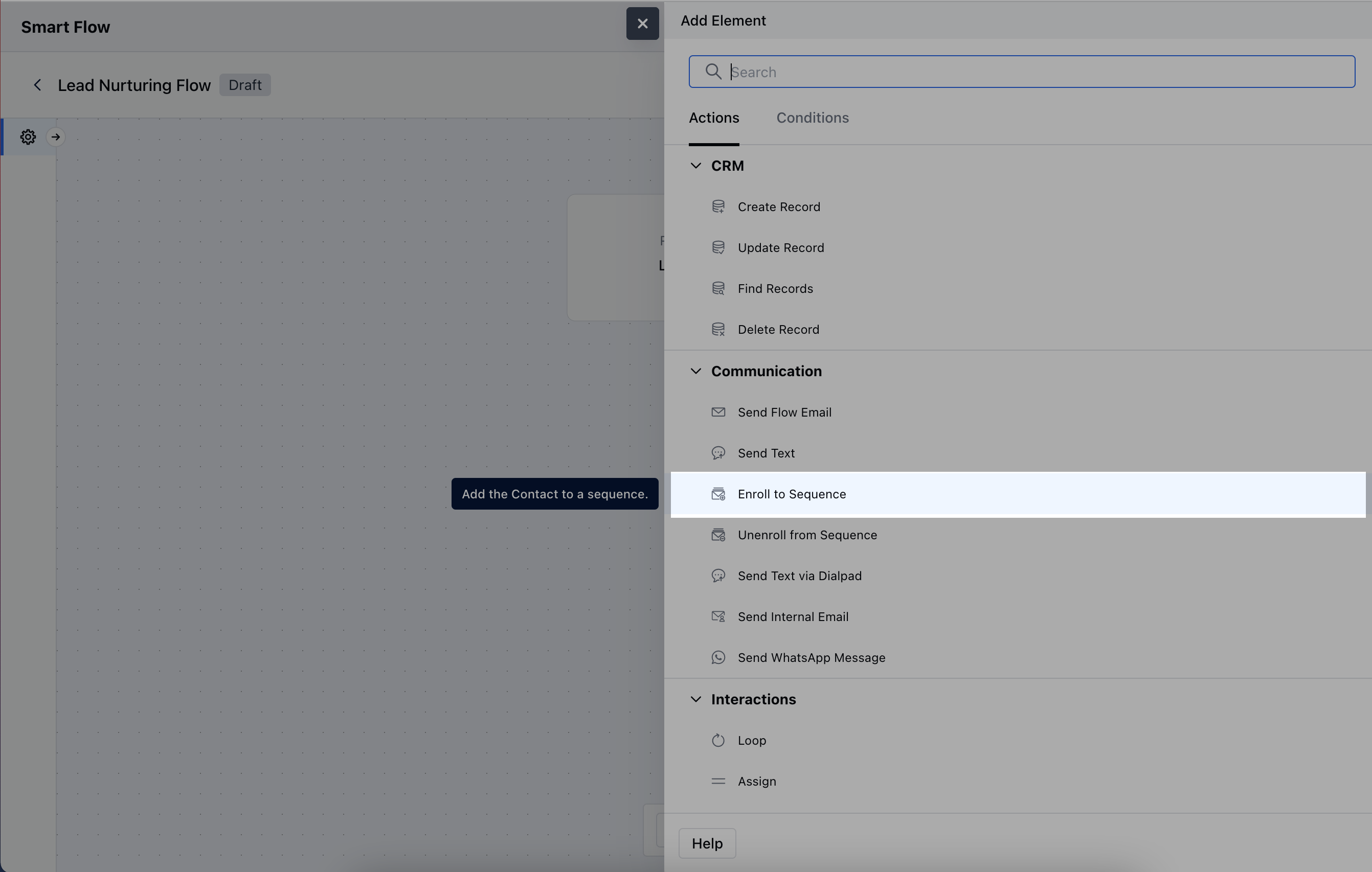
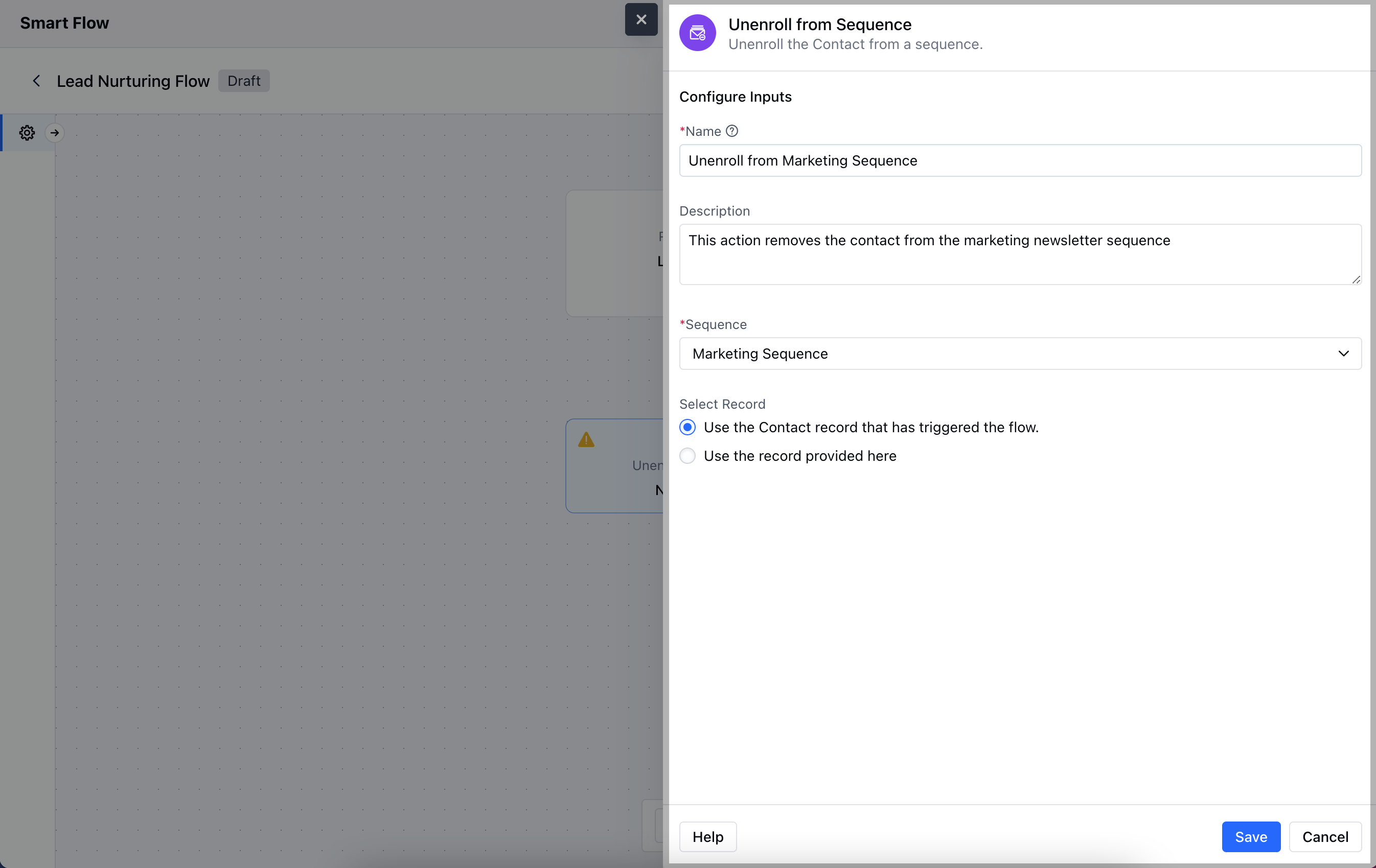
- Description: Write a brief explanation outlining what this action will do.
- Sequence: Specify the sequence from which you want to unenroll the contact or record.
- Select Record: Choose the record to be unenrolled:Use the Contact record that has triggered the flow: Automatically unenroll the contact tied to the flow’s trigger.
- Use the record provided here: Manually select the records to be unenrolled.
Practical Example
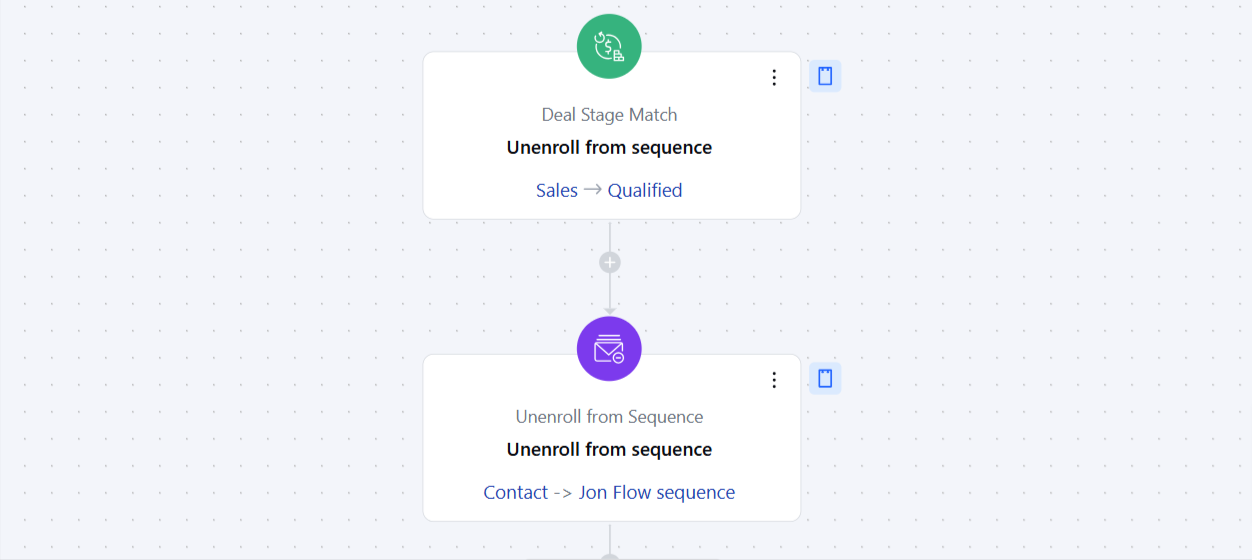
Considering a use case where you have a Prospecting Sequence for Qualifying a lead for Sales.The Smart Flow will allow you to unenroll contact from this sequence when a Deal’s Pipeline is changed from Prospect to Sales automatically. This will allow you to ensure no further Prospecting E-mails are sent to a record as soon as they are Qualified for Sales.You can configure a flow and use this action “Unenroll from sequence” which executes on “Deal Stage Match” Added”. Select the Stage on “Deal Stage Match” trigger to ensure the record is removed from the sequence when it is moved to that specific Stage/Pipeline and configure it to “Unenroll from Sequence” action.