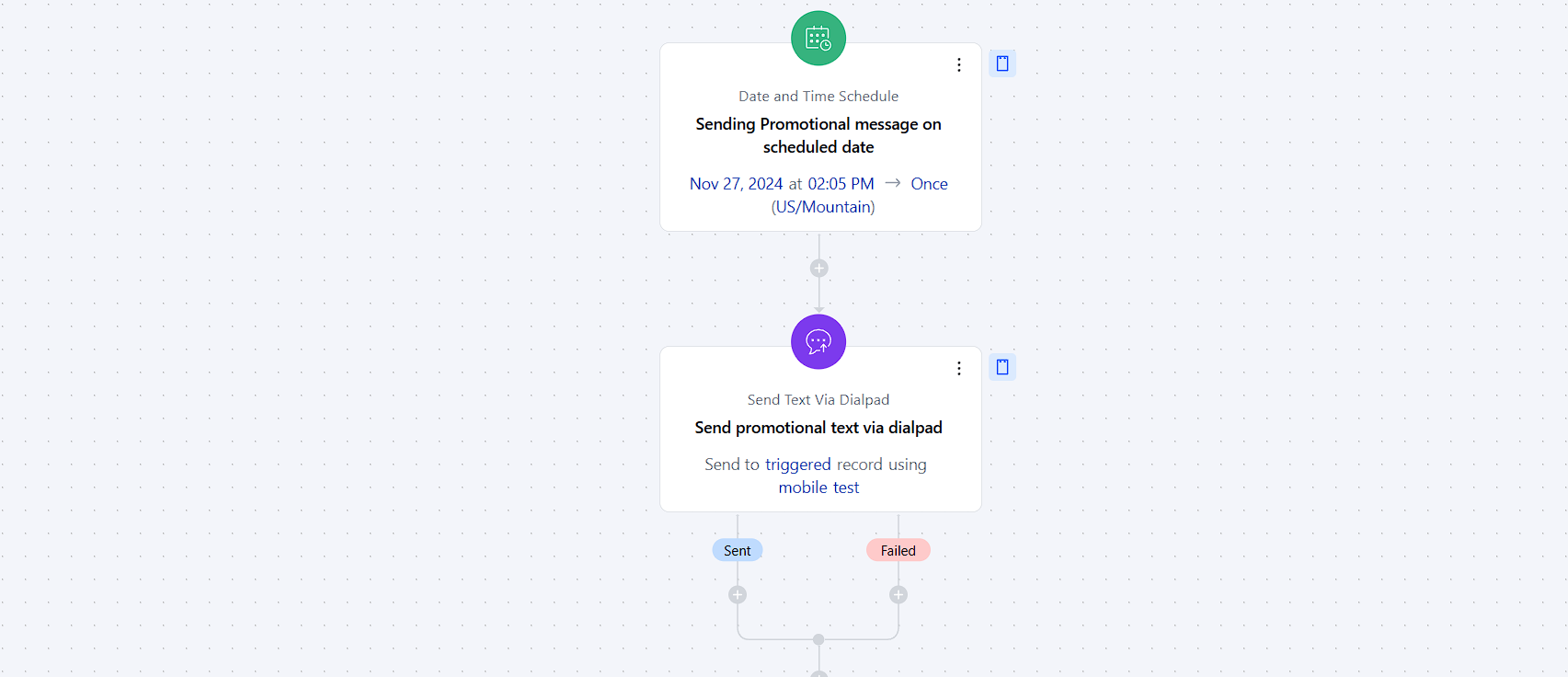
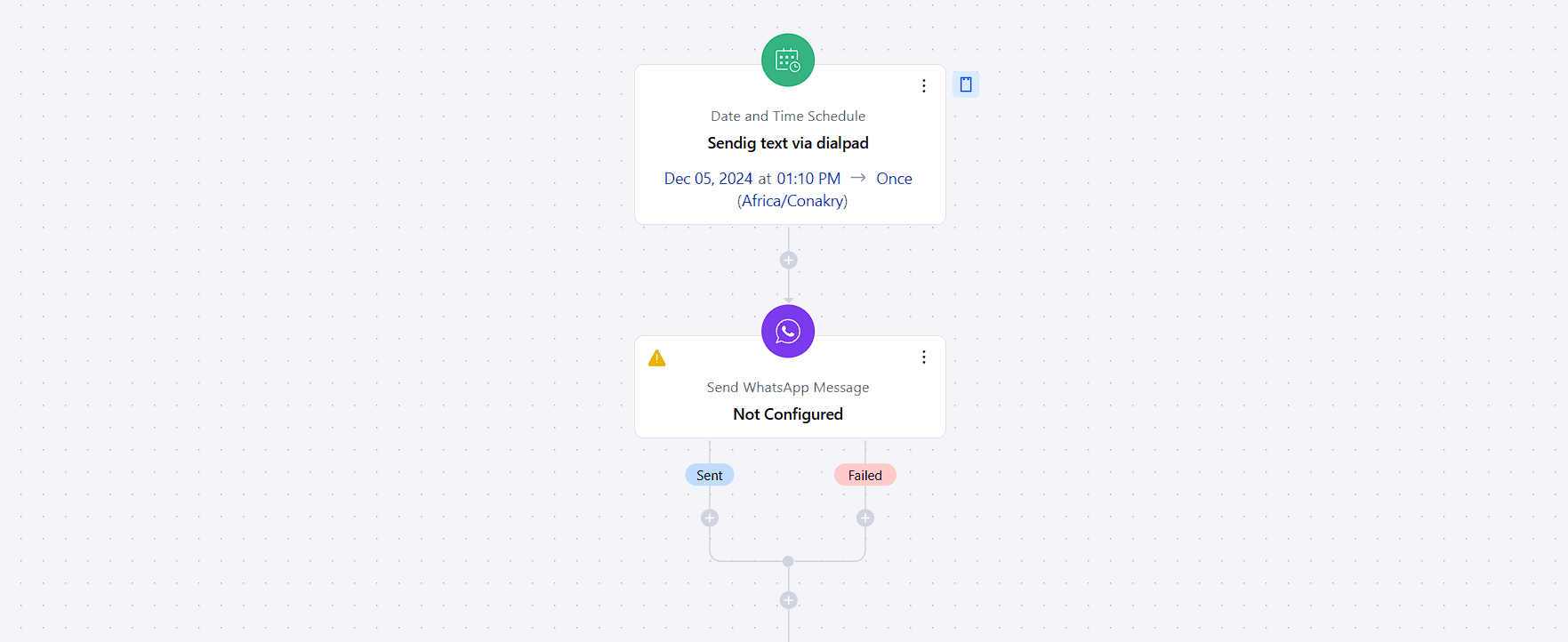
- ** This allows you with the possibility of sending WhatsApp communications to your contacts automatically eliminating manual intervention on repetitive tasks.
Topics covered:
How to configure Send WhatsApp Message Action
When setting up a Smart Flow, Select the Send WhatsApp Message Action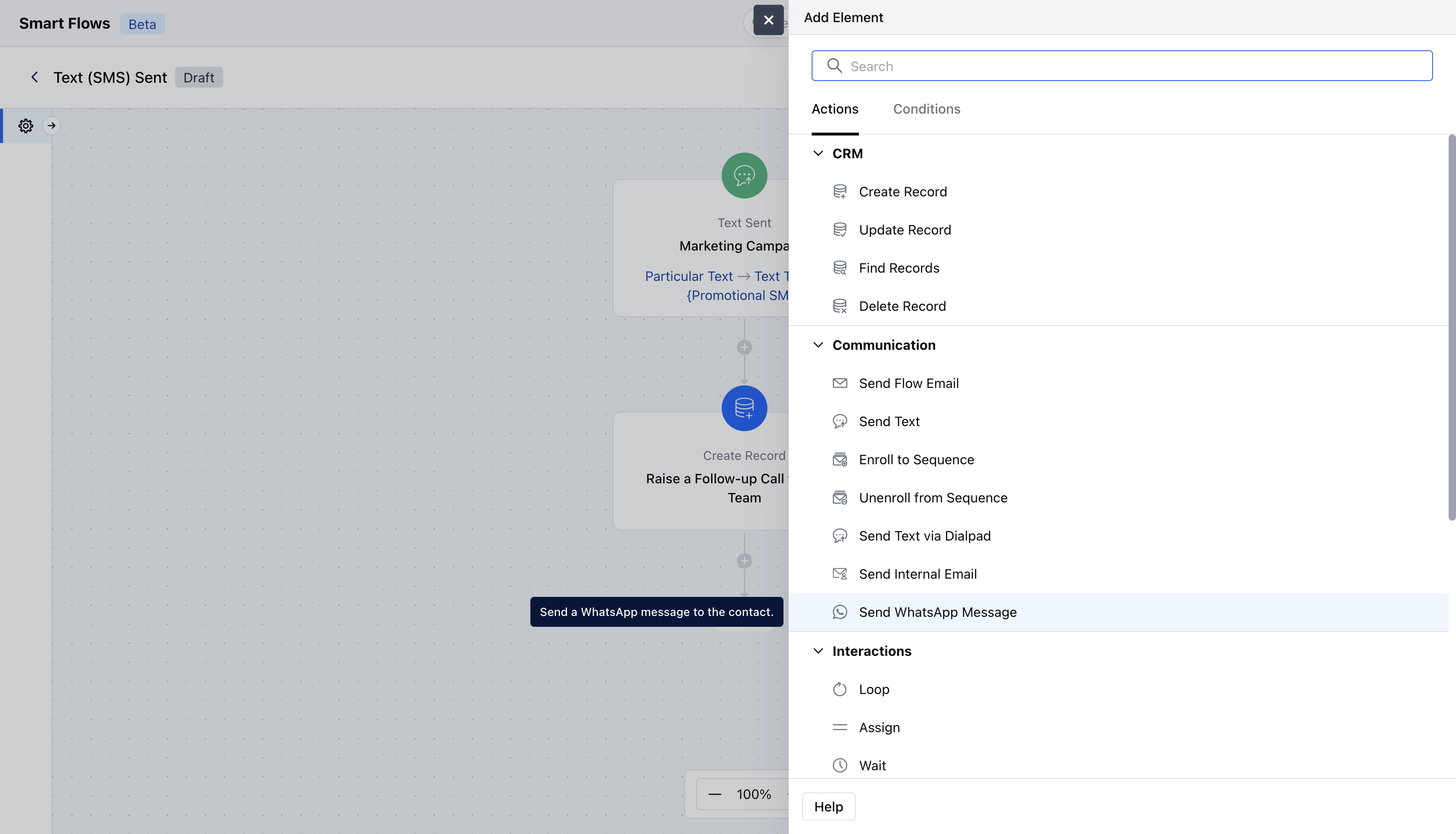
- Description: Give a brief explanation of the action’s function, describing what it will achieve.
- From Number: Select the configured number through which you would like to send this message Select Record(s) to Enroll: Determine which records will be enrolled in the sequence. You can either select the contact associated with the flow trigger or manually choose specific records.
- Related Record: Specify any related record to associate with the contact to replace variables in the template Number Field: Select which field given in the record the message should go to. Example Cellphone, Mobile phone.
- WhatsApp Template: Select the template which should be sentOnce configuration is completed, hit **Save.
- **###