How to Configure Find Records Action
While setting up a Smart Flow, select Find Records Action.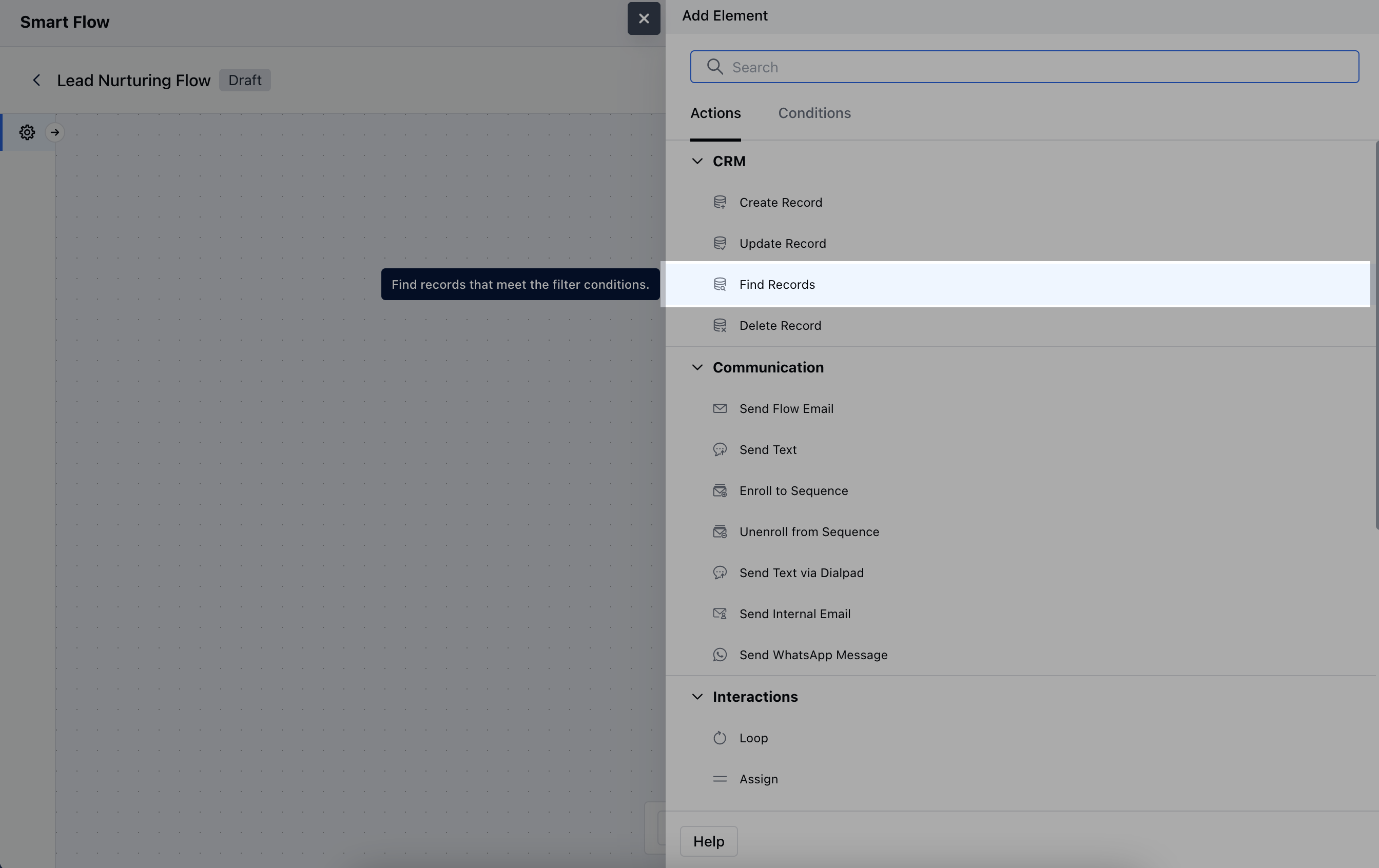
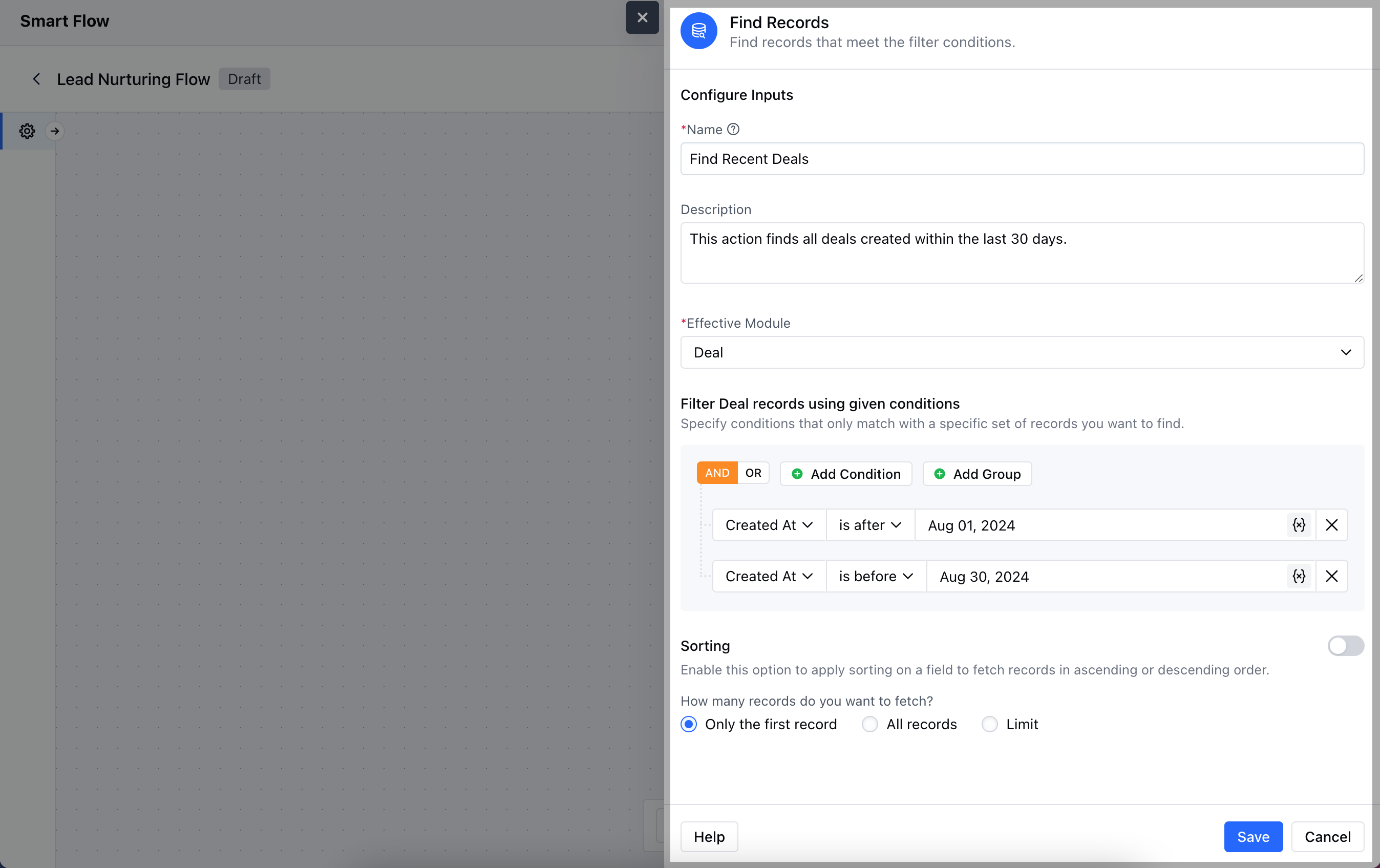
- Description: Provide a brief overview of the action’s purpose, explaining its role within the workflow.
- Effective Module: Identify the specific module from which you wish to retrieve records.
- Filter Deal Records Using Given Conditions: Establish the criteria that will be used to filter the records, ensuring you capture only the relevant entries based on your needs.
- Sorting: Specify the preferred method for organizing the retrieved records.Once the configuration is completed, hit Save.
Practical Example
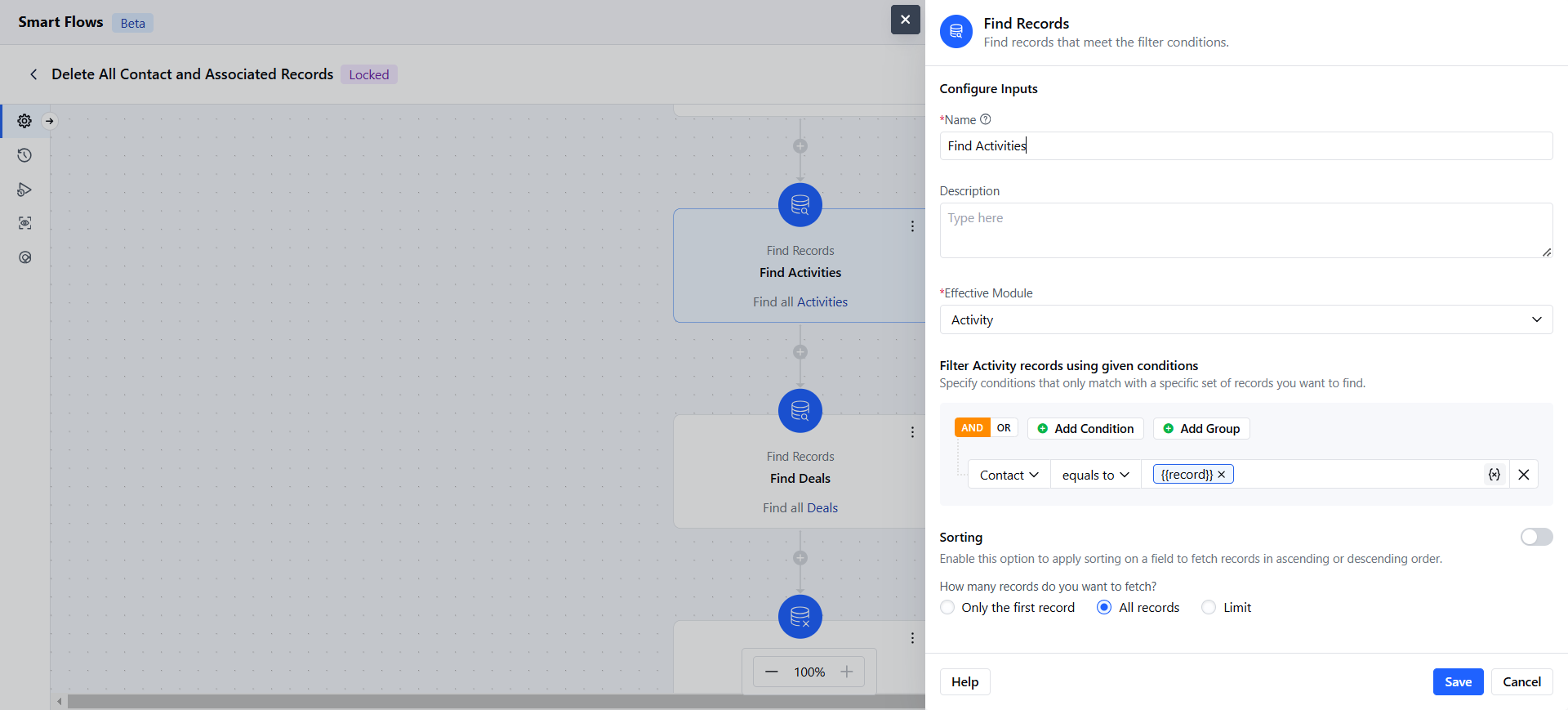
When a contact is deleted, our automation flow will trigger to ensure a clean database. It will first search for all activities linked to the deleted contact and then remove those activities automatically. This helps maintain organization and prevents clutter in your records.