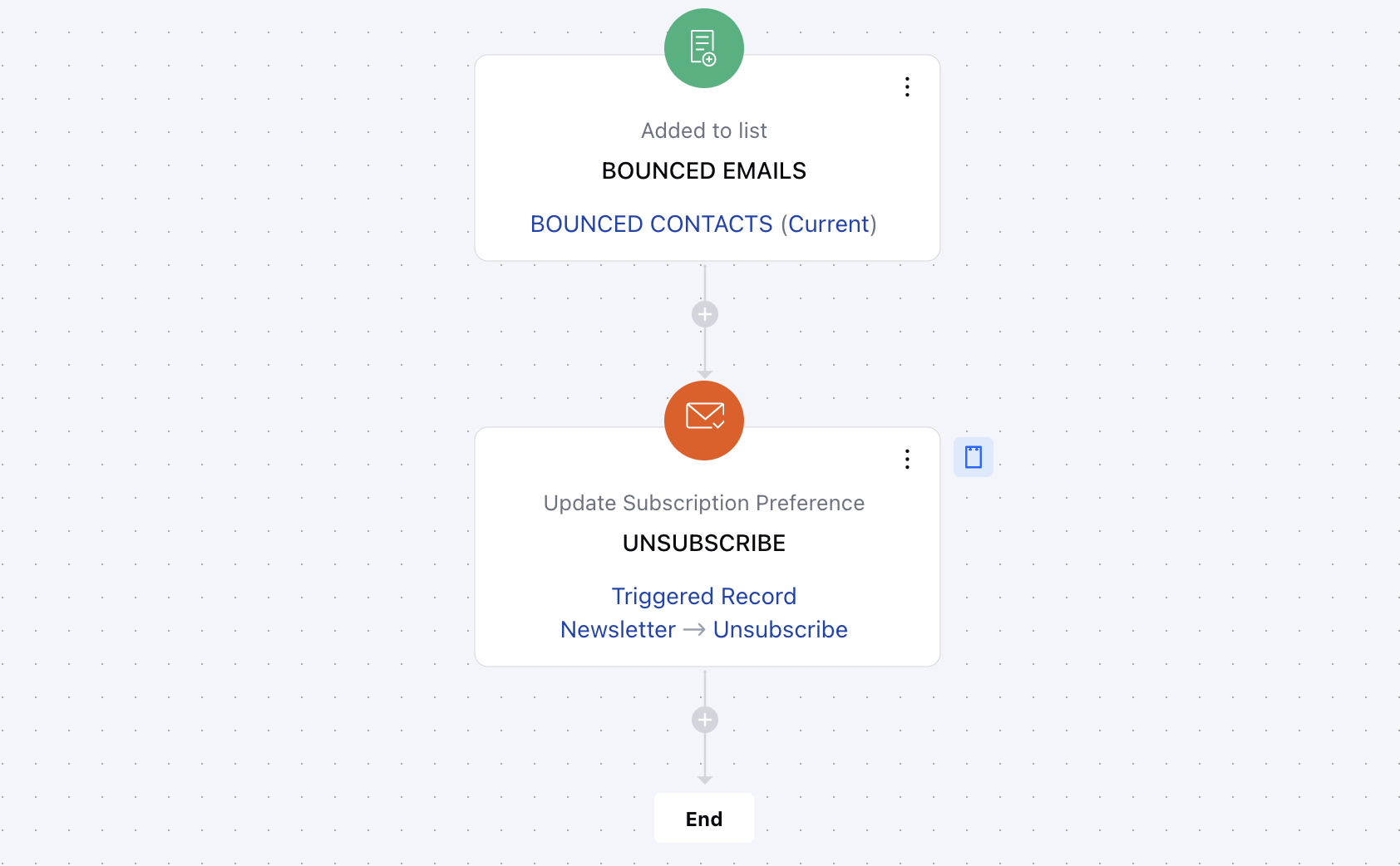
- The Update Subscription Preference action in Smart Flow is used to update a contact’s subscription preferences for a specific subscription type.
Topics covered:
How to Configure
While setting up a Smart Flow, select Update Record Action.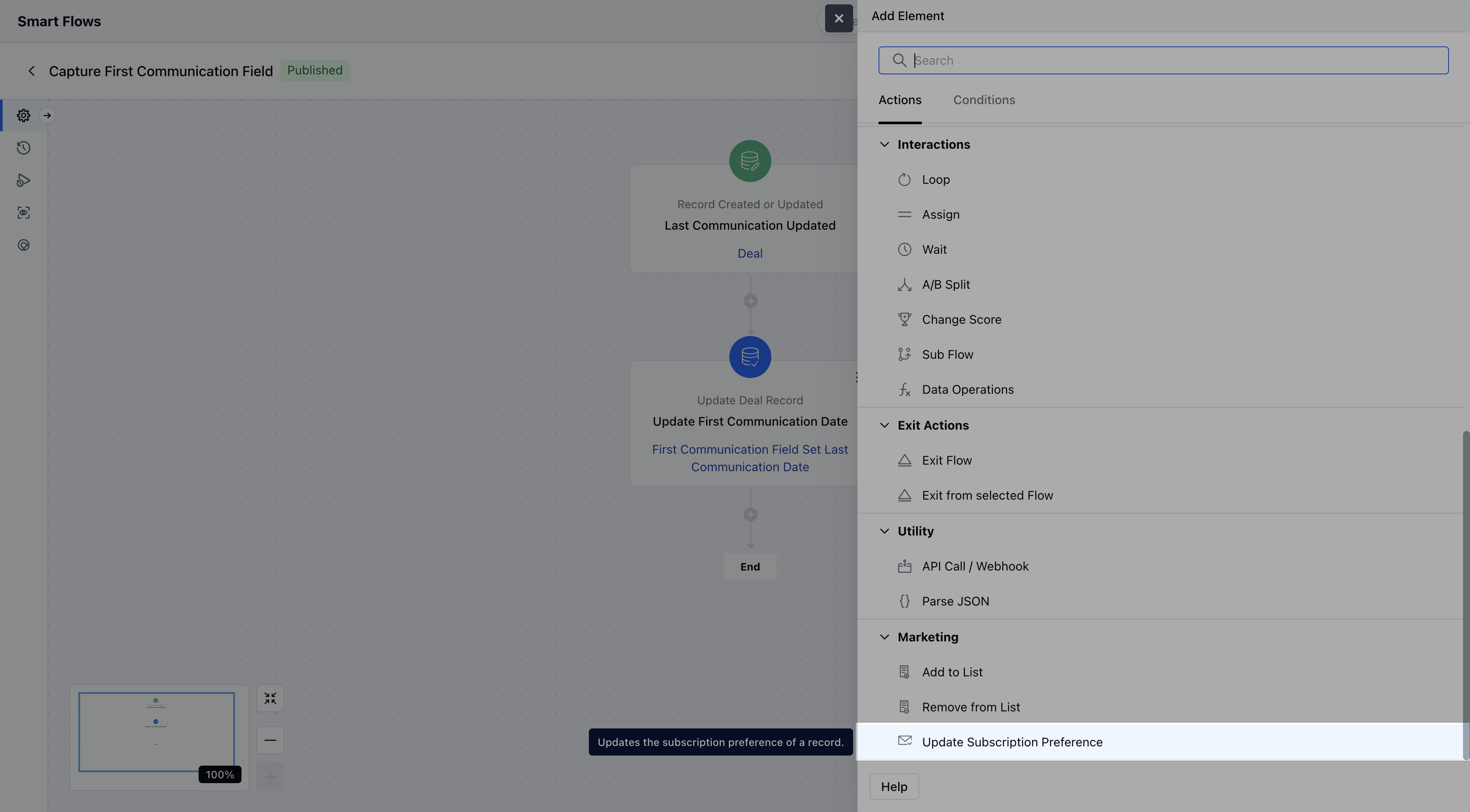
- Description: Offer a brief explanation of what this action will accomplish and why it’s needed in the flow.
- Choose the record and update method: Select the specific record to update and decide whether to update it using a form or predefined variables **Subscription Type:**Select the subscription type that you want to update Subscription Preference: Select their opt-in preference for the subscription

Practical Example:
Let’s say you want to automatically unsubscribe a contact from marketing emails if their email address results in a hard bounce. This ensures your mailing list stays clean and your sender reputation remains strong.