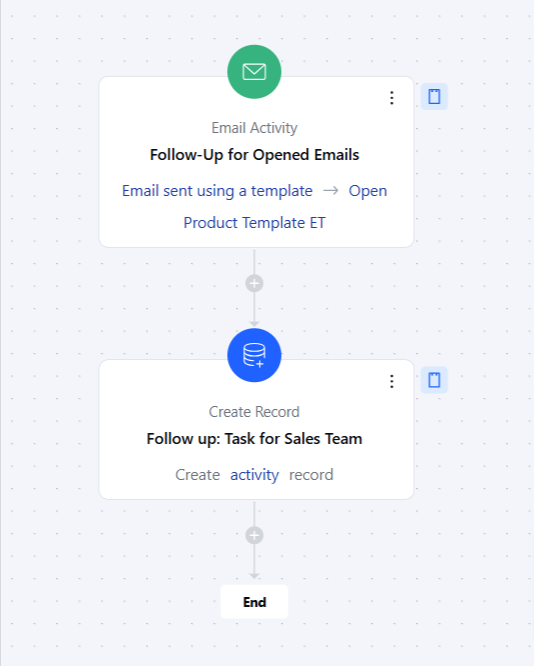
Topics covered:
How to Configure Email Activity Trigger
While creating the Trigger Based Flows select the Email Activity trigger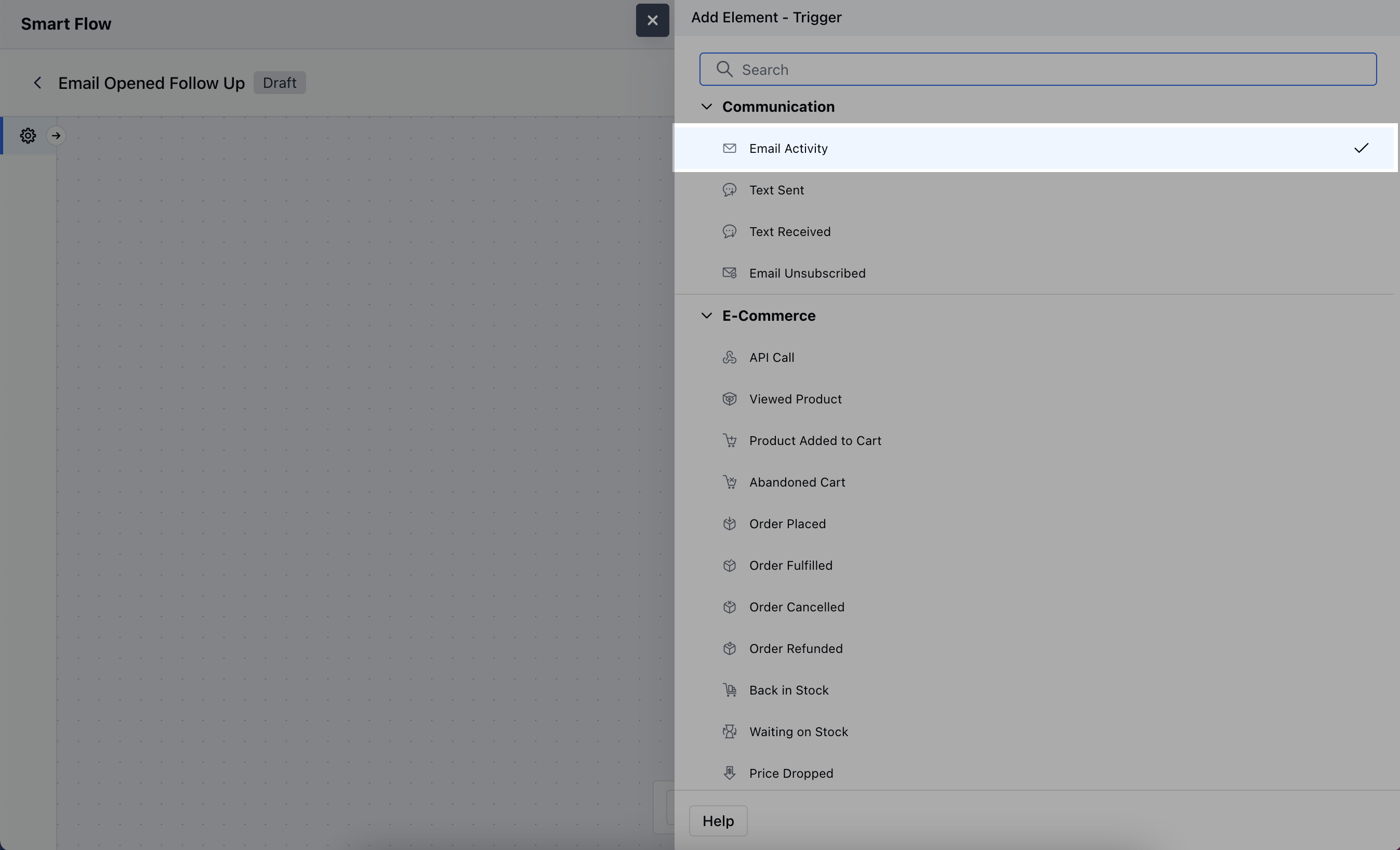
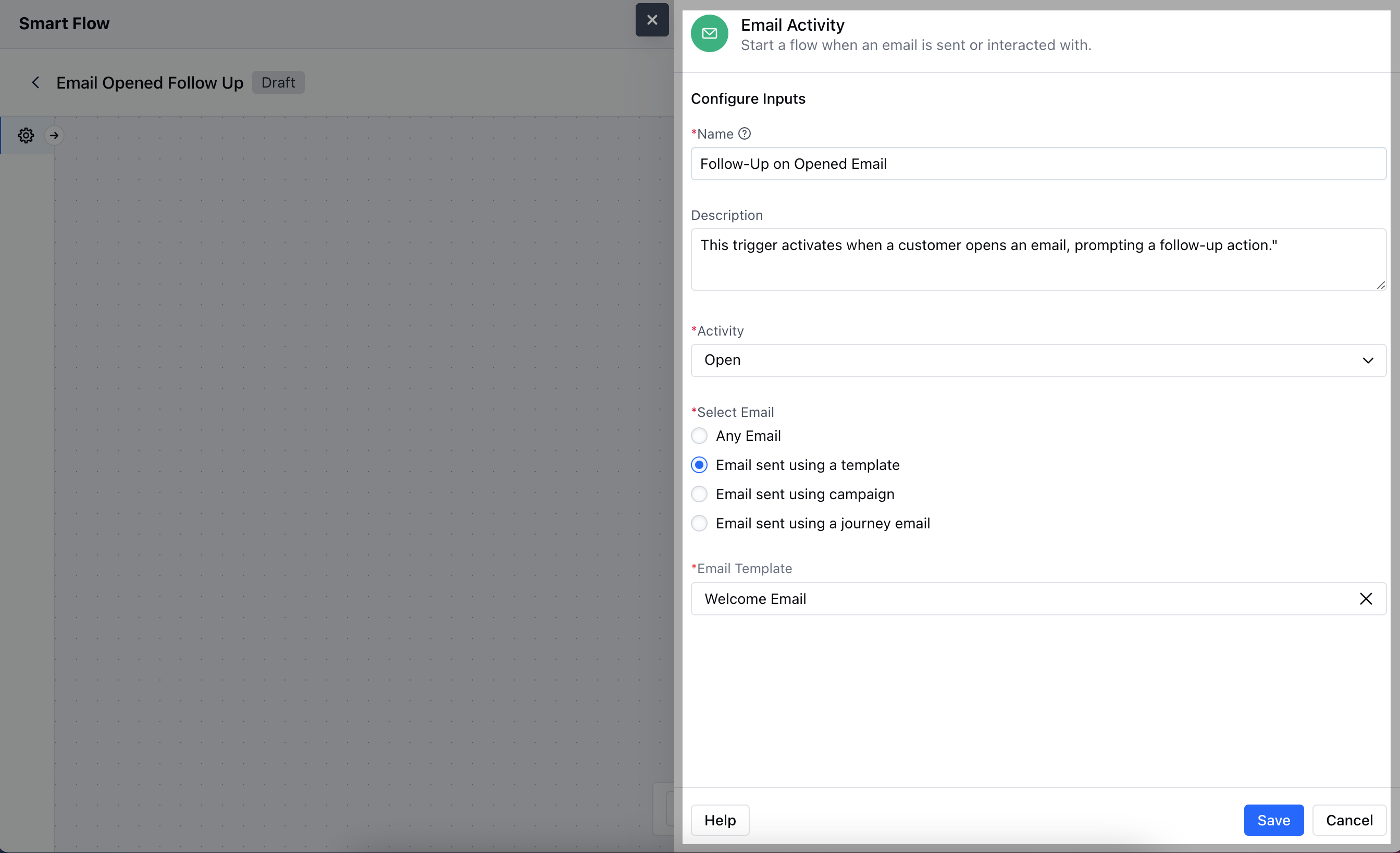
- Name: Provide a clear and descriptive name for the trigger to easily identify its purpose.
- Description: Enter a brief explanation of what the trigger does, describing how it fits into your flow. For example, “This trigger activates when a customer opens an email, prompting a follow-up action.”
- Activity: Choose the specific email activity that will activate the flow.
- Select Email: Choose the specific email Template, Campaign or Journey Email that this trigger should monitor for activity.Once done, click on Save.
Practical Example
Here, we want to follow up with customers who open a promotional email but do not click on any links, to encourage them to engage further with your offerings.