Topics covered:
How to Configure Text Received Trigger
While creating the Trigger Based Flows select Text Received trigger.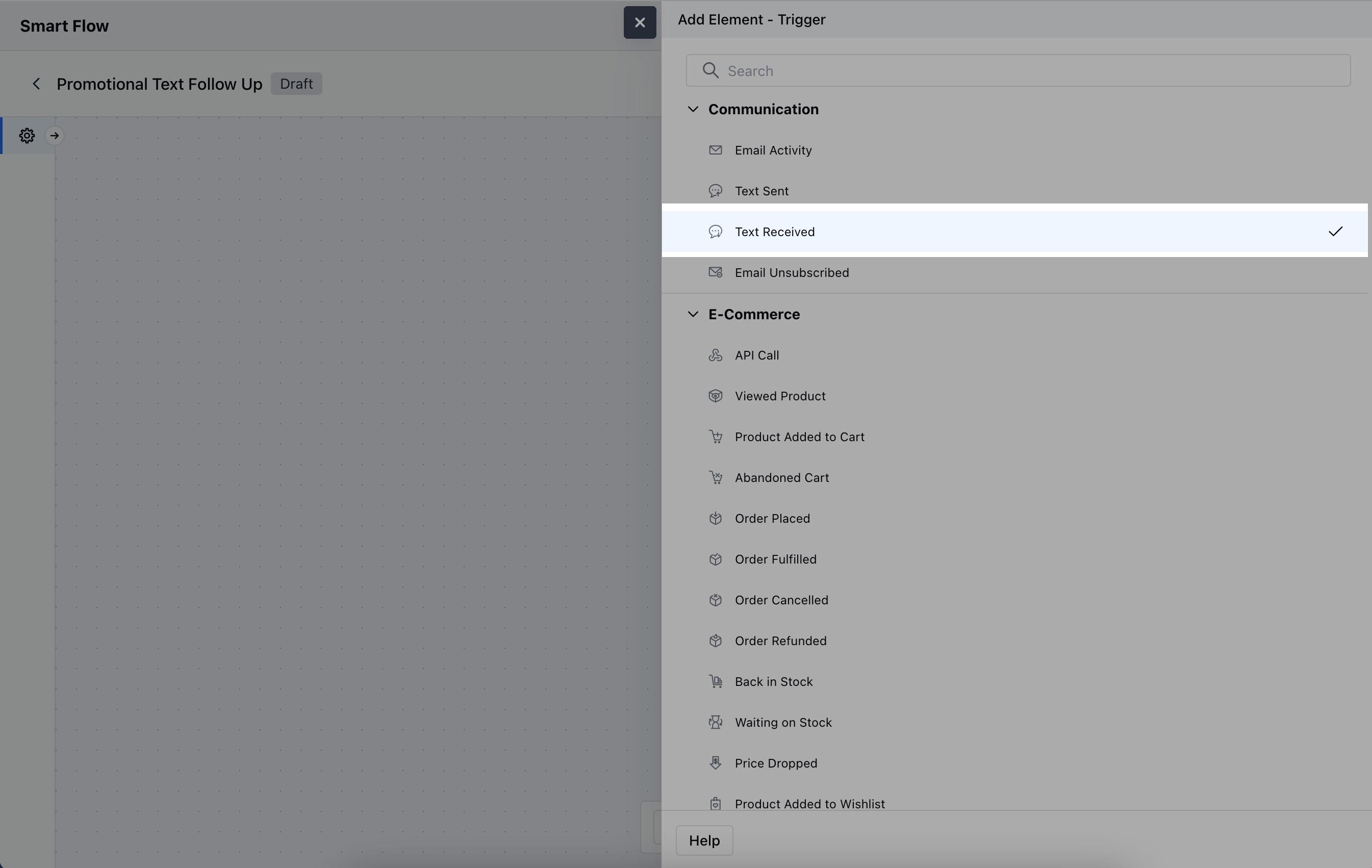
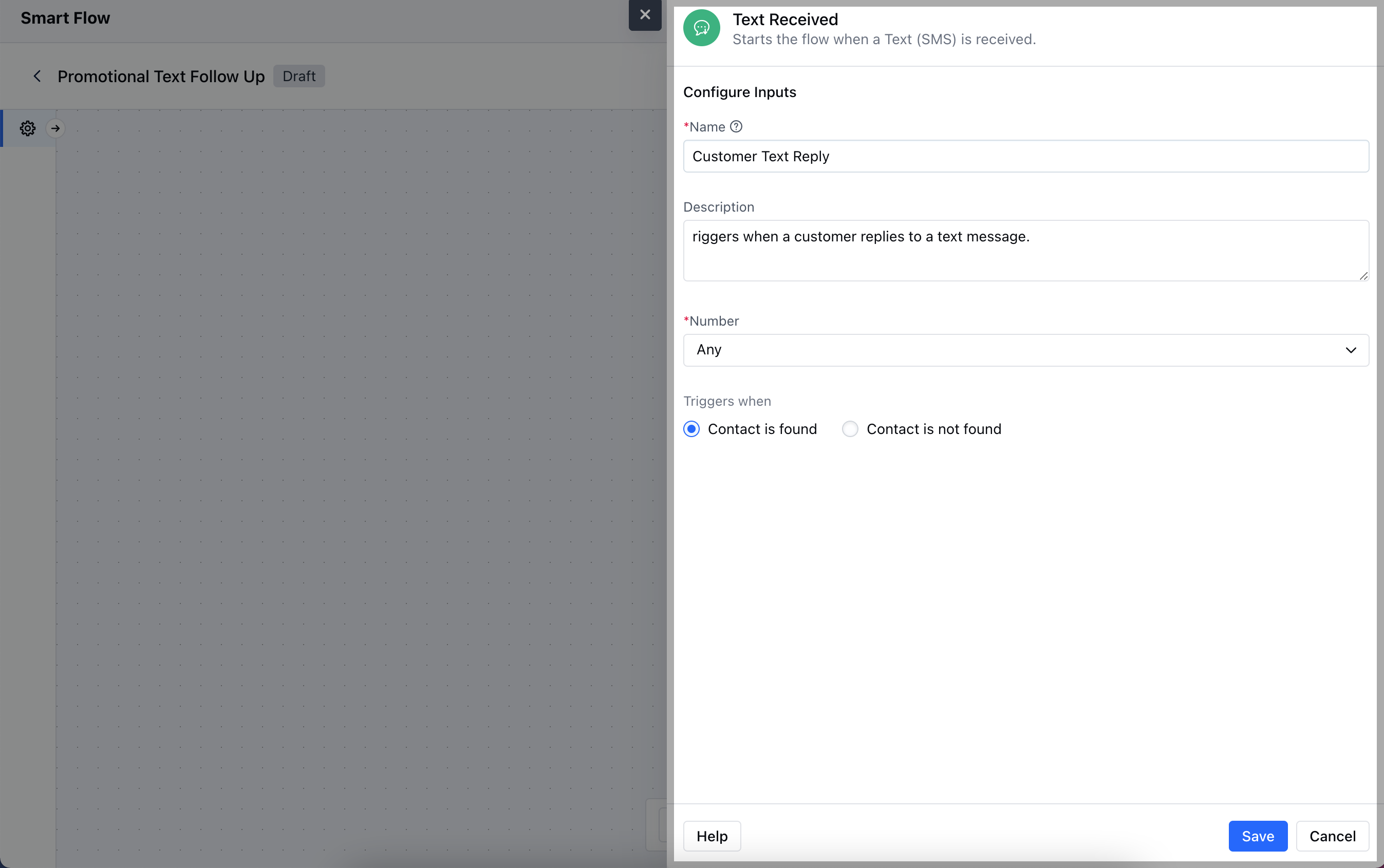
- Name: Assign a clear and descriptive name to the trigger to identify its purpose (e.g., “Customer Reply Trigger”).
- Description: Provide a brief explanation of what the trigger does and how it fits into the workflow (e.g., “Activates when a text message is received from a customer”).
- Number: Specify the phone number(s) or messaging channel that will receive the text and trigger the flow.
- Trigger When: Choose the condition that activates the trigger:
- Contact Found: The trigger activates when the text is received from a known contact already in your CRM.
- Contact Not Found: The trigger activates when the text is received from an unknown number, prompting actions like creating a new contact.Once done, click on Save.
Practical Example
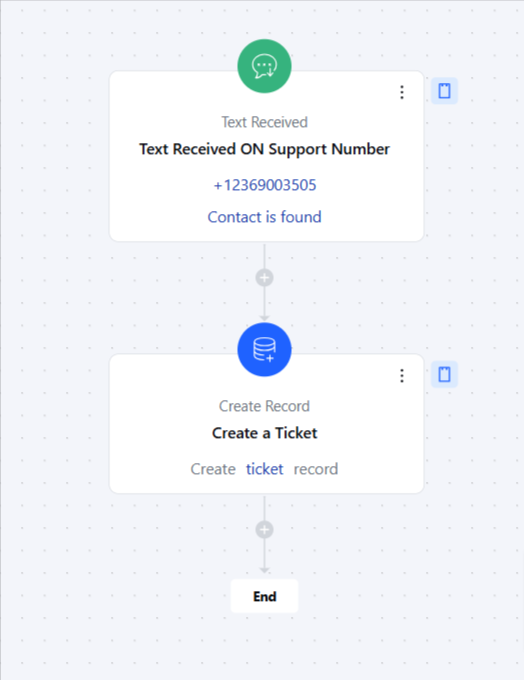
Here, Whenever a customer sends a text message to our support number, this will create a support ticket for the support team to get in touch with the contact.