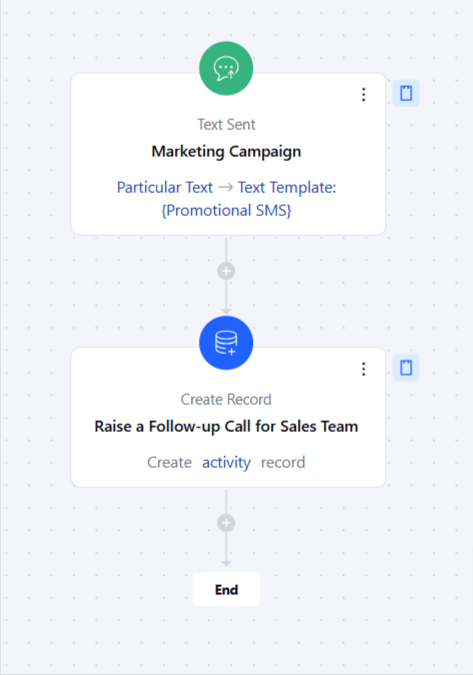
- The Text Sent trigger activates a flow whenever a text message (SMS)is sent to a contact.
Topics covered:
How to Configure Text Sent Trigger
While creating the Trigger Based Flows select the Text Sent trigger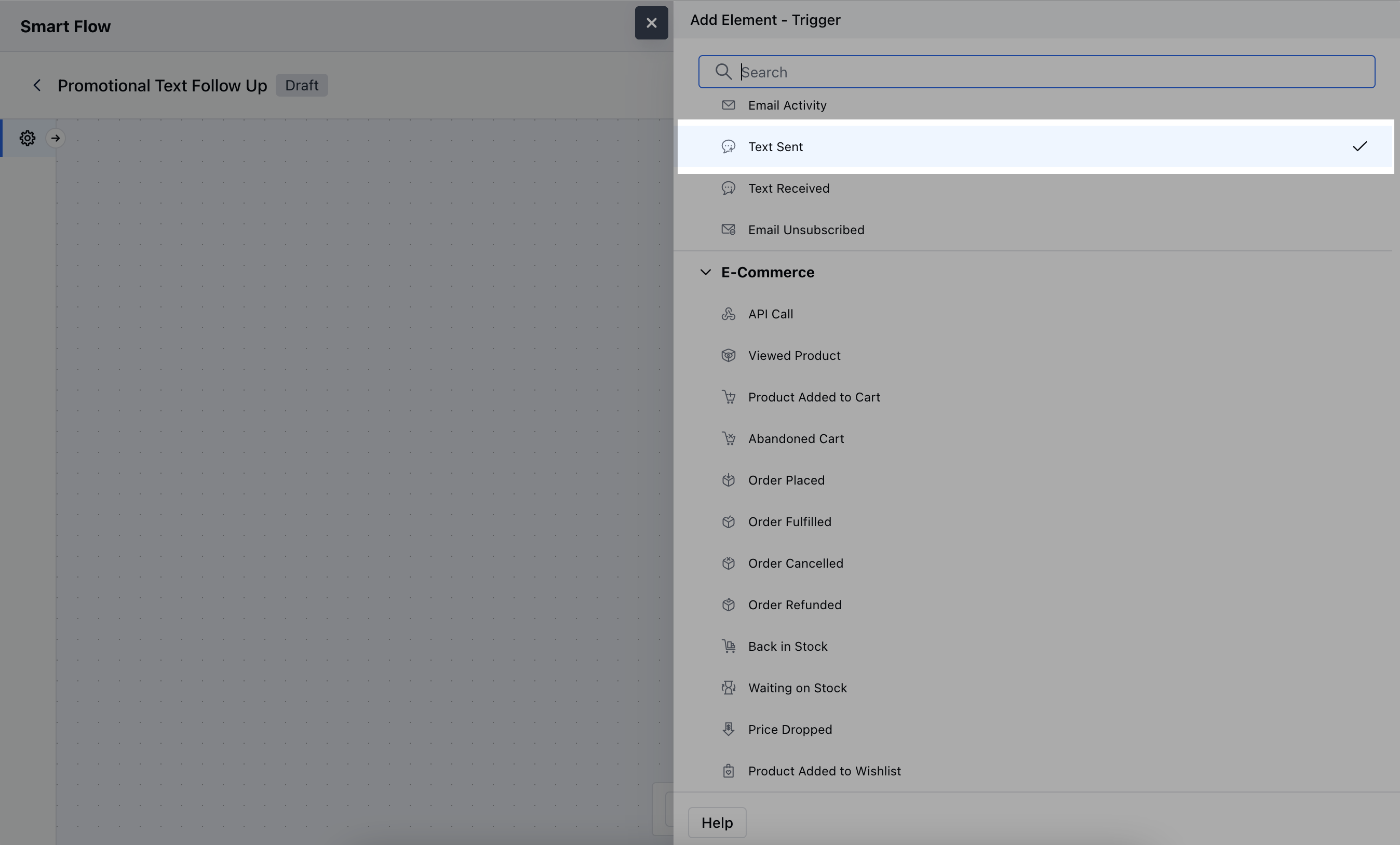
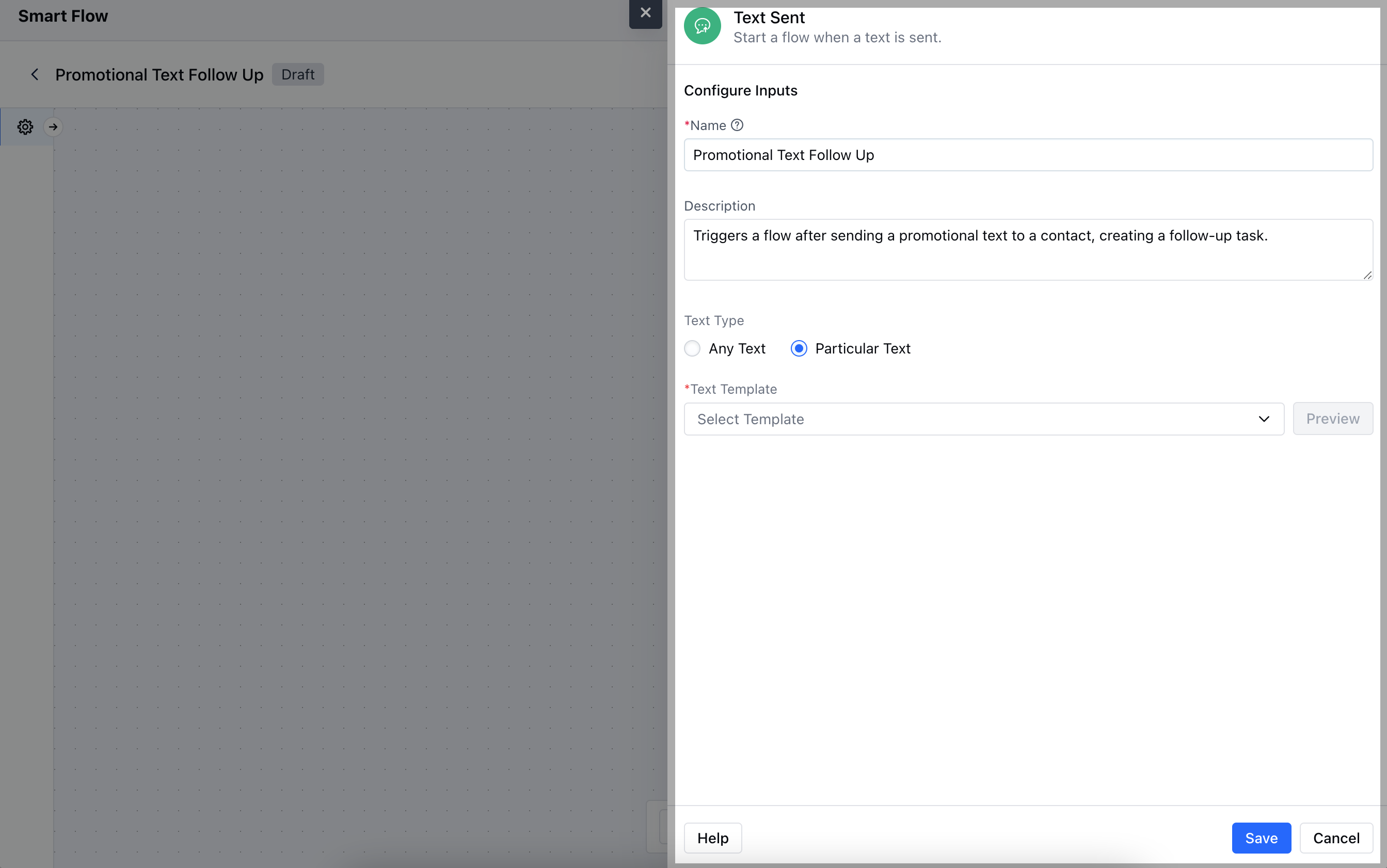
- Name: Give the trigger a clear and descriptive name to identify its purpose.
- Description: Briefly explain what the trigger does and how it functions within the flow.
- Text Type: Specify the type of text that will activate the trigger.
- Any Text: Choose this option if the trigger should respond to any text input.
- Particular Text: Set a specific text that will activate the trigger.
- Text Template: Select a predefined text template that will be used to initiate the trigger.
Practical Example
Here, Once the promotional SMS has been dispatched, we will initiate a follow-up task for our Sales Team to contact the customer through a call.