

- The API Call trigger in Salesmate allows you to start a flow when an external system or application sends an API request to Salesmate.
Topics covered:
How to Configure API Call Trigger
While creating the Trigger Based Flows select API Call trigger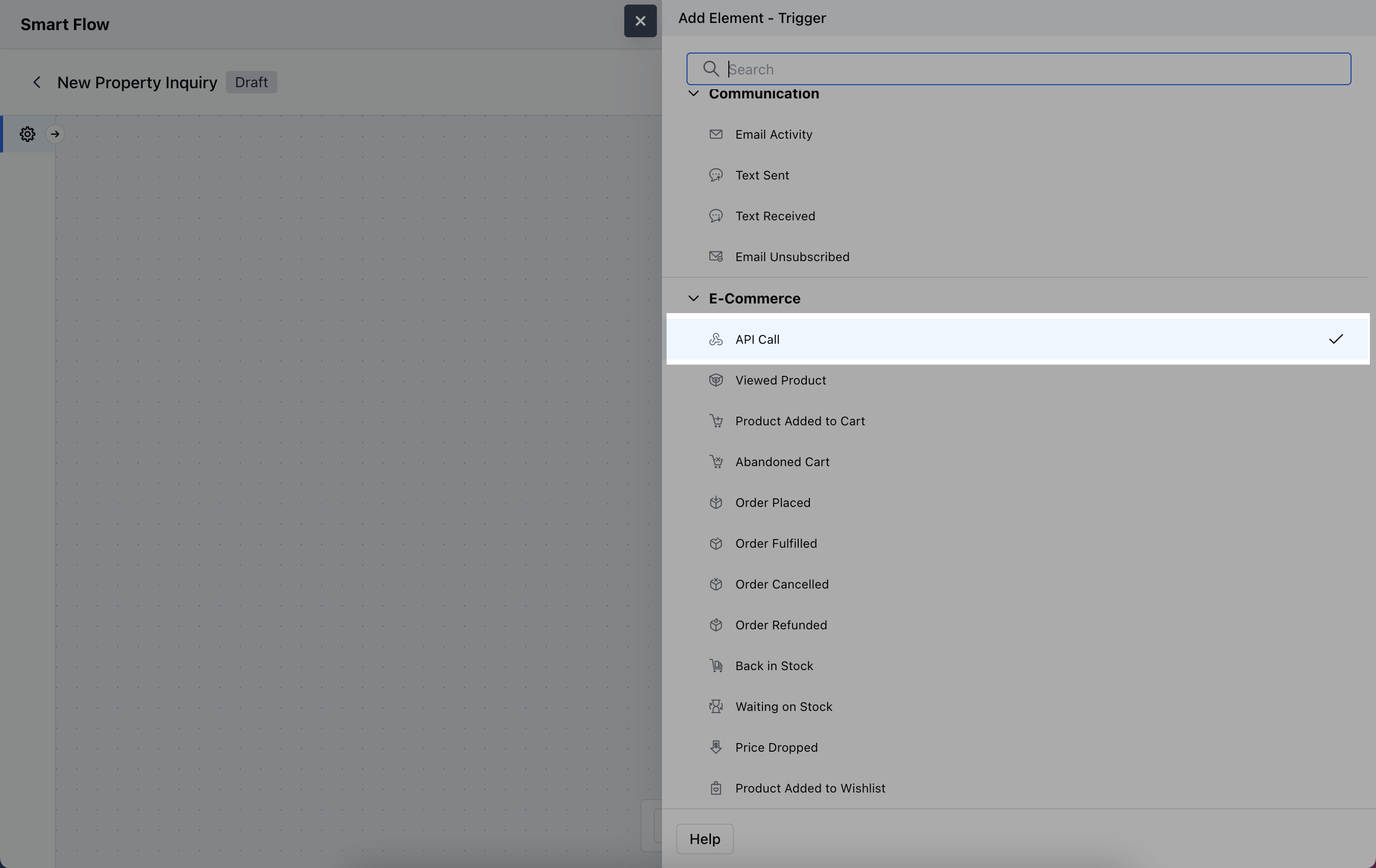
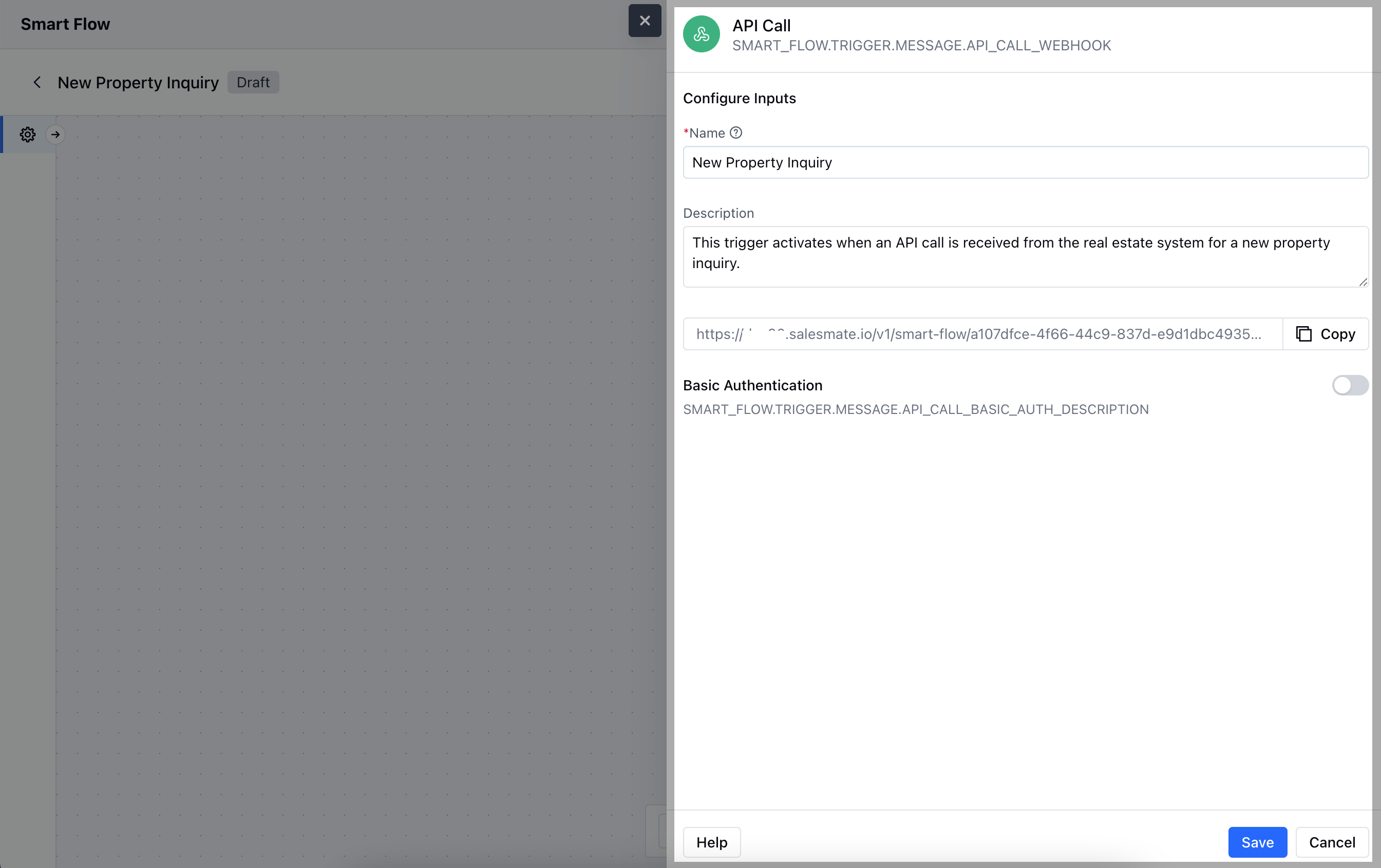
- Name: Provide a clear and descriptive name to identify the trigger.
- Description: Write a brief explanation of what the trigger will do.This is the endpoint URL that external systems will use to send the API call. Copy this link and share it with the system that will trigger the flow.
- Basic Authentication: Set up basic authentication credentials (username and password) if required to ensure that only authorized systems can access and trigger the flow via the API call.Once done, click on Save.
Practical Example
Let’s set up a smart flow that triggers the creation of a new deal in Salesmate whenever an opportunity is logged through an API call. This approach ensures that all deals remain organized and centralized.