

- Topics covered: -
- How to Configure Order Refunded Trigger
- Practical Example
How to Configure Order Refunded Trigger
While creating the Trigger Based Flows select Order Refunded trigger.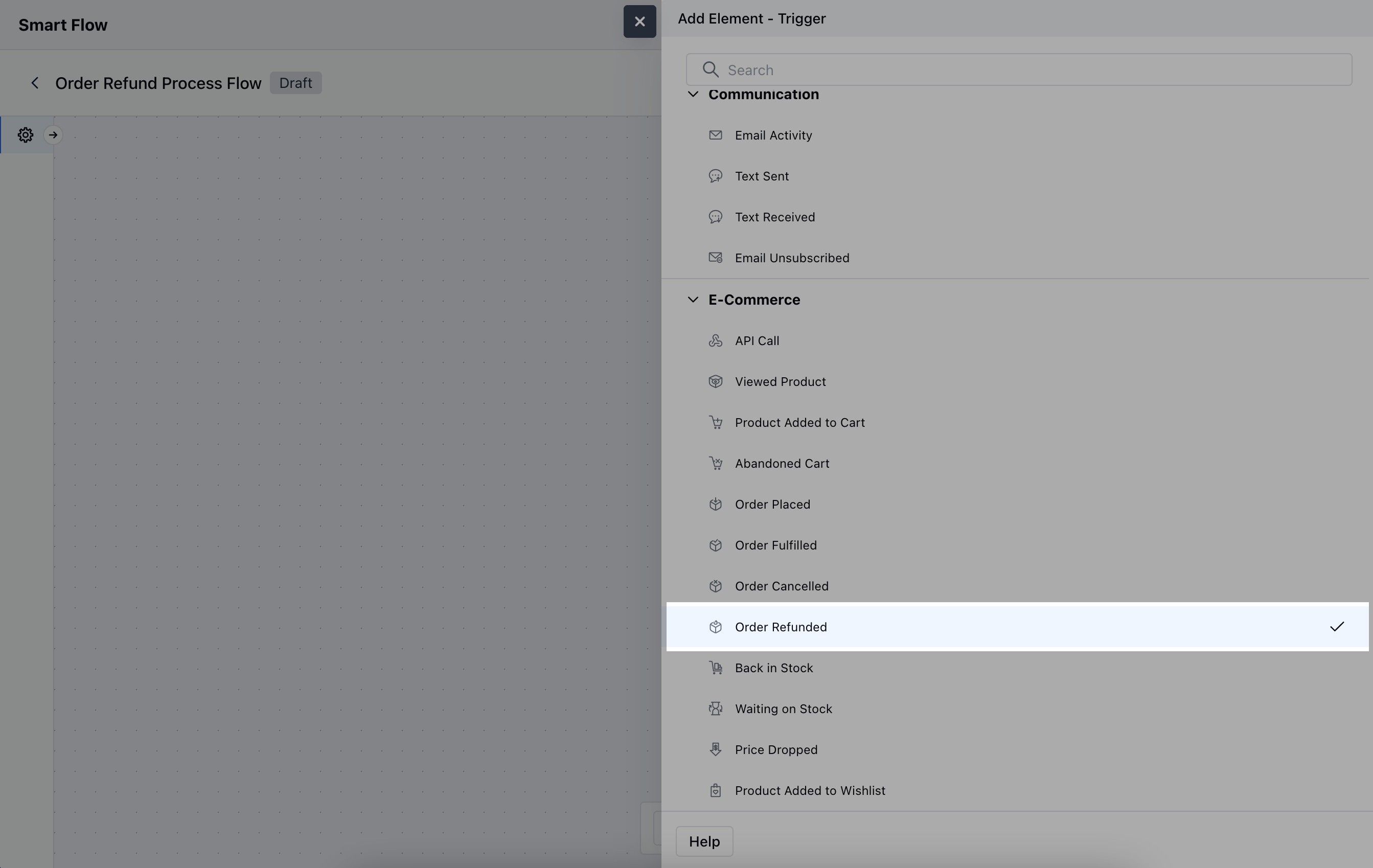
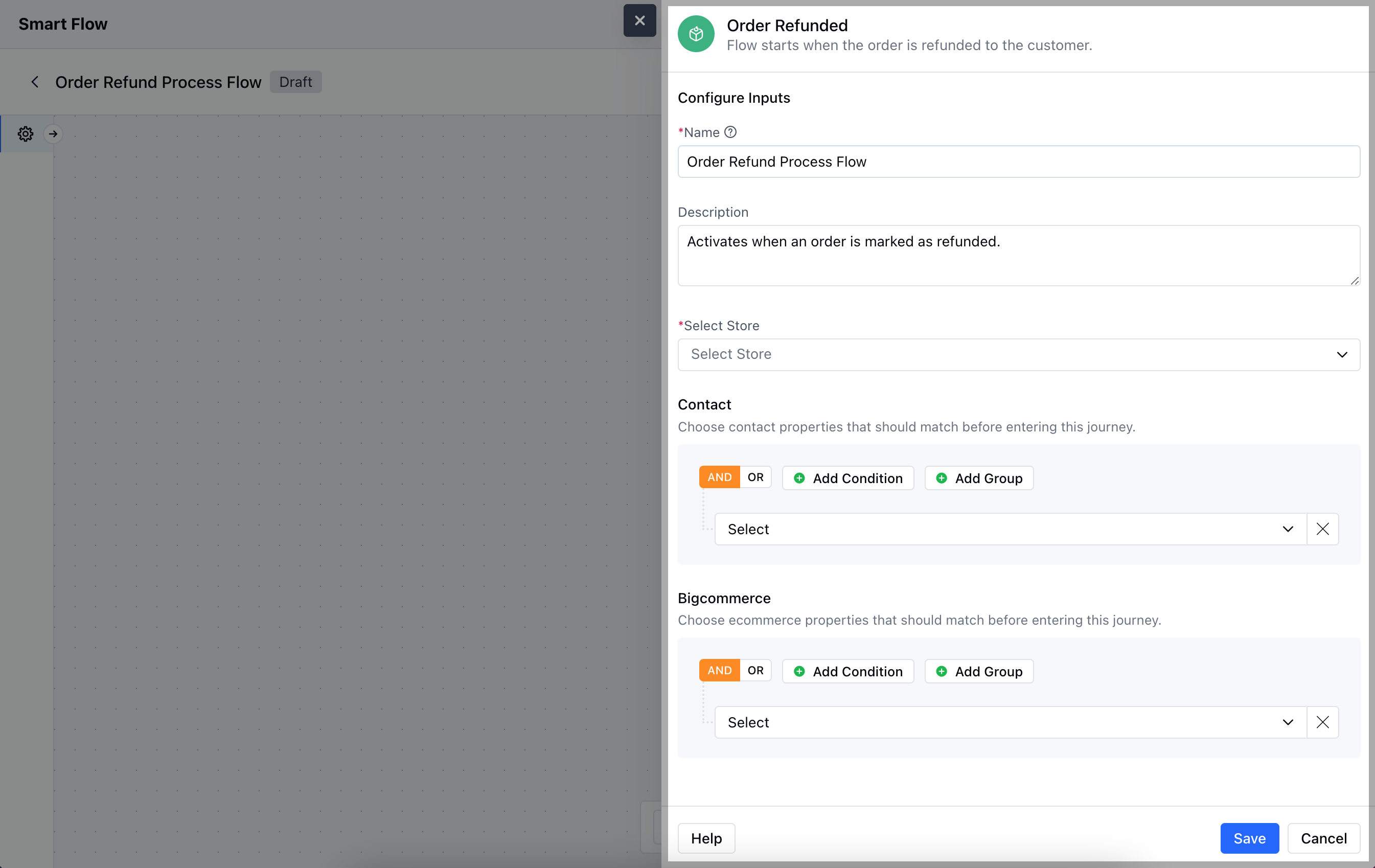
- Description: Provide a concise explanation of the trigger’s purpose within the flow.
- Select Store: Choose the relevant BigCommerce store where the order refund process is being tracked.
- Contact: Specify any conditions based on customer details.
- BigCommerce: Define specific order-related conditions, like refund amount, reason for the refund, or other criteria to refine when the trigger is activated.Once the configuration is completed, hit Save.
Practical Example
Let’s create a Smart Flow to send out an email to a contact confirming their refund was successful.