Topics covered:
How to Configure Date and Time Schedule Trigger
While creating the Trigger Based Flows select the Date and Time Schedule trigger.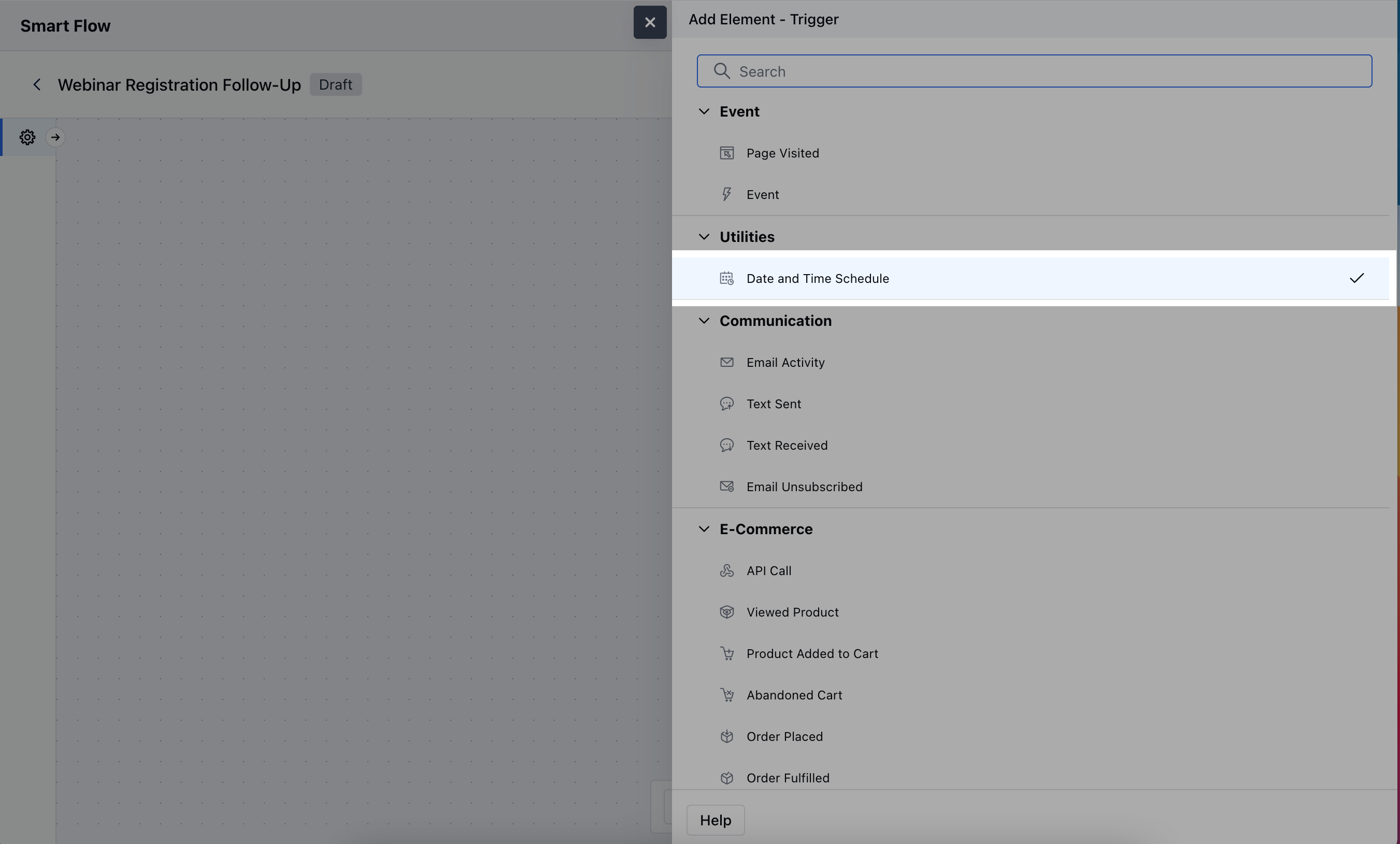
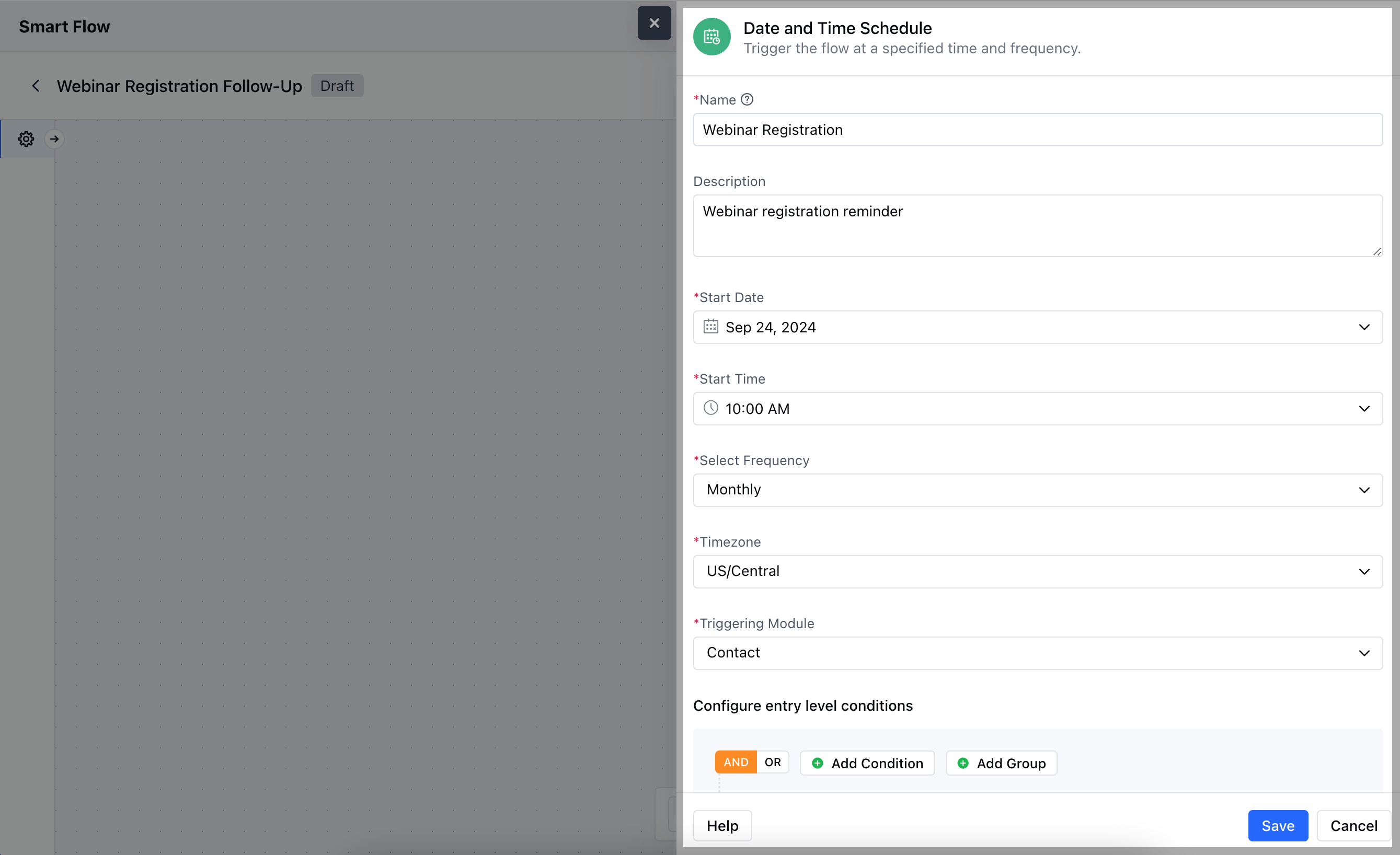
- Name: Provide a clear, descriptive name for the trigger to identify its purpose in the flow.
- Description: Write a brief explanation of the trigger’s function, specifying what actions it will initiate and when.
- Start Date: Select the specific date when the trigger should first activate. This defines the day the flow will begin.
- Start Time: Choose the exact time for when the trigger should fire on the scheduled date, ensuring actions happen at the desired moment.
- Start Frequency: Set how often the trigger will repeat to define the recurrence of the flow.
- Timezone: Specify the time zone for the trigger’s execution to ensure the actions occur at the correct local time.
- Triggering Module: Select the module where the flow will be applied, determining which records will be impacted by the scheduled actions.
- Configure Entry-Level Conditions: Set specific criteria that records must meet to enter and trigger the flow.
Practical Example
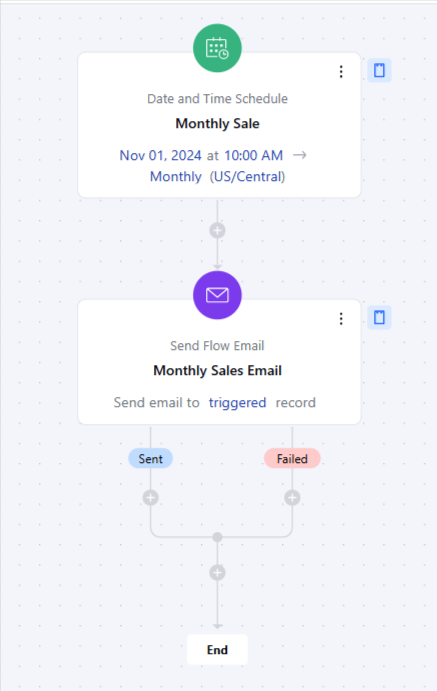
Here, we will send monthly emails about the sale on the 1st date of every month, this way you can implement a monthly discount promotion to boost sales and encourage customer loyalty.