Topics covered:
How to Configure Deal Status Match Trigger
While creating the Trigger Based Flows select Deal Status Match trigger.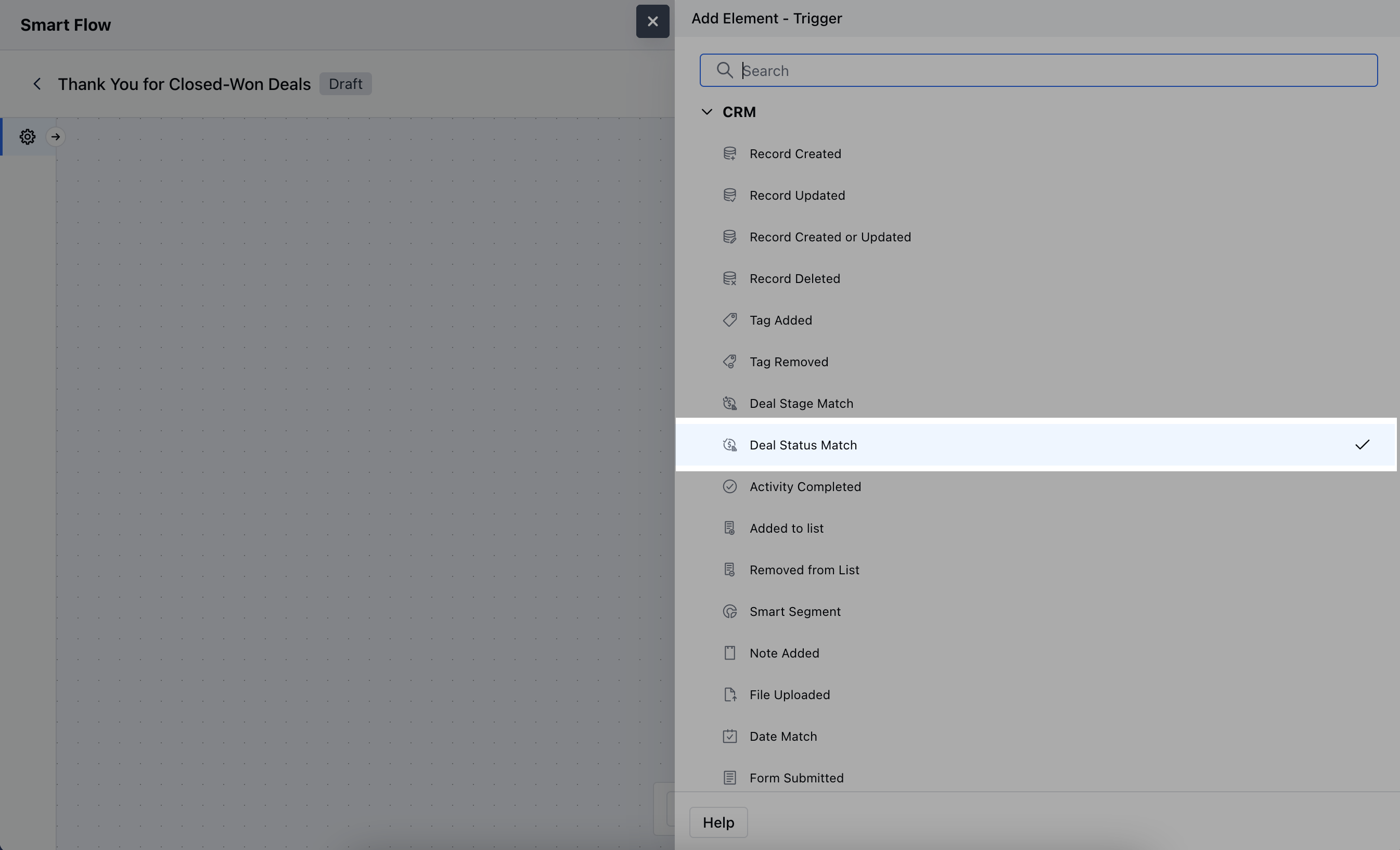
- Name: Enter a clear and descriptive name for the trigger.
- Description: Provide a brief explanation of what the trigger does and its role in the flow.
- Pipeline: Choose the specific pipeline where the trigger will be applied. This defines which pipeline’s deals will be monitored for status changes.
- Status: Select the specific deal status that, when updated to this status, will trigger the flow.Once selected, hit** Save.
-
**

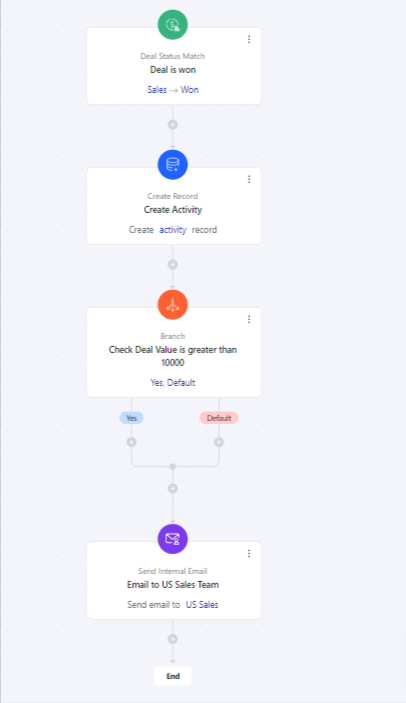
Practical Example Suppose you want to create an onboarding task for your team once a deal is won or notify the US team whenever a deal is closed, having a value of more than ten thousand dollars.