Topics covered:
How to Configure Form Submitted Trigger.Practical ExampleHow to Configure Form Submitted Trigger
While creating the Trigger Based Flows select the Form Submitted trigger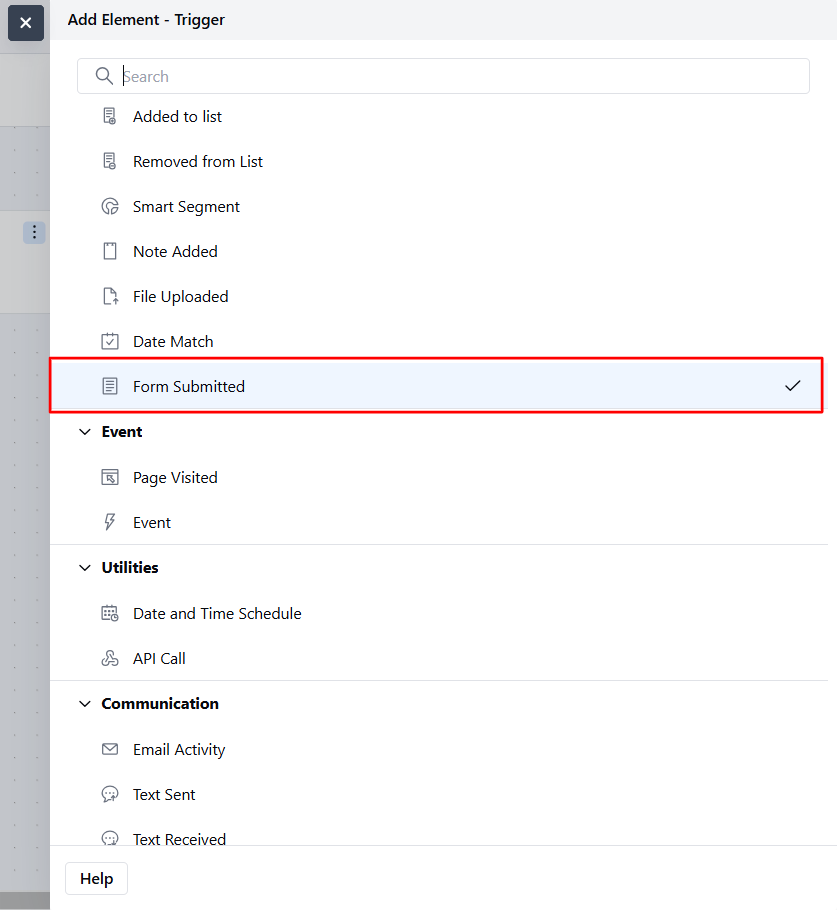
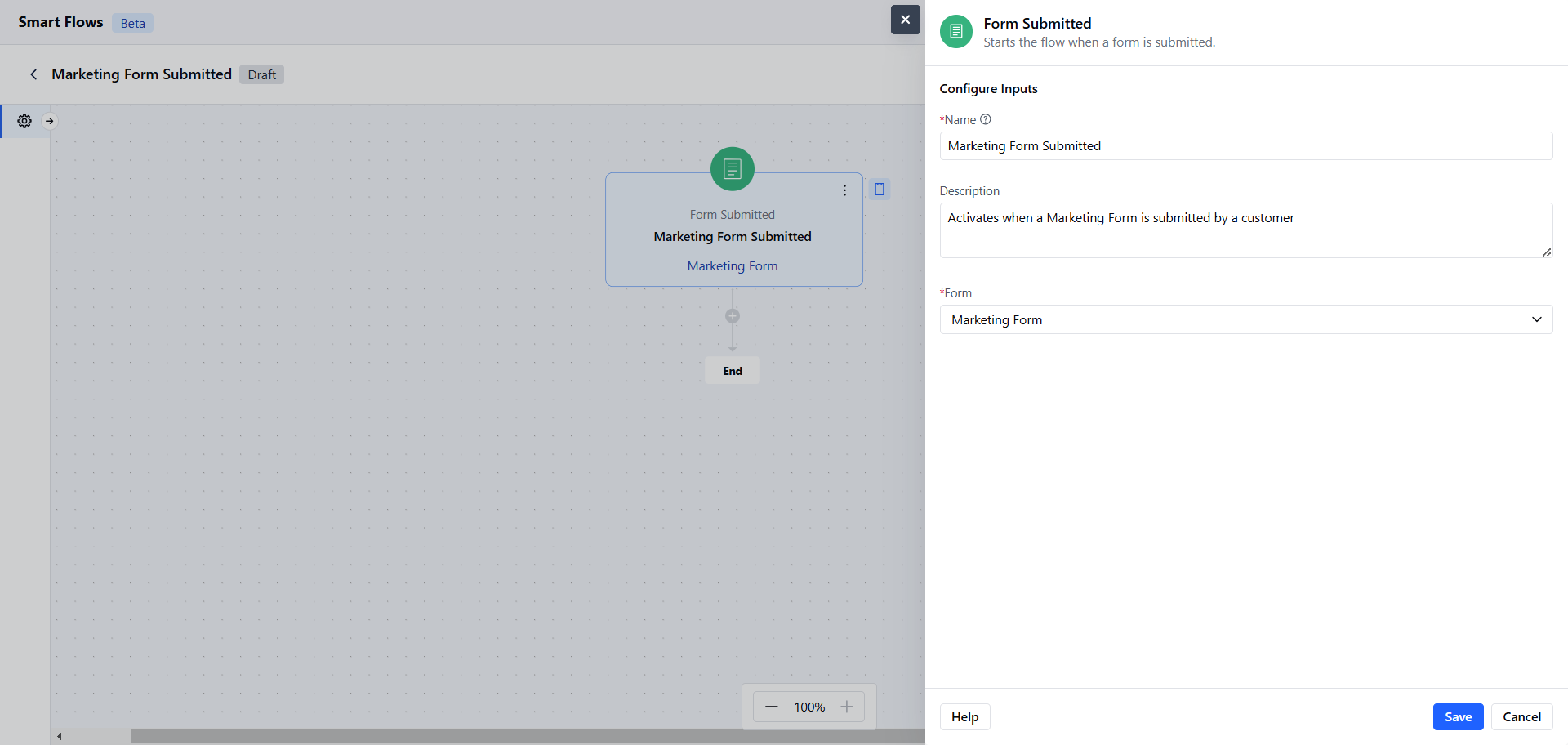
- Name: Assign a clear and descriptive name to the trigger to identify its purpose (e.g., “Marketing Form Submitted”).
- Description: Provide a brief explanation of what the trigger does and how it fits into the workflow (e.g., “Activates when a Marketing Form is submitted by a customer”).
- Form: Need to select the form on which the smart flow needs to be triggered.Once done, click on Save
Practical Example
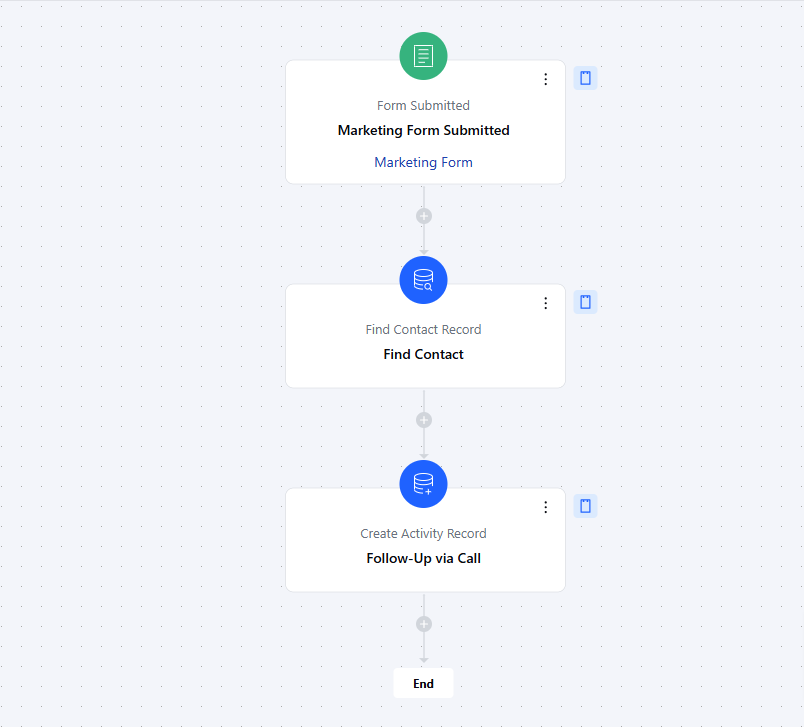
Here, We will create follow-up tasks for our sales team to reach out to the contacts who have demonstrated interest in our marketing campaign by submitting the “Marketing Form”.